

Blood Pressure monitoring is rapidly evolving in 2024, with smart devices now rivaling traditional cuffs for home and clinical use. Whether you’re managing hypertension or tracking overall wellness, understanding the latest tech and its real-world user experience is critical before investing in a smart blood pressure monitor.
Key Takeaways
- Smart blood pressure monitors now match the accuracy of traditional cuffs and support seamless health data sharing.
- Bluetooth-connected devices dominate the market in 2024, but WiFi-enabled monitors offer broader integration with platforms like Apple Health.
- Potential pitfalls include connectivity hiccups, unclear FDA pathway timelines, and limited transparency about device-specific specs and ongoing costs.
The Core Concept: Why Smart Blood Pressure Monitoring Is the New Standard
Smart blood pressure monitors—especially wearables—have become essential tools for managing cardiovascular health at home. Compared to basic cuffs, today’s clinically validated devices automatically sync with phones, use AI for arrhythmia detection, and allow easy sharing with healthcare providers. The global market for wearable blood pressure monitors reached USD 1.45 billion in 2024 and is forecast to double by 2033, making adoption both a personal and public health priority.source
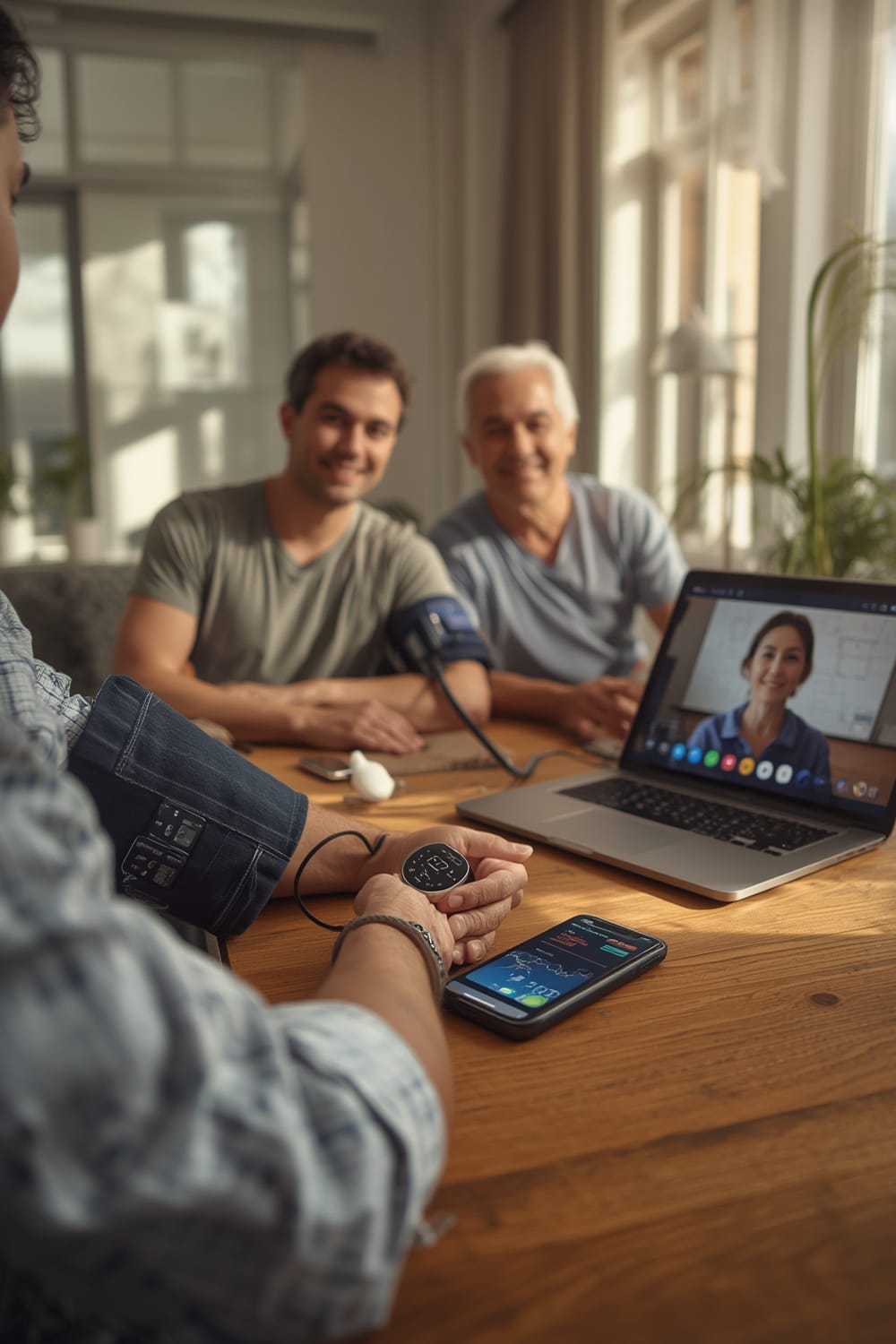
Clinically validated devices like Samsung Galaxy Watch series, which won regulatory approval in 2024, now rival traditional cuffs for accuracy. Omron Healthcare’s HeartGuide 3, launched in 2025, integrates directly with telehealth platforms, offering users and clinicians access to real-time blood pressure data.source This level of seamlessness marks a major leap in chronic disease management, especially as more than 48% of U.S. adults had high blood pressure in 2024.source
Meanwhile, Bluetooth remains the standard for most devices, accounting for 79.2% of the market share. However, WiFi-enabled devices and direct Apple Health integration are gaining steam among tech-savvy users and those managing health data across platforms. Early studies also show AI-enhanced monitors—notably those with arrhythmia detection—offer up to 95% sensitivity and 98% specificity in clinical trials.source
For those building smart homes, these devices are increasingly interoperable, joining other wellness automations like smart air purifiers with PM2.5 monitors and devices built on the Matter protocol that solve cross-brand compatibility pain points.
Step-by-Step Guide: Setting Up and Getting Reliable Results With a Smart Blood Pressure Monitor
- Choose a clinically validated device. Look for FDA clearance or market approval in your region. Devices like Omron HeartGuide 3 or Samsung Galaxy Watch series have well-documented validation.
- Connect using the right platform. Most monitors use Bluetooth for pairing, so ensure your phone or tablet allows strong, stable connections. WiFi is preferred if you want seamless, cloud-synced monitoring or integration with Apple Health.
- Download the companion app. This may be a device-specific app (like Omron Connect) or a universal standard such as Apple Health. Follow onboarding prompts to grant permissions and set notification preferences.
- Install and position the cuff or wearable properly. Read guides specific to your device. Ensure proper cuff placement (for armband styles) or tightness (for smartwatches or rings).
- Record your baseline readings. Take your first measurements at rest and follow device prompts for calibration if the feature is available. Avoid caffeine or exercise for at least 30 minutes beforehand.
- Sync and review your data. Ensure the app uploads measurements to cloud storage or directly into Apple Health, Google Fit, or your telehealth provider’s platform. Review analytics and trends within the app.
- Share with your healthcare provider as needed. Look for integrated features (like “Send to Doctor” or telehealth sharing) to export data and support clinical review between visits.
Many users set up automations so their readings import not only into health apps, but also trigger alerts to caregivers—similar to routines set up for Agentic AI-powered smart homes or food tracking in AI ovens with internal cameras.
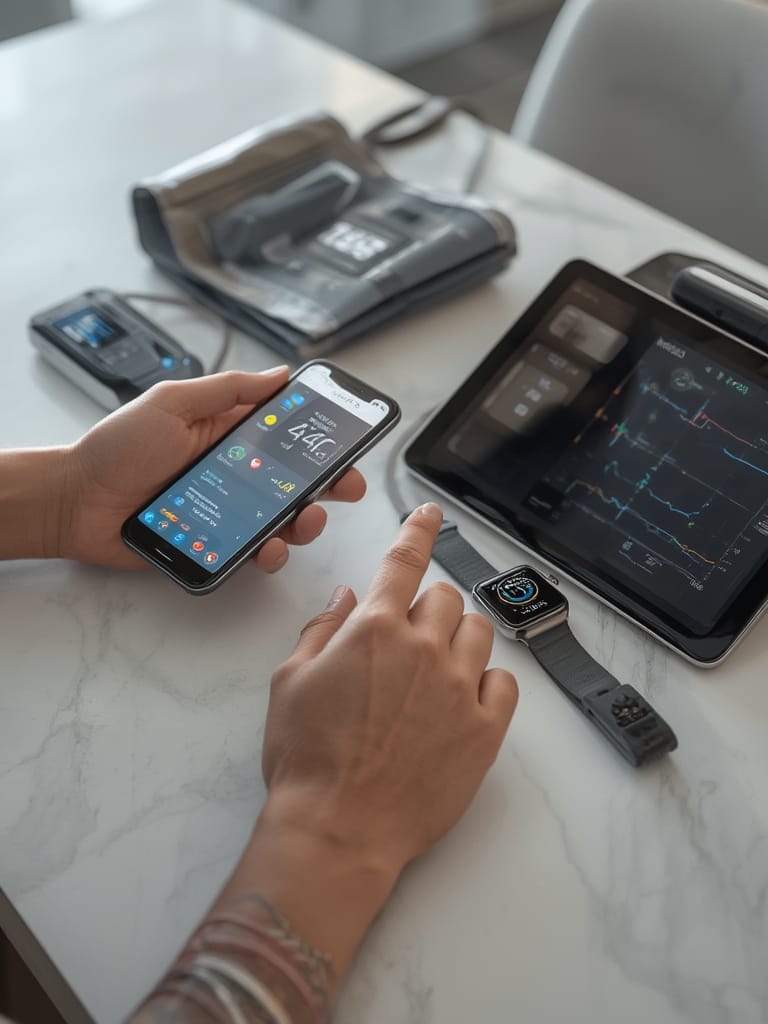
This approach helps with remote patient monitoring and empowers individuals to catch blood pressure spikes early, leveraging many of the same integration benefits found in tech-enabled anxiety vests for dogs or smart air fryers with app control—the data is centralized, actionable, and easy to share securely.
Advanced Analysis & Common Pitfalls: What the Research Data and User Reports Reveal
Despite their promise, smart blood pressure monitors—especially WiFi-enabled models—aren’t free from real-world hiccups. Here’s a breakdown of common issues, what to expect, and an at-a-glance comparison of connectivity and integration features in 2024:
| Feature | Bluetooth Models | WiFi-Enabled Models |
|---|---|---|
| Market Share (2024) | 79.2% | ~20% |
| Data Sync Reliability | Good | Very Good (cloud backup) |
| Apple Health Compatibility | Requires app support | Most direct (preferred for iOS) |
| Telehealth Integration | Common, sometimes manual export | Seamless, instant sharing |
| Cost & Subscription Fees | Moderate, rare subscription | Slightly higher, more likely to require subscription for advanced analytics |
| Common Pitfalls | Bluetooth dropouts, compatibility quirks (see Matter Protocol for more on smart device setup) | WiFi setup complexity, home network firewalls, unclear ongoing costs |
- User Connectivity Pain Points: The research lacks definitive feedback on WiFi or Apple Health syncing, but forums frequently mention unreliable WiFi setups, initial pairing confusion, and delayed uploads when home networks are unstable.
- Opaque Costs: There’s little transparency about recurring costs—some advanced analytics or cloud sharing features sit behind paywalls.
- Technical Documentation Gaps: Finding clear, side-by-side specs (like battery life or cuff size) is difficult, making head-to-head comparison challenging for shoppers.
- Regulatory Landscape: While flagship models from Omron and Samsung have achieved FDA approval or equivalent regulatory clearance in 2024, most brands don’t publish clear timelines for upcoming models.
- Data Integration Barriers: Seamless sharing with providers requires compatible electronic health record systems, and not all provider groups or telehealth portals accept consumer device imports natively.
New device categories like finger-based blood pressure monitors are rapidly innovating—often paralleling high-automation features found in WiFi pH monitors for aquariums or smart auto litter boxes that integrate with broader home systems to centralize and automate monitoring tasks.

Conclusion
The market for smart blood pressure monitors is maturing fast, bringing clinical-level data accuracy and unprecedented convenience to regular users. Adoption rates have soared as devices integrate with more platforms and offer features beyond simple measurement. While issues like connectivity reliability and hidden costs remain, the benefits—especially for those with ongoing hypertension concerns—are significant. Use a Blood Pressure monitor that fits your needs, share your data responsibly, and don’t hesitate to leverage these new features for better long-term health. Consider setting up a monitor today and discover how much simpler proactive health tracking can be.
FAQ
Can smart blood pressure monitors replace traditional cuffs for clinical accuracy?
Many smart devices, like Samsung Galaxy Watch and Omron HeartGuide 3, have clinical validation showing measurements comparable to traditional cuffs. However, follow instructions closely to ensure accuracy.
Do all smart blood pressure monitors sync with Apple Health automatically?
No. Compatibility varies. WiFi-enabled models are more likely to offer seamless Apple Health integration, while many Bluetooth models rely on manufacturer apps to sync data.
Are there ongoing costs for using smart blood pressure monitors?
Some models require app subscriptions for cloud analytics or advanced features. Always check for hidden fees before buying.
How quickly can you share your blood pressure readings with your doctor?
With supported apps and telehealth platforms, sharing can be instantaneous. However, compatibility with your provider’s system is crucial for direct integration.
What’s the biggest pain point with WiFi-enabled blood pressure monitors?
Setups can be complex and home WiFi networks sometimes block device connections. Connectivity issues are a leading source of frustration for users.