

Aquarium Monitor technology is changing the way aquarists care for their fish, corals, and tanks. Automated controllers now track water conditions, automate feedings, and send alerts via smartphone, giving busy hobbyists peace of mind and more time to enjoy their underwater worlds. But is the investment worthwhile, and what should you watch out for? Here’s what you need to know about automating your aquarium with modern digital monitors and controllers.
Key Takeaways
- The Aquarium Monitor market is rapidly growing, driven by household aquarists and advances in automation and remote monitoring (source).
- Automated monitors save time and catch dangerous issues fast, but users must stay vigilant about device reliability and maintenance.
- Feature-packed systems exist, but many lack user-friendly integration with smart home standards such as the Matter protocol.
- Aquarium Monitor: What It Is and Why You Need One
- Step-by-Step Guide: Setting up an Aquarium Monitor System
- Advanced Analysis & Common Pitfalls
- Conclusion
- FAQ
Aquarium Monitor: What It Is and Why You Need One
An Aquarium Monitor is a set of sensors and controllers that automatically check water temperature, pH, ammonia, and other parameters in your fish tank. Many models also include features like smart auto feeders, lighting control, and app connectivity. By continually tracking your tank’s health and alerting you to dangers, these systems protect your fish from sudden disasters—and relieve you from endless manual checking.
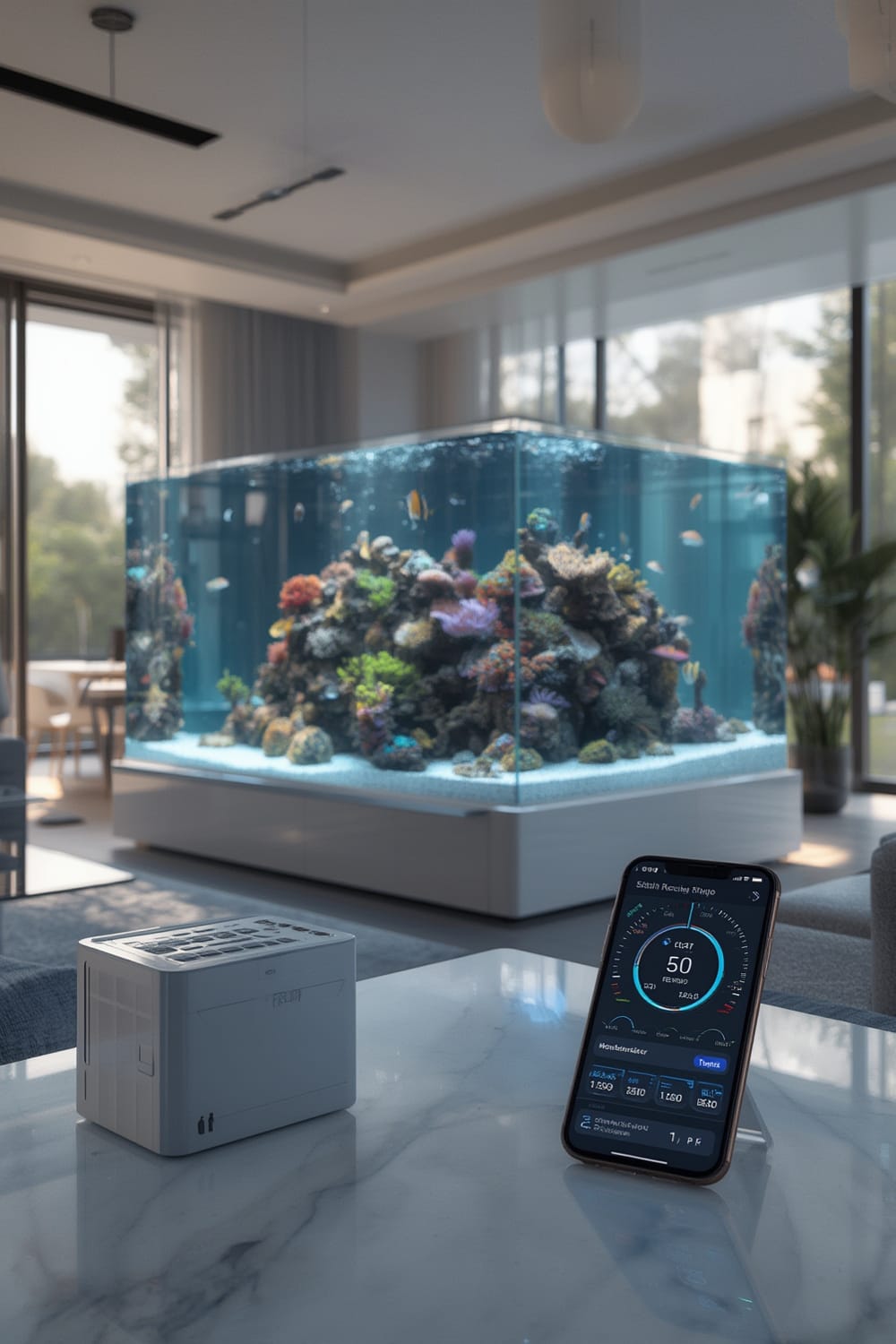
The global boom in household aquariums, especially in Asia-Pacific (with a 6.8% CAGR through 2031), is driving rapid growth in the automated equipment market (source). Smart monitors are not only popular among reef and freshwater enthusiasts but are becoming standard for anyone serious about aquatic animal health. As advanced home tech like Agentic AI and predictive automation grow, expectations for integration, reliability, and hands-off operation will only increase.
Step-by-Step Guide: Setting up an Aquarium Monitor System
Getting started with an Aquarium Monitor doesn’t require advanced technical skills, but a methodical setup minimizes future headaches. Here’s a walk-through based on proven best practices:
- Choose the right system: Match the monitor’s tank size rating to your aquarium (don’t over- or undersize). Decide what you want tracked: pH, temp, salinity, ammonia, or just basic temperature and feeding. Consider units with a mobile app or web portal—look for integration with your existing home automation (such as Alexa or Google Home, and check for Matter protocol compatibility).
- Unbox and inspect components: Understand which probes go where. Look for a clear manual. Test-fit everything without water first.
- Install sensors and controllers: Place sensors deep enough to avoid surface fluctuations, but not on the tank floor. Secure cables to prevent fish entanglement. Mount the controller above the tank to prevent water drips.
- Download and set up the app: Register your device. Most systems use Wi-Fi, so be sure your router reaches the aquarium area.
- Create alert rules: Set safe ranges for temperature and pH, and program push notifications or alarms for dangerous conditions.
- Test alerts and automation: Temporarily move a sensor out of spec and verify that you get notified and that hardware (like auto feeders or lights) responds (if available).
- Schedule maintenance reminders: Calibration and cleaning are critical. Mark your calendar, or set reminders in the app if supported.
- Document wiring and settings: Photograph your setup and export/backup app settings so reinstallation is fast after power loss or device failure.
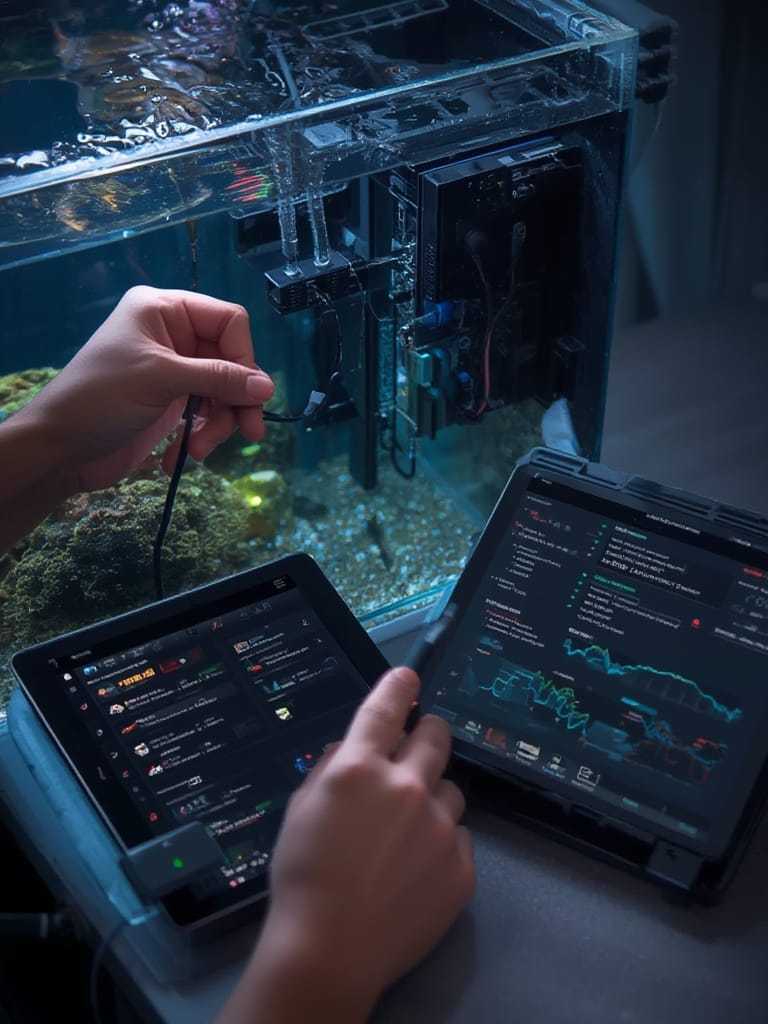
Once your base system is live, experiment with add-ons: auto fish feeder integration (perfect if you’re often away), PM2.5 water quality alerts (similar to what’s now popular for air purifiers—see here), or tie your tank’s lighting to ambient home sensors. Advanced users can even create autonomous routines with AI-based home controllers, much like the emerging Agentic AI trend in smart homes, or extend monitoring to food with smart appliances such as an AI oven or connected air fryer.
Advanced Analysis & Common Pitfalls
While Aquarium Monitors are getting more reliable, they’re not foolproof. Based on industry research, here’s what you should know about common pitfalls and limitations:
- Connectivity issues: Monitors that rely on Wi-Fi may lose connectivity during power or internet interruptions. Aside from delayed alerts, automation routines could halt, risking fish health.
- No standard integration: Most monitors are not yet compatible with emerging smart home protocols like Matter. This means juggling multiple apps, with minimal ecosystem synergy.
- Maintenance is mandatory: Automated does not mean “hands-off forever”. Sensors drift, biofilm develops, and calibration is essential. Forgetting this step can lead to false readings.
- Cost and feature mismatch: Pricing data is scarce, but premium systems with multi-parameter monitoring and app support can cost several hundred dollars up front, not including optional subscription fees for data storage or advanced notifications. Some high-end systems only support large tanks, making them overkill for smaller setups.
- Unclear long-term reliability: Lack of peer-reviewed studies leaves questions about measurable impact on fish health and maintenance savings. User forums highlight occasional software bugs or failed auto feeders.
| Factor | What to Check | Potential Problems |
|---|---|---|
| Wi-Fi & Power Redundancy | battery backup, local alerts | No notification during outages; missed feeding/corrections |
| Tank Compatibility | Supported size range | Oversized controller for nano tanks; undersized for monster tanks |
| Subscription Cost | Cloud data, historical logging | Recurring fees; feature lockouts without subscription |
| Smart Home Integration | Matter, Alexa, Google Home | Manual setup; multiple apps required |
| Sensor Maintenance | Easy calibration, replacements | Data drift, biofilm interference |
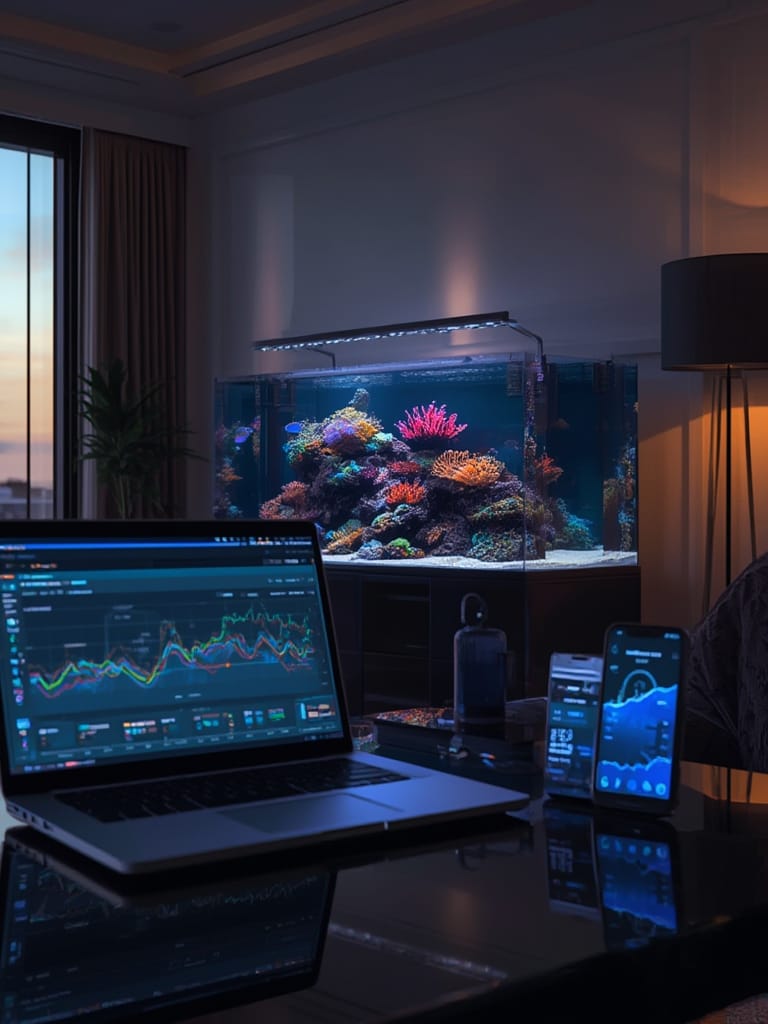
The lack of comprehensive user complaint data or robust third-party studies means you should stay realistic: “Automatic” doesn’t guarantee safe, low-maintenance operation. Combined with limited integration into truly smart homes—such as those built on Matter—most aquarium monitors today remain beneficial but imperfect solutions.
Conclusion
Smart aquarium monitoring systems offer transformative value for fish keepers, reducing daily manual tasks and quickly alerting you to water quality issues. However, they are not a substitute for hands-on attention. Before purchase, evaluate tank compatibility, ease of integration, and long-term maintenance needs. The Aquarium Monitor market is on a growth trajectory, and as home automation standards like Matter become mainstream, it pays to future-proof your aquarium setup. If you’re ready to automate your tank and gain true peace of mind, now is the time to research systems that fit your needs and budget—and always stay proactive about calibration and backup plans.
FAQ
What features should I look for in an Aquarium Monitor?
Look for multi-parameter sensors (temperature, pH, ammonia), reliable app connectivity, secure mounting, ease of calibration, and compatibility with your tank’s size. If you plan to expand your smart home, check for support of standards like the Matter protocol.
How reliable are Wi-Fi connected Aquarium Monitors during internet or power outages?
Wi-Fi monitors may lose connectivity and fail to send alerts during outages. Choose units with local alarms or battery backup for critical alerts.
Are there ongoing costs with smart Aquarium Monitors?
Yes, some brands charge subscriptions for historical data logging or advanced notifications. Sensor replacement and calibration fluids add occasional expense.
Can I fully automate my aquarium maintenance?
You can automate feeding, monitoring, and basic corrections, but manual maintenance (cleaning, sensor calibration, water changes) is still required. Full automation without oversight is risky due to device limitations.
Does automating my aquarium really improve fish health?
Automation minimizes oversight errors and can help catch issues early, but no peer-reviewed studies confirm a direct, measurable improvement yet. Good monitoring complements—not replaces—skilled aquarium care.