

Pet Camera technology has changed the way pet owners interact with their animals when they’re away from home. Whether you want to check in, talk, or even toss a treat remotely, these smart devices offer a real-time window into your pet’s world.
Key Takeaways
- The global pet camera market is growing rapidly, fueled by pet humanization and smart home integration.
- Choosing between local storage and cloud storage impacts privacy and ongoing costs.
- Hands-on interaction via treat-tossing and two-way audio is driving user demand—and leading to new feature sets.
- What Is a Pet Camera and Why Get One?
- How to Choose and Set Up a Pet Camera
- Advanced Analysis and Common Pitfalls
- Conclusion
- FAQ
What Is a Pet Camera and Why Get One?
A pet camera is a wireless smart camera designed specifically for pet monitoring and interaction. Unlike generic home security cameras, pet cameras add features such as treat-tossing, two-way audio, remote-controlled lasers, and smart alerts tailored to the unique needs of pet owners.
The global demand for pet monitoring cameras has surged as more households treat pets like family members and seek solutions for separation anxiety, destructive boredom, and general peace of mind. According to King’s Research, the worldwide pet camera market reached $57.15 million in 2024 and is expected to continue growing, with annual growth rates ranging from 5.3% to more than 12% depending on the segment and region. North America leads adoption, largely because of higher pet ownership and smart home penetration.
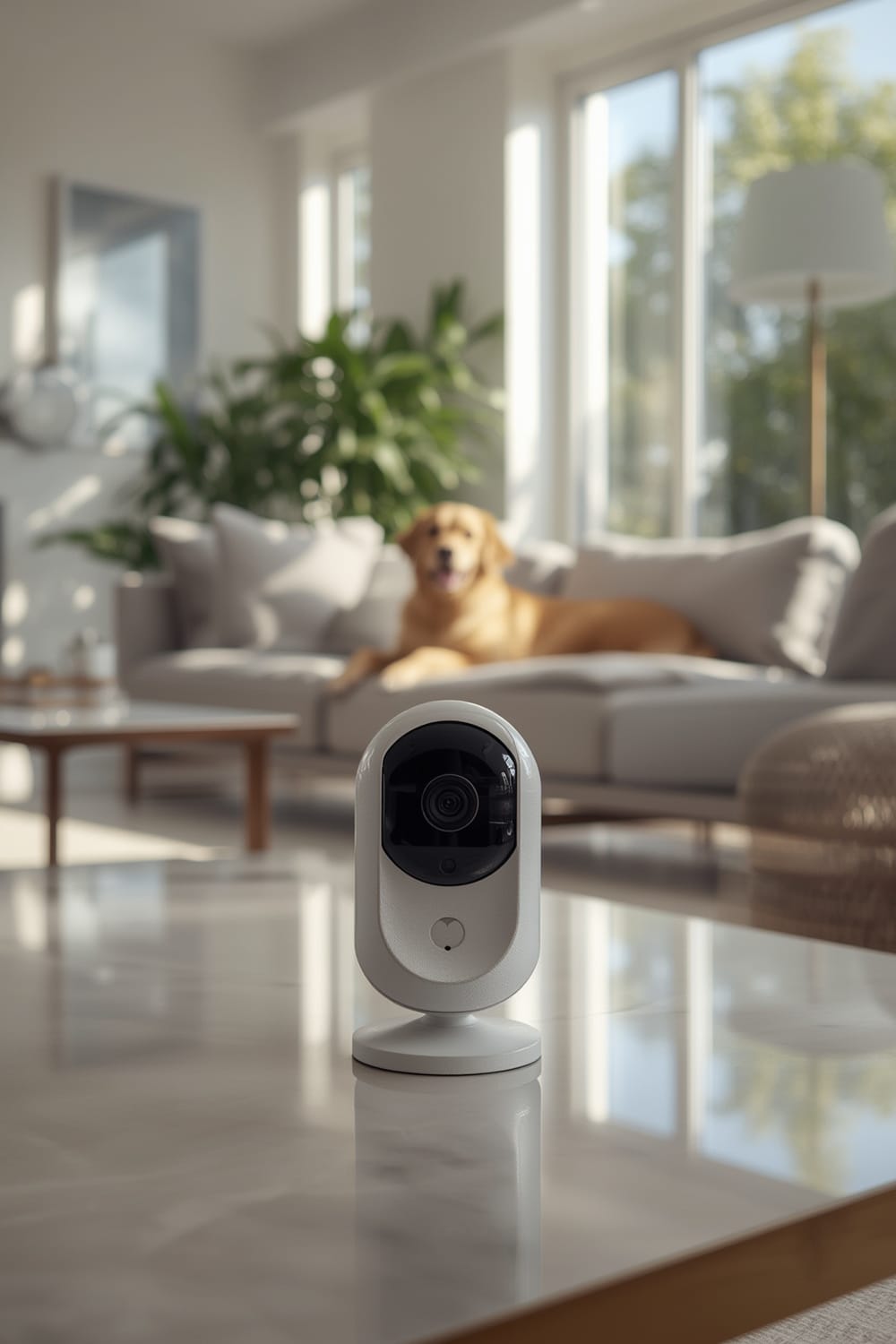
Key reasons to use a pet camera:
- Check in on pets from anywhere in real time
- Toss treats or use interactive toys to relieve boredom
- Send custom audio messages to comfort anxious pets
- Record video clips for fun or for monitoring concerning behavior
Pet cameras are getting smarter, integrating with modern protocols like Matter for broader compatibility, and increasingly offer AI-powered activity detection and analytics.
How to Choose and Set Up a Pet Camera
Getting the most from a pet camera requires more than just plugging it in. Follow these steps to ensure you select the right model and optimize its setup for both pet comfort and privacy.
-
Determine Your Key Needs
- Is treat-tossing important, or is live video enough?
- If you have a cat, a laser-pointer feature (see our Laser Toy guide) may boost engagement while away.
- If separation anxiety is a concern, look for two-way audio—the fastest growing camera feature according to Research and Markets.
-
Research Security and Storage Features
- Cloud storage offers off-site security but involves ongoing costs and privacy considerations.
- Local or SD card storage allows recording without internet, as detailed in our No Cloud Security Cameras breakdown.
-
Compare Connectivity Options
- Choose Wi-Fi over Bluetooth for a stable live view, especially if you want to integrate with broader smart home systems like Matter.
- Some models can connect via mobile data hotspots for total placement freedom—a helpful trick if your home’s Wi-Fi coverage is spotty.
-
Optimize Physical Setup
- Ensure the camera is out of chewing reach but within clear sightlines of your pet’s activities.
- Prevent accidental knocks or flips by placing the device on a stable surface, similar in strategy to pet fountains with wireless pumps.
- Adjust night vision and IR lights for minimal disturbance.
-
Integrate App Controls
- Download the branded app, follow pairing instructions, and test live video, audio, and any interactive features (treat, laser, or movement alerts).
- Enable push notifications for real-time updates and set privacy permissions according to comfort level.
- If available, adjust sound/motion sensitivity to reduce false alerts—a common annoyance with entry-level units.
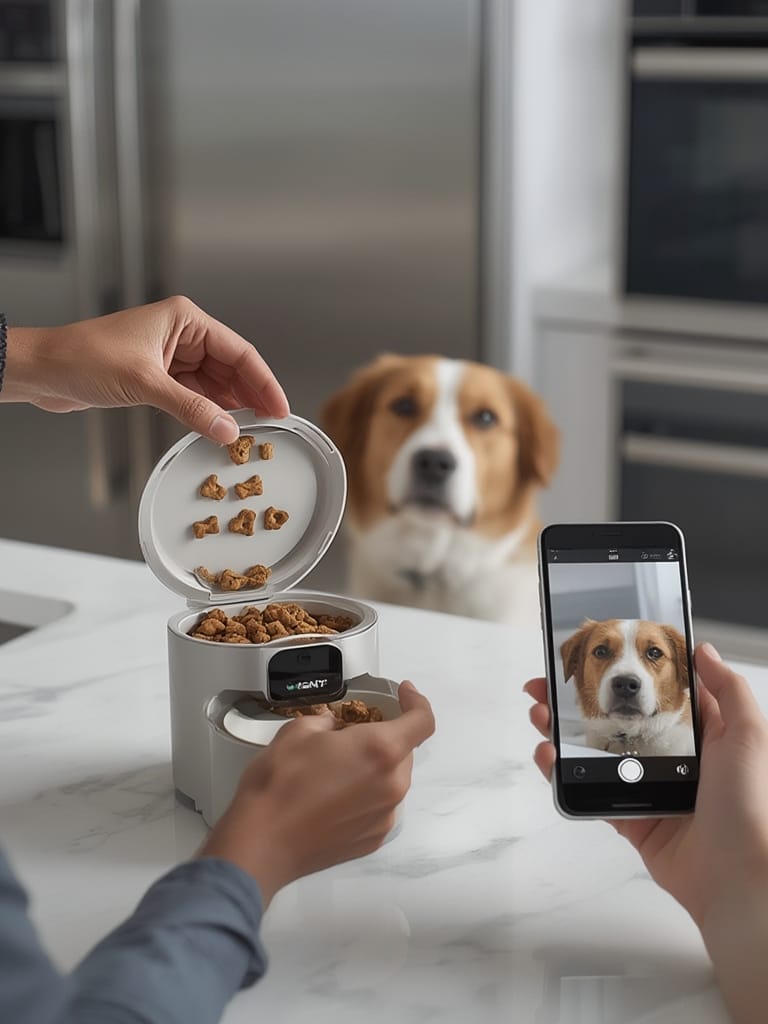
Many users are surprised that treat launchers with high-end video actually need frequent cleaning or jam if you use over-sized treats. For easier maintenance, check if the treat compartment is dishwasher safe. This is a quality-of-life feature often overlooked in reviews, similar to how buyers appreciate easy-to-clean grooming vacuums for pets with heavy shedding issues.
Lastly, always test video quality and latency at multiple times of day to ensure performance under real-world conditions. Cloud-based cameras can lag during peak hours if your internet upstream is limited—a common pitfall in apartments or shared housing.
Advanced Analysis and Common Pitfalls
The surge in pet camera sales hides several overlooked challenges. Here’s an advanced breakdown grounded in current market and technology research:
- False Sense of Security: Many pet owners believe pet cameras reduce separation anxiety, but there’s no clinical evidence or veterinary consensus to support this. Instead, cameras sometimes make anxious pets more agitated if they hear you but can’t find you.
- Subscription Fatigue: Popular brands often default to cloud-based storage. These may require monthly fees for full functionality (including video playback or activity alerts). As found in the latest market report, recurring costs are a driver for demand in devices with SD card recording.
- Privacy Risks: Cloud-based footage, if not end-to-end encrypted, can expose your private home or pet activities to security vulnerabilities. Local storage solutions reduce this risk but can be stolen or overwritten.
- Limited Treat Compatibility: Treat-tossing launchers are often picky about shape, size, and density. Overly crumbly treats can jam the mechanism, while oversized snacks might not fit at all.
- Maintenance Overheads: Treat launchers and motorized units (especially with laser toys) need frequent de-clogging and cleaning. Cheaply built models are susceptible to treat dust or hair buildup, similar to entry-level auto litter boxes (litter robot alternatives).
| Feature | Cloud Storage | Local/On-Device Storage |
|---|---|---|
| Ongoing Costs | Monthly/Yearly Subscription | Usually Free after Device Purchase |
| Video Retrieval | Accessible Anywhere | Requires Physical Access or SD Card Reader |
| Data Privacy | Dependent on Brand’s Policy | User Controlled (High, but Risk of Loss/Theft) |
| Risk of Hacking | Moderate (if not end-to-end encrypted) | Minimal (not internet-exposed unless viewed remotely) |
Leading pet camera brands like Petcube and Wyze focus on secure cloud video and real-time interaction (King’s Research), but the specifics around end-to-end encryption and privacy policies differ. Always read the fine print, and when in doubt, refer to privacy-conscious products highlighted in our security camera SD card roundup.
Conclusion
Pet cameras provide a powerful way to interact and monitor your pet, but it pays to choose thoughtfully. Focus on models with good storage options, real-time interaction (not just passive video), and reliable support. Features like treat-tossing, two-way audio, and integration with broader smart home controls (see the Agentic AI guide for examples) maximize value.
Whatever your budget, never forget that setup, placement, and ongoing maintenance are as important as specs. Invest a little time up front, and your Pet Camera will be a win for both you and your pet. Ready to see what’s happening at home? Start comparing top models and take control of your pet’s day, no matter where you are.
FAQ
Are pet cameras worth it if I only have a cat?
Yes. While many features are designed with dogs in mind, cats benefit from live video, audio, and especially app-controlled laser toys. This lets you interact and keep them engaged when you’re away. Check out our Laser Toy guide for more tips.
Do I need to pay a monthly fee for pet camera video storage?
Not always. Some models offer free local or SD card recording, so you never pay extra. Cameras with cloud-only storage typically require subscriptions. Our Local Storage article breaks down the top no-fee options.
Will a pet camera help with my dog’s separation anxiety?
There’s no proven clinical evidence that pet cameras reduce separation anxiety. In some cases, hearing your voice remotely may confuse or frustrate an anxious dog. Hands-on solutions like a smart anxiety vest or structured enrichment activities work better for severe anxiety.
How often do I need to clean a treat-tossing camera?
It’s good practice to clean the treat compartment weekly, and more often if you use soft or crumbly treats. Check whether parts are dishwasher safe for easier maintenance. Treat dust and pet hair can cause jams or odor if left too long.
Can hackers view my pet camera feed?
There’s always some risk if your device uses internet-connected cloud video storage. Choose cameras with robust encryption and read privacy policies carefully. For the lowest risk, select a model with local-only storage and advanced authentication, like those covered in our no cloud camera roundup.