

NFC Tags are quickly reshaping how everyday people automate routines and control devices in their smart homes. Unlike Wi-Fi gadgets or Bluetooth beacons, NFC tags deliver instant, simple automation with just a tap. Whether you’re new to home automation or want to get more practical uses out of basic tech, this guide covers everything you should know: from the essentials to step-by-step setup, real risks, and where most people go wrong.
Key Takeaways
- NFC tags remain one of the fastest, cheapest entry points to smart home automation in 2024, driven by the global boom in IoT and mobile devices.
- Not all NFC tags are created equal; prioritizing chip type, memory, and compatibility avoids compatibility headaches and failed automations.
- Despite declining prices and market hype, real-world reliability and limitations—especially on iPhone—should be recognized before investing heavily.
- What Are NFC Tags and Why Use Them in Smart Homes?
- How to Set Up NFC Tags for Home Automation: A Practical Guide
- Advanced Analysis & Real-World Pitfalls
- Conclusion
- FAQ
What Are NFC Tags and Why Use Them in Smart Homes?
NFC (Near Field Communication) tags are small, inexpensive chips that wirelessly transmit data when tapped with a smartphone or compatible device. In the context of smart home automation, these tags act as programmable triggers: you tap your phone to the tag, and an action or sequence occurs—like turning off lights, unlocking a door, or setting a device to a certain mode.
Why bother? The global NFC tags market hit USD 4.5 billion in 2024 on the back of massive demand for simple, touch-based interactions. NFC tags make it trivial to bridge the gap between the digital and physical world—perfect when you want instant automations but do not want to rely on cloud services, complex apps, or voice assistants. Integrating them with standards like Matter compatible devices makes the setup even more powerful and future-proof.
NFC tags appeal because they are:
- Affordable (a few dollars per tag)
- Easy to program—no programming degree required
- Reliable, with minimal lag or setup time
- Battery-free in most cases (do not require charging)
The most rapidly growing use cases include device pairing, guest access (with biometric lock or digital key boxes), and routine automations such as leaving the house or entering different rooms. As the Internet of Things (IoT) expands—forecasting over 18 billion connected devices by the end of 2024—the relevance of NFC tags in home routines will only grow.
How to Set Up NFC Tags for Home Automation: A Practical Guide
The process to integrate NFC tags is straightforward, though subtle decisions (like chip type or phone OS) affect the results more than most people realize. Here’s a realistic, up-to-date workflow for 2024.
- Buy the right NFC tags:
- Look for Type 4 or 5 tags for fastest data transfer, greater compatibility, and built-in security. With costs down over 20% this year (source), do not settle for the cheapest option—cheap, read-only tags may not support automations.
- Ensure you get at least 144–504 bytes of memory for more complex routines.
- Test on your specific mobile device ahead of time, especially if using iPhone.
- Choose your automation platform:
- On iOS, use Apple Shortcuts. On Android, use the official NFC Tools or a smart home app compatible with your platform.
- Integrations with platforms like Matter or Home Assistant unlock deeper routines, such as triggering your smart air fryer, floodlight cam, or smart lighting scenes with a tap.
- Write your command to the tag:
- Use your app to encode a routine—such as “when scanned, run this shortcut” or “open this URL/API endpoint.”
- Set up multi-platform automations, e.g., turning on both a circadian light scene and a hydration tracker notification.
- Test thoroughly:
- Tap your phone repeatedly from different angles and at different times of day.
- If something fails, reformat or reprogram the tag—sometimes the write did not fully complete.
- Place tags ergonomically:
- Choose locations where your phone is naturally close: door frames, car dash, bedside, office desk, or utility closets.
- If using for guest access (e.g., airbnb key box), hide the tag out of sight for security, but label it discreetly for user convenience.
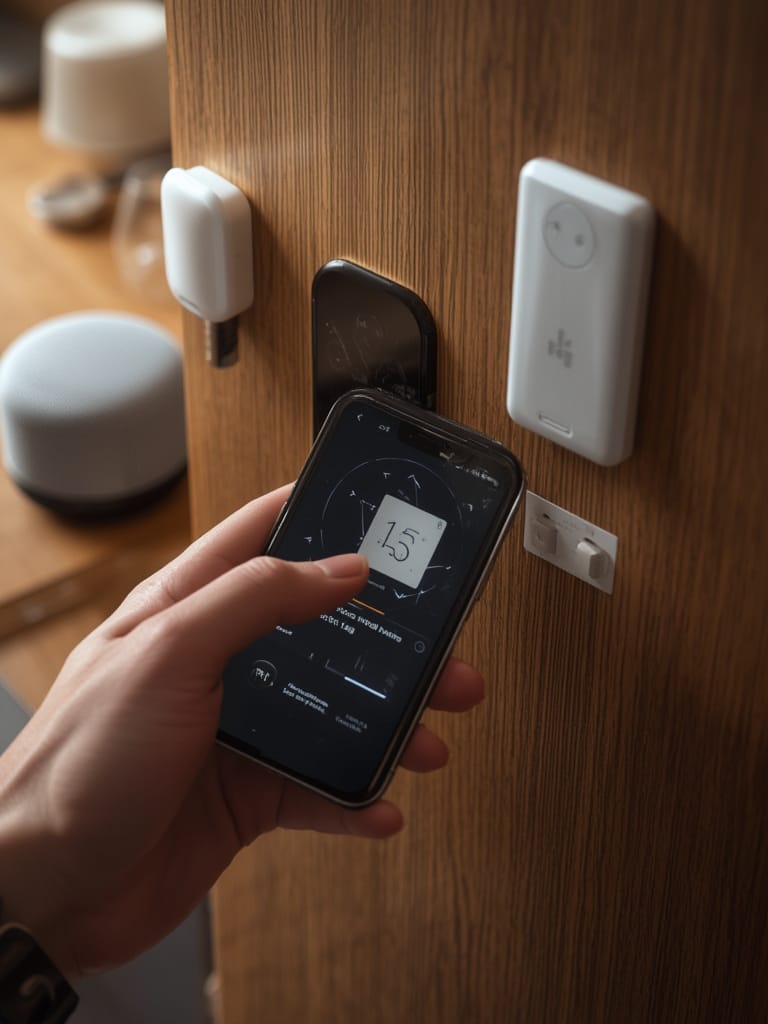
With NFC costs dropping and tags becoming nearly disposable, don’t be afraid to experiment. But know that device/OS compatibility and environmental interference (metal surfaces, device case interference) can still surprise even experienced users.
Advanced Analysis & Real-World Pitfalls
While NFC tag automation looks easy on paper, there are non-obvious risks and quirks most guides gloss over. Here are the key ones for 2024, using the latest research:
| Pitfall | What Causes It? | How to Avoid | Severity |
|---|---|---|---|
| Tag not recognized | Low quality chip, metal mounting location, device case interference, or wrong tag type | Choose quality Type 4/5 tags, avoid mounting on metal, and always test placement | High |
| Automation fails to run | iOS shortcut permissions, tag set to read-only, app in background | Double-check iOS privacy settings; opt for rewritable tags; keep automation apps open and updated | Medium |
| Limited features on iPhone | iOS restricts what automations can run in the background, prevents quick toggles, no raw data write | Read Apple’s latest NFC documentation; expect some friction when compared to Android | High for advanced users |
| Security/privacy risk | Accidentally placing in public or sharing access without requiring device authentication | Configure automations to require face or fingerprint unlock before executing high-risk tasks | Medium |
| Short tag lifespan | Extremely cheap mass-produced tags, environmental wear (humidity, sun, cleaning sprays) | Buy tags from reputable sellers; protect with a sticker or case; replace annually in harsh areas | Low to Medium |
Some advanced integrations—like controlling multi-step workflows (garage door automation combined with entry light scenes)—may also require a platform that supports multi-protocol (NFC + BLE or Wi-Fi). This becomes easier with Matter or local smart home hubs supporting multiple radio protocols.
For buyers, the key technical specs are:
- Type 4 or Type 5 tag (for speed, security, and compatibility with dynamic automations)
- 144 bytes memory minimum (more for multi-step routines)
- Read/write support (not just read-only, to enable reusable automations)
- Encryption and protocol interoperability (if buying for security or future device compatibility)
There is no perfect NFC solution. Balance cost, longevity, and ecosystem lock-in by buying a handful of quality tags and limiting high-risk automations to ones that require authentication.
Conclusion
NFC tag automation is a cheap, flexible, and nearly instant way to level up your smart home. However, the devil is in the details with regard to chip type, compatibility, and where you physically place your tags. If you invest time in choosing quality Type 4/5 tags, testing placements, and understanding phone OS quirks, most pitfalls are avoidable—and the payoff is huge for automating routines you run daily. For an even smarter home, combine NFC with new standards like Matter and emerging tech such as Agentic AI to create automations that anticipate your routine, not just respond to a tap.
Get started by ordering a handful of NFC tags right now and map out two or three quick-win automations at home. You will find that smart living begins with one simple tap using NFC Tags.
Ready for a deeper dive into advanced home automation tools, privacy, or the latest device protocols? Check out our guides on Matter compatible devices and hydration tracker automation.
FAQ
How much do NFC tags typically cost for smart home automation?
Entry-level, rewritable NFC tags usually cost between $1 and $3 each bought in small packs. Premium, high-memory or secure tags cost more, but overall prices dropped over 20% in 2024. Always avoid super-cheap noname tags for critical automations.
Will NFC automations work if my phone is locked?
On iPhones, many automations require the phone to be unlocked, especially if triggering shortcuts or opening apps. Some basic actions (like opening URLs) may work with locked devices on Android phones, but functionality varies by device and OS version.
Can I use the same NFC tag for multiple routines?
While one tag can trigger only one automation per scan, you can reprogram (rewrite) tags as often as needed—great for seasonal routines or guest modes. Sophisticated setups may use a single tag to trigger context-aware actions using Agentic AI.
Are there privacy or security risks with NFC tags?
Yes. Anyone with an NFC-enabled device can trigger an exposed tag, so avoid storing them in public areas or automating security-sensitive actions (like door unlocking) without additional authentication. Always require Face ID or PIN for critical routines.
Are NFC tags compatible with Matter, HomeKit, or Google Home?
NFC acts as a trigger, but actual device control depends on the ecosystem. With platforms like Matter and Home Assistant, you can create routines that control Matter, HomeKit, or Google Home devices, provided your automation app supports these protocols.