

Hydration Tracker technology is transforming how people monitor daily water intake, promising healthier habits with every sip. But do these smart water bottles work as advertised, and what pitfalls should you avoid before buying?
Key Takeaways
- Smart hydration trackers help users stay on top of daily water intake, but technical limitations and user challenges remain.
- Top complaints involve battery life, tracking accuracy, app glitches, and unreliable hydration reminder features.
- Independent clinical evidence on hydration tracker effectiveness is lacking, so expectations should be realistic.
- What is a Hydration Tracker and Why Use One?
- How to Use a Hydration Tracker: Step-by-Step Guide
- Advanced Analysis & Common Pitfalls
- Conclusion
- FAQ
What is a Hydration Tracker and Why Use One?
A hydration tracker is a device or app that helps you monitor how much water you drink. Most popular models are smart water bottles embedded with sensors, Bluetooth technology, and sometimes visual reminder features such as lights. The aim is simple: eliminate guesswork from hydration, support your wellness goals, and help keep dehydration at bay.
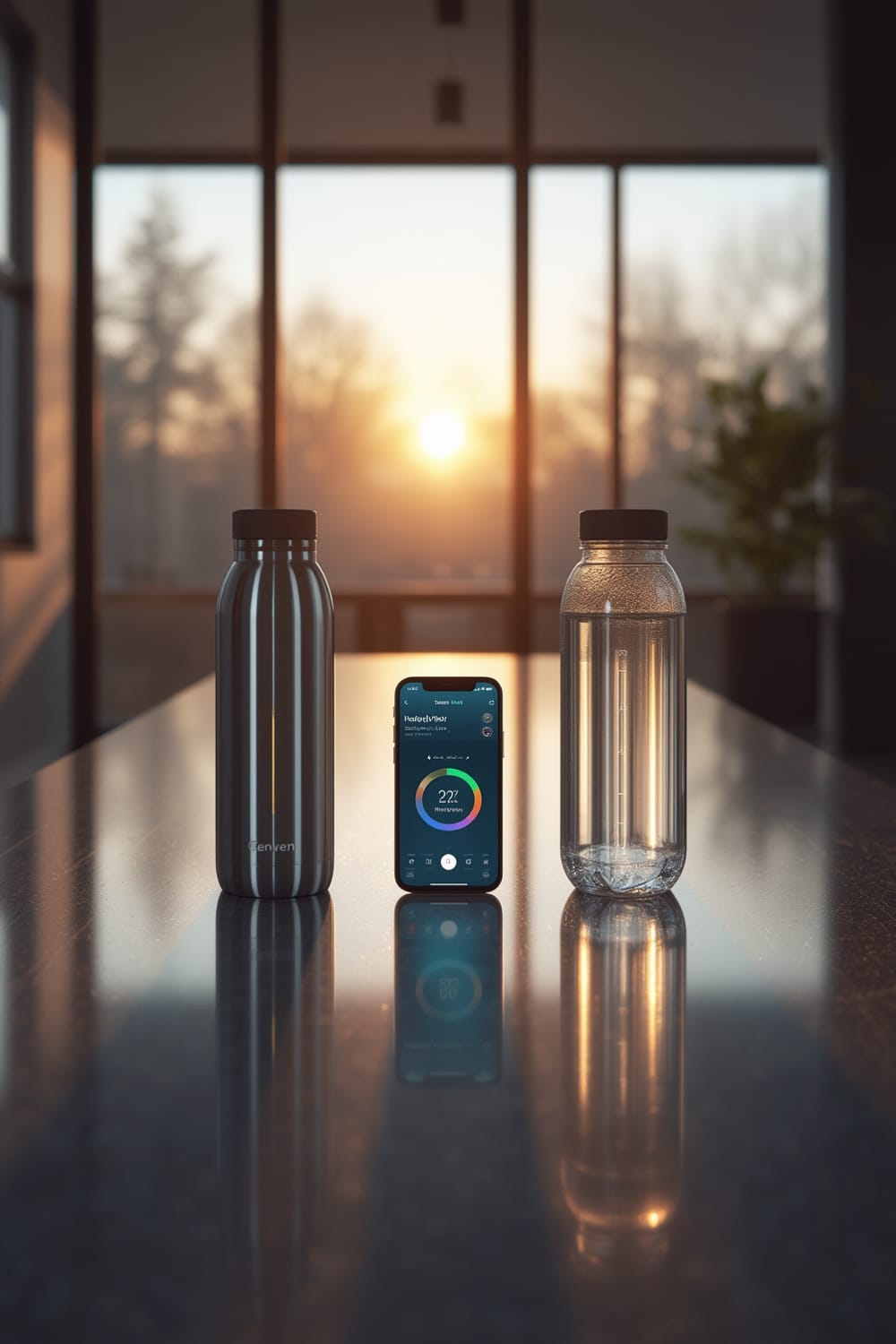
With many people struggling to drink enough water—especially in air-conditioned offices, busy travel setups, or athletic routines—hydration trackers offer intelligent reminders and real-time data. Well-designed devices pair with smartphone apps to track your progress, give personalized goals, and sometimes even encourage competition among friends. Devices like the Hidrate Spark Pro, Moji, and Thermos smart bottles represent current top choices.
Still, before jumping in, it’s important to move beyond marketing promises. Understanding the core benefits and real-world limitations helps set more accurate expectations. For broader wellness tech, see our reviews of AI-powered ovens or air purifiers with live PM2.5 sensors for health optimization at home.
How to Use a Hydration Tracker: Step-by-Step Guide
Getting started with a hydration tracker is straightforward. Below is a workflow to help you set up, use, and maximize your smart water bottle or app.
- Choose the Right Model: Compare brands for fit, battery type, size, and technology. If you want a rechargeable battery, look at Hidrate Spark Pro or HidrateSpark STEEL—but note the proprietary charger issues. Prefer replaceable batteries? Hidrate Spark 3 uses the CR2477 coin cell but needs regular replacements. Consider the device’s app stability and cross-device compatibility, or look for privacy policies if you’re cautious about data sharing.
- Charge or Install the Battery: Fully charge (or insert a new cell) before first use. Avoid repeated micro-charging to prevent early battery degradation. Keep the charging contacts dry, as many users report sudden failures from moisture exposure. For wireless home devices that streamline setup, check our guide on pet water consumption monitors.
- Pair with Your Smartphone: Download the official app and follow setup instructions. Make sure your Bluetooth is enabled. Initial pairing can be finicky—restart your phone if the bottle fails to show up in the device list. When prompted, grant location permissions (necessary for certain reminders).
- Calibrate & Set Goals: Enter your weight, age, activity level, and other relevant details. The app will recommend a daily water target. Test the tracking accuracy by manually pouring measured water to see if the reading matches.
- Use Regularly: Drink as normal, and look for notification prompts or reminder lights. If your model supports it, tweak alert timings to suit your schedule (some people find bright lights distracting, especially at night). For app-controlled convenience, see our recommendations for smart air fryers with remote monitoring.
- Review Your Stats: Check the app for trends, missed goals, or hydration patterns. If you notice repeated tracking errors (for example, double-counting or missed sips), try a soft reset or reinstall the app. Pair unpairingly if needed—the process is sometimes flaky.
- Maintain Battery Health: Recharge or replace the battery on schedule. Avoid letting the bottle sit in hot cars or exposing it to condensation, which can ruin electronics. For improvement inspiration, take a look at how predictive home automation is streamlining routines across smart homes.
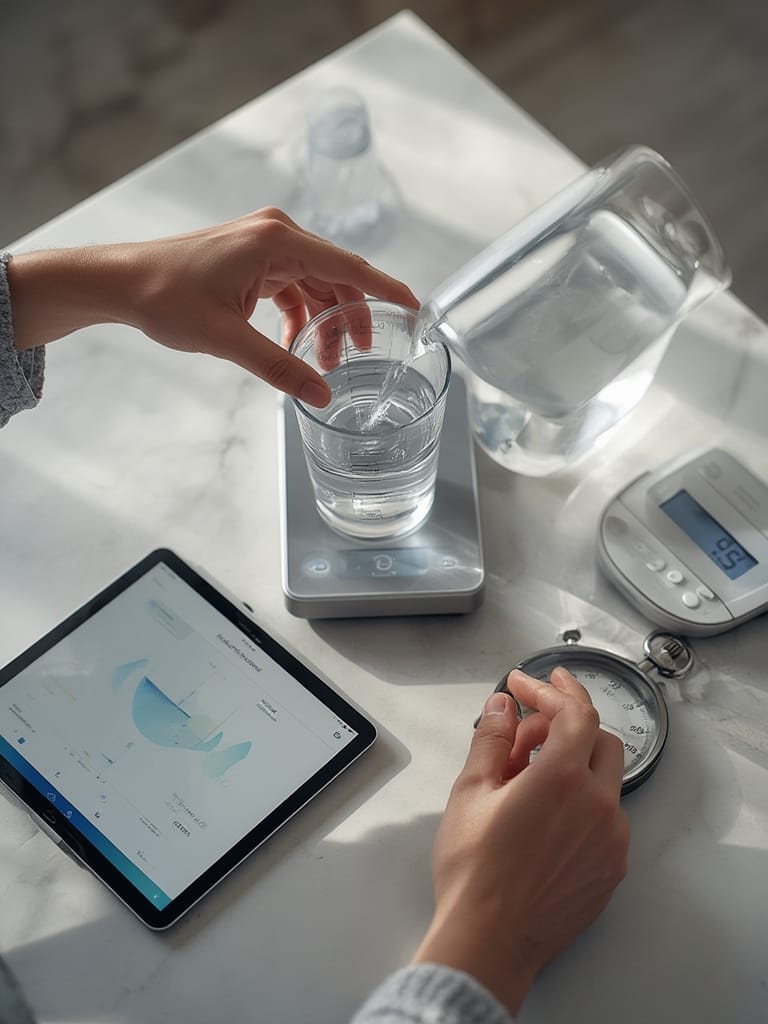
If your hydration reminders don’t work, disable and re-enable Bluetooth, ensure the app runs in the background, and check notification permissions. Reminder lights can be jarring for some—adjust brightness or set do-not-disturb hours as needed. For more device tips, check our comparison of the Matter protocol benefits in smart homes (which improves ecosystem compatibility for many smart products).
Advanced Analysis & Common Pitfalls
Even the best hydration trackers have quirks and user frustrations. Here’s an evidence-based breakdown of what to expect, using independent reviews and technical data.
Common Pitfalls and Limitations
- Battery Life: Real-world battery life often falls short. For example, Thermos smart bottles deliver only about 78% of claimed battery duration, while Moji models lag at 33% of expectations after a month of use. Batteries degrade up to 18.3% by the sixth week, especially after frequent topping-off and exposure to heat or humidity. [source]
- Tracking Accuracy: Models like Hidrate Spark 3 are within 0.2 oz of correct measurement but miss small sips and sometimes double-count refills. The central sensor stick blocks large ice cubes and takes up space.
- Sync and App Issues: Apps can crash, lose pairing, or duplicate entries. Initial firmware versions required frequent battery swaps, although software updates have slightly improved battery duration. Reminder lights sometimes do not trigger—possibly because of app glitches or faulty wake/sleep settings. Users also report reminder lights flashing at odd times or being too intense.[source]
- Charging Hassles: Many bottles use proprietary chargers, making it inconvenient to recharge if you misplace the cable. Exposed charge contacts can corrode from water.
- Durability and Port Design: Some models are sensitive to condensation or humidity and may fail faster if left in hot environments or washed improperly.
- Data Privacy and Regulations: There is no public evidence that smart water bottles are subject to FDA approval—or that user hydration data is protected or not shared with third parties. Buyers should review privacy policies carefully.
- Lack of Clinical Evidence: There are no peer-reviewed clinical trials confirming that hydration tracker reminders significantly boost water intake or change health outcomes. Reports of reaching higher water goals are anecdotal and sometimes due to inaccurate tracking.[source]
Comparison Table: Key Specs and Limitations
| Model | Battery Type | Tracking Accuracy | Reminder Features | Sensor Placement | Limitations |
|---|---|---|---|---|---|
| Hidrate Spark 3 | CR2477 Coin Cell | ±0.2 oz (misses <1 oz sips) | Light & App Alert | Central Sensor Stick | Short battery life, sensor blocks ice, single size |
| HidrateSpark Pro | Rechargeable (USB, 10-14 days) | No published data | Lights & Notifications | Central Sensor | Proprietary charger, moisture risk |
| Thermos Smart Lid | Rechargeable | No published data | App Alerts | Cap Sensor | Battery underperforms, Bluetooth sync lag |
| Moji Smart Bottle | Rechargeable | No published data | Alerts | Unknown | Short battery, unclear accuracy |
When considering other forms of health tech, see our review of WiFi-connected blood pressure monitors, which face similar sync and reliability challenges.
Conclusion
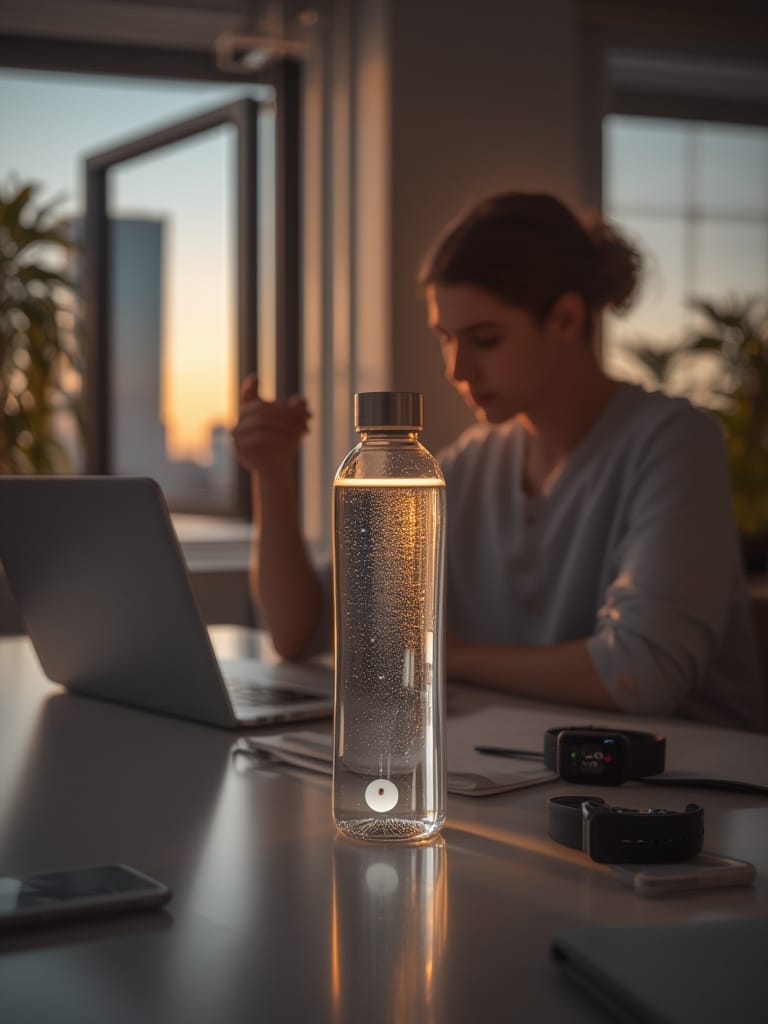
Hydration tracker devices offer a convenient way to stay mindful of water intake, but users often face imperfect battery life, sync failures, and inconsistent reminders. Until independent studies prove their effectiveness, set practical expectations and maintain healthy skepticism. If you want to try a Hydration Tracker, choose a model with the battery type, reminder style, and app reliability that fits your daily routine. Ready to boost your hydration? Start small, stay consistent, and monitor your progress!
FAQ
Are hydration trackers safe for daily use?
Yes, as long as you use the device as intended and maintain it properly. There are no reported safety issues, but keep electronics away from dishwashers and extreme temperatures.
Do smart water bottles guarantee better hydration?
No device can guarantee improved hydration. Anecdotal reports suggest benefits, but much depends on personal motivation and consistent use. No clinical studies have proven significant health impact.
Which hydration tracker is most accurate?
Among reviewed models, Hidrate Spark 3 is usually accurate to within 0.2 oz of manual measurement. However, even the best models can miss small sips or double-count refills.
What are the biggest complaints with hydration trackers?
The most common issues are short battery life, app crashes, Bluetooth sync failures, unreliable reminders, and charging problems due to proprietary cables or water exposure.
Is my hydration data private?
Manufacturers rarely publish their data privacy practices. Always review the app’s privacy policy to see how your intake data is stored and whether it’s shared with third parties.