

Biometric Lock solutions are redefining how homes and businesses protect their doors, thanks to breakthroughs in fingerprint, face, and vein recognition technology. With the smart home ecosystem expanding, more consumers are asking: are biometric locks offer as reliable, safe, and convenient as promised? This guide answers what matters most before you buy.
Key Takeaways
- Biometric locks offer high accuracy and growing smart home compatibility, but limitations exist with reliability and upkeep.
- Real pitfalls include occasional false acceptance or rejection and less clarity around privacy practices or long-term costs.
- Proper research is crucial – direct cost/lifespan data is scarce, so focus on brand transparency, update support, and fit for your doors.
- Understanding Biometric Lock Technology
- How to Choose and Install a Biometric Lock
- Advanced Analysis and Common Pitfalls
- Conclusion
- FAQ
Understanding Biometric Lock Technology
A biometric lock is a digital security device that uses unique human markers like fingerprints or facial features to allow entry, replacing keys or PINs. These locks are popular because they promise higher security, seamless entry, and no risk of forgotten passwords.
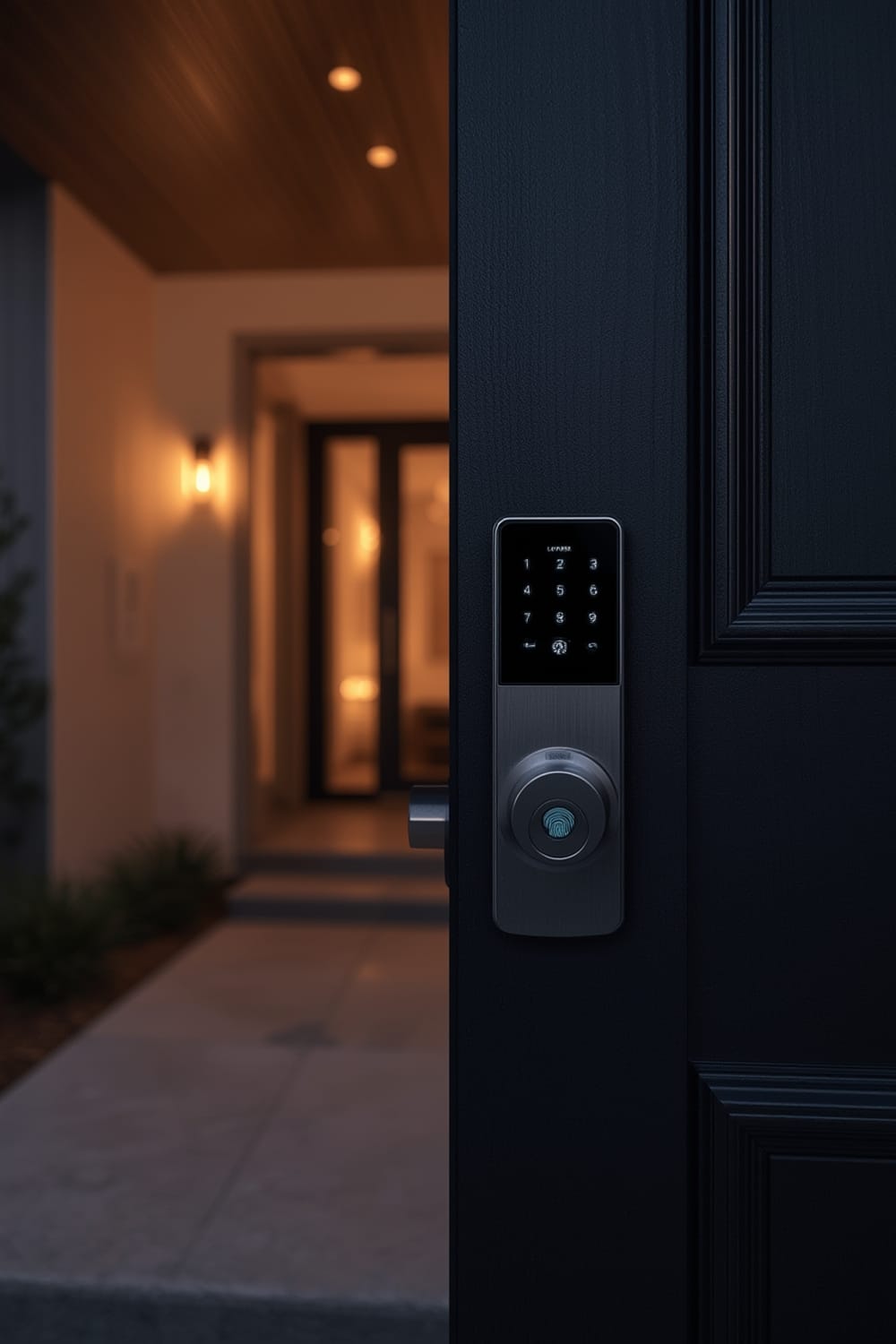
Market growth has exploded. In 2024, the global AI door lock market value was $1.97B; it’s expected to reach $3.53B by 2032, with almost 9% annual growth, driven by smart home integration and demand for contactless access [source]. In the US alone, the smart lock sector is projected to hit nearly $1.5B by 2026, fueled by both homeowners and businesses [source].
Biometric locks range from fingerprint scanners to advanced palm vein and face recognition units. High-end models now offer dual biometric options (e.g., both fingerprint and facial recognition), achieving up to 98.7% identification accuracy. Their rising integration with Wi-Fi and cloud platforms means they fit into Matter compatible devices lists, greatly benefiting modern smart homes.
However, not every model is equal. The best options not only boost convenience but actively help eliminate key and PIN vulnerabilities, especially during retrofitting old properties. The right biometric lock is both a tech upgrade and a long-term investment in security.
How to Choose and Install a Biometric Lock
Making the right choice on a biometric lock isn’t just about brand – it’s about matching features to your door, daily habits, and security needs. Here’s how to move from decision to confident installation.
- Define your access needs and user count.
For a home, a lock with 10-50 user slots is often enough; businesses or rentals may want 100+ and detailed audit trails. - Choose authentication types.
Fingerprint locks are quickest to use, but if your hands often get dirty/wet or you want maximum security, consider a model combining fingerprint with facial or palm vein recognition. In regions like the UAE, palm vein systems are used for high-end smart hotels [source]. - Check smart home integration.
Most advanced models support Wi-Fi and connect to Google, Alexa, or Apple Home. If you run a mixed-platform setup, focus on Matter compatible devices or certified systems to prevent future incompatibility headaches. - Assess physical fit and power options.
Some locks are designed only for standard deadbolts (1 3/8” – 2” thick doors) and won’t fit sliding or European-style doors. Bluetooth locks last longest on a charge, but not every brand discloses how often you will need to recalibrate or service a lock, especially after years of use or IoT software updates. Updates matter: new firmware is key to sealing vulnerabilities and keeping your credentials safe. - Install the lock with care.
Most biometric locks come with templates and basic tools. Ensure you align the scanner surface precisely. Be sure to test with all authorized users during setup and enable firmware updates if supported – this is crucial for keeping security features current and reducing vulnerabilities.
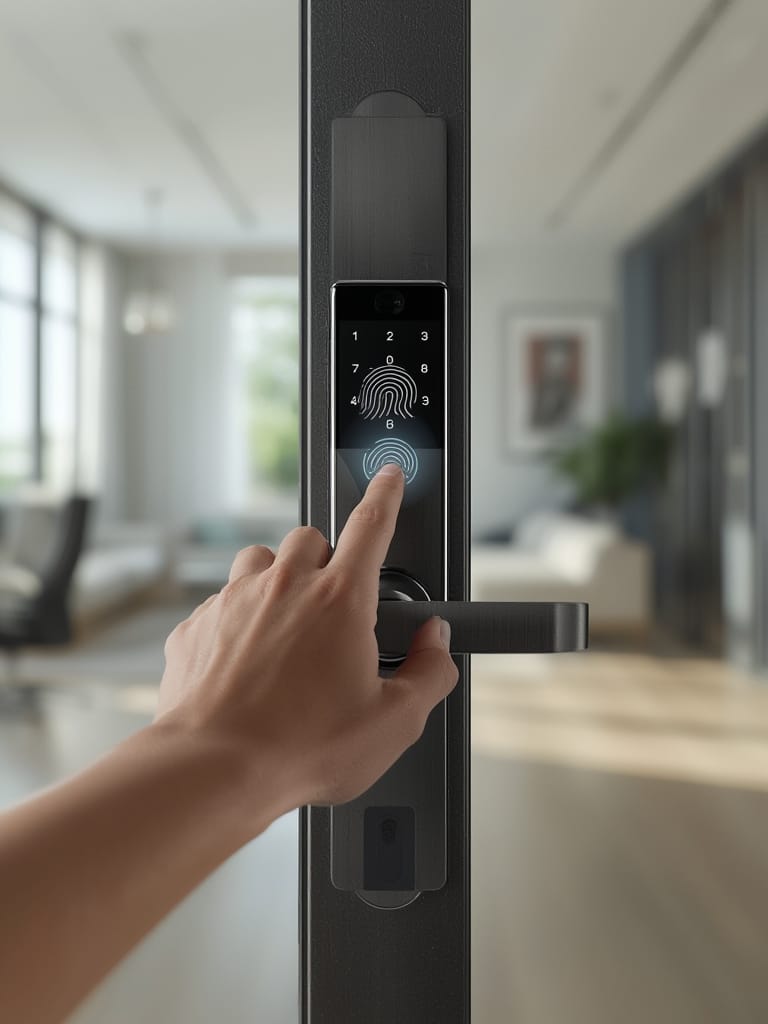
Installation challenges often relate to door type (especially retrofitting businesses or older homes) and network reliability. For maximum long-term flexibility, consider models supporting cloud management and remote maintenance. This is especially valuable for property managers.
Comparatively, installation of vein or facial recognition locks tends to be more demanding, often requiring professional help and higher up-front investment. For renters or those wanting quick DIY upgrades, stick to fingerprint lever or deadbolt smart locks.
Integrating biometric security is also an opportunity to enable predictive home automation using agentic AI. Some new locks can proactively change security settings based on your location or time of day.
Advanced Analysis and Common Pitfalls
Biometric locks are not perfect. Every technology comes with downsides—some rarely disclosed by manufacturers or traditional reviews.
| Biometric Method | Typical Failure Points | User Concerns |
|---|---|---|
| Fingerprint | False rejection on wet/dirty fingers; occasional sensor misreads; may be hackable if poorly encrypted | Worry about false acceptance; difficulty for elderly (worn prints), unknown lifespan |
| Facial Recognition | May be spoofed by photos (low-end models); struggles in very low light | Privacy fears about stored facial data |
| Palm Vein | Rare in residential; costly; needs precise hand placement | Lack of compatibility with common doors, no retrofit kits |
AI improvements have cut false alarms 45% by learning user patterns, and premium locks hit 98.7% identification accuracy [source]. Still, there is little real-world data on how often locks fail in high-use or dirty environments—and reported hacking attempts for mainstream brands remain largely unpublished.
Another gray area involves battery life, recalibration, or firmware updates. Bluetooth locks last longest on a charge, but not every brand discloses how often you will need to recalibrate or service a lock, especially after years of use or IoT software updates. Updates matter: new firmware is key to sealing vulnerabilities and keeping your credentials safe.
Privacy protection methods among major brands like Huawei, Samsung, or Schlage rely on encrypted credentials and compliance with evolving standards like NIST digital identity, yet very few provide detailed, public documentation for consumers. Regulatory requirements are maturing but are not yet globally uniform [source].
Looking for smart appliance synergy? Many buyers add a connected oven with AI-based food recognition or a smart air fryer with app control alongside their biometric locks for a true modern smart home experience.
Finally, remember warranty and support are rarely transparent in this space. Before purchase, request copies of actual warranty policy and check if real-time remote diagnostics or cloud-based maintenance are supported, as this can make troubleshooting far easier.
Conclusion
The bottom line: the Biometric Lock offers clear lifestyle advantages and tightens security, but not all models are equal. Identify your access patterns, research smart home integration (especially if you use air purifiers with app integration or other connected devices), and ask tough questions about privacy risks or future updates. For best results, combine careful device selection with a readiness to update and maintain over time. Ready to secure your entry? Start comparing the latest biometric locks and upgrade your security with confidence.
FAQ
What is the difference between fingerprint, face, and vein biometric locks?
Fingerprint locks use a small sensor to scan your finger; face locks use a camera to match your facial features; vein locks sense the unique pattern of blood vessels in your palm. Face and vein systems are harder to spoof, but generally cost more and may need special installation.
How reliable are biometric locks in wet or dirty conditions?
False rejection rates rise if fingers are wet, oily, or dirty, especially with inexpensive sensors. Premium models use AI to mitigate these issues, but environmental factors can still impact performance, especially outdoors or in high-traffic areas.
Do biometric locks work with all doors, including sliding or glass doors?
Most biometric locks are made for standard hinged doors. If you have a sliding or glass door, look for models labeled as sliding door compatible or consider third-party latch adapters. Always check measurements and compatibility before buying.
What privacy risks are associated with biometric locks?
The main concern is how brands store and encrypt your biometric data. Reputable manufacturers use strong encryption and comply with digital identity standards, but not all make their protocols or privacy policies publicly available. Always investigate this before purchase.
How often do I need to update or recalibrate my biometric lock?
There is no fixed schedule. Premium locks offer firmware updates to patch security flaws, usually via their app or Wi-Fi, but recalibration may only be needed if there are repeated failures or after several years of use. Enable auto-updates where possible for continued protection.