

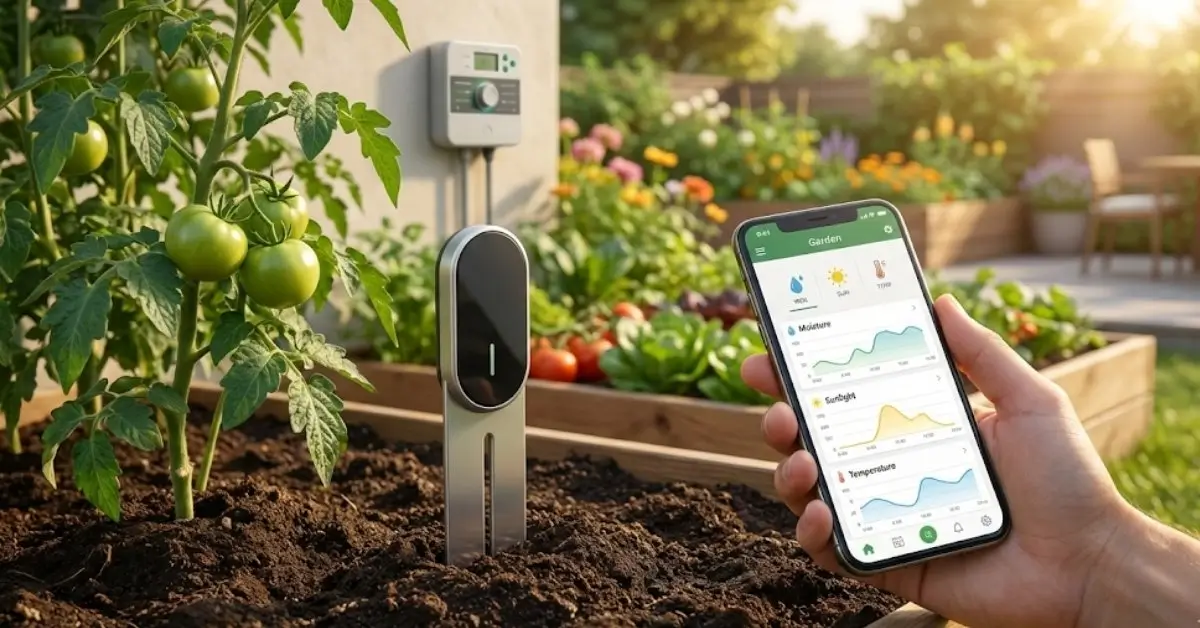
Soil Sensor technology is rapidly transforming home gardening, giving everyday gardeners the power to monitor soil conditions in real time and automate irrigation. In 2024, homeowners are adopting smart soil sensors—especially WiFi and Zigbee models—to optimize plant health, conserve water, and integrate seamlessly with smart home systems.
Key Takeaways
- Smart soil sensors are quickly gaining ground in residential gardening, with market projections showing double-digit annual growth and major innovation in wireless, app-connected models.
- Common user pain points include high upfront costs, tricky integrations, and limited durability, but these are improving as technology matures.
- Soil sensors enable more precise watering and healthier plants, but real-world savings vary and setup can be challenging without a clear plan.
- The Core Concept: What is a Soil Sensor and Why Does It Matter?
- Step-by-Step Guide: How to Use and Install a Soil Sensor for Home Gardening
- Advanced Analysis and Common Pitfalls
- Conclusion: Should You Adopt Smart Soil Sensors?
- FAQ
The Core Concept: What is a Soil Sensor and Why Does It Matter?
Soil sensors measure key soil conditions like moisture, temperature, and sometimes nutrients, allowing home gardeners to respond quickly or even automate watering and fertilization. In 2024, most leading soil sensor products integrate with WiFi or Zigbee for real-time data and alerts on your phone. This makes it possible to avoid overwatering, detect issues before plants suffer, and save water—something traditional methods just can’t match.
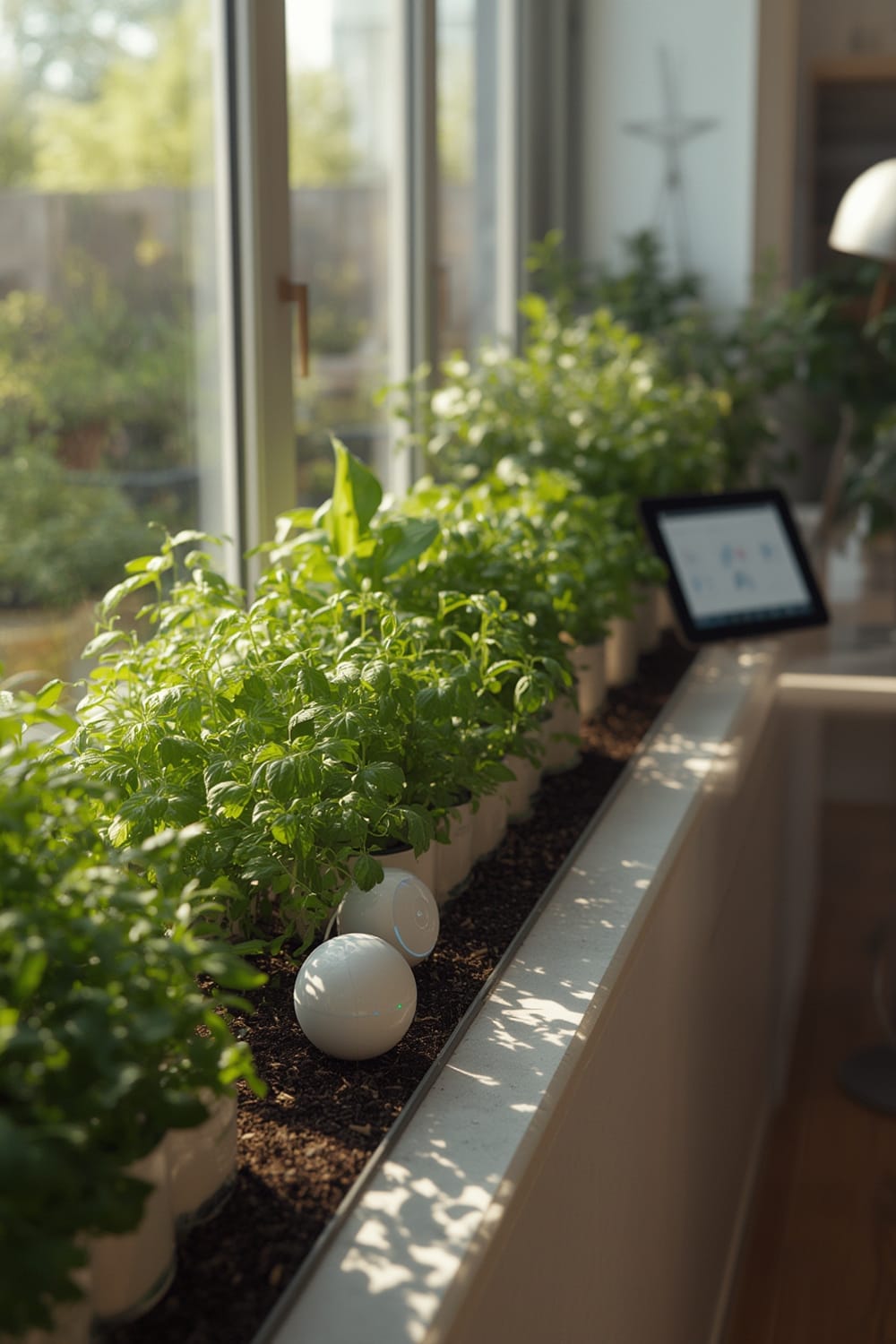
Market research indicates the smart garden sensor sector is booming. As of 2024, the global market reached $610 million, projected to grow to $2.14 billion by 2033, driven by homeowners seeking sustainability and convenience (source). North America leads due to high smart home adoption and water conservation efforts.
Unlike manual soil checks or simple timers, a smart soil sensor empowers you to water when—and only when—your plants actually need it. This can reduce waste, cut costs, and improve garden performance. Wireless (WiFi or Zigbee) models are especially popular for their integration with smart home platforms, like Home Assistant, making real-time control and analytics accessible to all skill levels.
To learn why device compatibility is such a frequent pain point in the smart home world, check out our guide to the benefits of Matter protocol.
Step-by-Step Guide: How to Use and Install a Soil Sensor for Home Gardening
Setting up a soil sensor for your garden can be straightforward if you plan for a few key steps. Here’s a practical walkthrough:
- Choose the Right Sensor Technology: Decide between WiFi or Zigbee models. WiFi sensors offer remote access with no hub but may drain batteries faster. Zigbee models typically need a hub (like a compatible smart plug or a dedicated device), but are efficient and work well with established smart home systems.
- Decide Placement Strategically: Identify your garden’s “trouble spots.” For vegetable rows or flower beds, place the sensor at root level, away from irrigation emitters, to reflect average moisture conditions.
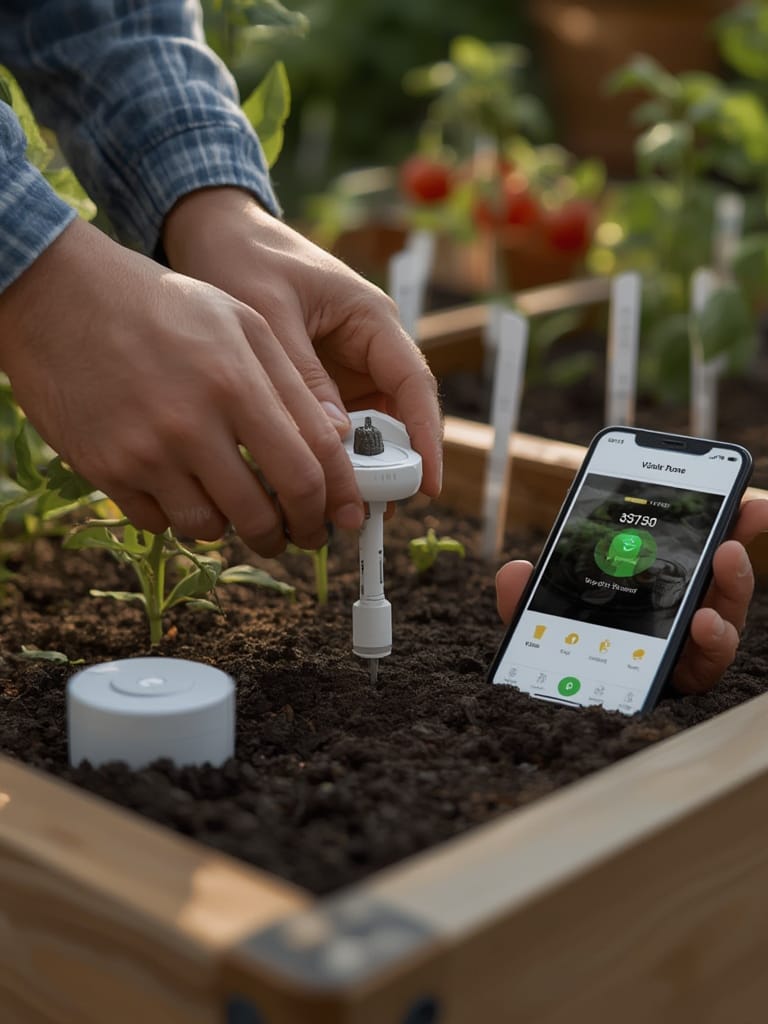
- Install & Connect the Device:
- Push the sensor into the soil to the required depth (often indicated on the device itself).
- Power on using the supplied batteries, or connect to solar if available.
- Download the companion app or connect via your home assistant platform. For Home Assistant users, look for integrations or custom components. Many sensors support direct integration but sometimes require third-party plugins.
- Pair via WiFi or Zigbee—follow app instructions carefully. If using Zigbee, ensure your hub is online and compatible.
- Check Signal Strength and Data Updates: Use the app to ensure your sensor is transmitting real readings. If not, move the device or troubleshoot WiFi/Zigbee issues.
- Set Up Notifications or Automations:
- Many apps will signal when watering is needed.
- For automation fans, connect the sensor to a smart sprinkler system or irrigation valve, so watering triggers precisely when soil gets dry.
- Monitor Trends and Adjust:
- Review data weekly to spot patterns—are some areas drier than others? Consider adding more sensors for large gardens.
- Adjust notification thresholds based on plant type. Some require moist soil at all times; others prefer drying out between waterings.
- Maintain & Replace Batteries:
- Wireless sensors may need battery changes every few months, unless solar-powered. Monitor battery level in-app if available.
- Check after rainfall or cold weather—excess water or frost can impact accuracy and lifespan.
- Improve Integration: If you have multiple zones or planters, try grouping sensors via your platform’s dashboard so you get a unified garden overview. Some users combine soil sensors with remote environmental monitors or automated blinds to optimize growing conditions indoors.
For troubleshooting smart automations and proactive home routines, explore how Agentic AI can help your soil sensor “learn” regular patterns without manual tweaks.
If you’re interested in hobbyist hydroponic gardens, review the power of click-and-grow indoor smart planters which often include basic soil or water sensors in all-in-one kits.
Advanced Analysis and Common Pitfalls
While the benefits of a soil sensor are real, installation and use are not always simple. According to recent market research, smart garden sensors—especially wireless models—face common issues:
- Connectivity Issues: WiFi soil sensors may disconnect or experience lag if the signal is weak outdoors. Zigbee versions offer stable mesh networking but often need an extra hub, which is not always plug-and-play.
- Cost Factors: Some models have high up-front prices. Wireless sensors may also require ongoing costs (hub, app subscriptions) and regular battery changes, especially for WiFi versions (source).
- Durability and Weather Resistance: Many entry-level sensors struggle in freezing or rainy conditions. Water intrusion or UV exposure can cause false readings or device failure (source).
- Limited Compatibility: Some sensors only work with their companion app and lack interoperability with platforms like Home Assistant or Alexa. Emerging standards like Matter promise better cross-brand compatibility—that’s a must for futureproofing.
- Measurable Benefits May Vary: While commercial deployments report up to 35% higher indoor yields, most residential use cases see improvements in plant health and water savings, but individual results depend on climate, sensor placement, and irrigation method. Peer-reviewed comparisons with traditional watering are limited (source).
| Feature | WiFi/Zigbee Notes |
|---|---|
| Accuracy | Volumetric sensors offer the best precision. Capacitive technology leads the market for reliability. |
| Wireless Range | WiFi limited by router distance; Zigbee can extend via mesh. LoRaWAN supports long-range, but is rare in consumer products. |
| Battery Life | Solar-powered options available; WiFi sensors use more power than Zigbee. Expect quarterly battery changes unless solar is used. |
| Integration | Some sensors work natively with Home Assistant or Alexa, others are limited to proprietary apps. Matter support is emerging but uncommon in 2024. |
Security is rarely discussed for home soil sensors, but any WiFi-connected device on your network introduces potential privacy risks. Use strong passwords and stay on top of firmware updates, especially when integrating with broader IoT platforms. For privacy-focused users, see our analysis of privacy shutter smart cameras—the lessons apply across the smart home spectrum.
Conclusion: Should You Adopt Smart Soil Sensors?
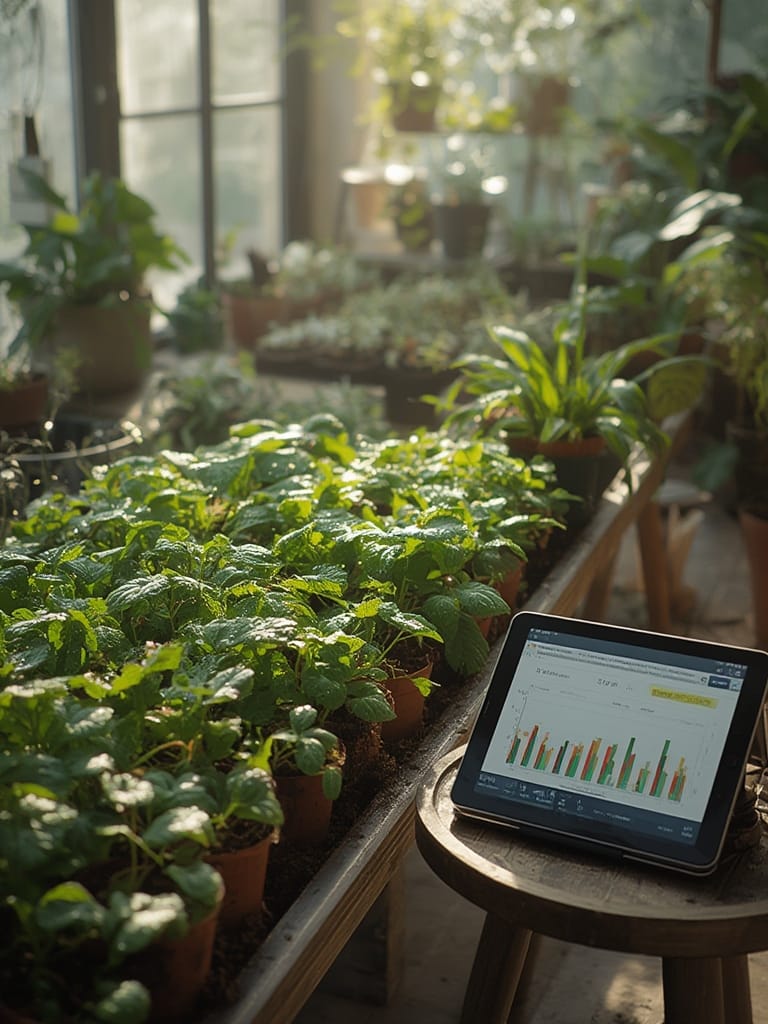
Adopting a soil sensor can boost plant health, cut down on wasted water, and take the guesswork out of gardening, especially if you automate irrigation and use data for decisions. However, WiFi or Zigbee soil sensors aren’t perfect—they bring cost, complexity, and some set-up challenges. Start with a single sensor in a problem area, learn the quirks, and expand from there. Whether you’re a tech enthusiast or a beginner, the current crop of smart soil sensors offers real benefits with manageable trade-offs. Evaluate the fit for your specific home, and remember: the smartest garden always adapts to changing needs.
Ready to take your garden to the next level? Test a soil sensor in your home garden, and let data drive healthier, greener results.
FAQ
Are WiFi or Zigbee soil sensors better for most homeowners?
WiFi soil sensors are generally easier to set up since they connect directly to your home network. Zigbee models require a hub but offer longer battery life and more stable mesh networking. The best choice depends on your existing smart home setup and desired integration.
How often do soil sensors need battery replacement?
Most battery-powered WiFi sensors require replacement every 2-4 months, depending on data update frequency. Zigbee versions can last longer. Solar-powered sensors reduce this need significantly.
Can a soil sensor automate my irrigation system?
Yes, if your sensor and irrigation controller support integration, you can automate watering based on real-time soil data. Smart irrigation systems like those we cover in our Smart Sprinkler System Guide pair well with many soil sensors.
What problems do users report most often?
Connectivity problems, especially with WiFi in outdoor spaces, and durability issues with entry-level sensors in extreme weather are the most common complaints. Compatibility with your chosen smart home ecosystem is another frequent stumbling block.
Are there privacy risks to installing a WiFi soil sensor?
While no major breaches are reported, any WiFi-enabled device on your network increases your exposure. Always use unique passwords and update firmware regularly to boost security.