

Smart Blinds are changing how homeowners approach privacy, comfort, and energy savings. Whether you’re upgrading to automated blinds or retrofitting your current shades, this guide breaks down what’s actually working, where things get tricky, and how to make smart choices before you spend on an upgrade.
Key Takeaways
- Over 15% of window blind market revenue is projected to come from automated or smart blinds by 2026, with much faster growth than traditional options.
- User pain points like installation difficulty, unknown compatibility, and unclear long-term reliability are rarely addressed—proceed carefully.
- Critical info such as real-world costs, solar and battery efficiency, and support policies remains hard to find, making careful comparison crucial.
- What Are Smart Blinds and Why Are They Gaining Popularity?
- How to Choose and Install Smart or Retrofit Blinds (Action Plan)
- Advanced Analysis & Common Pitfalls
- Conclusion
- FAQ
What Are Smart Blinds and Why Are They Gaining Popularity?
Smart blinds are window treatments that can be controlled automatically—usually with an app, a remote, or your voice (through assistants like Alexa, Google Home, or Apple HomeKit). Some systems are built for easy retrofitting, while others come preconfigured with motors and even solar panels.
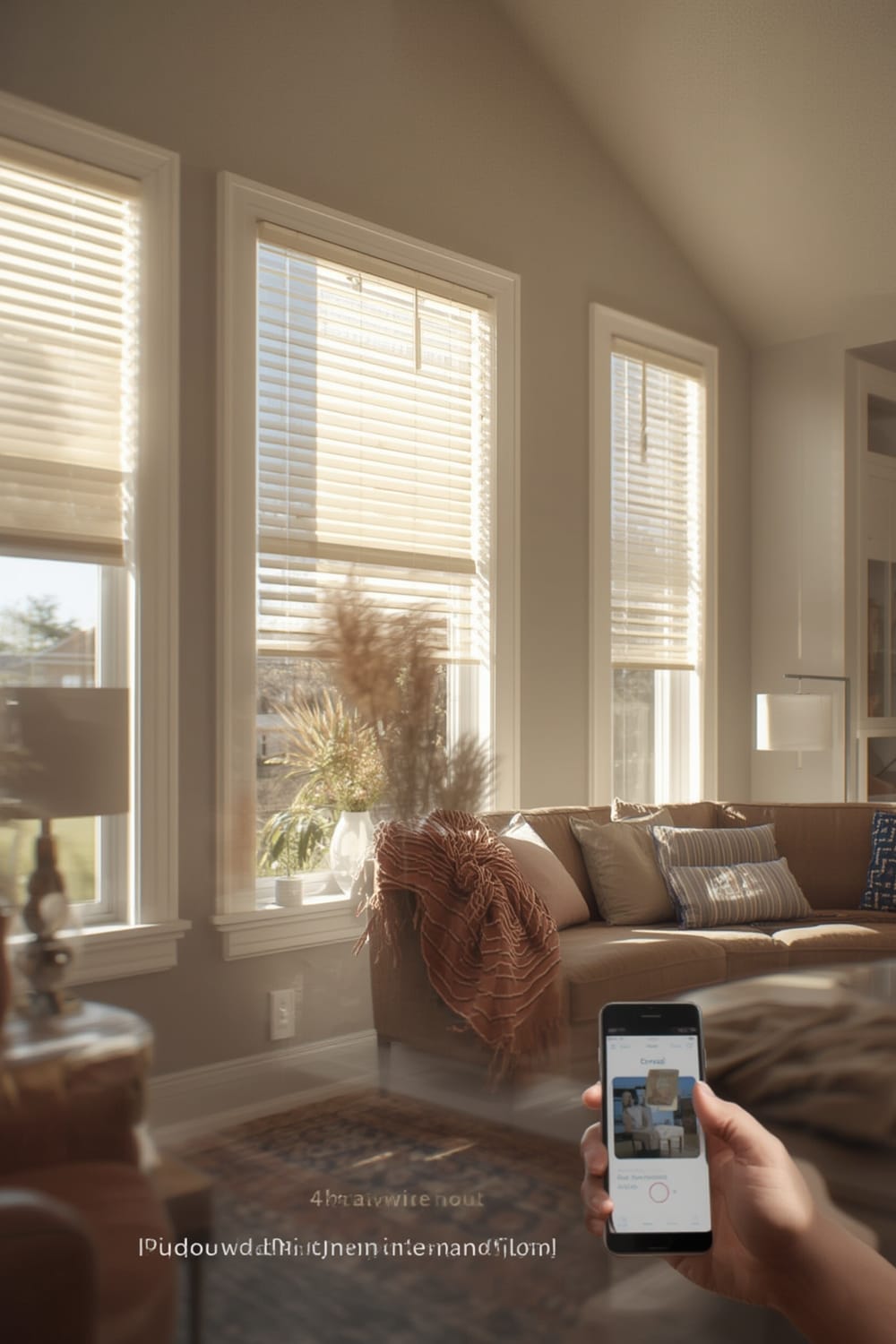
The drive toward smart home tech is pushing smart blinds ahead of traditional window coverings. As of 2026, automated and smart blind solutions account for more than 15% of global window blinds market revenue, with adoption climbing much faster than standard options. The market for automated shades is expanding at a compound annual growth rate of 6.08%—significantly outpacing the standard blind market’s 2.5% pace. [Intel Market Research] [GlobeNewswire]
People are choosing smart blinds for reasons like:
- Automations (wake-up routines, privacy schedules, remote control from anywhere)
- Energy savings (automatically blocking sun to reduce cooling costs)
- Accessibility—controllable for the elderly or those with mobility issues
- Integration with whole-home smart platforms, especially those supporting the Matter protocol for seamless compatibility
Still, the technology isn’t flawless. While options have grown, there are critical gaps in ease of use, transparent pricing, and after-sales support that buyers need to understand.
How to Choose and Install Smart or Retrofit Blinds (Action Plan)
Ready to bring smart blinds to your home? Here’s how to do it right and avoid frustration.
- Assess Compatibility and Retrofit vs. Full Replacement
If you already have blinds or shades you like, look for “retrofit” smart blind kits. These typically add a motor and control box to your existing setup. If your blinds can’t accept an add-on (check for chain, cord, or wand controls), you may need a full replacement smart blind system instead. - Pick a Control System
Select whether you want:- Battery-powered (easy install, but requires charging or changing batteries)
- Wired (hardwired for zero maintenance but requires electrical work)
- Solar-charging option (less reliable indoors but can work in sunny spots)
- Decide on Home Automation Platform Requirements
Make sure your smart blinds support the system you already use (Alexa, Google Home, Apple HomeKit). For maximum flexibility or if you regularly swap devices, prioritize blinds supporting Matter, Zigbee, or Z-Wave. (Zigbee/Z-Wave details here.) - Measure Up (Exactly!)
Before buying, get precise window dimensions. Mistakes here mean mounts won’t align or your blinds will hang lopsided. Most companies offer printable measuring guides or online calculators. - Consider Installation Method
- Drill-free, adhesive, or tension-fit designs are best for renters or temporary solutions
- Permanent screw-in mounts are more secure but require making holes in your window frame
- Order, Unbox, and Test
Open your kit and verify all parts. Check instructions—are they clear? Do you need extra tools? Test the motorized unit before final install (run it with batteries or plug it in). - Install & Integrate
Follow manufacturer steps. Most install in under an hour, but wiring or complex group controls may take longer. Connect to your home network, link with your phone app or home assistant, and run basic automations to confirm everything is functioning.
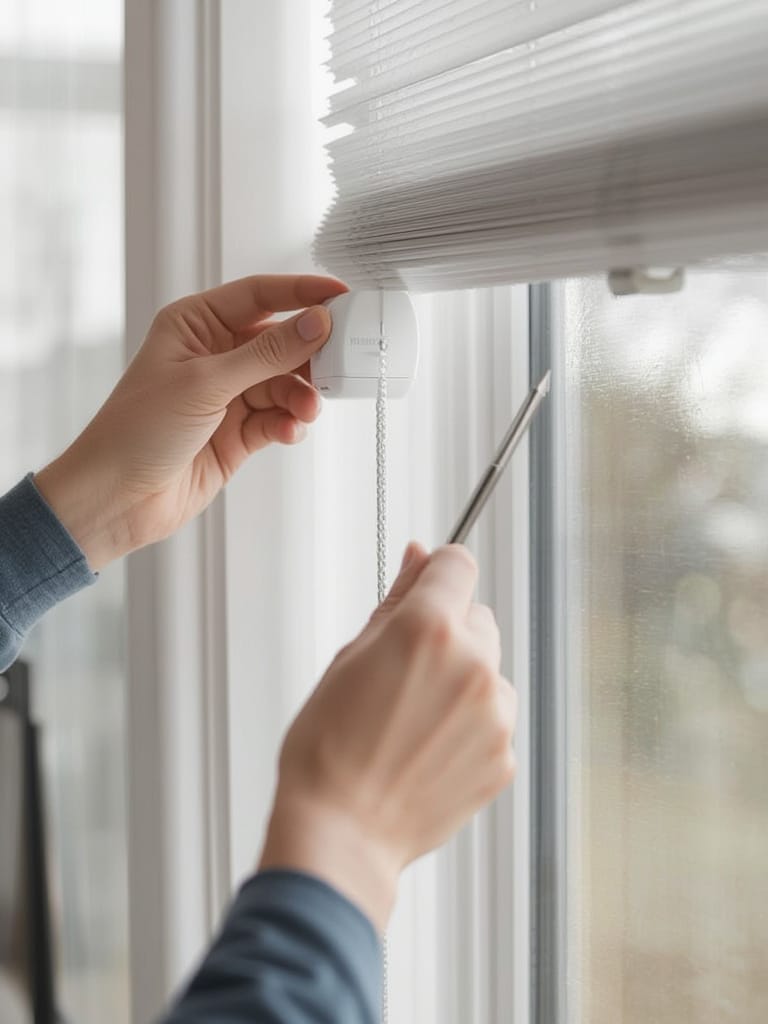
- Double-check battery levels after setup—many arrive only partly charged.
- If using solar charging, monitor recharge rates for the first few days to ensure your window gets enough sunlight for reliable performance.
Savvy smart home users are integrating their blinds into morning/evening scenes. Tools like Smart Scene Controllers let you operate multiple blinds with a single button, while agentic AI routines can automate light and privacy according to your daily habits.
Advanced Analysis & Common Pitfalls
Not all smart blinds (or retrofit kits) are created equal. Most top-ranking reviews skip tough issues—cost transparency, user-reported failure rates, and actual energy savings. Here’s what real owners struggle with (and what you’ll rarely see upfront):
- Installation Hassles
Many retrofit kits claim “5-minute install” but require significant physical force or frame modifications to mount correctly. Adhesive mounts may sag over time on heavier shades. - Poor Compatibility
Standard retrofit motors rarely fit every blind style. Cordless or hidden-mechanism blinds generally aren’t compatible without professional help. - Integration Roadblocks
Some brands don’t support all major platforms. For example, a model may work with Alexa but lack compatibility with HomeKit, unless you buy extra hubs or bridges. Cue frustration if you mix Apple and Amazon devices—a major reason the Matter protocol is rising fast. - Battery Limitations
Battery-powered smart blinds models offer easy install, but expect to replace or recharge batteries every few months, especially with large or heavy shades. Solar charging only works if your window gets at least 4-6 hours of direct sun per day—which is rare in North-facing rooms. - Long-term Durability
Reliability is hit-or-miss. Moving parts like plastic gears and tiny motors can fail—sometimes within a year. Clear manufacturer data on this point is hard to come by. - Opaque Warranty and Support Policies
Unlike other smart home gear, most smart blind warranties, return periods, and phone/email support policies aren’t clearly described until after you buy. This leaves buyers at risk if something fails after setup. - Unclear Pricing and Upgrade Costs
Few brands post full price lists for upgrades (smart motors, solar kits, home integration modules), so it’s easy to underestimate total spend—especially for large homes or specialty windows.
| Feature/Problem | Retrofit Smart Blinds | Full Custom Smart Blinds |
|---|---|---|
| Average Installation Time | 15-60 minutes (DIY) | 1-3 hours (Pro or DIY) |
| Drill-Free Options | Possible (with limitations) | Rare, usually requires screws |
| Solar Charging Compatibility | Some kits offer it | Typically available as a premium upgrade |
| Reliability (Long-term) | Mixed — depends on brand and install | Generally higher but not guaranteed |
| Platform Integration | Variable (check specs carefully) | Often deeper, but may require proprietary hubs |
Top brands like Hunter Douglas (with a 9% global market share) lead integration efforts with Matter, Zigbee, and Z-Wave, but choices differ widely. [GM Insights]
Missing details on warranty, return periods, and post-purchase support should make shoppers especially cautious—unlike sectors like smart locks or remote pool monitors, these policies are rarely front and center on brand websites.
Conclusion
Smart blinds are not a universal upgrade, but for those seeking hands-free light control and energy management, the benefits can be substantial. Adoption is accelerating, driven by growing demand for home automation—yet buyer beware: installation challenges, incomplete integration, and service uncertainties remain real hurdles.
If you’re serious about smart blinds, verify compatibility with your setup, demand clear warranty info, and read user feedback before buying. Curious about the future of quiet, hidden smart home tech? Explore Quiet Automation trends and how Agentic AI may soon take smart blinds to the next level. For a full understanding of device compatibility, see our guide to Matter compatible devices.
Ready to level up your home? Compare, plan, and invest in smart blinds that fit your lifestyle—and don’t hesitate to ask manufacturers for straight answers before you buy.
FAQ
Do smart blinds save energy?
Yes, by automating when blinds open and close, you can reduce solar heat gain and actively lower cooling costs. Just note that the overall savings depend on your window size, sun exposure, and schedule settings.
Are there smart blind options for renters?
Yes, several retrofit kits are designed for no-drill installation using adhesive strips or clips. These are easily removable and don’t damage the window frame, making them ideal for apartments and rentals.
How often do battery-powered smart blinds need charging?
Most battery-powered systems need recharging every 2-6 months, depending on usage, window size, and shade weight. Solar upgrades can extend the interval if your windows get direct sun.
Can smart blinds work with any window treatment?
No, not all window coverings are compatible. Retrofit kits generally only work with certain chain-operated or corded shades. Custom smart blinds offer more flexibility but are more expensive.
What if my smart blinds stop working or don’t connect?
Start by checking battery levels and app settings. If issues persist, contact the manufacturer—but be aware that support and warranty clarity varies, so always check before you purchase.