

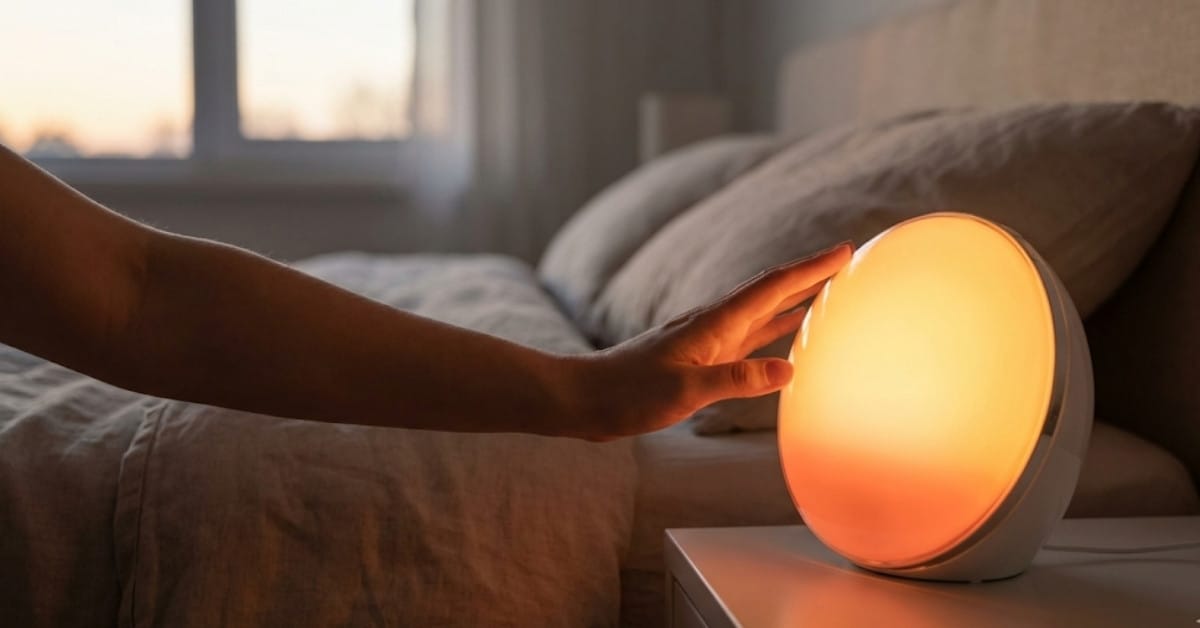
Wake Up Light technology is changing the way people get out of bed—by mimicking sunrise, these devices help you wake up naturally, with less grogginess and better overall sleep quality. If you’re looking for a real-world, no-nonsense guide to Wake Up Lights, and want tips that actually work, you’re in the right place.
Key Takeaways
- Wake Up Lights use scientifically-backed light patterns to improve sleep quality and next-morning alertness.
- The right light intensity (over 250 lux melanopic EDI) and gradual increase are important for effectiveness.
- Choosing a model with proven technical specs and real usability is crucial—don’t just buy the most expensive.
- What Is a Wake Up Light and Why Consider One?
- How to Use a Wake Up Light: Step-by-Step Setup
- Advanced Analysis & Common Pitfalls
- Conclusion
- FAQ
What Is a Wake Up Light and Why Consider One?
Wake Up Lights—also called sunrise alarm clocks—simulate a natural sunrise in your bedroom. Instead of jolting you awake with a loud sound, these devices gradually brighten your environment, gently coaxing your body out of sleep. This approach directly addresses the biological cues your brain uses to transition from deep sleep to full alertness.
There’s real science behind the hype. Exposure to bright, gradually increasing light during the wake phase can improve delta power and time in non-REM sleep, reduce night awakenings, and help you wake up with less fatigue. In fact, studies show that circadian-informed lighting can extend sleep time by up to 52 minutes and dramatically reduce grogginess, especially in tricky situations like night shifts. Want more detail? Here’s a study confirming that well-timed light exposure improves both sleep quality and morning performance.
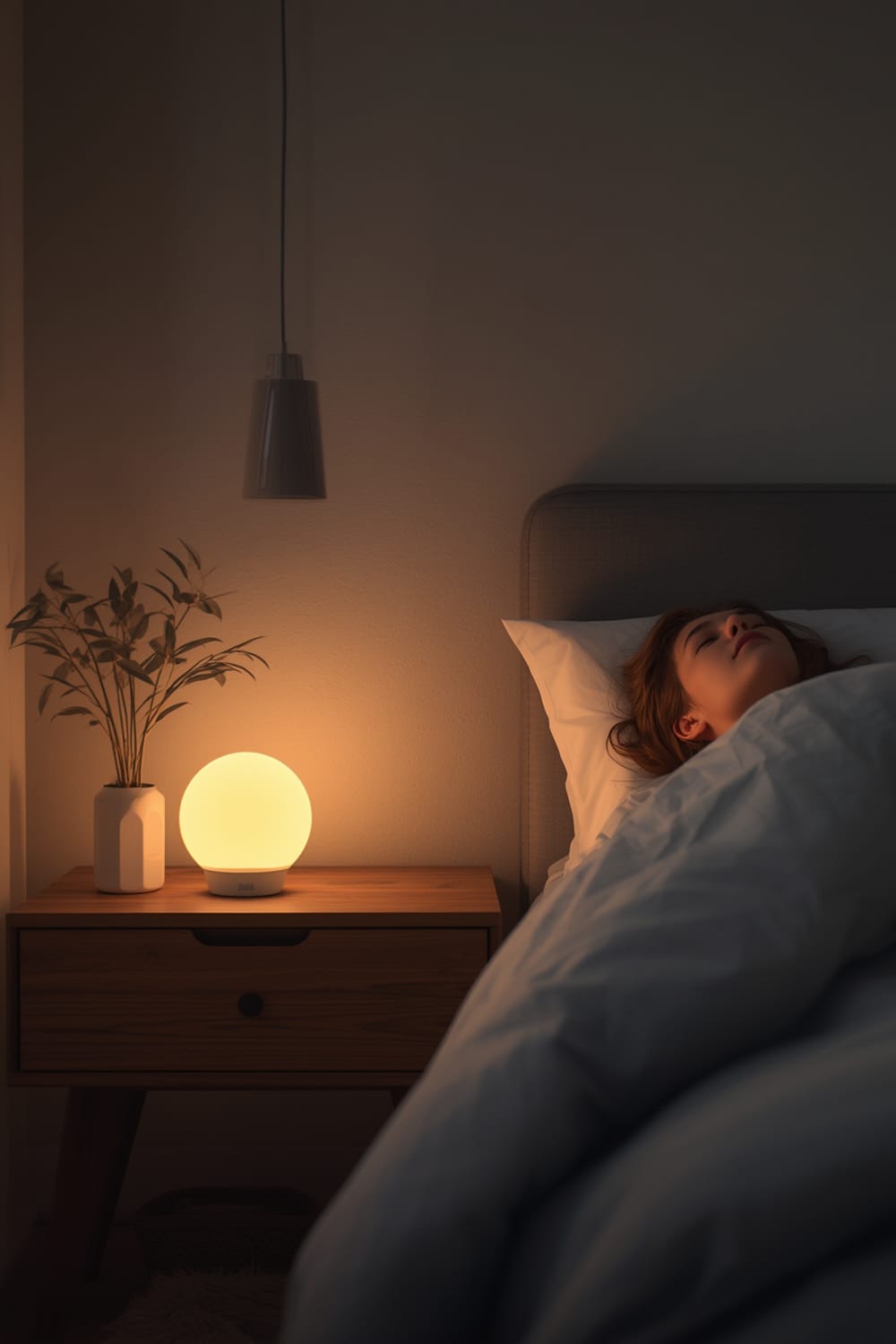
Most high-quality Wake Up Lights provide adjustable brightness, customizable fade-in times (typically 15-60 minutes), and sometimes additional features like white noise, natural sounds, or smart home integration. For those prioritizing sleep health and a smoother start to every day—especially shift workers or early risers—these devices are worth the investment.
If you’re already layering in smart home tech, Wake Up Lights can often sync with other automation routines. This lets them align with features like a smart coffee maker or your under mattress sleep sensor, creating an end-to-end “wake-up scene”.
How to Use a Wake Up Light: Step-by-Step Setup
- Choose the Right Device
Look for models that specify a light intensity of at least 250 lux melanopic EDI. Some well-reviewed models exceed 1,000 lux photopic brightness for better sleep timing. Aim for one with a customizable sunrise duration and intuitive controls. Avoid overpaying for extras you won’t use, like mood lighting or unwieldy apps. - Optimal Placement
Place the Wake Up Light on your bedside table or within 3 feet of your head. Obstructions—curtains, books, device screens—will block the gradual light signal and minimize effectiveness. - Set Your Wake Time
Pick your desired wake-up time, then adjust the “sunrise” fade-in duration. Most people benefit from a 30-minute gradual increase, but night owls or heavy sleepers could extend this to 45-60 minutes. - Configure Sound and Backup Alarm (Optional)
If your model includes nature sounds, try them at a low volume for an extra cue. Always set a backup sound alarm—gradual light is effective, but some extremely heavy sleepers will still need auditory reinforcement, especially during the winter with blackout curtains drawn. - First-Night Test
Test your setup the night before: verify the brightness ramp, sound settings, and backup alarm. This reduces frustration and ensures you don’t oversleep your first morning. - Track Your Results
Monitor how you feel when you wake up over the first week. Many users feel “off” the first day—this is normal. Adjust brightness or ramp duration until you consistently wake up feeling alert, not startled.
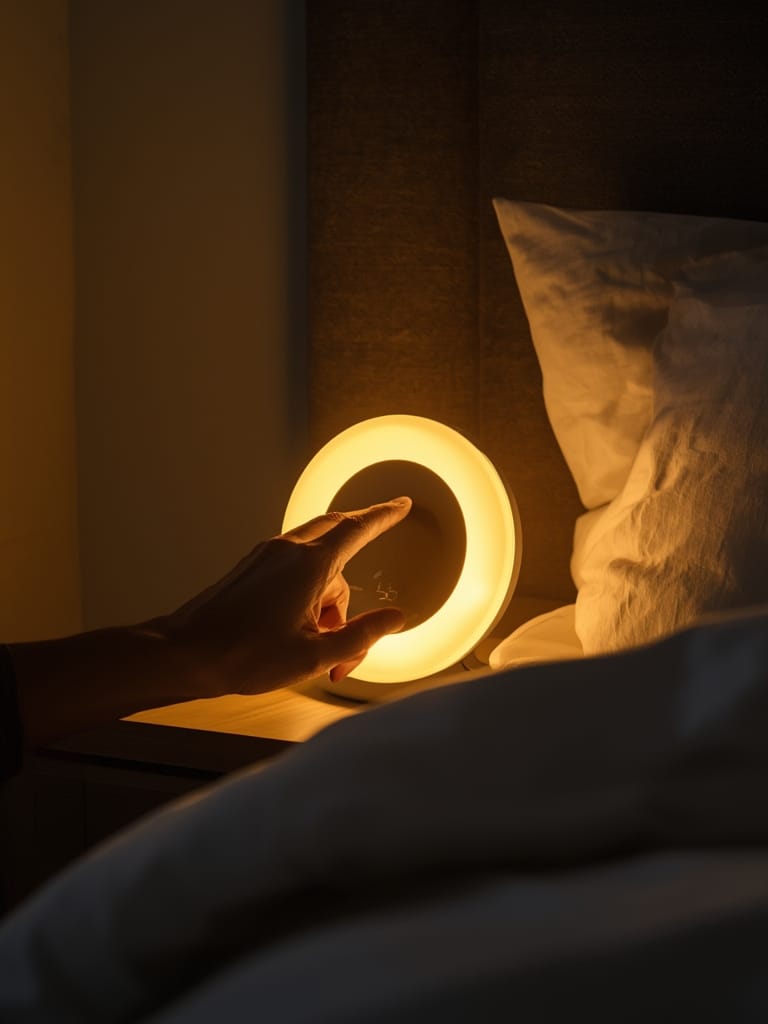
Advanced users may want to link their Wake Up Light to predictive home automation tools—so if your alarm is rescheduled or canceled (e.g., it’s the weekend), the light won’t wake you up needlessly. Use apps or automation platforms that support this logic if your model is compatible.
Not all models are the same. Some promise “sunrise simulation” but use low-powered LEDs incapable of filling the room. If your device doesn’t publish intensity data—or if you peep the manual and see anything lower than 250 lux—consider returning or upgrading. For context, scientific guidelines recommend over 250 lux melanopic EDI (not just photopic), and true sunrise effects often exceed 1,000 lux.
Advanced Analysis & Common Pitfalls
Let’s get honest: even with science on their side, Wake Up Lights are not foolproof. Some users complain about not feeling more rested, especially if the device isn’t bright enough, the placement is poor, or their bedroom is already flooded with light at dawn—diminishing any “sunrise” effect.
Other stumbling blocks? Complexity. Some “smart” models overcomplicate setup with clunky apps or unreliable Wi-Fi/Bluetooth—features that sound cool but mostly add frustration. Inconsistent firmware support is a hidden headache here: brands may promise future integration with your chosen automation protocol, but don’t deliver. If robust smart home connectivity is a priority, see how champions like Matter protocol or Agentic AI-based routines solve these pain points for other device classes.
| Feature | Minimum Spec (Recommended) | Potential Pitfall if Lacking |
|---|---|---|
| Light Intensity | ≥250 lux melanopic EDI (>1,000 lux photopic ideal) | Insufficient brightness equals little to zero benefit |
| Sunrise Ramp Duration | 30-60 minutes | Too quick = abrupt wake; too slow = missed window |
| Smart Home Integration | Matter or Assistant/Alexa/Apple integration | Manual setup frustration and routine limits |
| Physical Controls | Simple, tactile buttons | Overreliance on phone apps leads to setup issues |
| Backup Alarm | Audible sound or vibration backup | Heavy sleepers risk oversleeping with light only |
Real-world tip: Rooms with blackout curtains, north-facing windows, or wintertime darkness get the most out of a Wake Up Light. If your natural environment already matches sunrise, these devices provide less added value. Finally, don’t expect instant results—most users need a week or two of regular use to experience measurable improvements in sleep quality and morning energy.
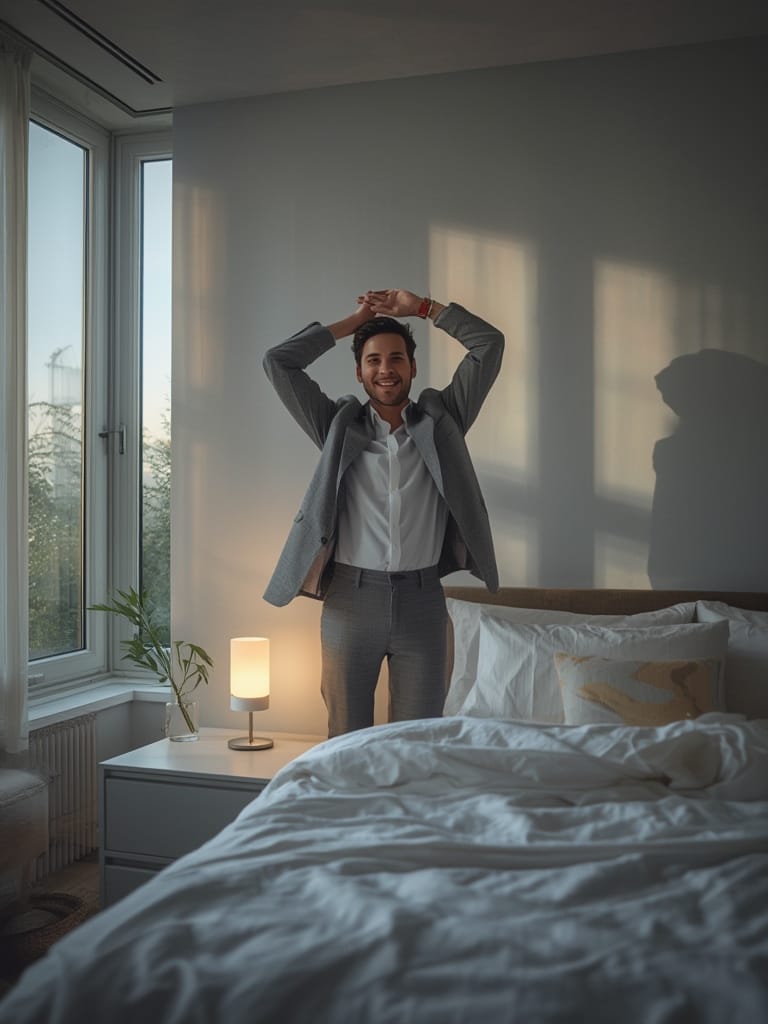
If you want to go even further, combine your sunrise alarm routine with temperature-controlled bedding or smart blinds automation to ensure your environment is comfortable and distraction free.
Transparency: At the time of writing, few manufacturers provide detailed spectrum data. When choosing a device, prioritize those who share real intensity measurements, not just marketing claims or “white light” descriptions.
Conclusion
Wake Up Lights are a proven, science-backed upgrade to your morning routine—especially if you struggle with traditional alarms or want to optimize your circadian rhythm. By focusing on the right light intensity, gradual ramp-up settings, and straightforward smart automation, you maximize the benefits of your Wake Up Light and avoid common pitfalls. Ready for better mornings? Make your move—invest in a sunrise alarm and turn the science of light into real-world energy.
For smart routines, check how your new Wake Up Light could coordinate with your Matter compatible devices list or upgrade to a predictive home automation schedule.
FAQ
Do Wake Up Lights really work better than regular alarms?
Yes, studies confirm that gradual, brightening light improves subjective alertness and reduces sleep inertia compared to a sudden audio alarm. For maximum benefit, ensure your light produces at least 250 lux melanopic EDI. See more on the science here.
How bright should my Wake Up Light be for best results?
Aim for at least 250 lux melanopic equivalent daylight illuminance (EDI) at pillow height. Some premium models exceed 1,000 lux for an even stronger effect, but too much brightness can feel harsh—find your best setting through a week of testing.
Does it matter where I place the device in my bedroom?
Absolutely. Position the Wake Up Light within about 3 feet of your head, angled so the light falls directly on your face. If you’re not noticing results, move the light closer or remove any objects blocking it.
Can I automate Wake Up Lights with my other smart home devices?
Yes, but check compatibility first. Models supporting Matter protocol, Alexa, Google Assistant, or Apple HomeKit are easiest to integrate. Use smart plugs or routines so lights, blinds, and coffee all trigger together.
Are Wake Up Lights safe for people with eye sensitivity?
Wake Up Lights are generally safe, but those with medical photosensitivity should consult a physician before use. Most devices allow you to adjust brightness settings to a comfortable level.