

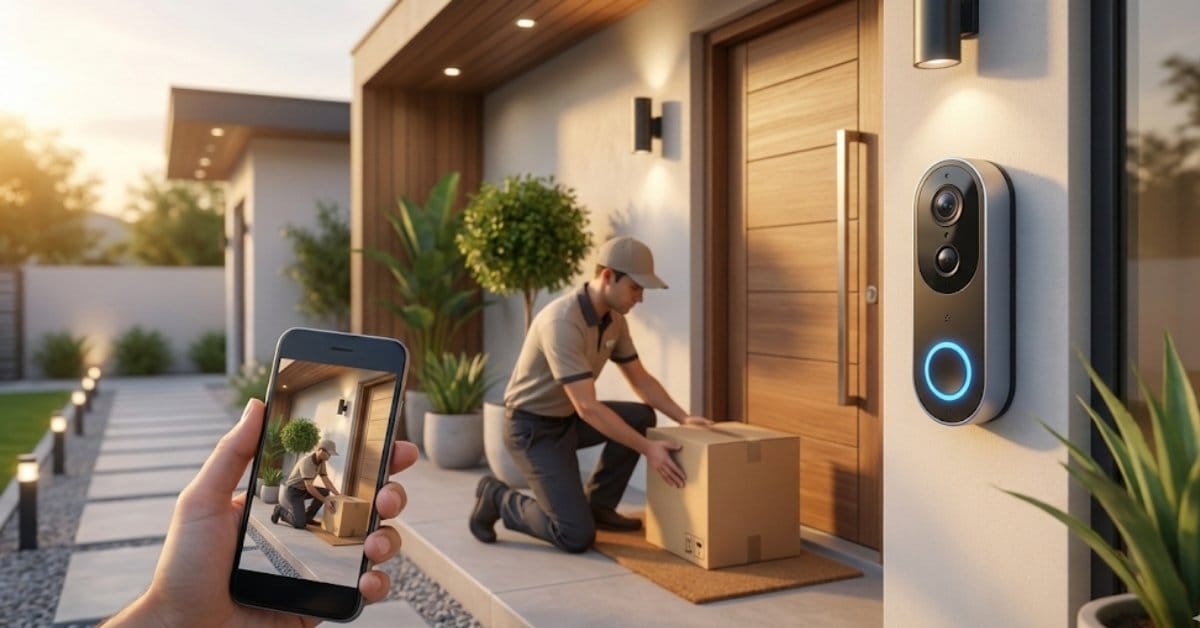
Smart Video Doorbell adoption is skyrocketing as homeowners look to boost security, track deliveries, and keep tabs on the front door—all from their phone. But choosing the right system is about more than just camera specs. Here’s a practical, research-backed guide to choosing, installing, and troubleshooting your video doorbell.
Key Takeaways
- Dual-camera video doorbells significantly improve package and visitor detection over single-lens models but have tradeoffs in battery life and pixel density.
- Field of view, resolution, and night vision directly impact how well your doorbell captures and identifies faces or packages.
- Real-world performance depends on placement, WiFi quality, and how you configure your smart home ecosystem.
- What Is a Video Doorbell and Why Do You Need One?
- Step-by-Step Guide: How to Choose, Install, and Optimize Your Video Doorbell
- Advanced Analysis & Common Pitfalls
- Conclusion
- Frequently Asked Questions
What Is a Smart Video Doorbell and Why Do You Need One?
A Smart video doorbell is a connected device that lets you see, hear, and speak to whoever’s at your door—wherever you are. These smart products use WiFi, a camera, a microphone, and often AI detection to alert you when someone’s at your entryway or when a package arrives. For many, the main drivers are stopping porch theft, monitoring visitors, and getting peace of mind.
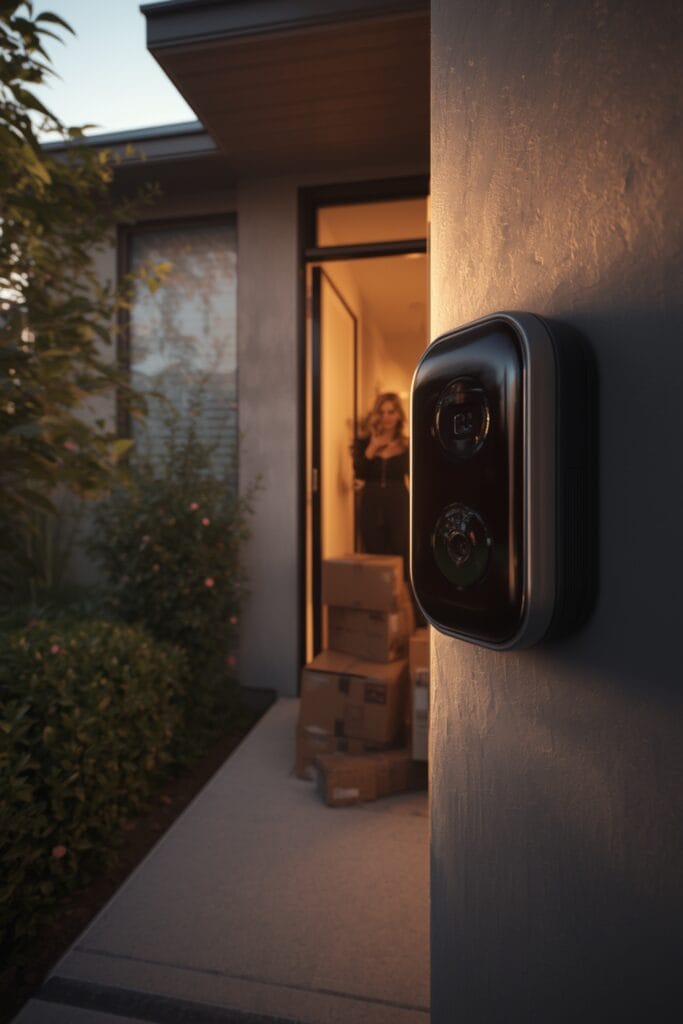
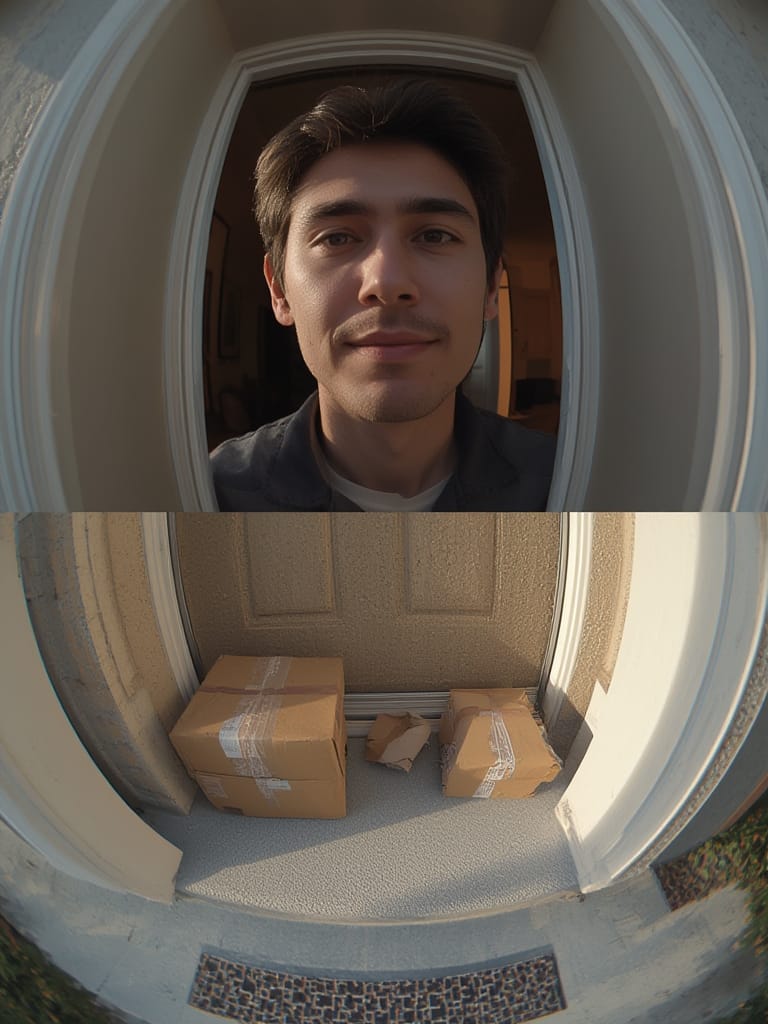
The latest generation of Smart video doorbells comes with sharper resolution, wider fields of view, and even dual-lens doorbells—giving you more reliable identification of faces and packages. For example, some dual-lens doorbells leverage advanced algorithms and dual sensors to catch both people and parcels left at your doorstep.
Unlike traditional cameras, video doorbells are tailored for entryway monitoring: motion detection alerts, two-way audio, and app-based notifications turn your phone into a control center. For smart home enthusiasts, most new models work with platforms like Google Assistant, Amazon Alexa, and increasingly, with Matter protocol–enabled homes.
Done right, a video doorbell does more than just film: it prevents missed packages, deters theft, and bridges the gap between your digital and physical front door.
Step-by-Step Guide: How to Choose, Install, and Optimize Your Smart Video Doorbell
Setting up a smart video doorbell isn’t just about screwing in the device—getting the right one means thinking about your entryway, your WiFi strength, and your smart home platform. Here’s how to do it right the first time.
- Assess Your Doorway and Mounting Options: Measure the width of your porch and check for obstructions like pillars. Most standard video doorbells have fields of view from 60 to 148 degrees (see field of view comparison). If your entry is wide or angled, go for a model with a wider field of view or a dual-lens system.
- Choose Key Features:
- Resolution: 2-5 megapixels is typical—1536 x 1536 pixels is now common on major brands like Ring (source).
- Night Vision: True infrared is a must for dim porches.
- AI/Detection: Models with package detection and facial recognition can alert on delivery and block false alarms (details).
- No-Subscription Option: Some users prefer models with microSD or local NVR storage. For cloud-only, check monthly costs and data retention.
- Check Compatibility: If you run a smart home ecosystem, make sure your selected doorbell supports it. Devices with Matter or HomeKit support will give you more flexibility long-term.
- Install It Right:
- If hardwiring, turn off the breaker first and use the supplied wedge or angle mount to adjust for the best view.
- For battery-powered units, fully charge first; consider solar charger accessories to minimize downtime.
- Test, Adjust, and Fine-Tune:
- After installation, walk test at different times of day. Adjust sensitivity and motion zones to minimize false alerts from traffic, trees, or pets.
- Try two-way talk. If audio echo or lag occurs, check your phone’s network (sometimes LTE vs. WiFi connection impacts quality).
- Integrate with Other Devices:
- Link with a biometric lock to allow remote unlocking.
- Add a presence sensor or garage controller so automations (like lighting) trigger when someone approaches—useful for security and welcoming guests.
- For privacy, choose models with a mechanical privacy shutter if indoor cameras are present.
Every step—selection, installation, and configuration—directly impacts how much you get out of your Smart video doorbell. Skimping on WiFi or ignoring motion zone setup often means missing the events that matter most.
Advanced Analysis & Common Pitfalls
Even the best Smart video doorbells aren’t foolproof. Here’s what research, along with real-world tests, reveal about limitations, tradeoffs, and how to avoid costly mistakes.
Common Pitfalls
- Too Wide a Field of View: Wider isn’t always better. A 136-degree horizontal field of view can result in lower pixel density, making face identification at distances blurry (source).
- Poor Package Detection: Single-lens models may miss packages, especially small ones placed close to the door. Dual-lens options “excel at facial recognition and can even detect packages left at your doorstep,” but draw more power and may be physically bulkier (more here).
- Bad Placement: Mounting the doorbell too high or low means motion alerts trigger either on passing cars or just feet, not faces.
- Weak WiFi or Power: Dead spots cause lag or missed events. Hardwired models are more reliable for high-traffic homes but may need professional install.
- Privacy Oversights: Many users forget to disable “always-on” recording or fail to add privacy shutters indoors (learn more).
Comparison: Dual-Lens vs Single-Lens Doorbells
| Feature | Dual-Lens | Single-Lens |
|---|---|---|
| Package Detection | High accuracy with advanced object recognition (no published % data) | Medium or low, can miss packages at edge/corners |
| Facial Recognition | Excellent, especially at door height | Good only if face is close and centered |
| Pixel Density | Can be lower per lens | Higher if FOV is narrower |
| Power/Battery Life | Shorter run time, more frequent charges | Usually longer between charges |
| Cost | Often higher; few budget models | Widely available at all price points |
While Ring’s latest model pushes the boundaries with 1536 x 1536 resolution and package detection, it’s worth considering if you need top-tier features, or if a simple, reliable, lower-res model fits your needs better.
Families in apartments or homes with angled, shared entryways may need to be especially careful when picking; privacy and mounting choices matter. If discreet installation is important, avoid bulky dual-lens models and double-check local regulations about recording shared spaces.
Conclusion
A modern Smart video doorbell can be your best ally against porch pirates, missed deliveries, and unwanted visitors. The most important takeaways: nail your WiFi coverage, install the device at the right height, and configure motion zones for your unique entryway. Dual-lens systems offer better detection but are more expensive and may have shorter battery life, while single-lens models work well for basic monitoring needs.
Ready to secure your doorstep? Research the best Smart video doorbell for your layout, invest in solid networking, and tweak your setup for reliable alerts and clear footage. Don’t hesitate to revisit our guides on biometric locks, other security devices, or Matter protocol compatibility to build a complete smart entry system.
Frequently Asked Questions
Which is better for package detection: dual-lens or single-lens Smart video doorbells?
Dual-lens Smart video doorbells typically offer superior package detection thanks to their dedicated downward-facing camera and advanced object recognition. However, they can have more demanding power needs and are less affordable than most single-lens options.
Can I use a Smart video doorbell without paying a subscription?
Yes. Several models store video locally (via SD card or NVR) or offer basic notifications for free. However, advanced features like AI detection and cloud storage often come with a subscription fee.
Will my Smart video doorbell work if my WiFi is unreliable?
Only to a limited extent. Poor WiFi can cause lagging video, missed notifications, or dropped connections. Use a mesh system or extender if your router is far from your door.
How do I maximize privacy with a Smart video doorbell?
Disable always-on recording if you value privacy and choose models with mechanical privacy shutters for indoor monitoring. Also, check local laws about recording shared entryways, especially in apartment complexes.
What other smart devices pair well with a Smart video doorbell?
Integrate your video doorbell with smart locks for remote entry, scene controllers for quick routines, and presence sensors for automated lighting or security responses. See our articles on biometric locks and garage controllers for deeper integration ideas.