

Garage Controller technology is redefining home automation by giving homeowners tighter control, security, and convenience in managing their garage doors. Whether you’re looking for a hands-off approach with your smartphone or seamless smart home integration, understanding the current market realities and technical details is key.
Key Takeaways
- Smart garage controllers are growing rapidly, with projected global market value surpassing $1.47 billion by 2033.
- Bluetooth 5.0 and advanced encryption have significantly improved reliability and security for modern garage controllers.
- Real-world integration, user experience issues, and support for Apple HomeKit/geofencing remain inconsistent and require careful selection.
- The Core Concept: What is a Garage Controller and Why Choose One?
- Step-by-Step Guide: How to Select and Set Up a Smart Garage Controller
- Advanced Analysis & Common Pitfalls
- Conclusion
- FAQ
The Core Concept: What is a Garage Controller and Why Choose One?
A garage controller is a smart device that automates your existing garage door opener, putting open-close control, scheduling, and security into your smartphone or smart home system. These controllers fit onto standard garage door motors and use WiFi or Bluetooth (5.0+) to synchronize with apps or digital assistants like Alexa, Google Assistant, or, in some cases, Apple HomeKit.
The main appeal? No more hunting for remotes, driving back to check if the door is closed, or worrying about deliveries. A smart garage controller brings remote access, scheduled routines, and even geofencing (automatic opening/closing when you come and go), making it a favorite upgrade for the connected home.
Market demand is strong: the global smart garage door opener market reached $0.65 billion in 2024 and is expected to grow at over 9% CAGR through 2033, reflecting the shift toward smarter, safer garages (see source).
For those interested in compatibility issues across brands, check out our detailed guide on Matter compatible devices list—the emerging protocol that addresses device-to-device interoperability between Apple, Amazon, and other smart home systems.
Step-by-Step Guide: How to Select and Set Up a Smart Garage Controller
Upgrading your garage is straightforward if you follow these actionable steps. Here’s how to pick the right controller and avoid hidden frustrations:
- Assess Your Garage Opener: Identify your existing garage opener’s manufacturer and model. Download its manual or check the support site to see if smart addon modules are compatible.
- Prioritize Essential Features: Decide if you need Apple HomeKit, geofencing, voice control, or integration with your broader smart home. Note: Many models support Alexa and Google; Apple HomeKit is rarer, so filter accordingly.
- Compare Reliability & Security: Favor units with Bluetooth 5.0+, advanced encryption, and multi-factor authentication. Devices from Chamberlain, Genie, Tailwind, or Nexx are typically more secure (see source).
- Assess App & Smart Home Integration: Read recent reviews on app stores—not just Amazon listings—to understand real issues with alerts, lag, or lost connections. If you want future-proofing, research platforms that support Matter (Matter protocol benefits).
- Price & Installation: Smart garage controllers in 2024 vary widely in price. While no specific numbers are reported for HomeKit/geofencing models, expect $50-$130, plus $0 for DIY or $100-$200 for pro installation. Prioritize easy DIY if you’re comfortable connecting basic wires (low-voltage only) and downloading mobile apps.
- Perform the Installation: Follow the provided instructions exactly. Typically, you’ll scan a QR code, connect to WiFi/Bluetooth, add sensors to the door, and test open/close from your phone (double check safety sensor alignment).
- Set Up Routines & Alerts: Use the app to automate open/close based on schedules or geofencing. Test geofencing thoroughly—some apps offer generous geofence radius adjustments, but reliability can vary widely by brand and phone model.
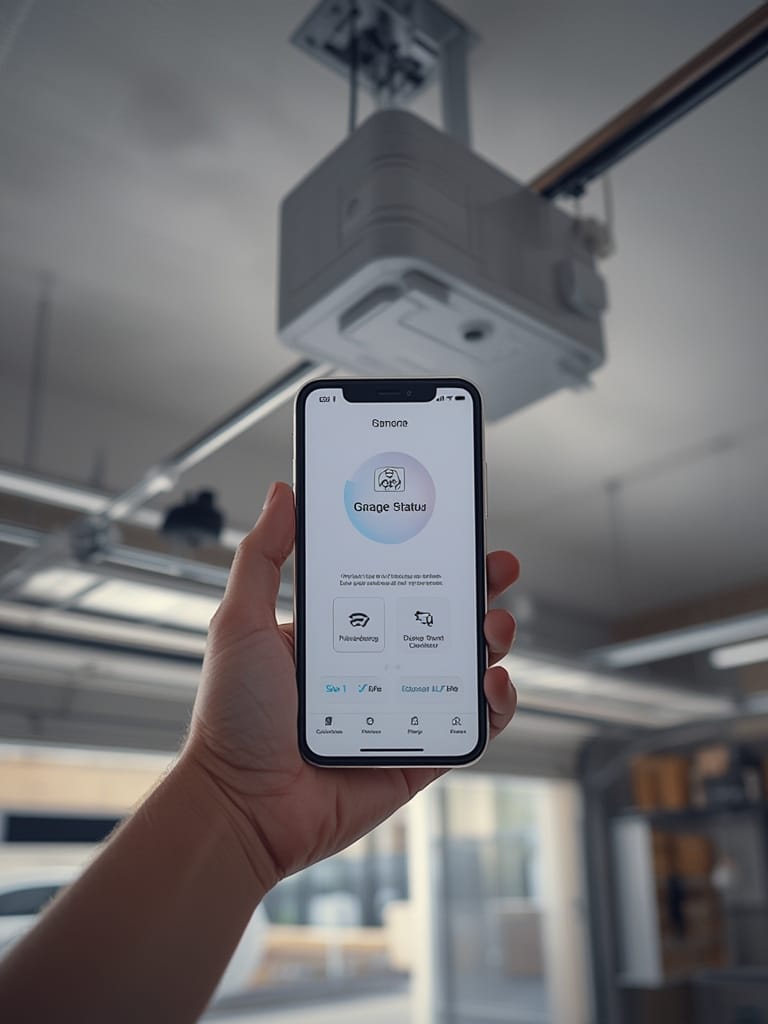
If you want to take smart automation a step further, explore agentic AI for home automation—these emerging systems can recognize your routines, predict when you’ll leave or return, and proactively trigger the garage controller. Real “set it and forget it” convenience.
For app-centric control fans, check out air fryer with app control and other trending connected kitchen appliances.
Advanced Analysis & Common Pitfalls
The garage controller market is advancing, but not all solutions are equal. Here’s a look at real pain points, technical pitfalls, and whether the promised features match up:
Key Challenges and Gotchas
- Spotty Geofencing: Few brands offer reliable geofencing. Real-world reliability is inconsistent; factors like GPS lag, phone battery optimization, or WiFi dropouts can cause unpredictable results. Some manufacturers overpromise this capability.
- Apple HomeKit Support is Limited: Even top contenders (like Chamberlain MyQ) often skip direct HomeKit support. Workarounds, like Homebridge, add complexity and may suffer from software updates or require tech-savvy setup.
- Firmware Updates: Long-term firmware support is rarely addressed in product listings. Devices may stop receiving updates, compromising security or losing functionality if smart home platforms evolve. This is a hidden risk buyers often overlook.
- Integration with Broader Ecosystems: Siloed apps are still common. True integration—like controlling your garage door as part of full-home routines (lighting, security, and more)—is where many brands fall short. See how Matter compatibility is changing this landscape in our Matter protocol guide.
- Installation Surprises: DIY install is the norm but check wiring needs. Some openers lack push-button compatibility and require relay modules or additional adapters (often $15-$40 extra).
- Questionable Customer Support: Based on industry research, competitor support channels and update guarantees are not transparent. Reviews on support for firmware issues or warranty claims are mixed, so buy from brands with a track record for customer service.
- No Publicized Major Breaches or Recalls Yet: While no recent security incidents are documented, users should not assume infallibility. Advanced encryption and multi-factor authentication via Bluetooth 5.0+ have made breaches rare (see source), but the risk rises if firmware is abandoned or if users reuse weak passwords.
| Feature | Chamberlain MyQ | Genie Aladdin | Nexx Garage | Tailwind IQ3 |
|---|---|---|---|---|
| Apple HomeKit Support | No* | No | No* | No* |
| Alexa/Google Integration | Yes (via MyQ app) | Yes | Yes | Yes |
| Geofencing | Basic | Limited | Available | Reliable |
| Bluetooth 5.0+ | No (WiFi only) | No (WiFi only) | No (WiFi only) | Yes |
| Encryption/MFA | Yes | Yes | Yes | Yes |
| DIY Installation | Yes | Yes | Yes | Yes |
| Professional Installation Option | Yes | Yes | No | No |
| Matter Protocol Support | No | No | No | Expected late 2025 |
* Can be bridged unofficially via Homebridge or advanced hacks.
Looking for integration beyond the garage? Explore next-gen biometric lock options or tracking floodlight camera upgrades for unified smart home security.
Conclusion
Smart garage controllers combine convenience and security but require careful shopping—especially for users committed to a seamless smart home. Bluetooth 5.0, encryption, and reliable app control are now the baseline, but Apple HomeKit support and robust geofencing are still hit-or-miss in 2024. Leverage internal links above to deepen your research on interoperability and upcoming standards. Ready to upgrade? Choose a garage controller that fits both your technical needs and future integration plans.
Want smarter routines across more devices? Dive into full-home automation guides and take command of your connected home today.
FAQ
Which garage controllers support Apple HomeKit natively?
As of 2024, very few mainstream garage controllers support HomeKit out of the box; most require Homebridge or similar workarounds. Always check the product listing or support documents before buying.
Is professional installation necessary?
No, most smart garage controllers are designed for easy DIY installation (with low-voltage wiring). However, pros can help with compatibility issues, advanced setups, or when your opener model is missing from supported lists.
Are smart garage controllers safe from hacking?
Modern controllers feature advanced encryption and multi-factor authentication, especially those with Bluetooth 5.0+, making hacking unlikely. However, security risks can still emerge if devices stop receiving firmware updates or if users reuse weak passwords.
How reliable is geofencing for automatic open/close?
Geofencing depends on the brand, your phone’s GPS, and background app permissions. It works well for some, but remains unreliable or inconsistent for others—always test it thoroughly after setup.
What is the Matter protocol, and should I wait for it?
The Matter protocol is a new standard for smart home device compatibility (see our Matter protocol benefits guide). Waiting for Matter-ready devices is smart if you want seamless integration with Apple, Amazon, and Google systems.