

Scene Controller technology is rapidly changing how we interact with smart homes, offering a simple, physical way to trigger complex routines and control multiple devices with one press. If you’re searching for a practical, highly actionable guide—without any hype or filler—start here.
Key Takeaways
- Scene Controllers give you tactile, instant control over your smart home, solving the hassle of using only apps or voice commands.
- Despite rapid market growth, users often encounter real setup and reliability issues, so choosing the right hardware and protocol matters.
- Getting the most value from a Scene Controller means understanding integration, automation options, and potential pitfalls before buying.
- What Is a Scene Controller, and Why Should You Care?
- How to Set Up and Use a Scene Controller: A Step-by-Step Guide
- Advanced Analysis & Common Pitfalls
- Conclusion
- FAQ
What Is a Scene Controller, and Why Should You Care?
A Scene Controller is a physical device—often a button, remote, or wall switch—that triggers multiple smart home actions at once. With a single press, you can turn off lights, close blinds, adjust the thermostat, and lock the doors, all without launching an app or shouting to a voice assistant. They answer a basic need: instant, tactile control. For anyone who dislikes screens or fiddly voice commands, Scene Controllers are a more reliable and satisfying interface for smart living.
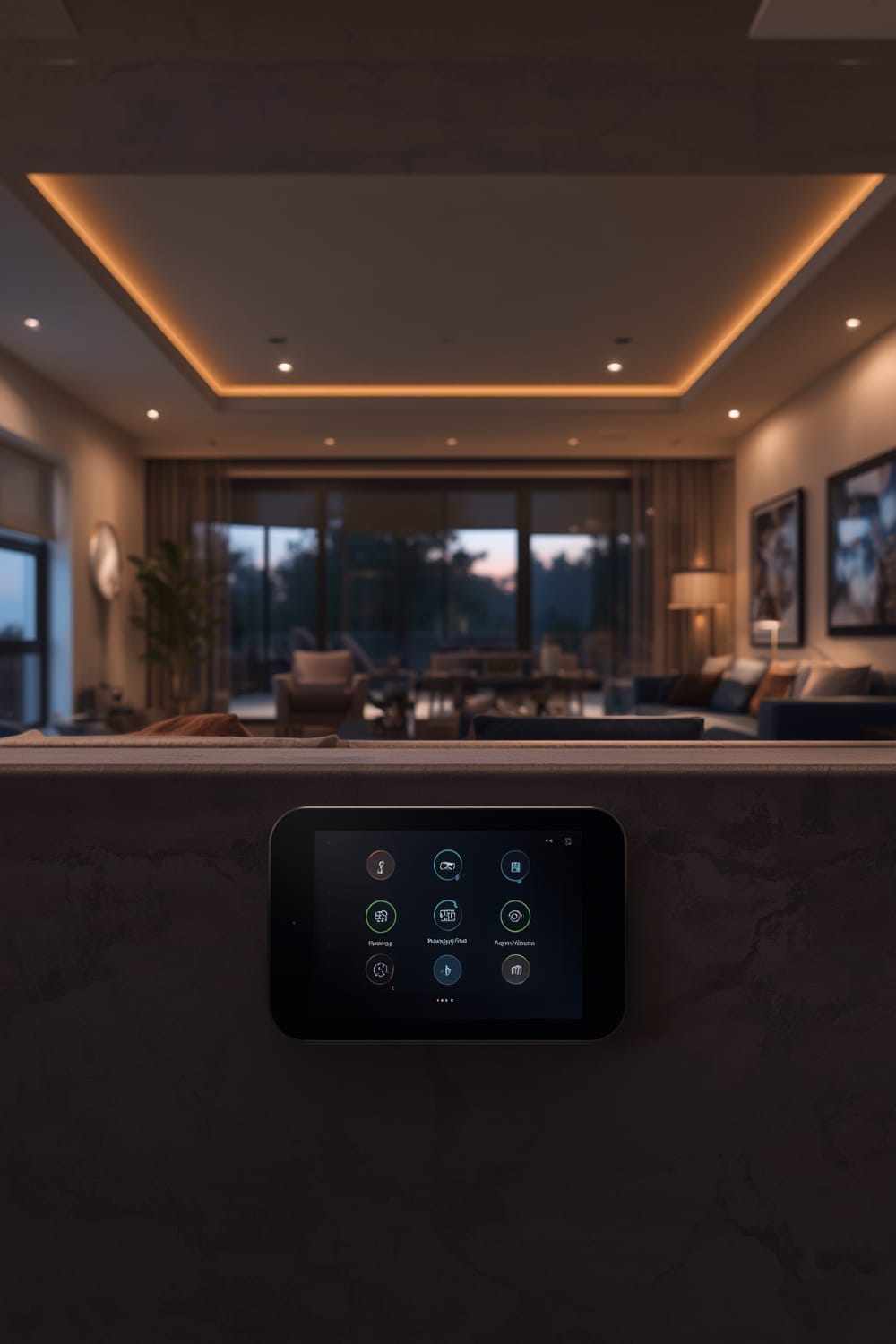
Scene Controllers are growing well beyond “nice to have” status. The global Scene Controller market hit USD 3.2 billion in 2024 and sits inside a larger smart home sector valued at nearly USD 94 billion worldwide. Tactile control is coming back in style as complexity and device counts explode.
Why care? Because tapping one button—or assigning one for every family member—is often faster, more privacy-friendly, and more accessible than voice or apps. With support for Apple HomeKit, Google Home, Amazon Alexa, SmartThings, and, increasingly, new standards like Matter, a well-chosen Scene Controller can finally unify your smart home with something as simple as a light switch.
How to Set Up and Use a Scene Controller: A Step-by-Step Guide
Getting the most from a Scene Controller requires a methodical approach—skipping steps leads to frustration. Here’s how to set yours up from zero to “Wow, that was easy.”
- Choose Your Scene Controller
Decide on the form: wall-mounted, handheld remote, or tabletop button. Match compatibility to your home’s smart system—Apple, Google, Amazon, SmartThings, or open platforms like Home Assistant. - Check Hub Requirements
Many Scene Controllers require a central hub (Zigbee, Z-Wave, or proprietary). Verify if you need an extra hub or can leverage one you already own, like an Echo (for Zigbee) or Apple HomePod (for Thread/Matter). - Connect to Your Ecosystem
Pair the Scene Controller with your hub or app. Follow the device manufacturer’s steps. If you’re mixing ecosystems, Matter compatible models or bridges will simplify things. - Assign Actions or Automations
In your smart home app, map each button to a group of actions—a “scene” (e.g., Movie Night: dim lights, turn on TV, close shades). Try “double tap” and “hold” variants for more options from one button. - Test for Latency & Reliability
Try each programmed scene in real conditions. Many systems lag or even fail if Wi-Fi drops or if batteries are weak. Address these pain points upfront instead of later, especially if you have family or guests relying on a single switch. - Optimize for Accessibility
Mount controllers where they’re easily reached, especially for children, elderly, or users with mobility challenges. Large tactile buttons or labels make a big difference.
Extra Step: Document your automations. If guests or spouses are confused, stick simple instruction labels near dedicated buttons and update automations as your routines change.
Interested in more advanced automations that “think ahead” for you? Check out predictive home automation using Agentic AI, which can work alongside Scene Controllers for a truly intelligent setup.
Advanced Analysis & Common Pitfalls
Scene Controllers aren’t perfect, and the research backs this up. Here are the main pitfalls you’ll want to avoid, and some advanced considerations before you invest further.
- Setup Complexity
Many models require multiple apps, account linking, or even firmware updates before they’ll work. Verify if your device needs a dedicated hub or extra step—especially if you want to combine devices from different brands. - Integration Limitations
Not all Scene Controllers support every ecosystem natively. Some claim “universal compatibility” but deliver partial, clunky support (e.g., only basic on/off in Apple HomeKit instead of full multi-action scenes). Double-check detailed compatibility before buying. Matter is changing this, but every product is a little different in early releases. - Latency and Reliability
If speed matters, Zigbee and Thread/Matter often outperform Wi-Fi or cloud-only switches. Wi-Fi buttons tend to lag if your home network is busy or the cloud service is down. battery-powered scene switches can lose connection without warning—always have a routine for checking battery status. - Programmable Actions
Most users underestimate how many actions a button can handle. Each “tap,” “double-tap,” and “hold” is programmable—but mapping too many routines on one button can confuse everyone. Simpler is better. - Noisy Installations
Some switches “click” loudly or have bright indicator LEDs. For bedrooms or quiet spaces, choose models with silent operation or dimmable indicators. - Security & Privacy
There are currently no documented, device-specific privacy concerns with scene switches. Still, keep your hub firmware updated and use strong Wi-Fi passwords. General smart home security market trends show rapid adoption but not major controller-specific threats.
| Feature | Zigbee/Thread | Z-Wave | Wi-Fi | Cloud-Based |
|---|---|---|---|---|
| Latency | Low (instant) | Low (instant) | Variable | Variable to high |
| Reliability | Local fallback; high | Local fallback; high | Depends on Wi-Fi | Fails if internet lost |
| Compatibility | Excellent (with Matter) | Growing | Universal, but basic only | Brand-locked |
| Programmable Actions per Button | 3-6 typical | 3-6 typical | 2-4 typical | 2-3 typical |
| Battery Life | 1-2 years | 1-2 years | 6-12 months | Varies |
If you want fully “invisible” control, check out trends in Quiet Automation. These focus on hidden, ambient sensors instead of only buttons, and they pair well with tactile Scene Controllers for backup or override.
Conclusion
Scene Controllers are the link between complex smart home routines and true simplicity. When set up correctly, they deliver fast, reliable, and tactile control that anyone can use—kids, guests, or those who don’t want to rely solely on voice commands. The rapid growth of the Scene Controller market proves their value, but you’ll want to research hub requirements, choose the right protocol (ideally Matter compatible for future-proofing), and learn how to avoid common pitfalls before committing.
Ready to simplify your daily routines? Review your needs, check compatibility with your smart home ecosystem, and invest in a Scene Controller that meets your current and future goals. Explore more actionable smart home guides—such as remote aquarium monitoring, smart garage controllers, or even autonomous automation—on our main site.
FAQ
What exactly does a Scene Controller do?
A Scene Controller is a physical device that triggers multiple smart home actions—such as lights, blinds, climate, and locks—with one press, saving time and effort compared to using apps or voice commands.
Do Scene Controllers work without Wi-Fi or the internet?
Many Zigbee, Z-Wave, or Thread-based Scene Controllers operate locally (no internet required). Wi-Fi or cloud-only versions may stop working if your home network goes down.
Can I use a Scene Controller with devices from different brands?
Some controllers work across brands, especially if they use the Matter protocol. Always check detailed compatibility before buying to avoid disappointment.
Are physical Scene Controllers more accessible for seniors or people with disabilities?
Yes. Because they provide tactile feedback and visible controls, Scene Controllers are easier to use for people who struggle with screens or voice assistants. Large buttons and custom placement improve accessibility further.
What is the typical battery life for a wireless Scene Controller?
Zigbee and Thread-based models often last 1-2 years on a coin cell battery. Wi-Fi models may need recharging every few months due to higher power usage.