

Meat Thermometer technology has changed the way people grill, smoke, and roast, but relying on wireless models comes with unique benefits and drawbacks you need to know before your next backyard cookout.
Key Takeaways
- Wireless meat thermometers like MEATER and TempSpike are accurate to within 1–7°F, but ambient readings can be unreliable at first.
- Connectivity, probe thickness, and real-time app features separate good models from average ones—look for Bluetooth 5.2 and dual sensors.
- Most wireless thermometers don’t require app subscriptions, and battery life averages a full day per charge for serious cooks.
- What is a Meat Thermometer and Why It Matters
- How to Use a Meat Thermometer: Practical Guide
- Advanced Analysis and Common Pitfalls
- Conclusion
- FAQ
What is a Meat Thermometer and Why It Matters
A meat thermometer is a kitchen or grilling tool that measures the internal temperature of meat. Modern versions like the MEATER and TempSpike use wireless technology and smartphone apps to let you monitor food remotely. This lets you skip constant opening of the grill lid or oven door, avoids overcooking, and helps you hit that perfect doneness every time.
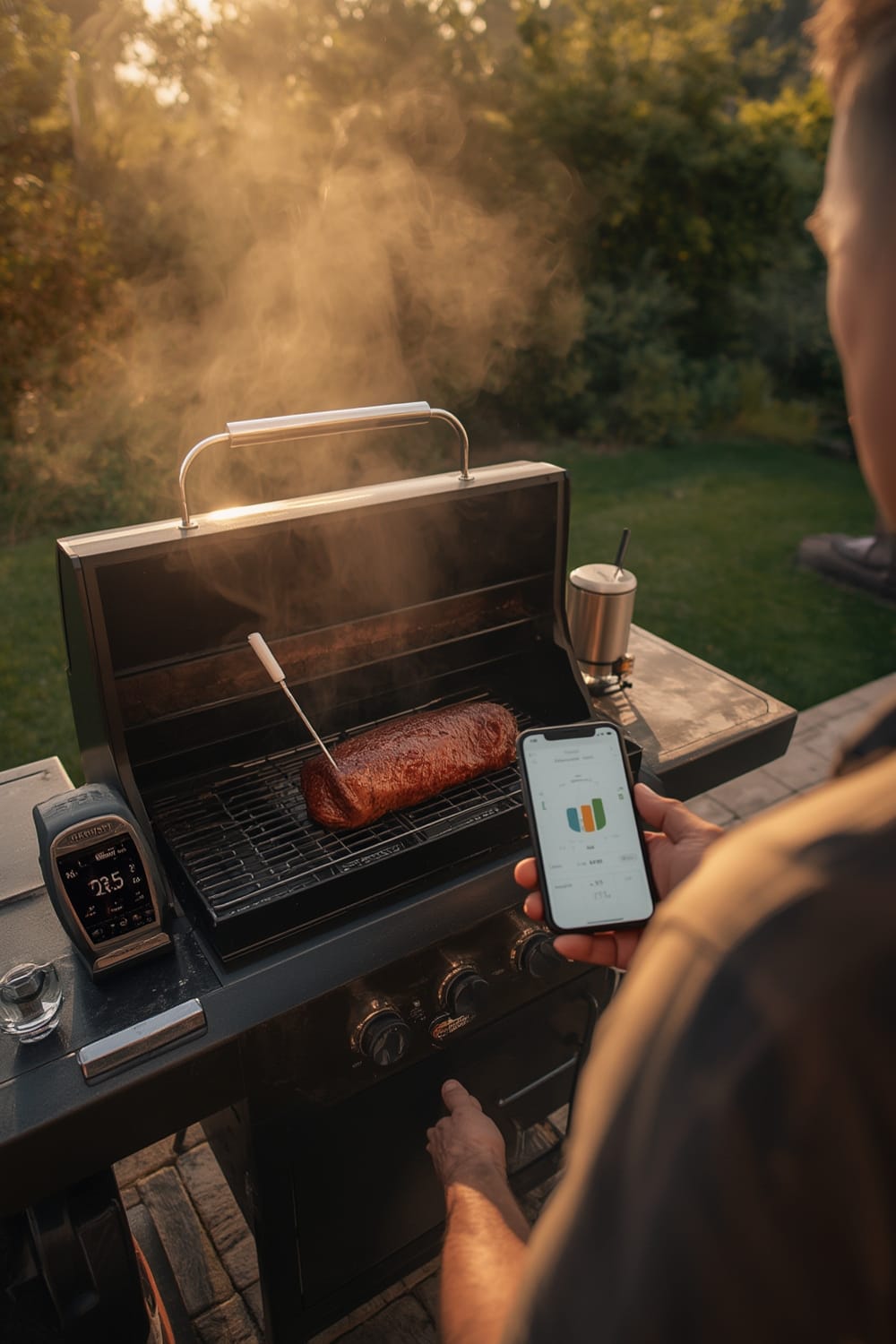
A quality meat thermometer removes the guesswork from barbecue and roasts. Whether you’re a weekend pitmaster or just cooking chicken safely for your family, knowing the exact temp is non-negotiable. Wireless models have exploded in popularity because they allow you to multitask, track multiple probes, and get alerts when your food is done—all from your phone. For example, bluetooth BBQ thermometers with a range over 300 ft (like TempSpike) will let you prep sides inside, play with the kids, or entertain guests while keeping a close eye on the cook.
But, like Matter compatible devices which solved earlier smart home headaches, not all models are created equal. Some have limited range, may be too thick for delicate cuts, or provide inaccurate ambient readings if you’re not careful.
If you’re serious about hands-off, precision backyard cooking, investing in a reliable wireless meat thermometer can seriously improve your results.
How to Use a Meat Thermometer: Practical Guide
Wireless meat thermometers aren’t hard to master, but using them correctly (and safely) gets you the best results. Here’s a practical sequence for maximum accuracy on your next cook:
- Charge and Sync: Make sure your probe (like those from MEATER or TempSpike) is fully charged. Open the app and make sure the probe syncs. Top models only need 1-2 hours of charging for a full cook.
- Preheat and Place Probe: Insert the probe before the meat warms up, so you don’t lose juices poking it later. Aim for the thickest section, and push until the sensor end is in the middle. Thicker probes may struggle in fish or thin pork chops—something users report with MEATER.
- Set Up App Alerts: Select your target temperature (rare, medium, etc.) in the app. Enable alerts for target temp, and if available, set proximity alerts so you don’t walk out of Bluetooth range.
- Monitor, Don’t Babysit: Keep the phone nearby, but feel free to multitask. Most current wireless thermometers use Bluetooth 5.2 for over 500 feet of range—some, like TempSpike, push up to 632 feet through a yard and grill lid.
- Verify Near Finish: For thick roasts, use an instant-read probe (or the secondary channel, if available) for confirmation near your target temp. Even the most accurate wireless probes can be 2-5 degrees off, especially if ambient sensor was slow to catch up early on.
- Rest and Clean: Once you reach temp, remove the probe and let the meat rest. Clean the probe soon after when residue is softer and easier to wipe.
For insight on setting up your smart appliances for remote monitoring, check out how an AI oven with food recognition automates cook times, or see how you can monitor your air fryer with app control from the next room.
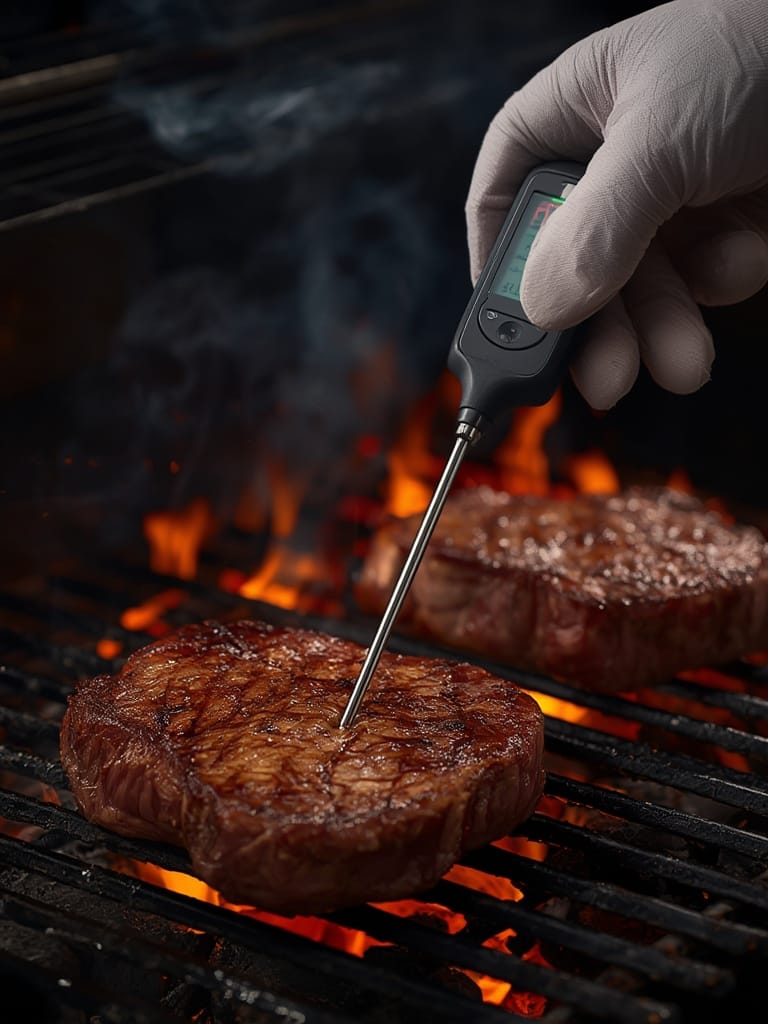
Remember, external temperatures can wreak havoc on readings—sun, wind, or grill placement can all skew the results. Keep the base (if there is one) close to the grill for best Bluetooth signal, and don’t be afraid to move if your app warns of a signal drop.
If you want to go even further, consider integrating long-range Bluetooth monitoring like you would with a LoRa driveway alarm to avoid losing connection on huge lots.
Advanced Analysis and Common Pitfalls
Most wireless meat thermometer reviews skip over the “real life” obstacles. Here’s what you should actually watch out for, based on rigorous testing and user feedback:
| Feature | TempSpike | MEATER | Traditional Instant-Read |
|---|---|---|---|
| Accuracy | Within 1–7°F (1°F in boiling tests) | Within 2–5°F of reference in most cooks | Benchmark; highest accuracy (when used correctly) |
| Connectivity Range | Up to 632 ft (Bluetooth 5.2) | Typically under 260 ft | Not applicable |
| Probe Thickness | Slim, suitable even for chicken breast | Thicker, struggles with thin cuts | Various slim options |
| App Features | Simple, dual-sensor, real-time, basic timers | Feature-rich, advanced layouts, more recipes | None |
| Ambient Sensor Accuracy | Sometimes slow in first 20–30 mins | Usually reads low at first as well | Not available |
| Battery/Charge | Rechargeable, 24+ hrs per charge | Rechargeable, long life | None or replaceable battery |
| Ongoing Costs | No subscriptions; battery charge cycles | No subscriptions; battery charge cycles | Battery replacement (minimal cost) |
- Ambient sensor inaccuracy at start: Both MEATER and TempSpike can give ambient temperatures that read too low until the chamber heats up or the meat warms up substantially. This is universal among current wireless models, not just a bug in one brand (see test data).
- Probe diameter frustration: MEATER probes are thick enough that small fish fillets or chicken can tear or split, making them less suitable for very thin proteins. TempSpike and similar models offer a slimmer profile—but always check before buying, especially if you cook lots of thin cuts.
- Estimated cook times aren’t always reliable: No matter how slick the app interface, the calculated finish time can be way off due to unpredictable grill or oven fluctuations.
- Signal problems with big obstacles: TempSpike covers the biggest range for standard home yards, but very thick house walls or placement far from the base may still cause connection loss. Keep your phone within range of the base or use proximity alerts in-app (range test).
- Instant-read thermometer backup is a must: Even the best wireless probes should be double-checked with a fast instant-read thermometer near the finish for critical cooks. This is particularly true if safety is a concern with poultry, or if you want pink perfection on steak.
Depending on what you value most—accuracy, convenience, or advanced controls—you may want to compare wireless probes to other smart kitchen tech. For example, some users combine their thermometer with an automated grill fan controller or track oven behavior with smart home dashboards, similar to real-time energy dashboards.
Conclusion
Wireless meat thermometers deliver unmatched convenience and solid accuracy—as long as you understand their real-world quirks. Models like TempSpike lead on Bluetooth range and thin probe design, while MEATER stands out for app features and recipes. But battery charging, app setup, and independent verification all matter if you want foolproof results.
Bottom line: The right meat thermometer can take your grilling or roasting to the next level. Use this guide to sidestep common issues, set up your system smartly, and make every cookout stress-free. Ready to upgrade your toolkit? Start with a reliable meat thermometer and see how much easier perfect food can be.
FAQ
How accurate are wireless meat thermometers compared to wired ones?
In head-to-head tests, TempSpike and MEATER routinely show readings within 1–7°F compared to instant-read benchmarks. For most home cooks, this is accurate enough for safety and doneness, but always cross-check near the finish for precision. Read the full test here.
Do Bluetooth meat thermometers require a subscription for the app?
No major wireless meat thermometer brands (TempSpike, MEATER, etc.) charge for their companion apps. All real-time data, alerts, and proximity trackers are free, with no ongoing subscription costs according to current reports.
How long does the battery last on a typical wireless meat thermometer?
Rechargeable battery life is typically 24 hours per full charge for leading models. Most devices include saver modes or reminders to recharge before a big cook. See TempSpike battery info.
Why does my meat thermometer show a lower temperature than it should?
This is a common pitfall—ambient (air) sensors usually read low in the first 15–30 minutes. Wait for the chamber and food to even out, or double-check with an instant-read before pulling food.
What’s the best way to clean a wireless meat thermometer?
Wipe down the stainless steel probe with a soft cloth and hot soapy water—never submerge the electronic end unless manufacturer says it’s waterproof. Don’t wait for residue to harden for easiest cleaning.