

The Energy Dashboard is quickly becoming a must-have for anyone who wants to get serious about tracking and reducing energy consumption at home. But does installing one really pay off, and what are the hidden issues most reviews don’t tell you about? This guide breaks down what a modern Energy Dashboard can—and can’t—do for your electric bill, your daily habits, and your smart home system.
Key Takeaways
- Energy dashboards provide real-time insights, but most brands lack transparent data on cost savings and privacy measures.
- Pain points include complex installation, accuracy issues from wiring errors, and unclear ROI for homeowners.
- Critical sub-topics like long-term savings, behavioral impact, and cybersecurity are missing from top articles—this guide fills those gaps.
- What is an Energy Dashboard (and Why You Should Care)?
- How to Set Up a Home Energy Dashboard: Step-by-Step
- Advanced Analysis and Common Pitfalls
- Conclusion
- FAQ
What is an Energy Dashboard (and Why You Should Care)?
An energy dashboard (sometimes called a home energy monitor) is a device that shows you real-time and historical electricity consumption for your entire house. It usually connects to your main electrical panel using clamp-on CT sensors and pairs with a mobile or web app for easy access. The goal: make it simple to spot which activities, areas, or appliances are using the most power—so you can take action and cut your bill.
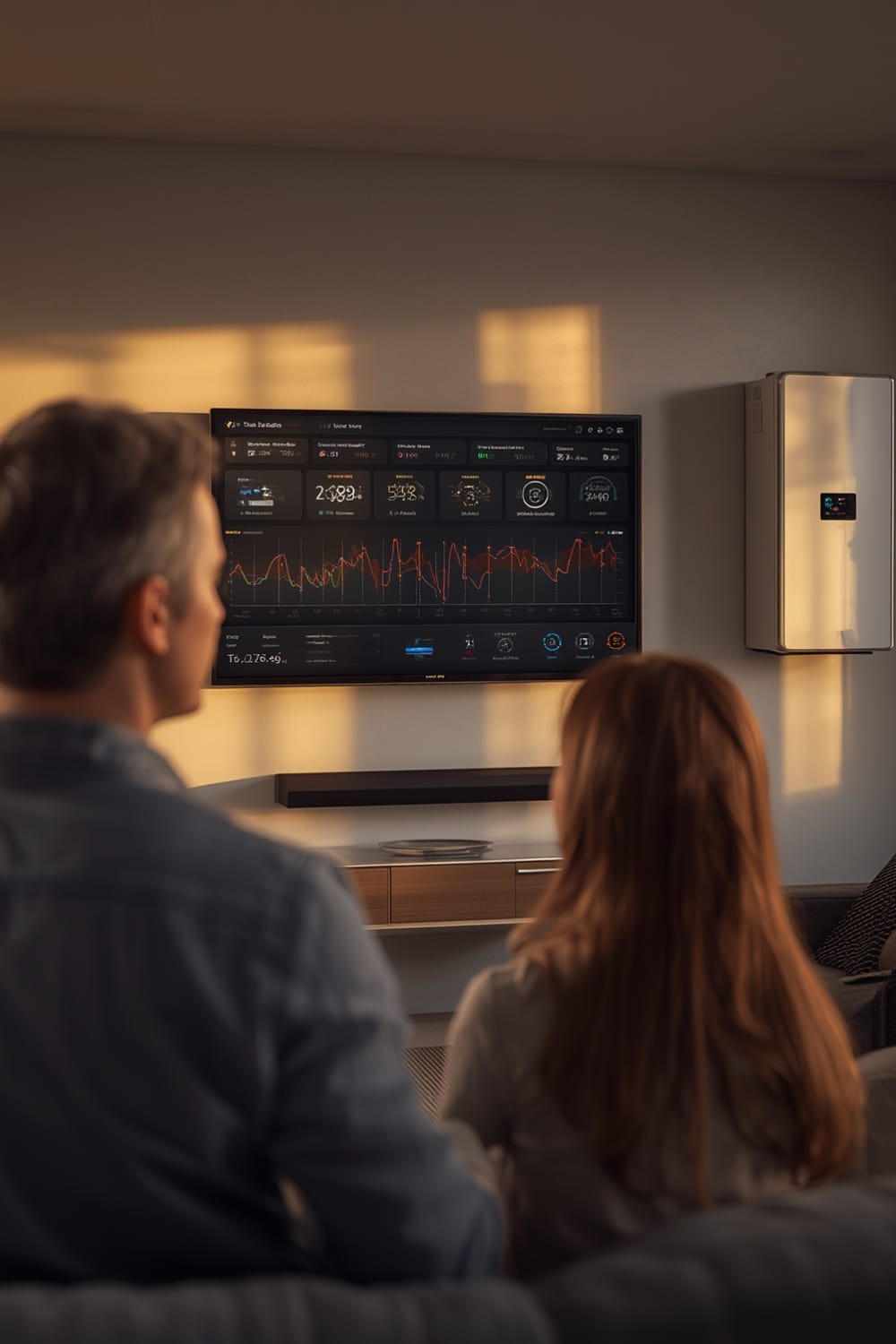
Most systems track total power usage, offer daily/weekly trends, and can notify you about unusual spikes. Some higher-end options also estimate what major appliances might be operating, though this is rarely precise. While the mainstream promise is effortless savings, the reality is more nuanced: features vary, accuracy depends on proper setup, and most brands don’t disclose statistics about savings or payback time frames.
Energy dashboards are now often sought by homeowners upgrading to Matter compatible devices, as the new protocol promises better integration among smart devices than previous generations. Still, these dashboards operate independently and are not yet fully “plug and play” with all agentic AI systems or universal smart home platforms (predictive home automation is possible, but not always automatic).
How to Set Up a Home Energy Dashboard: Step-by-Step
-
Choose your device:
Focus on models that at least support Wi-Fi, reliable app updates, and physical clamps wide enough for your main panel. Look for brands that offer clear documentation for your region’s panel style (US split-phase or global 3-phase). -
Turn off main power at the breaker:
This job is risky—if you’re not familiar with working near exposed electrical wiring, hire a pro. Safety first. -
Install CT clamps and voltage leads:
Attach the clamps to the main service lines as per the product’s installation guide (double-check correct orientation and firm closure). Plug voltage leads into designated breaker slots; secure all wires away from moving parts or sharp panel edges. -
Connect the hub and establish connectivity:
Mount the hub inside or beside the panel, route antenna as required, power on, and pair with your home’s Wi-Fi. -
Use the app to calibrate, name circuits, and test:
Follow on-screen prompts to verify reading accuracy, spot miswired clamps, and label zones or appliances (if supported). -
Monitor regularly for any unusual spikes or system errors:
Some systems offer push notifications or email alerts, but you may need to check the dashboard frequently for consistency.
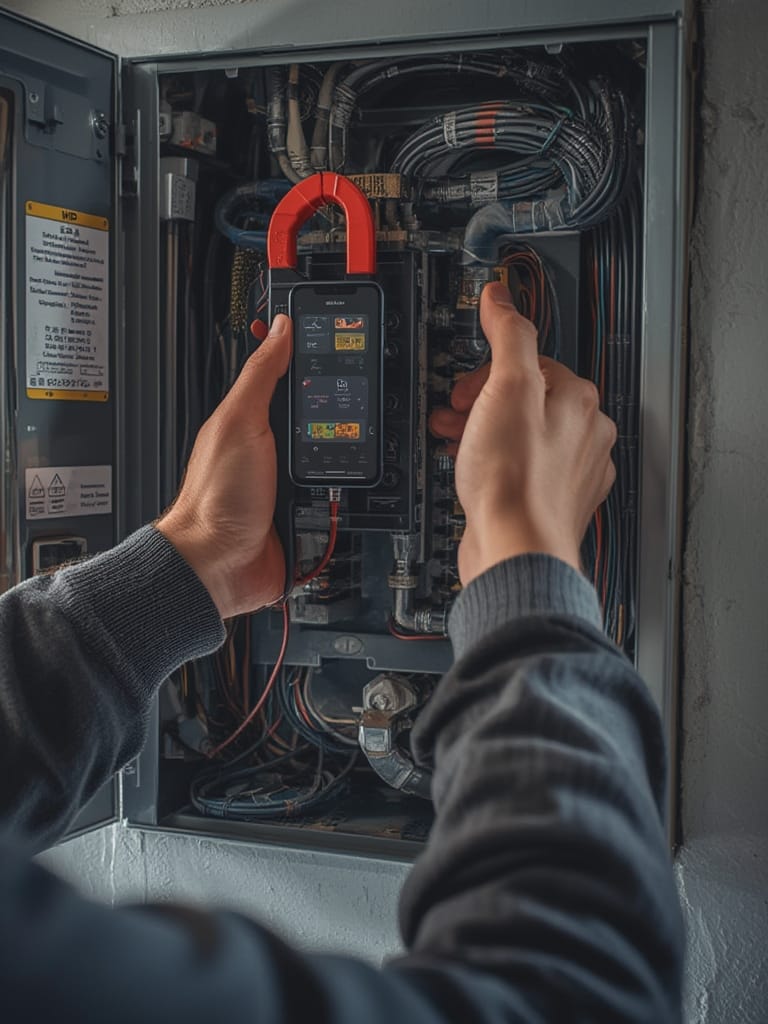
Some users with complex systems (solar inverters, subpanels, or three-phase wiring) report best results when using unmanaged Ethernet switches or range-boosted Wi-Fi extenders for stable hub-to-app connectivity. Remember—network problems can look like “energy spikes” in some systems, leading to days of confusion.
Once installation is complete, check your dashboard for a few days. If the readings for your biggest appliances seem wildly off (like a dryer reporting 500+ amps)—revisit clamp orientation and firmware updates before assuming device failure. Detailed troubleshooting guides are usually available from leading brands.
Advanced Analysis and Common Pitfalls
Despite promising “real-time savings,” there are important limits and pitfalls buyers need to know:
- Installation challenges: Most complaints stem from miswiring or loose CT clamps, yielding readings that are much too high or zeroed out. This can especially trip up anyone unfamiliar with electrical codes. In tight panels, wire clutter can make the install physically difficult—requiring bundling or even custom hardware.
- Accuracy concerns: Real-world accuracy is decent for whole-house usage but drops for appliance-level monitoring unless your device uses a separate clamp per circuit (many don’t). Even leading apps struggle to identify the difference between “dryer” and “oven” automatically.
- Network/interference problems: If Wi-Fi is spotty or there’s high interference from nearby panels, your data may be delayed or sporadic. This can look like false “energy surges.” A number of users need to upgrade routers, switches, or use external antenna extenders for stable readings.
- Lack of privacy/security guarantees: Current leading brands rarely disclose their privacy, data storage, or cybersecurity practices. If you want explicit privacy guarantees, you’re on your own to check contract fine print or demand answers from the manufacturer.
- No verified ROI data: None of the best-selling brands or DIY guides provide concrete data showing average payback time for the system itself. You may see your usage—but unless you act on the data, cost savings aren’t automatic.
| Feature | Typical Support | Common Weaknesses |
|---|---|---|
| Whole-home monitoring | Yes, via CT clamps on service mains | Setup errors; misreading with miswired clamps |
| Appliance-level disaggregation | Rare, and imprecise unless each breaker is monitored | Apps often mislabel high-amp loads |
| App compatibility/integration | Most support basic Wi-Fi apps | Few integrate directly with universal smart platforms like Matter |
| Privacy and security | Undocumented | Users must research brand policies and local laws |
| Long-term ROI/payback | Not published | Savings depend on user action, not automation |
For more technical users, DIY options like those outlined at Zentar’s build guide let you customize at lower cost, but carry even higher installation risk and zero device warranty.
Looking for integration with air quality? Some pair energy dashboards with PM2.5 air purifier monitors for a complete “wellness” package, though actual synergy depends on home automation compatibility. The future likely points to more seamless, agentic energy-saving suggestions—but for now, expect to do more work yourself than brand advertising suggests.
Conclusion
Setting up an energy dashboard gives visibility into your home’s electricity usage, but success depends on careful installation and regular attention. Real savings and smooth smart home integration require more effort and research—accurate appliance-level insights, verified payback numbers, and guaranteed privacy are still missing from most products. If you’re adding new smart appliances like an AI oven or dual zone air fryer, sync up your dashboard, but don’t expect it to automate savings for you yet.
Ready to make your energy dashboard work for you? Focus on flawless installation, verify data accuracy with a single known workload, and keep pushing brands and guides for more transparency. Your path to a smarter, less wasteful home can start today.
FAQ
Can I install an energy dashboard myself, or do I need an electrician?
If you’re comfortable with electrical safety and live in a region that allows homeowner installs, you can install many dashboards yourself. However, since this involves working near your main panel and high voltage, hiring a licensed electrician is often recommended for safety and insurance reasons. Read this guide for a detailed walkthrough.
Will I see an immediate reduction in my electricity bill?
No systems guarantee automatic savings—results rely on you changing behavior once you spot inefficiencies. No leading brand publishes typical bill reduction percentages, and initial findings show that real-world savings depend strictly on user intervention, not on “AI learning.”
Do energy dashboards track individual appliances accurately?
Whole-home measurement is accurate if installed correctly, but identifying appliance-level usage is much less reliable—unless your model uses multiple individual circuit clamps. Most “smart” dashboards estimate based on power signatures, which can easily misidentify similar devices.
Is my energy usage data private and secure?
Most current brands do not clearly outline their privacy or security measures in public documentation. Your data may be stored on remote servers for processing; if privacy is critical, look for brands with transparent data policies—or consider local-only solutions. Check manufacturer manuals for policies.
Can I connect an energy dashboard with smart home systems?
Integration with popular platforms like Matter is improving, but most energy dashboards aren’t “plug and play” yet. For advanced automation or pairing with next-generation smart devices, monitor ongoing updates from leading brands and visit our Matter protocol guide for standards and device lists.