

Key Box technology is transforming how property owners, realtors, and Airbnb hosts manage secure access. This post gives you a deep dive into the practical realities of modern key boxes, with step-by-step guidance, real-world market data, and actionable advice for secure, frustration-free management of guest or contractor entry.
Key Takeaways
- Smart key lock boxes offer app-based access, activity logs, and remote control but real-world user complaints and pricing details are still underreported.
- Adoption is booming among property managers and vacation rental hosts in North America, with projected global market value hitting $1.25 billion by 2025.
- Efficient code management—such as timely code revocation and strong code settings—reduces security risks and operational hassle for Airbnb and real estate professionals.
- What Is a Key Box and Why Use One?
- How to Set Up and Manage Your Key Box: Step-by-Step
- Advanced Analysis and Key Box Pitfalls
- Conclusion
- FAQ
What Is a Key Box and Why Use One?
A key box—sometimes called a lock box or key safe—is a secure container that lets you store physical keys with controlled access. Modern smart key boxes integrate Bluetooth or Wi-Fi, allowing temporary digital code sharing, activity tracking, and remote unlocking. The global market for these devices is on track to reach $1.25 billion by 2025, growing at over 10% annually, fueled by usage in property rentals, real estate, and smart home automation.source
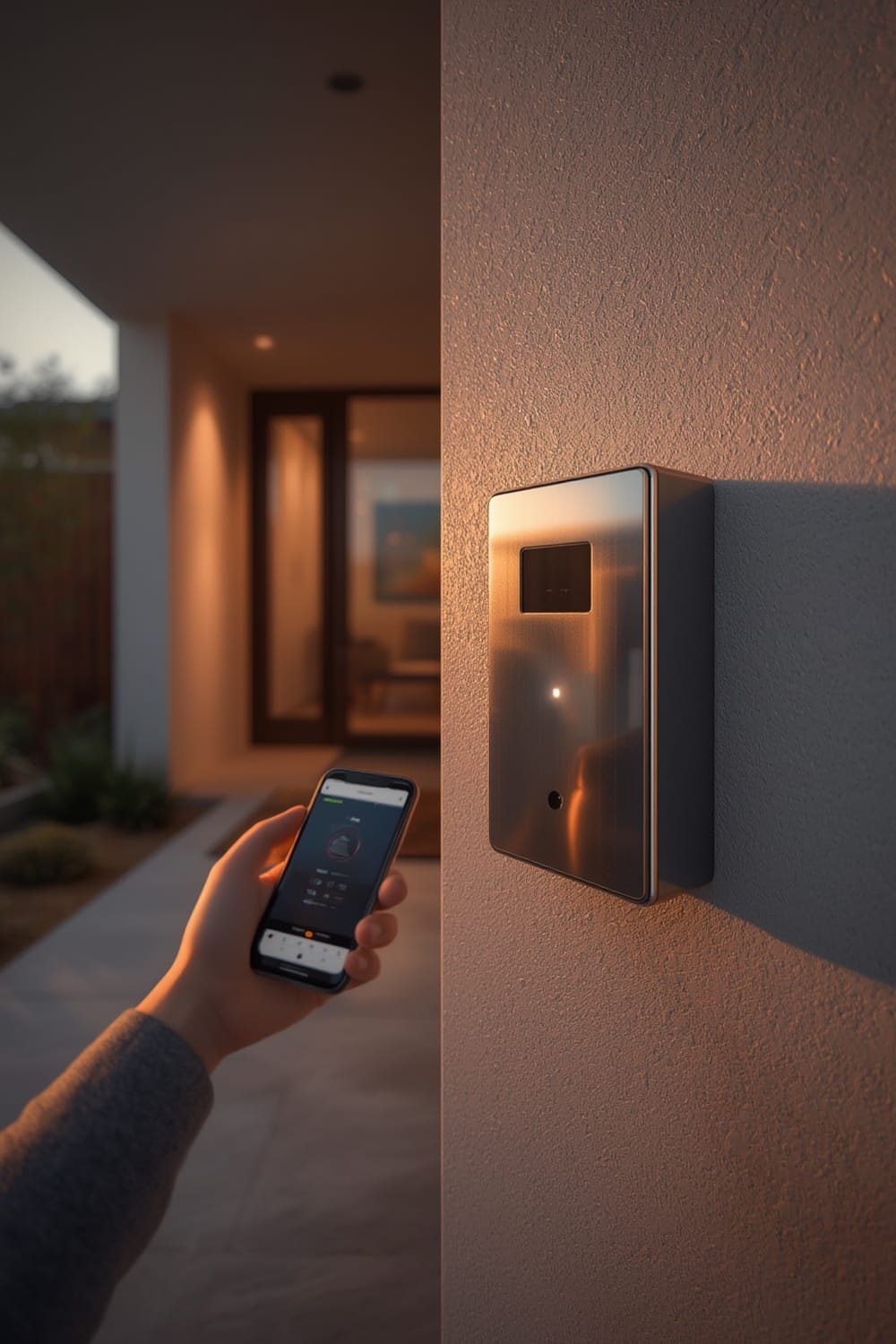
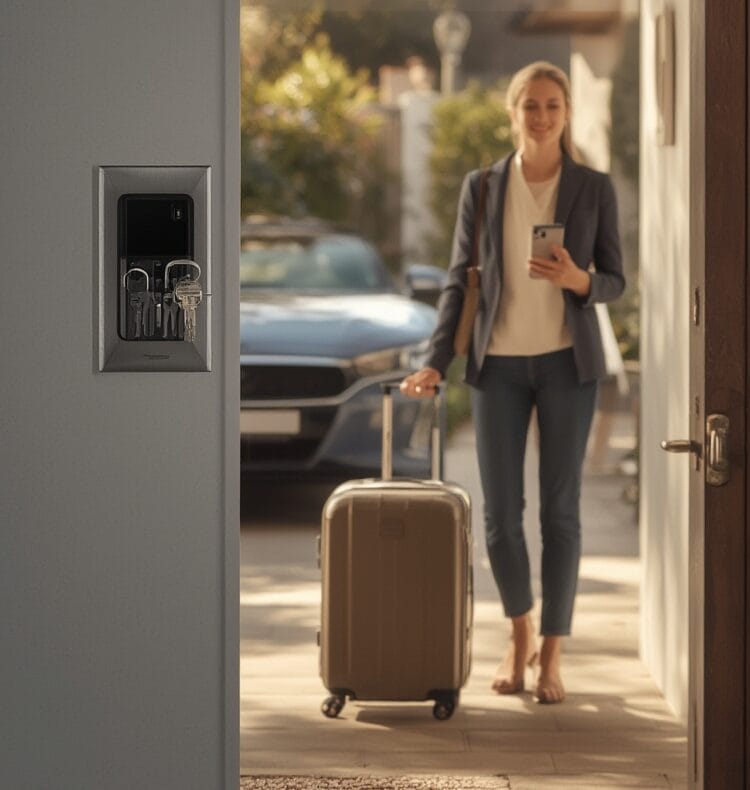
For Airbnb hosts and realtors, this means: no more last-minute key exchanges, safer guest turnover, and easy contractor access. Codes can be sent and revoked instantly using your phone, and you get logs showing exactly who accessed what and when. The best models are weatherproof, durable, and provide backup entry options if connectivity fails. While Bluetooth-enabled models now account for 45% of smart lock sales, detailed product and price comparisons between major brands—such as Master Lock, ABUS, and Yale Safe—are still missing from most reviews.
For a deep dive into how device protocol compatibility affects the connected home, check out our guide on Matter compatible devices.
How to Set Up and Manage Your Key Box: Step-by-Step
- Choose the Right Model
Look for rugged, weather-resistant key boxes with Bluetooth or Wi-Fi. Check for compatibility with your smartphone and required access app. Avoid consumer brands with weak mechanisms or poor app ratings. - Install Smart Access App
Download the manufacturer’s app (such as for ABUS or Master Lock) on your phone. Create an account, enable two-factor authentication if available, and set up your property profile. - Physical Mounting
Place the box in a discreet but accessible area. For wall-mounts, use tamper-resistant screws. Portable models should be attached to a solid railing or door handle. Test any weather seals. - Set Up Digital Access Codes
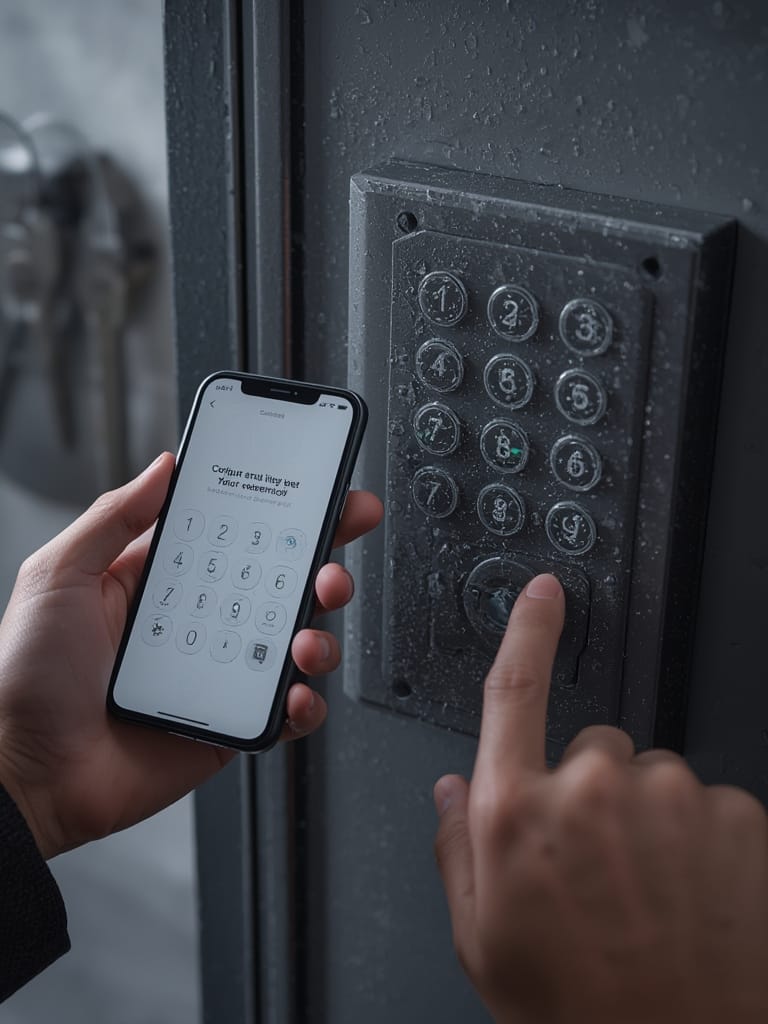
Within the app, create time-limited, unique codes for guests, realtors, or contractors. Use codes that expire automatically after use or on schedule. Avoid using the same code for multiple parties. - Share Codes Securely
Only send codes through encrypted messaging or within the key box app. Never text or email plain codes without context. Remind guests that codes expire for safety. - Monitor Access Logs
Check app logs for unusual activity (like midnight entries or multiple failed attempts). Use remote lockout features to revoke access immediately if needed. - Maintain Hardware
Replace batteries as recommended (usually every 6–12 months). Clean boxes periodically and check seals. Update app firmware regularly for security patches.
Want to automate even more of your smart access workflows? Explore our new content on Agentic AI for predictive home automation, which can further streamline guest entry and property management tasks.
Advanced Analysis and Key Box Pitfalls
Not all key boxes are created equal, and many pitfalls are not openly discussed by manufacturers or mainstream smart home blogs. Here’s what sets apart a smooth, secure key handoff from a headache:
| Feature | Smart Key Box | Traditional Key Box |
|---|---|---|
| Code Management | Remote, app-based, time limited | Physical combination, fixed unless manually changed |
| Access Logs | Yes, via app | No logging |
| Security | Revocable access, better tamper evidence | Vulnerable to code sharing, basic physical security |
| Batteries/Electronics | Needs periodic battery change; app updates required | No electronics to fail |
| Weather Resistance | Varies—seek IP ratings | Simple metal/plastic—often more robust in bad weather |
| Vulnerabilities | Potential app security flaws, technical lockouts (rare but possible) | Physical attacks, code guessability |
| Price (2024) | High; incomplete public data but advanced models often $80–$150 | $20–$60, depending on build |
What’s Missing in Most Reviews?
- User Complaints: Most official reviews omit actual negative feedback, such as app bugs, poor battery life, unreliable Bluetooth, or lost connectivity in bad weather. Scanning for authentic user reviews before purchasing is crucial.
- Security Breach Details: Market studies cite increased security as a driver, but do not mention real-world breaches or comparative break-in reports between smart and traditional key boxes.source
- Cost Transparency: “High price” is the main complaint, but breakdowns by brand, subscription, or feature level are not public. Budget accordingly for the best features.
For more on biometric and other advanced lock types, see our feature on biometric smart locks with Face ID and vein recognition.
Practical Pitfalls to Avoid
- Not revoking codes promptly after guest departure.
- Using weak or repeated access codes across multiple guests or properties.
- Placing boxes in plain sight—risks picking or smash-and-grab attacks.
- Delaying firmware/app updates—can expose device to app-based vulnerabilities.
- Relying solely on Bluetooth in areas with poor connectivity—always have a backup code or local override.
- Ignoring hardware maintenance: dead batteries will lock everyone out.
Related reading: If you manage rental properties, our guides to automated garage controllers and air fryers with app control can help streamline the guest experience and kitchen safety alike.
Conclusion
The shift to smart, app-controlled key boxes has redefined secure access for Airbnb hosts, property managers, and realtors. While the market continues growing quickly—with projected values exceeding $1 billion—buyers should approach with eyes open. Missing cost breakdowns, still-limited public feedback, and a lack of documented security incidents mean you must self-educate, test before deploying, and prioritize ongoing hardware and app maintenance. Invest in the right Key Box, establish clear code management protocols, and leverage app-based controls for a professional, secure access experience.
Ready to upgrade your property security and guest management? Review your setup, check supported devices, and take action today.
FAQ
How do I choose the best key box for an Airbnb rental?
Prioritize weather-resistant, tamper-proof boxes with Bluetooth or Wi-Fi. Look for app-based remote access and activity logs, and check for positive real-world user feedback before buying.
Are smart key lock boxes really more secure than traditional combination boxes?
Smart boxes offer revocable codes, access logs, and remote lockout, which are big improvements. However, final security also depends on your placement, code management, and whether the app is up to date.
What are the common complaints about Bluetooth-enabled key boxes?
Documented market research does not list specific complaints, but real-world users report occasional connectivity failures, battery issues, and app glitches. Always read the latest user reviews for your specific brand and model.
What should I do if a guest gets locked out or the box won’t open?
First, check the app remotely and ensure code validity. Have a backup code or local override available. If the battery is dead, most smart boxes have a hidden emergency key hole or a jump-start terminal for power banks.
How much do smart key boxes cost in 2024?
Specific 2024 per-unit pricing is only partially available. Expect to pay $80–$150 for advanced models with smart features, but actual costs will vary by brand and subscription options.