

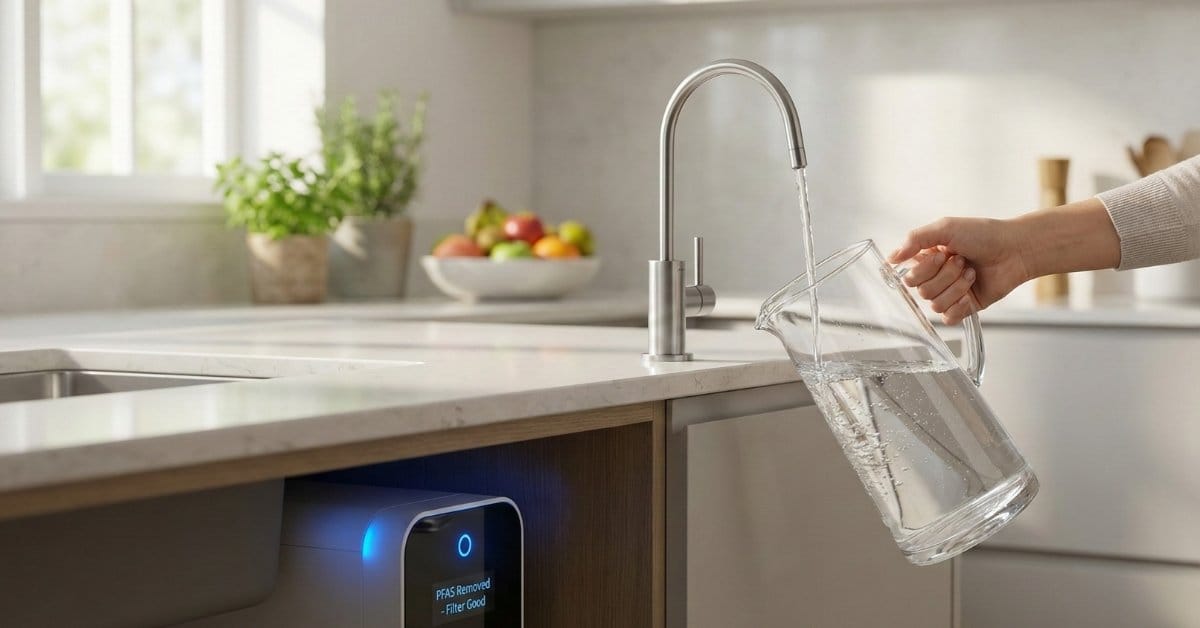
Water Filter technology is rapidly evolving, and choosing the right system is more complicated—and more important—than ever. From smart pitchers to RO units with app integration, making sense of the market (and understanding the real performance limitations) is crucial before you spend your money.
Key Takeaways
- Smart water filters are growing fast, but actual user experience and maintenance costs remain underreported.
- RO and advanced filtration systems remove the widest range of contaminants, especially chemicals like PFAS and heavy metals.
- Common user frustrations include filter replacement confusion, app glitches, and questions about environmental sustainability.
- What Is a Smart Water Filter and Why Does It Matter?
- How to Choose and Set Up the Right Water Filter: Step-by-Step
- Smart Water Filters: Advanced Insights & Common Pitfalls
- Conclusion
- FAQ
What Is a Smart Water Filter and Why Does It Matter?
A smart water filter is a connected device that not only cleans your water but uses sensors, data, and often a mobile app to track filter life, water usage, and sometimes real-time water quality. The “smart” aspect means you receive alerts when it’s time to replace cartridges, view usage stats, and, in some models, get data on contaminants or system performance—usually via your phone or an onboard screen.
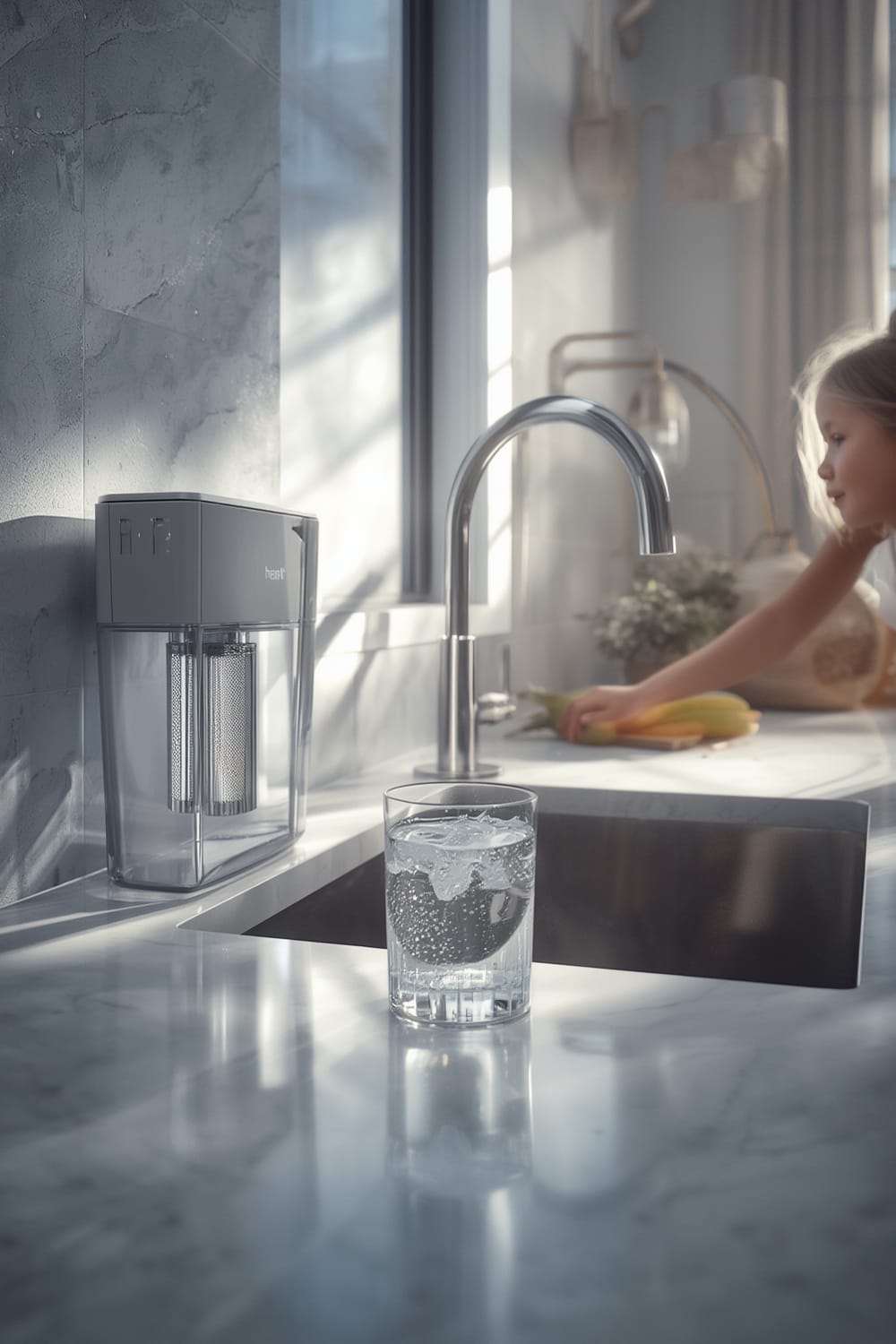
Why does this matter now? Water quality threats are everywhere. According to recent research, as many as 95 million Americans may have water contaminated with PFAS—so-called “forever chemicals.”[source] Old “dumb” filters don’t warn you when you forget a replacement or when contamination spikes—smart systems bring accountability and (sometimes) peace of mind.
Smart water filter adoption is on the rise worldwide. In 2024, the global smart purifier market reached an estimated USD 17.42 billion and is expected to nearly double by 2030. North America leads in market penetration, accounting for about 30% of the global smart purifier sector.[source]
Still, most people—even those interested in smart filtration—are unclear on which water contaminants really matter, which features deliver more than marketing, and the actual ongoing costs (and headaches) involved.
For a quick look at sensor tech in other household applications, see our guide to aquarium monitors and pool monitors.
How to Choose and Set Up the Right Water Filter: Step-by-Step
Picking the best smart water filter is not as simple as grabbing the most popular brand. Here’s a practical approach to get it right:
- Test Your Water. Before choosing any filter, get your local water report or use an at-home test. Identify if you need protection from heavy metals, PFAS, microplastics, bacteria, or only chlorine taste/odor.
- Decide on Technology.
- smart pitchers are best for minor taste and odor issues—convenient for renters.
- RO with App with smart features handle the broadest range of serious contaminants (PFAS, arsenic, lead, dissolved solids).
- Faucet-integrated filters are usually smart in notification only and have limited contaminant removal.
- Choose Connectivity and App Features. Some filters offer simple Bluetooth connections for filter life, others offer Wi-Fi with deep data analytics, or seamless integration with smart home dashboards.
- Check Maintenance Commitment. Look up real-world reviews—not just the manufacturer’s claims—regarding how often filters need changing and the actual user interface of the app.
- Assess Ongoing Costs. Calculate annual costs: filter replacements plus app/service fees (if any). Watch for hidden costs.
- Installation and Setup. Most smart pitchers are plug-and-play, while RO units require either DIY plumbing or professional installation. Always follow the official instructions even when tempted to skip ahead.
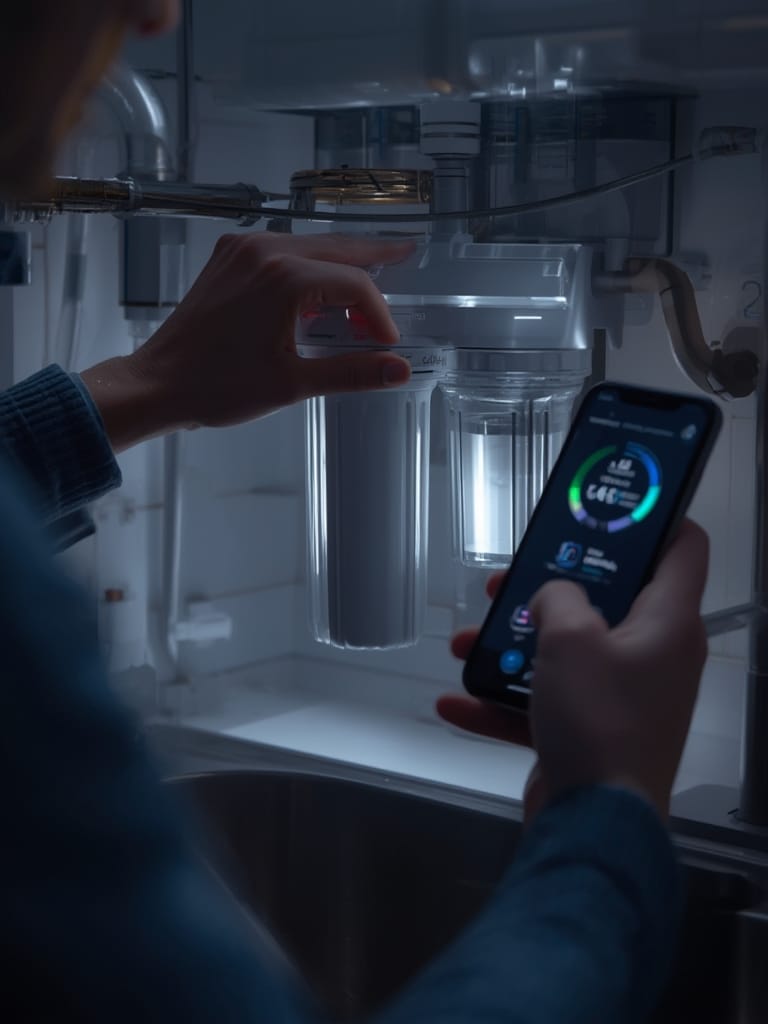
If you’re building a broader smart home, check for “Matter” compatibility so your water filter can communicate across the same standard as your smart fridge, Matter compatible devices, and other appliances.
Finally, after initial setup, always run and flush your system as per instructions—especially for RO units—to avoid leaks, odd tastes, or early clogging. For troubleshooting connected devices, see our post on Agentic AI for home automation problem-solving.
Smart Water Filters: Advanced Insights & Common Pitfalls
The technology is impressive, but there are major limitations—and a few real world problems most buyers aren’t told about upfront.
User Experience & Usability Issues
Most smart water filters work well out-of-the-box. The trouble starts later. Users report issues like apps losing Wi-Fi connection, confusing filter life indicators (percentages or days left that don’t match actual water use), and basic complaints about unintuitive interfaces. Elderly users or those not tech savvy often struggle with app setup and filter registration.
Filter Life & Maintenance Confusion
Filter manufacturers provide recommendations based on ideal use (typically 2 to 6 months). However, smart systems using only time-based replacement reminders can be very inaccurate. For example:
| System Type | Replacement Trigger | Typical Filter Life Range | Common Pitfall |
|---|---|---|---|
| Smart Pitcher | Time or basic water volume sensors | 1-3 months | Forgetting to reset app, overusing filter after end-of-life |
| RO with App | Intelligent sensors (some volume-based) | 6-12 months (pre-filters); 2-3 yrs (membranes) | False alarms due to Wi-Fi drops; membrane life hard to track |
| Faucet Filter (smart notification) | Timer only (no volume tracking) | 2-4 months | Neglecting filter changes if app glitches; no true quality monitoring |
Cost Transparency
Public market data doesn’t reveal much about individual filter costs, but reviewers often discover annual recurring costs (for cartridges plus app subscriptions, if applicable) to be significantly higher than expected. Always check what replacement filters cost and how often you’ll realistically have to order them.
Environmental Impact & Waste
Some brands promote smart water filters as eco-friendly alternatives to bottled water, but filter cartridges themselves are rarely recyclable. Unless you have access to a recycling program through the manufacturer, most used cartridges will end up in a landfill. Water waste is also a big concern, especially for RO systems, which can waste several gallons for every gallon filtered unless you choose an efficient design.
For more on sustainable tech, read our review of smart composters and how connected appliances can reduce household waste.

Contaminant Coverage
Not all filters are created equal. Only RO and high-end multi-stage systems are proven to filter out “forever chemicals” (PFAS), lead, arsenic, and certain microplastics [source]. Basic pitcher or faucet filters often address taste and odor only.
If you have critical water quality concerns, always select a system that has third-party certifications for the contaminants that matter to you. Consult manufacturer documentation directly—or consider a professional testing service.
Integration Limitations
Most smart filters don’t deeply integrate with other home devices yet. If you want data in your home dashboard or to automate reminders with your wifi pH monitor aquarium or smart fridge, check for compatibility with your chosen ecosystem.
Conclusion
Smart water filters are advancing quickly, helping users track maintenance and, in some cases, water quality—but real world usage is still full of challenges. Before investing, compare costs, app reliability, and contaminant coverage carefully. Always keep your Water Filter updated and maintained, or you could face hidden risks. Ready to find a system that matches your needs? Start by reviewing the contaminants in your local water and map out both upfront and ongoing costs.
If you want your water—and your tech—working for you, approach this marketplace with eyes open. And don’t forget to check out our latest reviews of Matter compatible devices if you’re building a cross-brand smart home setup.
FAQ
How do smart water filters actually measure water quality?
Most smart water filters monitor filter usage (water volume or time) but only advanced models with built-in sensors provide real-time data on contaminant levels, such as TDS (total dissolved solids). These use IoT sensors and display results in an app or onboard screen. For independent testing, you can measure water quality with a digital TDS meter as well.
Will a smart pitcher remove PFAS or lead?
Most smart pitchers only remove chlorine taste, odor, and some basic particulates. For PFAS, lead, arsenic, or serious contaminants, you need a certified RO system or multi-stage filter—always check third-party certifications.
What happens if I miss filter replacements?
If filters are not replaced on time, they can become breeding grounds for bacteria and may stop removing contaminants. Even with smart reminders, you must stay proactive. Some apps can glitch, so consider calendar reminders as backup.
Are smart water filters compatible with voice assistants or Matter?
Some high-end smart filters offer integration with Alexa, Google, or Apple HomeKit, but true Matter compatibility is rare as of 2024. If you want unified smart home control, research device protocols before buying.
Is it worth paying more for smart features?
If you’re prone to forgetting maintenance or want water usage insights, then smart filters add value. Just be sure to compare costs and confirm the system monitors contaminants you actually care about.