

Running Watch technology has changed how runners track distance, pace, and routes, but most buyers are surprised by how much GPS accuracy and battery life can still vary – even in 2024. If you care about your running stats, training feedback, or outdoor safety, picking the right running watch is more technical (and nuanced) than the marketing claims suggest. Let’s break down what really matters before you spend big on the latest model.
Key Takeaways
- Dual-band and multiband GPS in running watches offer better accuracy, especially in tough environments, but battery impact and real-world gains can disappoint.
- Mapping lag, GPS drift, and inconsistent battery life remain common pain points—buyers should set expectations and compare models critically.
- Price, display tech, and mapping features vary widely and most competitor reviews fail to address nuanced real-world trade-offs.
- What Makes a Running Watch Accurate (and Why Dual-band Matters)
- How to Choose and Use Your Running Watch for the Best GPS Results
- Advanced Analysis & Common Pitfalls: GPS Tech, Mapping Lag, and Battery Surprises
- Conclusion: Key Points for Smart Runners
- Frequently Asked Questions
What Makes a Running Watch Accurate (and Why Dual-band Matters)
When evaluating a running watch, most runners focus on features like auto-pause or heart-rate tracking. Yet, the underlying GPS tech—single-band vs. dual-band (or multiband)—is what truly determines location precision, especially when things get challenging.

Single-band GPS uses one frequency, making it susceptible to the kinds of errors that runners complain about: “walked through walls,” inaccurate route lines, or underreported distances. Newer running watches like the Apple Watch Ultra 2 and Garmin Fenix 7 use dual-band GPS, which leverages two frequencies for much better signal resilience, especially near tall buildings, dense forests, or rocky environments. These watches can also tap other satellite constellations—GLONASS, Galileo, BeiDou, QZSS—to further boost tracking.
However, hardware alone doesn’t solve everything. Software at the chipset level is now enhancing satellite-coordinate filtering, sometimes resulting in “up to ten times” (source: Focal Point Positioning) improvement in positioning. The upshot is less “GPS drift,” but these advances are not equally implemented across brands or models.
Bottom line: If you run in cities or forests or prioritize route accuracy, dual-band/multiband running watches are worth it. But don’t assume all models perform the same or that hardware specs alone tell the whole story.
How to Choose and Use Your Running Watch for the Best GPS Results
Making the right choice (and getting accurate, actionable data) requires more than just picking the most expensive running watch. Here’s a practical step-by-step process:
- Assess your typical running environment: Urban runners need superior multipath mitigation, while trail runners benefit from robust multiband GPS and satellite constellation support.
- Check for dual-band (L1/L5) support and mapping software: Look for specific mention of dual-band/multiband and mapping responsiveness—not all brand marketing is honest about limitations.
- Prioritize battery life transparency: Check independent reviews for real-world battery data, especially if you run marathons, ultramarathons, or do multi-day hikes—multiband often drains batteries faster.
- Choose mapping features wisely: AMOLED displays look great but may impact outdoor readability and battery, while mapping lag is a known frustration (especially with some Garmin units).
- Independently verify device performance in your region/environment: Real world case studies—like those in YouTube field tests—often reveal weaknesses before you invest.
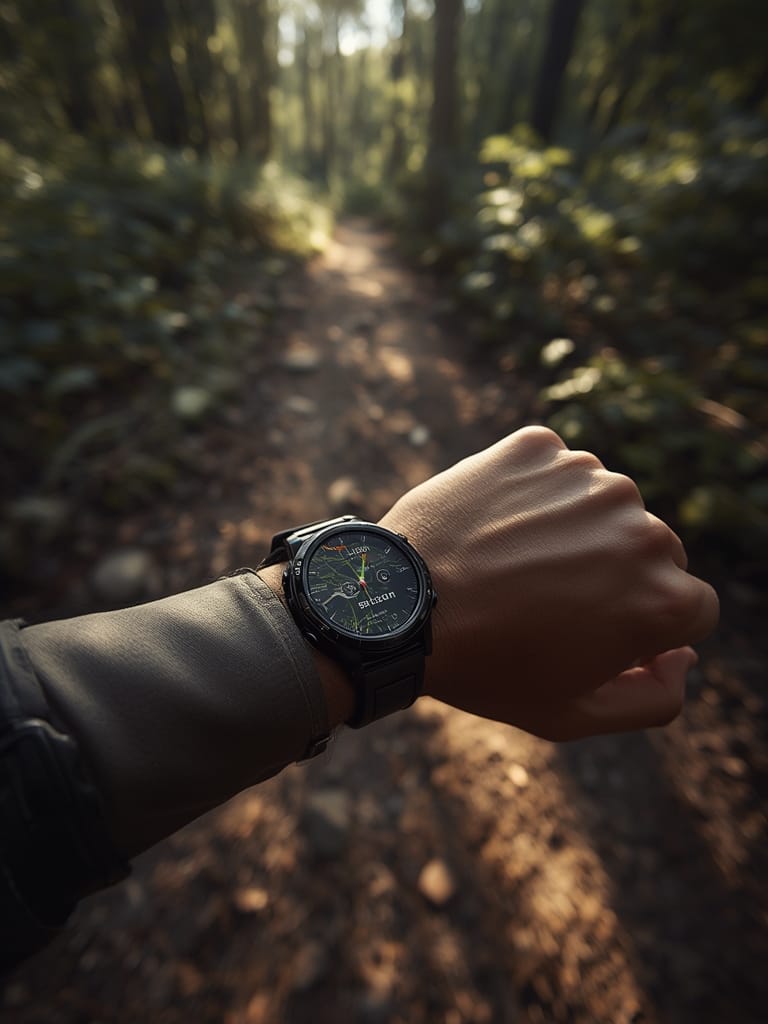
- Test mapping features at home: Navigation lag often appears when zooming or panning—check this before race day, especially with mapping-heavy watches or AMOLED displays.
- Consider integration: If you use home automation or want your workout stats to sync seamlessly, some models connect better with platforms featured in our guides like Matter compatible devices or Agentic AI routines.
- Look for “auto-mode” or adaptive GPS: Some watches will auto-select the best satellite system for conditions, balancing accuracy and battery.
Advanced Analysis & Common Pitfalls: GPS Tech, Mapping Lag, and Battery Surprises
No running watch is perfect. Most have persistent issues that users only discover after months of use—or after reading user forums and real-world reviews. Here are the most common pitfalls:
| Common Issue | Impact on Runners | Typical Workaround | Brand Models Commonly Affected |
|---|---|---|---|
| Distance Misreporting | Route underestimation (e.g. 10 miles logged as 9.3) | Wait longer for GPS lock, switch to high-precision mode | Entry-level GPS watches, older Fitbit |
| Route Inaccuracies/“Drift” | Paths show you cutting buildings/walking rivers | Enable dual-band if available, avoid dense city blocks/forests when possible | All, but worse on single-band only |
| Environmental Interference | GPS failure under heavy tree cover or near skyscrapers | Manual switching to multiband or all-systems mode | All, especially budget models |
| Mapping Navigation Lag | Lag/delayed re-routing during navigation; frustration mid-race | Download maps in advance, use less detailed layers for quick refresh | Garmin (noted for lags), some Suunto/Coros |
| Battery Drain in Multiband Mode | Long runs can drain battery prematurely | Switch to “all-systems” only for technical runs/trails | Garmin Fenix, Apple Watch Ultra, most dual/multiband watches |
| Standalone GPS Weakness | Far less accurate when not paired with phone | Always pair if accuracy is critical | paired with phone, low-end Apple Watch, entry smartwatches |
Real user complaints include GPS positioning that “wanders off,” distance totals that frustrate marathoners/gold-standard trainers, and urban multipath mistakes—especially in areas like London’s Canary Wharf. Forest or mountain runners suffer when satellite signals weaken under tree cover or bounce from rock faces. In controlled field tests, cheaper Fitbits and some Polar models struggled the most, while Suunto and high-end Garmins did better, though none were perfect (see real-world analysis).
Mapping also remains a sticking point. Garmin’s mapping/navigation is robust but often lags, especially on older hardware or when using more detailed topo layers (YouTube review). AMOLED displays show off vibrant colors, but can reduce outdoor battery life and occasionally suffer visibility issues in direct sunlight.
Finally, beware battery promises from official specs—few watches last as long in all-systems/dual-band mode as claimed, especially in cold weather or with active mapping. For features like sleep tracking rings or advanced remote aquarium monitors, comparison shopping (see Oura ring alternatives or WiFi pool thermometer guides) can help you spot real vs. imagined specs across emerging wearable categories.

Conclusion: Key Points for Smart Runners
Modern running watches promise super-precise GPS, multi-day battery life, and full-color mapping. The reality is more nuanced—environment, satellite tech, mapping software, and battery management all influence your daily experience. Researching real-world tests and independent reviews is essential. If possible, trial a watch in your environment before buying. Staying aware of pitfalls and advances will help you invest in a running watch that delivers accuracy where it counts.
Ready to upgrade to a smarter Running Watch? We recommend comparing live demos in your key use environment first—and checking our linked guides for new trends in health technology and smart gear integration.
Frequently Asked Questions
Is dual-band GPS really more accurate than single-band for running?
Yes, dual-band GPS offers improved accuracy by using two satellite frequencies, reducing errors from signal reflections in cities or forests. However, the degree of improvement also depends on mapping software, watch antenna design, and environmental conditions. Some watches see major gains; others are only slightly better.
Does using multiband GPS shorten my running watch’s battery life?
It can. Multiband/all-systems modes often use significantly more power than single-band. Use high-precision modes selectively—ideally for technical trail runs or urban canyons—and stick to lower-power settings for daily workouts.
What running watches have AMOLED displays with advanced mapping?
Several premium models—such as Apple Watch Ultra 2, Garmin Fenix 7/8 Pro, and Suunto Race S—feature AMOLED displays and advanced mapping. However, real-world usability, mapping detail, and live refresh speed can vary. Verify with a hands-on test before purchasing.
Why does my GPS track show me running through buildings or rivers?
This results from GPS “drift” or signal reflection. It’s common in dense cities or near large buildings. Dual-band (L1/L5) support and improved mapping software can help, but no consumer running watch eliminates this completely in all environments.
Where can I compare running watch features for other smart devices I use?
We publish in-depth comparisons across home health, pet wearables, and remote monitoring tech. Check our guides to WiFi blood pressure monitors or aquarium monitoring technology for how today’s wearables fit into your full health data ecosystem.