

Privacy Shutter solutions are now a core topic for homeowners concerned about smart camera privacy. Whether you already own an indoor camera or are shopping for a more secure option, understanding how a privacy shutter works—and its limitations—should be your first step.
Key Takeaways
- Privacy shutters add a visible layer of security to indoor cameras but are not mandated by privacy laws or regulations.
- Mechanical privacy shutters provide better peace of mind than software-only features but they are not universally available, and their adoption rate is unclear.
- Common pitfalls include a false sense of security and compatibility issues with smart home platforms like those discussed in our Matter compatible devices list.
- What Is a Privacy Shutter and Why Does It Matter?
- How to Set Up and Safeguard Your Indoor Camera Privacy
- Advanced Analysis & Pitfalls: What Research Data Reveals
- Conclusion
- FAQ
What Is a Privacy Shutter and Why Does It Matter?
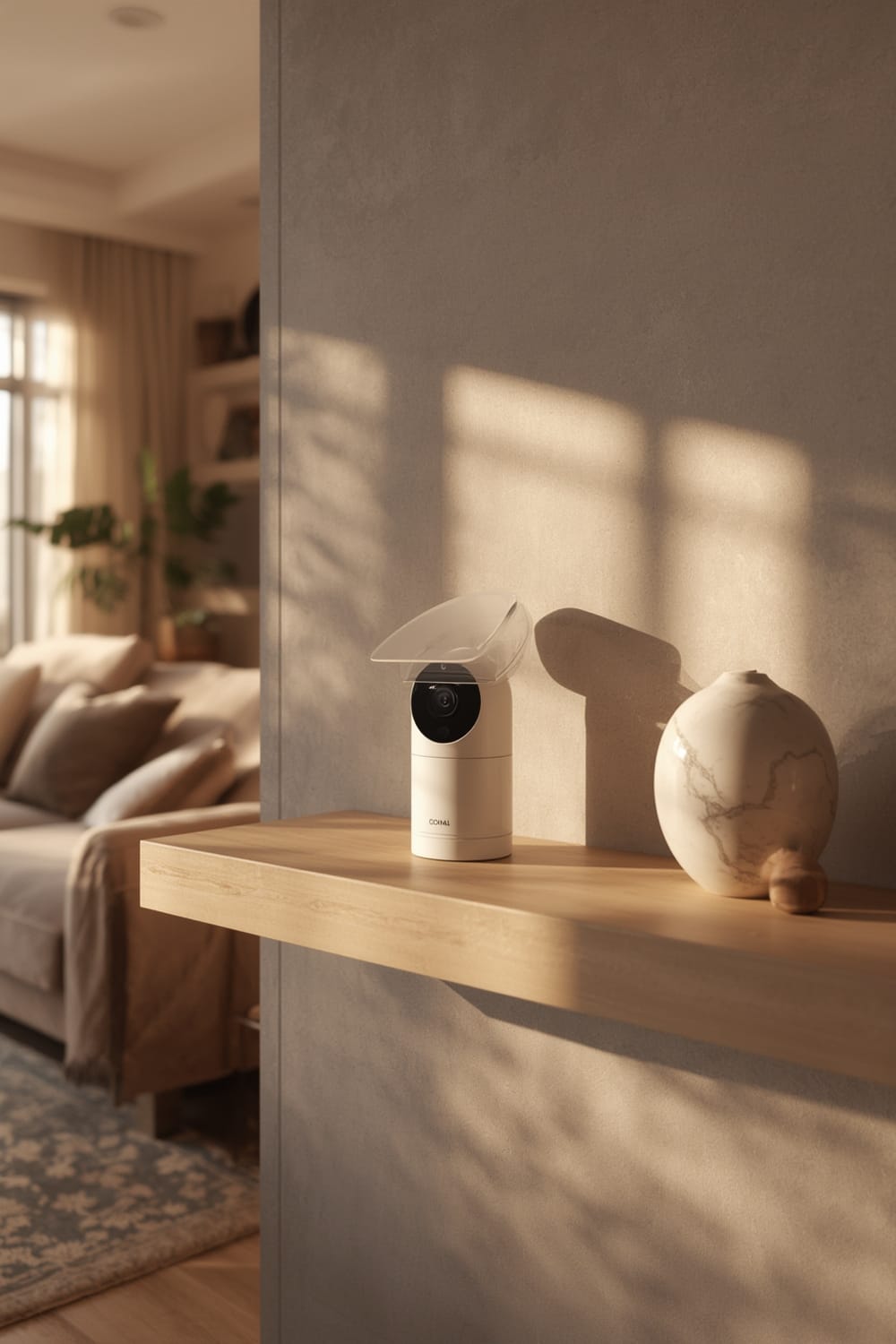
A privacy shutter is a physical cover or mechanical mechanism that blocks a camera lens when you want full privacy. In the context of indoor security, it is designed to provide visible confirmation that your indoor camera cannot record or stream video, going beyond software solutions alone.
Amid increased consumer anxiety around smart cameras, privacy shutters have emerged as a response to two trends:
- Rising adoption of smart indoor cameras—jumping from 24% of security system users in 2023 to 33% in 2024 according to SafeHome.org.
- Regulatory pressure and consumer demand for local storage and encrypted protocols, as outlined by ArchiveMarketResearch.
Unlike software-driven privacy modes—which depend on trusted firmware and cloud settings—a mechanical privacy shutter physically blocks the lens, making it nearly impossible for unauthorized observers to view your home, even in the event of a software hack.
Some brands, such as Arlo, have recently released indoor cameras with enhanced privacy features, but the overall percentage of cameras featuring mechanical privacy shutters remains unclear according to Market Report Analytics. For homeowners using privacy-sensitive gear—such as those who use occupancy sensors or predictive home automation—hardware-based privacy controls become particularly important. See our presence sensor guide for ways to complement camera privacy with advanced sensor tech.
How to Set Up and Safeguard Your Indoor Camera Privacy
Setting up privacy controls for your indoor camera is a process that combines both hardware and software. Here’s a pragmatic step-by-step approach for maximum protection:
- Check Your Model’s Features: Verify in your owner’s manual or on the manufacturer’s website if your camera has a mechanical privacy shutter. Basic models may only include software-based privacy controls.
- Install and Test the Shutter: If your device includes a physical privacy cover, close it and check the live video to ensure complete blackout. This physical block cannot be overridden remotely, adding a layer of trust.
- Update the Camera’s Firmware: Always install the latest firmware for patching any exploitable vulnerabilities, even for cameras with mechanical shutters.
- Adjust Camera Placement: Don’t rely just on the shutter. Place cameras only in areas where surveillance is necessary and avoid bedrooms, bathrooms, or private spaces.
- Enable local storage & Encrypted Protocols: Select options for storing video locally, such as SD cards, and activate encryption features wherever possible as outlined by privacy research.
- Set Up Smart Home Automations with Care: Use trusted platforms—look for systems with compatibility certifications. New universal standards like Matter protocol solve major compatibility risks, but always read privacy policies before linking your indoor camera.
- Review Access Logs: Regularly check your device’s access logs for unknown logins or access attempts, and enable multi-factor authentication if available.
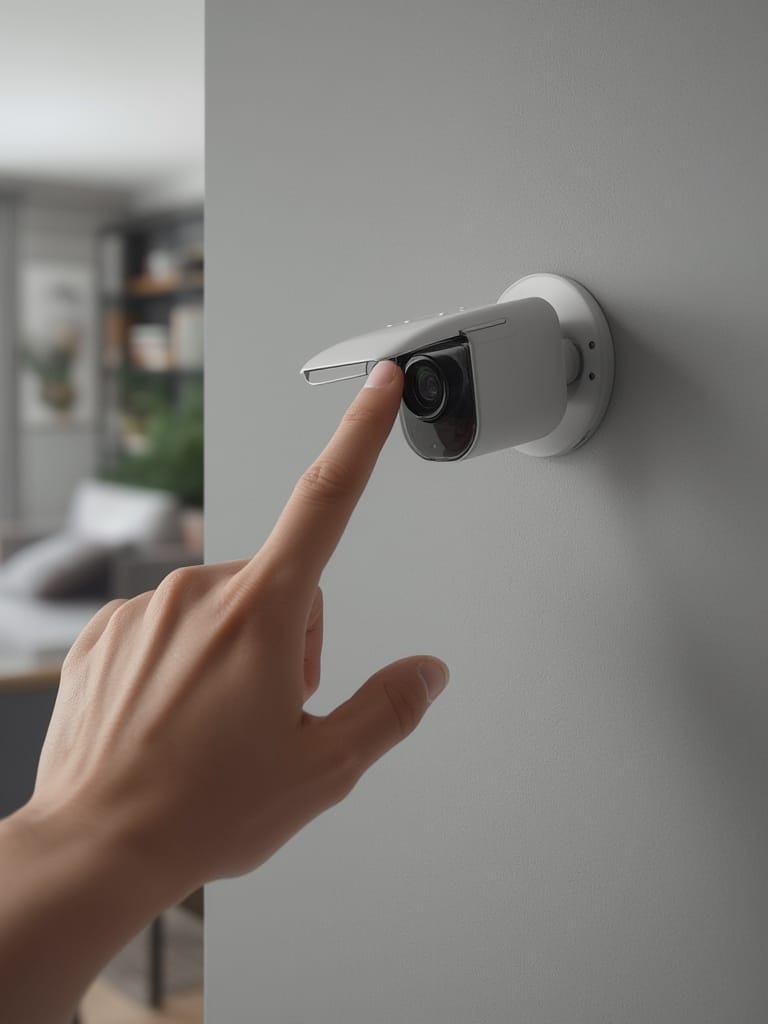
To go further, consider integrating your privacy-first camera with agentic AI automation—systems that can autonomously close the shutter when you say a voice command or leave the house. Learn more about predictive automation in our Agentic AI examples guide.
Advanced Analysis & Pitfalls: What Research Data Reveals
Industry research shows no agreement about how common physical privacy shutters are, nor any direct evidence they have prevented privacy breaches. Still, demand for such features is clearly up in light of regulatory changes in the EU and consumer wariness.
Let’s break down the technical and user pitfalls that you should know:
- False Sense of Security: Users can mistakenly believe that any privacy mode (even software-only) prevents all recording, but only a mechanical shutter guarantees the lens is physically blocked.
- No Regulatory Mandate: Despite GDPR and the new 2023 EU regulation highlighting privacy, neither obligate camera makers to include physical shutters. Most brands prioritize software-based privacy controls.
- No Standardized Certifications: Many existing reviews, as seen with popular buying guides, do not address if cameras have been certified by third-party privacy organizations. If compatibility with broader smart home systems is important, see our rundown on Matter compatible devices.
- Smart Home Compatibility Issues: Mechanical privacy shutters are sometimes not fully supported by advanced smart home routines or presence sensor automations, leading to partial automation or missed privacy triggers.
| Privacy Feature | Mechanical Shutter | Software Privacy Mode |
|---|---|---|
| Blocks Viewing by Hardware | Yes | No |
| Can Be Overridden Remotely | No | Possible |
| Automatable with Smart Home Routines | Rarely | Often |
| Reliability Against Hackers | Very High | Moderate |
| Regulatory Requirement/Recommendation | No | No |
Despite advanced privacy features in new models from Arlo and Wyze, as noted in Market Report Analytics, price differences and market penetration for privacy shutters remain unreported. Cost-conscious shoppers might want to explore budget-friendly options like Wyze, though most high-end features (such as AI, 4K, and local recording) are still reserved for premium lines. Read our entry on tech-enabled anxiety vests for how privacy plays out in non-camera smart home products as well.
Conclusion
In summary, a physical privacy shutter is the most robust way to prevent your indoor camera from transmitting private moments. While adoption rates remain uncertain and not every brand offers this feature, the Privacy Shutter remains your best defense against accidental or unauthorized recording. If you value absolute certainty, opt for hardware-based privacy protection, regularly check your access logs, and put privacy first when selecting new smart security products.
Want more insight on securing your smart home? Explore our hands-on guides for biometric smart locks or desk posture correctors—don’t wait, get your privacy locked down today.
FAQ
Do all indoor cameras come with a privacy shutter?
No. Most entry-level indoor cameras rely on software-based privacy controls. Mechanical shutters tend to appear in higher-end or privacy-focused models, and their adoption rate is not well documented by current market research.
Can someone remotely override a mechanical privacy shutter?
Mechanical privacy shutters block the camera lens using a physical barrier. Unlike software privacy modes, a mechanical shutter generally cannot be overridden remotely—it must be manually opened or closed by the user (unless motorized with strict, well-audited controls).
Do privacy regulations require physical camera covers?
No. Laws like GDPR and CCPA push for better data handling, local storage, and transparency, but do not require physical covers or shutters for indoor cameras, as supported by data from ArchiveMarketResearch.
Is a privacy shutter the only protection I need for home security cameras?
No. While a privacy shutter stops video transmission physically, you should also enable encrypted protocols, use strong passwords, limit placement to non-private areas, and keep your firmware updated.
Are privacy shutters compatible with smart home automations?
In many cases, only software privacy modes can be fully automated with routines or smart assistants. Motorized mechanical shutters may offer limited automation, but often aren’t as widely supported in platforms like Matter. For deep smart home automation, see our Matter integration guide.