

Disclosure: This post contains expert analysis based on recent peer-reviewed data and market research. Practical tech tips and product mentions are included for reader benefit.
Blue Light is a term you’ve probably seen everywhere—from phone settings to advertisements for glasses. But does filtering blue light really make a difference, and how can you actually protect your eyes in a world dominated by digital screens? Here’s what you need to know, backed by latest research and simple steps you can put into practice right now.
Key Takeaways
- Most adults report digital eye strain, but there is no solid evidence that blue light filters significantly reduce symptoms in the short term.
- Long-term use of blue light-filtering products shows some benefit for specific symptoms, though side effects can occur.
- Top competitor articles often ignore long-term efficacy, e-ink monitor comparisons, and children’s unique vulnerability to blue light.
- The Core Concept: What Is Blue Light and Why Does It Matter?
- Step-by-Step Guide: How to Manage Blue Light Exposure
- Advanced Analysis & Common Pitfalls
- Conclusion
- FAQ
The Core Concept: What Is Blue Light and Why Does It Matter?
Blue light is a visible light wavelength (roughly 400–500 nm) emitted by LEDs, screens, and natural sunlight. It’s not just a tech buzzword—it’s a real part of our lives, and digital devices increase our exposure during work, reading, and play. Research from The Vision Council in 2024 found that 67% of adults experience symptoms of digital eye strain, including headaches and blurred vision, as screen time rises [source]. However, peer-reviewed studies on blue light’s unique contribution to these symptoms don’t fully separate its effects from general eye strain. That’s why it’s important to set realistic expectations and understand what actually works.
Most people seek blue light filters, glasses, or tech solutions hoping for relief. But do these tools deliver? Evidence is mixed, and many competitor guides skip over crucial factors like long-term results and age-specific vulnerabilities. Let’s break down the facts and actionable steps for everyday users, remote workers, parents, and those thinking about blue light protection for their smart home:
- Short-term relief with blue light blocking tech is not guaranteed for everyone.
- Long-term use (at least 12 months) may improve certain symptoms for heavy device users, especially eye fatigue and dryness [source].
- E-ink monitors offer a paper-like screen alternative, but aren’t yet discussed much in consumer guides.
Next, let’s see which steps make a difference and which products, settings, or habits you might want to avoid.
Step-by-Step Guide: How to Manage Blue Light Exposure
Managing blue light exposure isn’t just about buying expensive filters. Follow these practical steps to take control, whether you’re setting up a home office, managing family screen time, or seeking long-lasting relief.
- Enable built-in warm light/night modes on all your main devices. Phones, tablets, laptops, and even some smart ovens with internal displays now feature these settings. Search your device’s display options for “Night Shift,” “Night Mode,” or “Comfort View.” This can be easier than sticking on a screen protector and is instantly reversible.
- Take frequent eye breaks using the 20-20-20 rule: every 20 minutes, look at something 20 feet away for 20 seconds. This reduces digital eye strain far more effectively than most filter products.
- Consider long-term solutions if you’re a heavy user and notice recurring discomfort. Some peer-reviewed studies show that using blue light-filtering glasses for at least 12 months is linked to symptom improvement, especially for dryness and fatigue [source].
- Explore device upgrades if you spend hours reading or coding. E-ink monitors offer a paper-like alternative for text workflows, create less glare, and generate almost zero blue light—something not adequately covered in many reviews.
- Educate and protect kids. Children’s eyes let in far more blue light than adults—up to 25 times as much at 400nm [source]—so use parental controls, regular breaks, and encourage screen time balance. No filter replaces good habits.
- Evaluate your workspace: Good ambient lighting and occasional use of a PM2.5 air purifier can reduce overall eye irritation from both digital gaze and environmental factors. Combine this with smart device automation using agentic AI for personalized comfort routines.
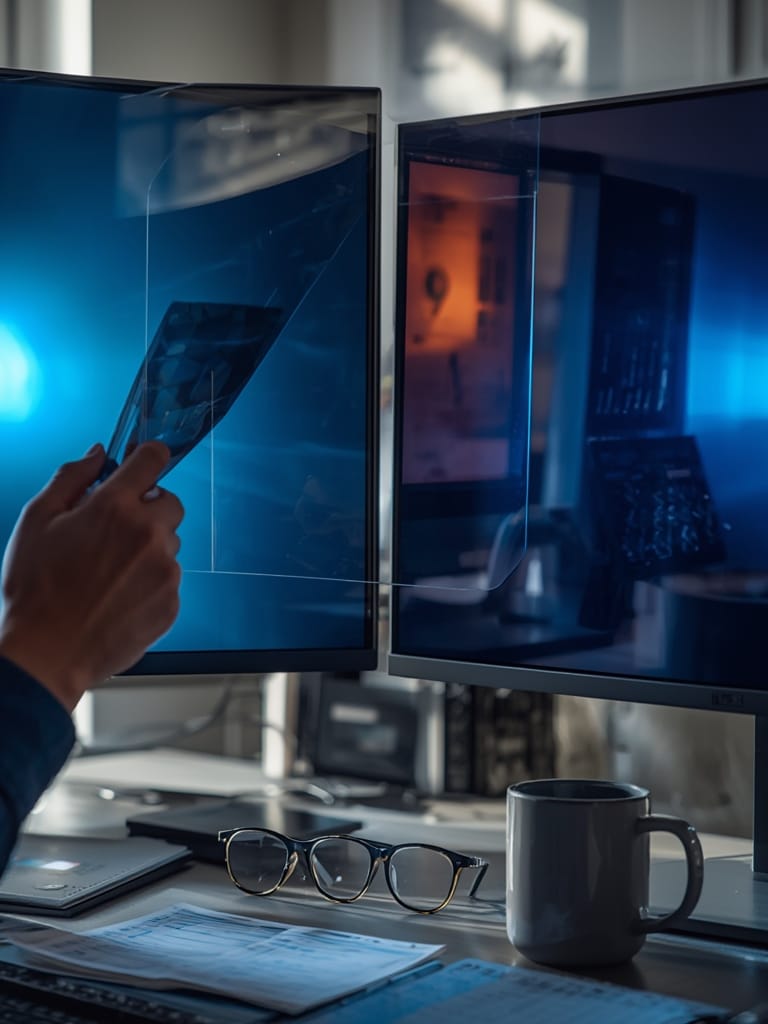
- If considering screen protectors: Choose those that specify percentage of blue light filtered (aim for 99%, though recent findings show no benefit over neutral-density filters for immediate relief). Ensure compatibility with your specific device.
- Assess your actual needs before buying: If you only suffer minor eye strain and can tweak screen settings, you might not ever need a physical filter or glasses.
- Monitor for side effects: Both glasses and screen protectors can sometimes cause headaches, mild mood changes, or minor discomfort. Ease into long-term use and track your own response.
- Stay updated: Guidelines change and many big organizations—like the American Academy of Ophthalmology—do not recommend blue light-blocking products for the general public as of this writing.
For readers who rely on tech-enhanced home routines, check out ways to integrate health-focused automation, such as using a smart air fryer or WiFi blood pressure monitor synced with your phone’s health data.
Advanced Analysis & Common Pitfalls
Not all blue light-blocking strategies are created equally. Here are realities and gaps the most popular articles rarely mention, plus what the data really says:
- Short-term filter benefits disputed: Ninth-generation filters that claim “99% blue light reduction” have no more impact than simple neutral filters on digital eye strain, according to large optometric reviews.
- Long-term use needed for any effect: The only significant symptom relief (such as less eye fatigue or dryness) comes from consistent, everyday use over at least 12 months [source]. Occasional or short-term use does little.
- Side effects are real: Some users get headaches or feel slight discomfort when trying glasses or filters. These are usually minor and reversible but aren’t talked about enough.
- Pediatric risks overlooked: Children’s eyes absorb much higher amounts of blue light, yet filters and smart home devices aren’t tested or designed with this in mind.
Let’s break down how the main technologies compare, their ease of use, and what’s missing:
| Technology | Effectiveness | Cost (2024 Average) | Ease of Use |
|---|---|---|---|
| Screen Protector Filters | Mixed; no clear benefit over plain filters for DES. Short-term use shows “little or no effect.” | Not specified | Requires careful application; may add bubbles or image distortion. |
| Built-in Monitor Settings | No direct data. Lens studies show no measurable difference in eye performance. | Free/included | Simple toggle on most modern devices; no extra hardware needed. |
| E-ink Monitors | No direct human data, but expected to emit minimal blue light and cause minimum glare. | Not specified | Very high for certain tasks (e.g. reading); not covered in most user guides. |
- Most user reviews on Amazon or Reddit focus more on product fit, bubble placement, or glare, not objective eye strain relief. Negative reviews occasionally cite headaches.
- Industry standards for technical specs (durability, % filtered, compatibility) are lacking for blue light screen protectors. Related glasses may claim 99% blue light blockage, but again, this hasn’t shown improved results versus non-tinted lenses [source].
- Clinical evidence says blue light toxicity in humans is not proven—most cell damage studies are in lab settings with much higher dosages than any home device emits.
If you’re on a smart home upgrade journey, consider using face ID smart lock or voice controls—not just blue light filters—as part of a holistic healthy home workflow.
Conclusion
Despite widespread concern, blue light blocking technologies remain controversial and can offer only limited relief for the average user. Use built-in display settings before buying extra accessories, and consider e-ink screens for reading. Pay close attention to long-term habits and especially safeguard kids—since their eyes are more vulnerable. In the end, while the Blue Light debate continues, set your expectations conservatively and choose what truly suits your lifestyle.
Ready to build a smarter, healthier tech ecosystem? Explore top guides on gadgets like WiFi-enabled appliances or secure your space with a face ID smart lock for a vision-friendly, automated home.
FAQ
Do blue light screen protectors really work?
Clinical studies indicate that 99% blue light blocking filters perform no better than regular (neutral-density) filters for short-term digital eye strain relief. However, long-term use of blue light-filtering lenses may improve some symptoms in frequent screen users. Results are mixed for screen protectors, and benefits may be more psychological than proven.
Are blue light glasses better than monitor settings like “Night Shift”?
There’s no strong evidence that glasses outperform built-in settings like “Night Shift” or “Warm Light.” Most users should start with software adjustments, which cost nothing and are easy to toggle.
Do e-ink monitors prevent eye strain?
E-ink displays emit minimal blue light and cause less glare—advantages for heavy readers or coders. Direct clinical data are lacking, but many users find e-ink screens more comfortable for reading tasks than traditional displays.
What are the side effects of using blue light filters or glasses?
Some people experience minor, reversible side effects like headaches, mood shifts, or initial discomfort. Regular long-term use (over 12 months) is linked to reduced eye fatigue and dryness, but not all users benefit the same way.
Should children use blue light blocking products?
Children’s eyes can let in much more blue light, but there’s no consensus on product effectiveness or safety for kids. The best approach remains limiting screen time, using warm light modes, and encouraging screen-free breaks.