

Air Purifier technology is transforming how we handle allergies, pets, and indoor air pollution, but real-world effectiveness and usability often get lost in the hype. This deep dive separates facts from fiction, pinpoints what today’s smart air purifiers really deliver, and helps you determine what will actually work in your home.
Key Takeaways
- Modern air purifiers remove around 80% of airborne allergens and pet dander in real-world homes, far exceeding what most users expect.
- Common frustrations include higher costs, noise, and privacy concerns with smart models—always check for genuine ENERGY STAR ratings and independent reviews.
- Integration with smart home systems can be tricky—check Matter compatible devices and real-time air quality monitoring before buying.
- The Core Concept: What Smart Air Purifiers Really Do
- Step-by-Step Guide: Setting Up and Using a Smart Air Purifier
- Advanced Analysis & Common Pitfalls
- Conclusion
- Frequently Asked Questions
The Core Concept: What Smart Air Purifiers Really Do
Home air purifiers are designed to filter airborne particles like dust, allergens, pet dander, and VOCs, making indoor air healthier. Smart air purifiers enhance this with real-time sensors, app control, automatic modes, and integration into smart home systems. While brands market impressive features, the data shows these devices actually improve air quality by about 80% in real households—much higher than most people think (see the research).
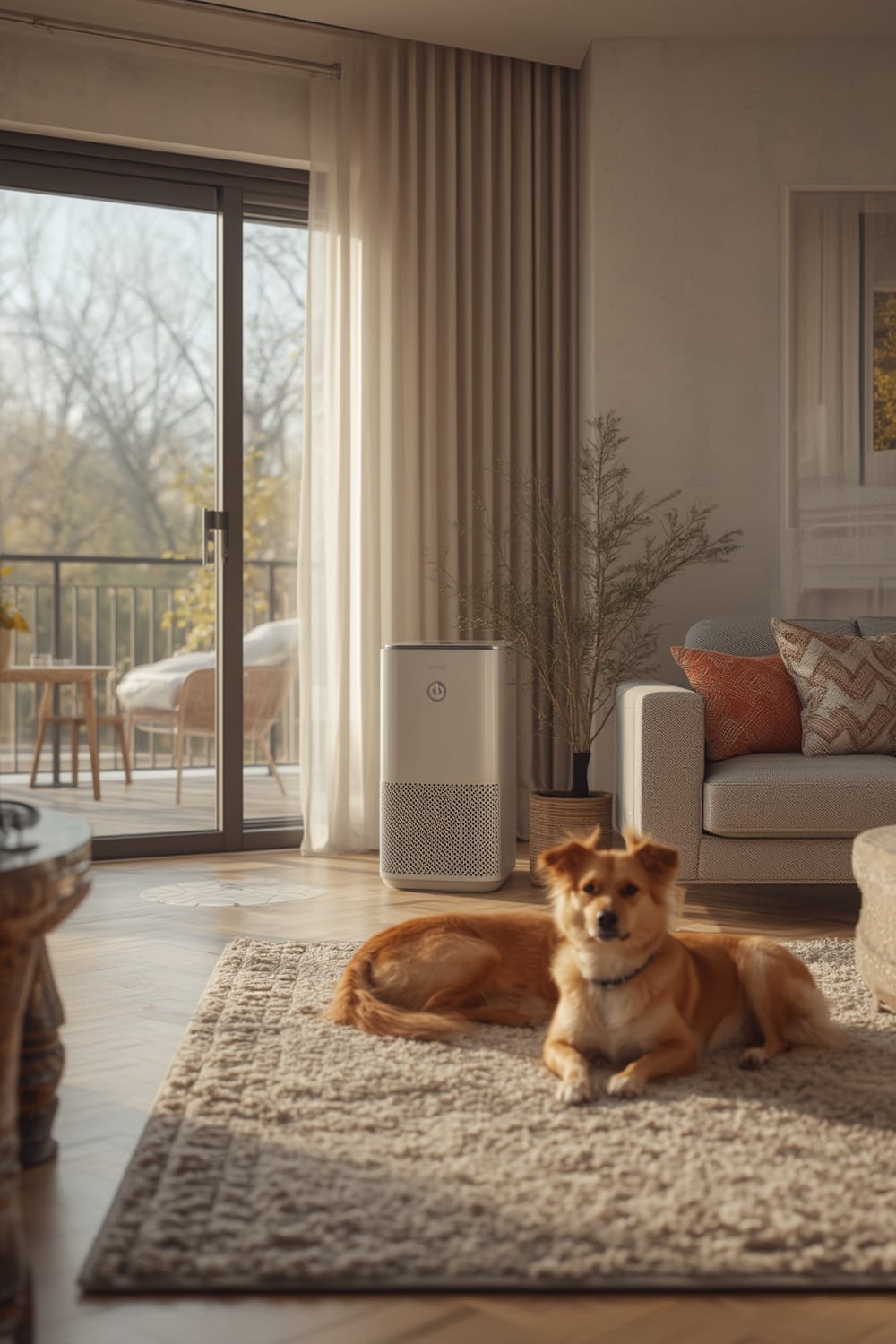
Smart models use multi-stage filtration—usually a pre-filter for dust and hair, a HEPA filters for allergens and dander, and an activated carbon filter for chemical odors and VOCs. Newer units may include UV-C sterilization and smart sensors for detecting fine particles (PM2.5), then automatically adjusting fan speed. Technavio data highlights HEPA/activated carbon as essentials for pet owners and people with asthma.
Adding air quality monitors further boosts usage and consumer confidence, with studies showing a 270% increase in usage when monitors are visible and accessible (source).
Step-by-Step Guide: Setting Up and Using a Smart Air Purifier
- Choose the Right Air Purifier for Your Room Size and Needs
Check the manufacturer’s recommended room size. HEPA filtration is a must for allergy sufferers. If you have pets or chemical sensitivities, ensure the model also filters VOCs and includes an activated carbon layer. For maximum integration, look for Matter compatible devices that link to all smart home platforms. - Place the Purifier Properly
Set up the air purifier in the room where you spend the most time, ideally away from walls and corners. Don’t block vents or put it under furniture. - Connect to Wi-Fi/Bluetooth and Download the App
Follow in-app instructions for setup. Most smart models guide you through pairing in under 10 minutes. For remote monitoring, ensure your home Wi-Fi signal reaches the device location. If the app requests excessive permissions or personal data, review privacy settings before proceeding. - Set Auto Mode and Check Sensors
Enable auto mode so the air purifier boosts fan speed when higher PM2.5 or allergen levels are detected. You can calibrate alert thresholds in most apps. Regularly check the air quality monitor’s readings for accuracy—these are not as reliable as EPA-certified meters, but help track trends. - Maintain the Filters and Sensors
Smart apps usually send filter change alerts. Keep track of the schedule, and use ENERGY STAR models for lower energy bills. Clean pre-filters every two to four weeks; replace HEPA and carbon filters per the manufacturer’s plan—typically every 6 to 12 months depending on use and local pollution.
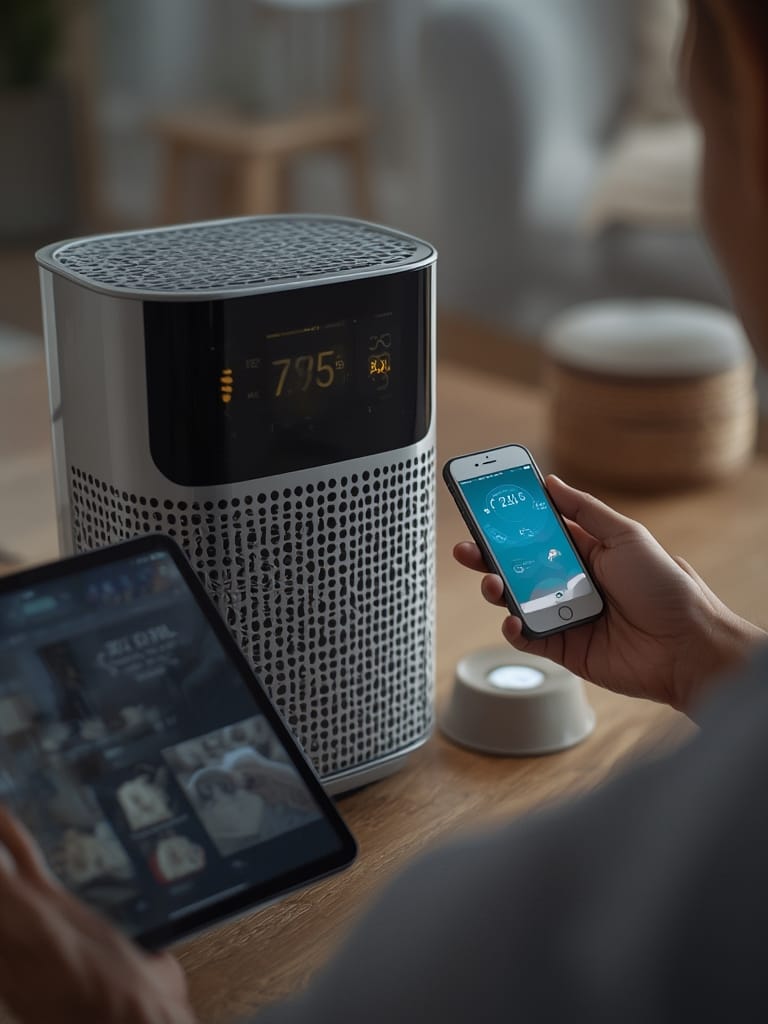
- Optimize app controls—set up routines so the purifier turns on automatically at certain times, or when sensors detect poor air.
- Connect with smart home ecosystems for voice commands and multi-device automations (learn more about setup on our Matter Protocol guide).
- If your model supports it, use remote monitoring to check air quality from another room—or even remotely via your phone.
Advanced Analysis & Common Pitfalls
Despite strong marketing, smart air purifiers have realistic limitations:
- Price Sensitivity: Smart models often cost 30–100% more than non-connected units. You pay for features like app integration and sensors—but don’t assume better air cleaning unless the device has reputable certifications (ENERGY STAR data).
- Noise Complaints: High fan settings can be loud, and auto mode sometimes triggers these late at night.
- Privacy Worries: App-connected devices may collect data about your home, air quality, and even location. Review privacy policies before connecting accounts or enabling cloud features.
- Questionable Sensor Accuracy: Built-in PM2.5 monitors help spot trends, but are not as accurate as EPA-level or pro air quality monitors. Drift, calibration issues, and long-term degradation aren’t always disclosed. No major consumer units offer third-party sensor certification as of 2024.
- Ozone Generation: Some models offer ozone or ionization modes. These can pose health risks—especially to children and pets—so only use these modes with full understanding of the risks, or avoid them entirely (report).
- Integration Friction: Not all smart purifiers work seamlessly with Alexa, Google Assistant, or Apple HomeKit—this is where Matter-compatible devices shine. Double-check compatibility to avoid future headaches.
Consider the costs. Typical HEPA filter replacements range from $20–$80 each, replaced once or twice per year. Activated carbon filters may be extra. ENERGY STAR units use about 27% less electricity—helpful for 24/7 operation, but smart features can nudge up power usage and sometimes require software updates that call for ongoing attention.
| Feature | Smart Air Purifier | Conventional Air Purifier |
|---|---|---|
| HEPA Filtration | Standard | Standard |
| App & Voice Control | Yes | No |
| PM2.5 Monitoring | Built-in (Variable Accuracy) | Rarely Included |
| Smart Home Integration | Often, not always universal | No |
| Energy Use (with ENERGY STAR) | High but efficient (27% less than standard) | Standard |
| Filter Replacement Cost | Higher | Lower |
Premium smart purifiers might come with features like UV-C sterilization, multi-stage particle removal, and remote diagnostics found in models like the Honeywell HPA8350B. However, there is little evidence (as of now) that AI-driven air cleaning or true predictive automation—like Agentic AI—has entered the consumer market yet.
Smart air purifiers work, but be clear about your priorities: filtration power, true smart home integration, sensor quality, and long-term cost are the real differentiators.

Conclusion
The research is clear—modern smart air purifiers with HEPA and carbon filtration remove most airborne pollutants, offering allergy and pet dander relief far above what many consumers expect. However, not all smart features justify the premium price. Always compare integration details, filter costs, and noise levels before you buy.
If you’re ready to breathe easier, check for real-world test results and ensure your chosen air purifier fits your living space and smart home system. Ready to explore more about optimizing your smart home? See our guide to Matter compatible devices and the future of autonomous smart home automation. Your next Air Purifier could make your home a fresher, healthier place—if you choose wisely.
Frequently Asked Questions
How effective are smart air purifiers at removing pet dander and allergens?
Recent research shows smart air purifiers with HEPA filters remove about 80% of airborne particles, including pet dander and common allergens, in real-world homes. While effectiveness varies by model and room size, the best units offer tangible relief for allergy and asthma sufferers. Source
Do all smart air purifiers support Google, Alexa, and Apple HomeKit?
No. Many only offer partial or brand-centric integrations. For seamless cross-platform use, look for Matter compatible devices specifically. Not all popular models are fully compatible, so check specs.
How much does ongoing maintenance cost?
Expect to spend $40–$160 per year for filter replacements on mid-range smart air purifiers, slightly more for models with multiple filter stages or UV-C lamps. ENERGY STAR certified devices save roughly 27% on energy bills compared to non-certified units. Subscription fees for advanced app features are rare but growing.
Are the air quality sensors in consumer-grade devices accurate?
Sensors can track air quality trends but aren’t as reliable as professional equipment. Most smart air purifiers do not undergo independent sensor accuracy testing. Use their data directionally, but don’t rely on them for health-critical decisions.
What are the biggest downsides of smart air purifiers?
High upfront cost, ongoing filter expenses, occasional noise at high speed, privacy concerns, and sometimes incomplete integration with your smart home system. Review independent reviews and our Matter Protocol guide for better compatibility.