

Garden Cam technology is changing how homeowners monitor wildlife, enhance outdoor security, and enjoy time-lapse footage in their own backyard. Whether you hope to catch rare birds, deter pests, or simply protect your garden, getting the right camera—installed the right way—is crucial for a hassle-free experience.
Key Takeaways
- Outdoor surveillance and garden cams are part of a booming global market, with user demand rising due to advanced features like AI and solar charging.
- Setup mistakes, weatherproofing faults, and unclear privacy rules are common challenges—knowing realistic pitfalls helps avoid wasted costs.
- Comparing solar versus traditional models, understanding legal limitations, and knowing which premium features actually matter can optimize your investment.
- What Is a Garden Cam and Why Are They Booming?
- How to Choose and Install a Garden Cam: Step-by-Step Guide
- Advanced Analysis and Common Pitfalls
- Conclusion
- FAQ
What Is a Garden Cam and Why Are They Booming?
Garden cams are rugged outdoor cameras designed to monitor wildlife, bird activity, and garden spaces for both enjoyment and security. Interest has soared in 2024 as technology brings in smart features like AI detection, 4K imaging, and easy solar charging. These cameras are no longer niche—data shows the global outdoor surveillance camera market is worth nearly USD 31.99 billion in 2024 and set to double by 2030, with trail camera sales (used for both wildlife and gardens) exceeding USD 850 million this year.
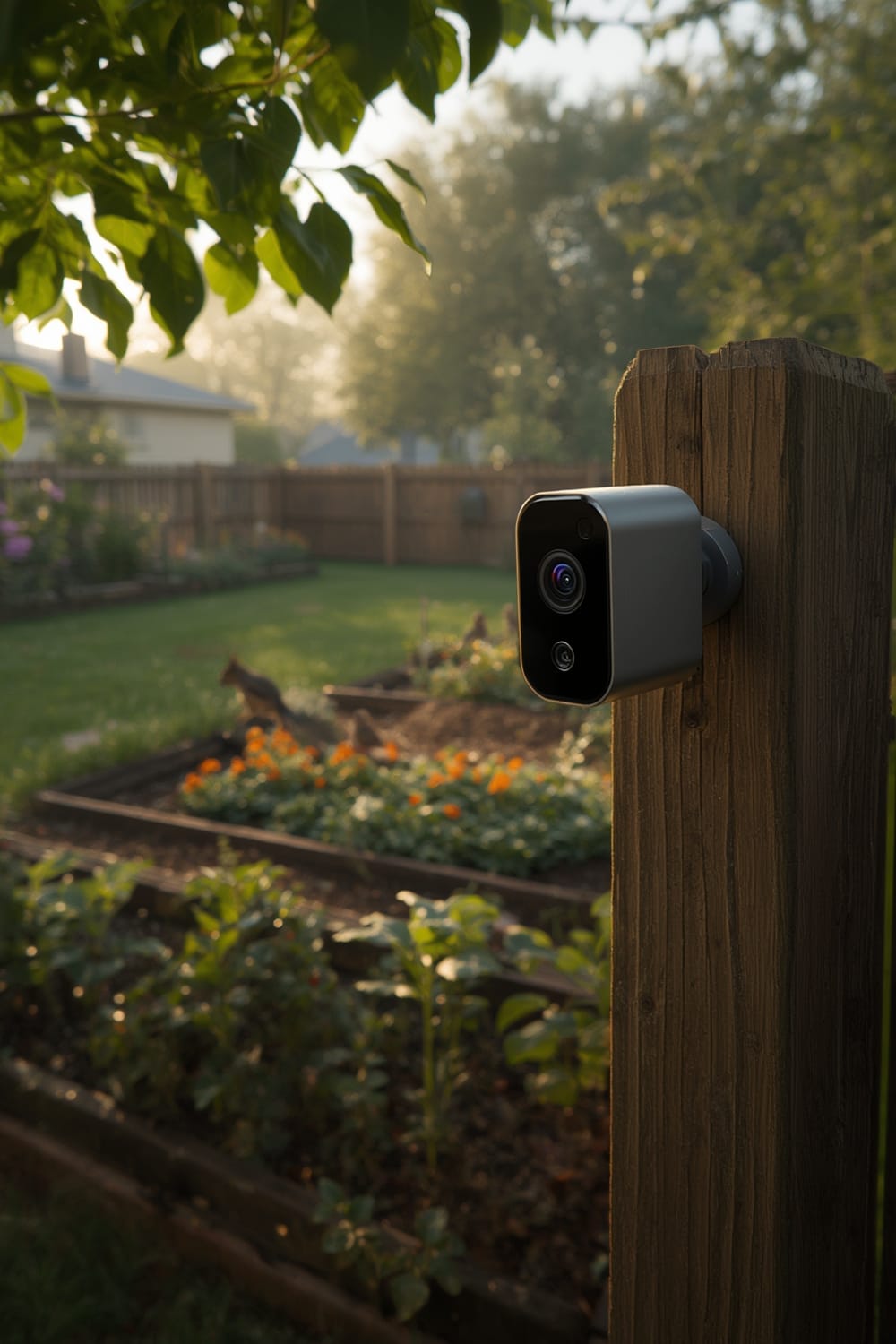
Why the boom? Safety is a top concern: over half of all home security camera sales are for outdoor use as of 2024, with North America leading demand. The recovery from COVID has pushed remote monitoring needs, and gardens are often the first line of property defense. Plus, as gardens become wildlife havens and hobby centers, homeowners want reliable, smart footage—whether for relaxing time-lapses or ID’ing which animal ate the tomatoes.
These innovations align with bigger smart home trends. For example, platforms like the Matter protocol and Agentic AI are making smart garden devices more compatible and proactive than ever.
How to Choose and Install a Garden Cam: Step-by-Step Guide
Setting up a garden cam involves more than just mounting a camera on a tree. Here’s a plain-language breakdown for hassle-free results:
- Define your purpose and choose the right camera type.
- For wildlife observation: Go for trail or bird feeder cams with infrared triggers.
- For security: Select a weatherproof model with a high-resolution sensor (1080p minimum, 4K for detail) and night vision.
- For time-lapse: Ensure your model supports scheduled capture or interval shooting.
- Decide on power and storage.
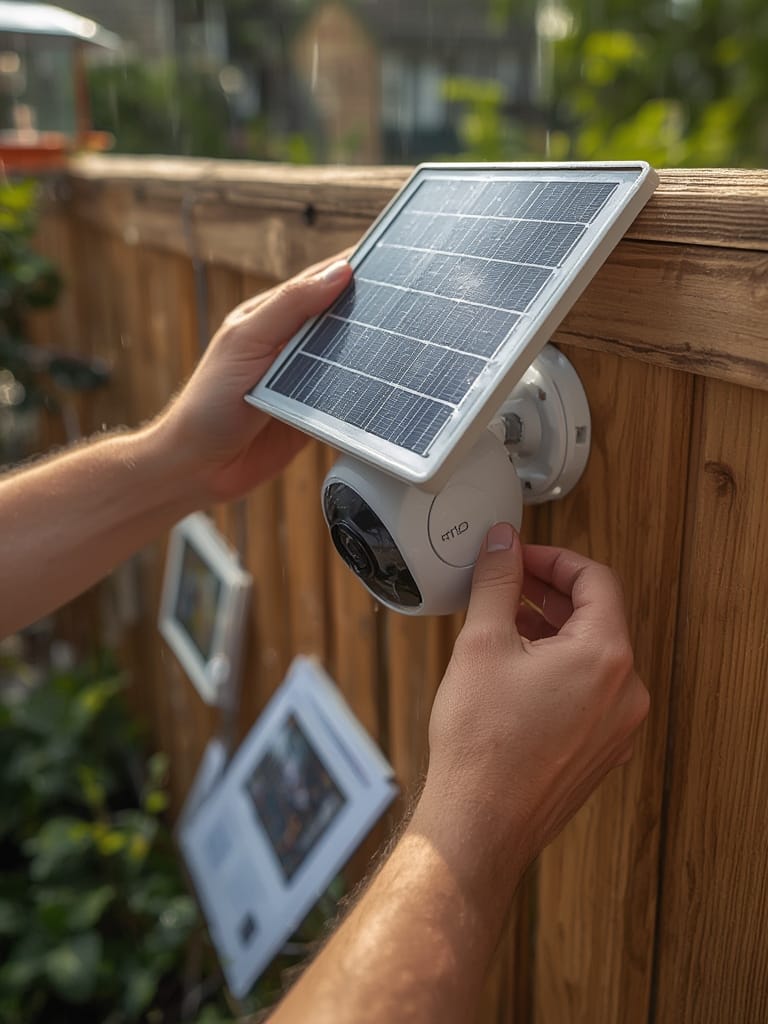
- Solar-enabled cams work well if you have at least 4-5 hours of daily sunlight. For low-light gardens, consider plug-in or long-life battery models instead.
- SD card storage is reliable for “set and forget” needs, while cloud storage is best for real-time monitoring and smart alerts. Know your WiFi range.
- Check for smart features.
- Modern garden cams now feature AI animal detection, remote viewing apps, even integration with Matter compatible devices and AI home appliances. Prioritize the actual features you’ll use—extra tech means a higher price tag and sometimes more support annoyances.
- Weatherproof your setup.
- Look for an IP65 rating or better for rain and dust. Always mount cams with a slight downward tilt to avoid water pooling on the lens.
- Wrap power cable joints with waterproof tape and keep joints off the soil. If using solar, angle panels for maximum seasonal sun—adjust every 6 months for best battery performance.
- Mount and test placement.
- Aim at feeding zones, garden gates, or secluded corners where animal activity is high. Mount between 4-7 feet high to avoid tampering and get wide coverage.
- Leave the cam to run for 2-3 days and review footage. Adjust angles and sensitivity to minimize false triggers (like waving branches).
- Secure your footage and check privacy practices.
- If possible, encrypt stored clips and use two-factor authentication for camera apps.
- Be aware of neighbors’ boundaries. Even though privacy rules for garden cams in residential settings are still evolving, avoid aiming at adjoining properties.
Frustrated with limited WiFi reach at the edge of your garden? Consider pairing your cam with a LoRa driveway alarm for reliable, long-range motion sensing. Or automate garden lighting with wind sensor-controlled awning systems that respond to garden conditions—making your setup truly hands-off.
Advanced Analysis and Common Pitfalls
Even top-rated garden cams can be tricky. Let’s look at realistic issues based on current research and sales trends.
- No universal privacy guidance: As of 2024, there are no clear privacy laws specific to garden cams in residential yards. You must use good judgment to avoid legal disputes—never point cameras into neighbors’ windows or yards.
- Battery and weather struggles: Solar-powered models promise endless runtime but may underperform in shaded gardens or during winter. Non-solar cams, while more consistent, require accessible outlets or frequent battery swaps. Dirty or rain-splattered lenses degrade image quality rapidly.
- AI features can be hit-or-miss: While features like animal recognition and real-time alerts sound great, they’re only as good as the firmware. Some models still trigger on wind or insects despite “smart” detection. Overly complex setups risk more downtime, especially if not supported by established brands.
- Cost versus value confusion: Market data lacks clear price ranges, but in general, pay more if you need sharper night vision, robust weather resistance, and secure remote access. Cheaper cameras often miss these or have unreliable apps.
| Feature | Solar Garden Cam | Non-Solar/Battery Garden Cam |
|---|---|---|
| Battery Life | Potentially unlimited (sunny climates), but unreliable during long winter/cloudy periods | Consistent, but must recharge or swap every 2-8 weeks |
| Video Resolution | 4K & 1080p common in mid-to-high models | Same; resolution is not power dependent |
| Night Vision | Available, but running IR LEDs at night drains battery—best in models with large solar panels | Available, but battery drains faster with intensive night recording |
| Downsides | Requires sunny placement; can underdeliver in cloudy regions | Manual maintenance (charging/swapping batteries); needs access to power |
Innovative features like those found in the Eufy 4K LTE Cam S330—AI, solar, weatherproofing—are driving the outdoor security market’s massive growth. But buyer beware: don’t overpay for “premium” features that you won’t actually use day-to-day.
Some of the highest ranked smart home devices are now integrating wildlife cams into broader energy dashboards and automation sequences. For example, see how an energy dashboard or air purifier auto mode can create smarter, more sustainable homes—all trends to watch as you expand your outdoor setup.
Conclusion
Garden cams have quickly moved from luxury to necessity for many homeowners, blending wildlife enjoyment with serious security. As smart features like AI detection and solar charging become mainstream, it’s more important than ever to choose, install, and maintain your equipment wisely. Balancing value, performance, and privacy will help you get the most out of your garden cam investment—while avoiding wasted money and unnecessary headaches.
Ready to upgrade your garden? Assess your needs, follow the steps above, and join the new wave of smart outdoor monitoring today.
FAQ
Can I use a garden cam without WiFi?
Yes, many garden cams record to SD cards and don’t require WiFi for basic motion capture or time-lapse. If you want live alerts or cloud storage, you’ll need a WiFi connection with decent range to your garden.
Are solar-powered garden cams reliable year-round?
Solar cams work well in gardens with consistent sunlight. During cloudy periods or winter, their battery may run low, impacting recording time and night vision. For most reliable results, combine solar with backup batteries or accessible charging options.
What privacy rules apply if I install a camera aimed at my yard?
In most regions, you’re allowed to film your own property outdoors but should avoid recording areas outside your boundary, like a neighbor’s yard or public street, to respect privacy and avoid legal issues. Regulations change, so check local advice before installation.
Which features should I pay extra for?
Pay more for real AI animal detection, crisp night vision (IR or starlight sensors), robust weatherproofing (IP65 or higher), and remote access via a secure app. Cheaper models often have lower-quality night vision or unreliable motion alerts.
How often should I clean or maintain my garden cam?
Check lenses once every 2-4 weeks for spider webs, dirt, or rain spots. Schedule seasonal tests of solar panels and batteries, and re-apply protective grease or tape to weatherproofing as conditions change.