

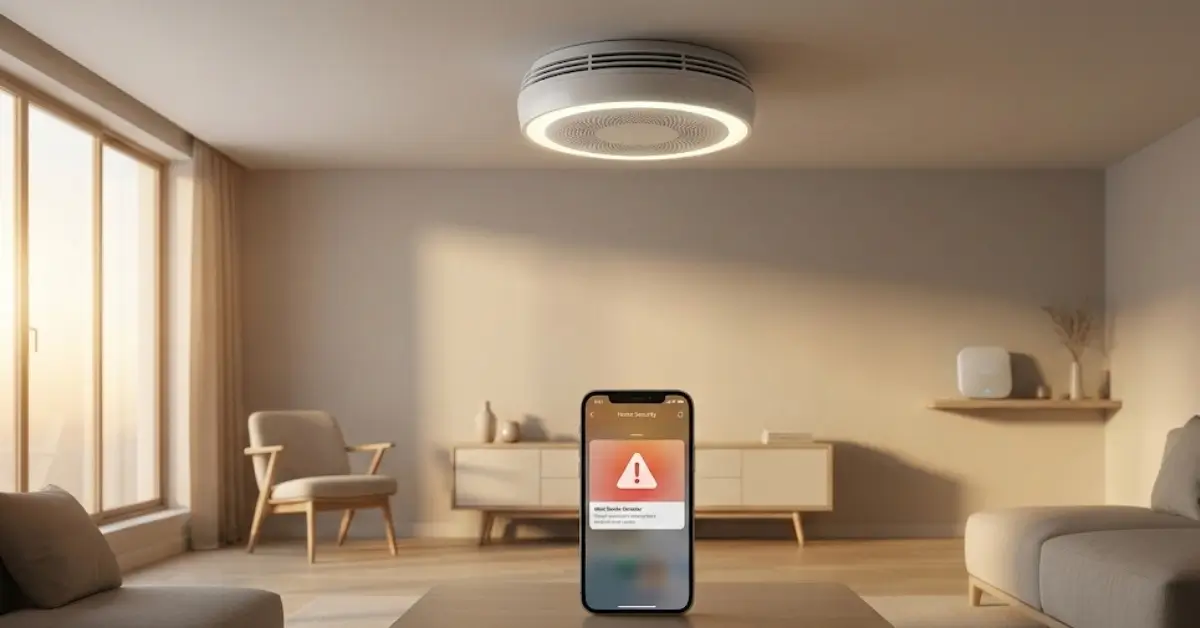
Smart Smoke detectors have transformed home fire safety by combining traditional alarms with the power of real-time mobile alerts and smart home integration. Whether you want instant notifications on your phone or easier maintenance, the shift to connected detectors promises more confidence—but also raises new questions about cost, reliability, and setup.
Key Takeaways
- Smart smoke detectors now use advanced sensors and deliver mobile alerts, but user complaints include notification speed, WiFi issues, and extra subscription costs.
- Upgrading isn’t just swap-and-go—battery life, interoperability, and connectivity with platforms like Z-Wave or WiFi matter greatly for long-term reliability.
- Before investing, check sensor types, monitoring fees, and installation details to avoid unexpected costs or gaps in protection.
- What Is Smart Smoke Detection and Why It Matters
- How to Upgrade to Smart Smoke: Step-by-Step Guide
- Reality Check: Analysis, Comparisons, and Pitfalls
- Conclusion
- FAQ
What Is Smart Smoke Detection and Why It Matters
Smart smoke detection means sensors in your home do more than sound a siren. These devices, like Nest Protect or X-Sense, use internet connectivity to send instant alerts to all household smartphones. They can detect multiple threats—including smoke and carbon monoxide—and sometimes talk to your existing smart home setup, giving you better context and faster response.
The biggest win with smart detectors: No matter where you are—on a trip, at work, or in the backyard—your phone lets you know if your home is in danger. Some models allow multiple people to get alerts, and a few even support professional monitoring for auto-calling emergency services if you miss a notification.
Adoption is growing in the US and Europe, although exact household percentages aren’t published yet. What’s clear: features like nuisance alarm reduction (less cooking smoke panic), interconnected alerts, and remote silencing are driving demand. But you need to pay attention to device compatibility, WiFi coverage, response speed, and total cost—including optional monitoring subscriptions.
For more insight on open smart home standards, check out Matter Protocol—a new standard rapidly solving past device compatibility headaches.
How to Upgrade to Smart Smoke: Step-by-Step Guide
- Assess Your Home’s Coverage and Needs
Count your existing smoke detectors and check their locations. Identify must-have features: do you need CO detection, voice alerts, remotable silencing, or multi-user notifications? - Research the Best Detectors for Your Platform
If you use Apple HomeKit, Google Home, or smart home setup, match your detectors accordingly. For basic mobile alerts, WiFi-only (like X-Sense) works. For deep automation and compatibility, explore alternatives like Recovery Ring (for broader wellness integration) or Z-Wave models. - Compare Features and Sensor Design
Look for multiple sensors (photoelectric plus electrochemical). Multi-sensor designs respond to both slow-smoldering and fast-burning fires, and some even reduce false alarms from steam or cooking thanks to advanced algorithms. - Plan for Interconnectivity
Decide if you want all alarms to trigger each other, and whether you’ll mix battery and hardwired units. Note: Not all smart systems allow mixing types or work with older wiring. - Calculate Total Costs
Factor in device cost (expect ~$200 for a 5-pack of battery models), optional installation fees (if hardwired), and any ongoing monitoring plans. Some app alerts are free, but professional services cost extra. - Install and Test
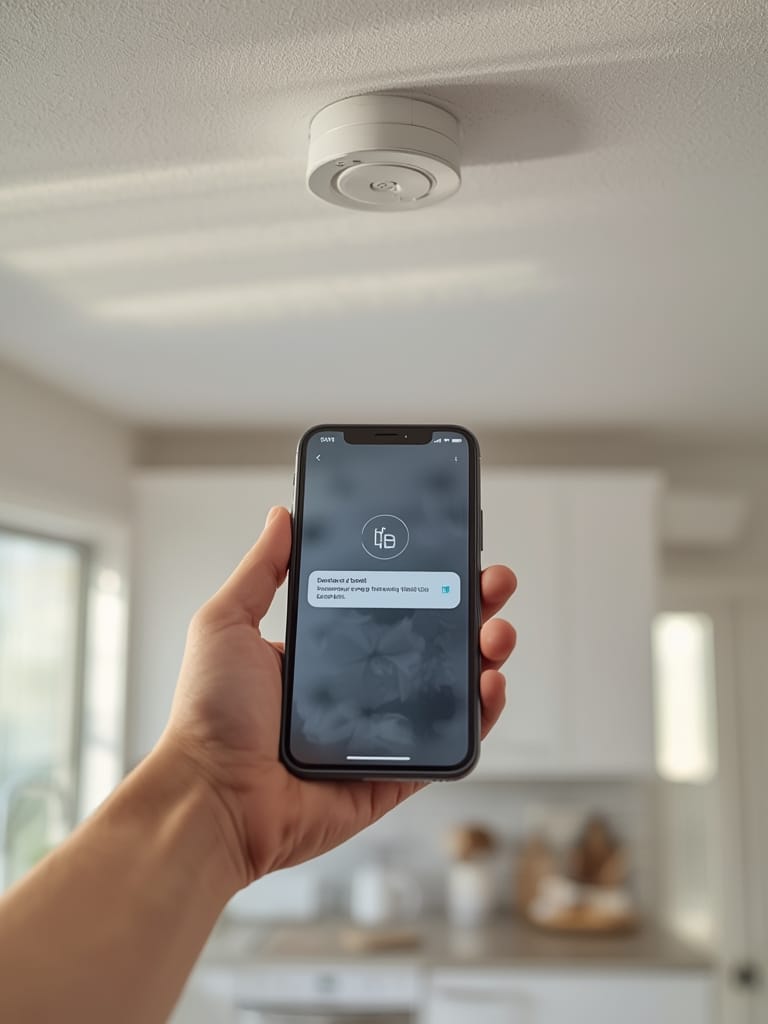
Install detectors according to manufacturer instructions—test each for detection and mobile notification. Run a WiFi or Z-Wave connectivity check in each room. Add additional interconnected or mobile-linked smart alarms if coverage is spotty. - Set Up the App
Register devices in the manufacturer’s app, set up notifications (invite cohabitants if supported), and connect with any smart home devices (like automating lights on alarm). - Review Long-Term Maintenance Needs
Some detectors offer 10-year batteries, while others need regular battery swaps. Mark your calendar for sensor expiry checks—photoelectric and electrochemical designs eventually lose effectiveness.
Looking for connected climate control too? Explore the Smart Mattress category for improving sleep safety along with fire protection.
For those with pets, interoperability between smart smoke and related wellness devices (like the Anxiety Vest for dogs) ensures nobody is left behind during emergencies.
Reality Check: Analysis, Comparisons, and Pitfalls
Most buyers assume smart smoke equals better safety everywhere. The reality is more nuanced—here’s why.
- WiFi Blackspots: Detectors far from your router (attic, garages) might not send timely alerts. Z-Wave models extend range, but only if you have an established mesh network.
- Notification Speed: There’s no guaranteed “instant” notification. Reviews do not report exact smartphone alert speed, and latency depends on WiFi, cloud service, and phone signal. Always test it yourself.
- Subscription Fatigue: Mobile push alerts are typically free, but professional monitoring (auto-911 calling) costs extra—something few people realize before buying (like X-Sense/Noonlight plans).
- Voice Alert Differences: Some devices have underwhelming, non-adjustable voice volumes (reported for X-Sense). Nest Protect offers a louder, more distinct personality, which can matter if waking heavy sleepers or alerting guests.
- Sensor Service Life: All smoke/CO sensors expire—often after 10 years. Many buyers forget to check this or calendar replacements, risking lapsed protection.
- App Instability: Occasional bugs or quirks (app disconnects, missed notifications, delayed firmware updates) can weaken protection unless regularly reviewed and updated.
Always verify if a smart detector supports multiple user alerts and fits the app ecosystems you already use. If your home is full of Z-Wave, you may want to reference the compatibility details from Vesternet’s Z-Wave detector comparison.
| Feature | Smart Detectors (e.g., X-Sense, Nest Protect) | Traditional Detectors |
|---|---|---|
| Sensors | Photoelectric + Electrochemical (smoldering & fast fires), possible Temp/CO Source | Single sensor (Ionization or Photoelectric) |
| Interconnectivity | Mix battery/hardwired (can trigger each other) | Varies; often only with same brand or limited wireless/wired types |
| Nuisance Discrimination | Advanced: Multi-sensor/algorithmic (reduces false alarms) | Baseline: Prone to false alarms from steam/cooking |
| Mobile Alerts | Yes (WiFi app or smart home system) | No |
| Professional Monitoring | Optional with subscription (e.g. Noonlight with X-Sense) | No |
| Sensor Lifespan | Usually 10 years | Usually 10 years |
| Cost (5-pack) | ~$200 (X-Sense) Source | $60-$100 (basic models, no connectivity) |
| App/Platform Integration | WiFi, some with Z-Wave/Smart Home | N/A |
If advanced sequencing or cloud-connected triggers are key to your automation, also see Scene Controller for tactile, multi-action safety workflows.
For apartments or rental situations, the Smart Blinds guide offers advice on renters’ install rights—often similar considerations apply to smart smoke alarms.
For WiFi-enabled air quality sensing beyond fire, smart radon detectors (like those covered in Radon Detector) can complement your fire safety setup—giving a more complete home safety picture.
Conclusion
Smart smoke systems promise peace of mind—but only if you match detectors to your home’s needs, test them in real-world scenarios, and stay alert to ongoing costs. While the tech is evolving fast, not all products offer the same features, integrations, or long-term value. To protect your home fully, do your research, monitor your app updates, and make sure your Smart Smoke setup is robust, up-to-date, and covers every room where people (or pets) sleep. Ready to take the next step?
Act now: Review your current setup, compare replacement options, and start upgrading to a truly connected home safety system that keeps you—and your loved ones—protected, day and night.
FAQ
Do smart smoke detectors require WiFi to function?
Most smart smoke detectors use WiFi for sending mobile alerts, but will still sound a local siren even if the internet is down. However, inter-device notifications and remote monitoring require WiFi or a mesh (e.g., Z-Wave) connection.
Are there ongoing subscription fees for smart smoke detectors?
Basic app alerts are usually free. Professional monitoring services (which notify emergency response if you miss an alert) require a subscription—like X-Sense’s Noonlight options. Check specifics before buying since these fees add up.
How reliable are mobile alerts in real fire situations?
Reliability depends on your WiFi network, device placement, app quality, and phone signal. No current products guarantee instant notification in all cases, so regular testing is best practice.
Can smart smoke detectors be integrated with older wired alarms?
Some models offer interconnectivity with existing wiring, but many do not mix well with legacy devices. Always check compatibility—especially if you want hardwired and battery smart detectors to work together.
What’s the expected lifespan of a smart smoke detector?
Most smart detectors are designed for 10 years of service. After that, sensors lose reliability and must be replaced—regardless of battery type or connectivity.