

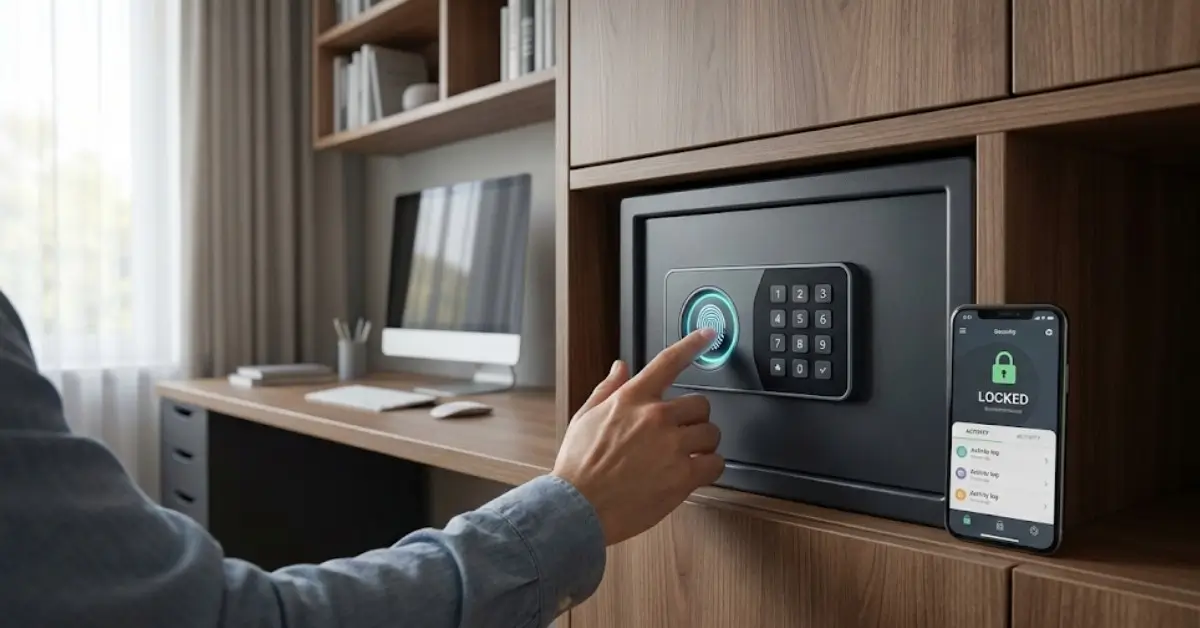
Smart Safe technology is changing how people protect cash, documents, and valuables at home and in businesses. Instead of old-fashioned safes, these new solutions offer biometric access, app control, and live security features that merge physical and digital peace of mind.
Key Takeaways
- The smart safe market is expanding rapidly, thanks to mobile app integration and biometric authentication.
- Despite big promises, many smart safes lack transparent real-world security case studies and standard certifications.
- Choosing the right smart safe goes beyond features—understand practical limitations, costs, and support for future protocols like Matter.
- What is a Smart Safe and Why Do You Need One?
- How to Choose and Set Up a Smart Safe: Step-by-Step Guide
- Advanced Analysis and Common Pitfalls
- Conclusion
- FAQ
What is a Smart Safe and Why Do You Need One?
Smart safes are security containers that go beyond physical locks. They combine traditional burglary and fire protection with digital features like app control, WiFi or Bluetooth connectivity, biometric authentication (fingerprint or even vein recognition), and instant tamper alerts. Their appeal? Real-time monitoring, audit trails, and customizable access—qualities that businesses expect and homeowners now want.
Between 2024 and 2031, the global smart safe market is set to grow at a CAGR of 8.01%, reaching over $5 billion by 2031. In the U.S. alone, smart safes are expected to double in market value by 2033, fueled by the need for improved safety, cash control, and seamless integration with smart homes (source | source).
Notably, tech standards such as Matter protocol integration are emerging, making it easier for different brands’ safes and devices to communicate within smart homes. This is especially relevant as buyers seek future-proof options that don’t become obsolete quickly.
How to Choose and Set Up a Smart Safe: Step-by-Step Guide
Selecting and installing a smart safe isn’t just about picking the first option with app access. Follow these structured steps for a solution that remains useful and secure for years.
- Define Your Security Needs.
Identify what you need to store (cash, documents, jewelry, firearms, etc.). Larger items or sensitive assets may require stricter fire and water resistance or size standards. - Evaluate Core Features.
Look for critical features such as:- Reliable biometric authentication—ideally multi-modal (fingerprint, PIN, app-based backup)
- Fire and water resistance—check for independent test ratings
- Tamper and breach detection with instant app notifications
- App support for remote unlock and event logs
- Integration with your chosen smart home platform (consider Matter protocol compatibility for future-proofing; see the benefits)
- Compare Traditional vs. “Smart” Safe Models.
Traditional models are often cheaper, have no digital vulnerabilities, and just work. However, they lack the real-time alerts and access control that wifi-enabled versions provide. Check for reviews where possible—the market is full of generic products with mixed user feedback. - Understand Subscription or Cloud Fees.
Some smart safes charge a monthly fee for advanced features (like cloud access logs or remote monitoring). Prospective buyers should clarify these costs up front. - Plan for Emergency Access.
Always set up backup entry methods (mechanical key, alternate admin users) in case the app or biometrics fail. - Physical Installation and Wireless Setup.
- Anchor the safe to a solid surface following manufacturer instructions.
- Check wireless signal strength in the intended location (distance to router matters).
- Use strong, unique passwords for both the safe and app accounts.
- Test, Audit, and Document Everything.
Try all access methods, simulate breach attempts or power failures, confirm notifications arrive on your phone or watch, and keep any recovery codes physically safe. Log initial settings.
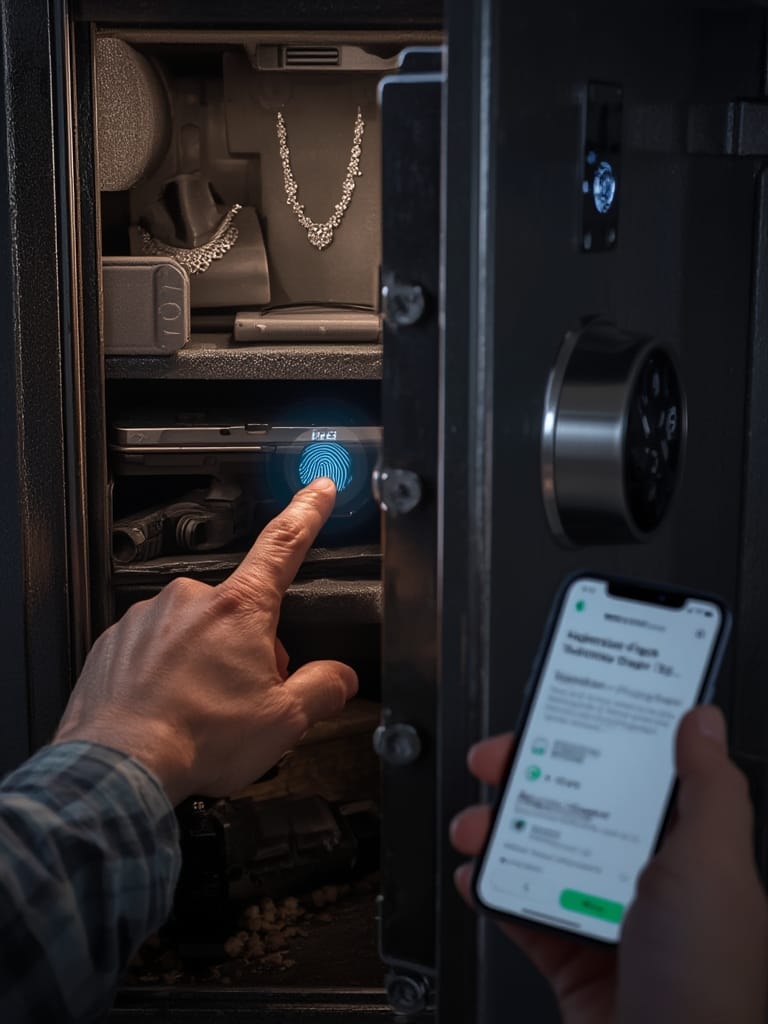
Beyond installation, remember to check for multi-device management if you need to share access. Some safes offer role-based permissions—use these to control who can open the safe from an app versus who needs biometric access. If integrating with a broader home ecosystem, prioritize models that support agentic AI routines or automations, such as arming security sensors when the safe is accessed outside normal hours.
Advanced Analysis and Common Pitfalls
While the smart safe market is growing, buyers should remain cautious. There’s a significant lack of transparent, independently verified real-world security case studies. Key pitfalls and realistic considerations include:
| Pitfall | Details | Mitigation |
|---|---|---|
| Biometric Sensor Failures | Accuracy or durability issues can leave users locked out or make the safe easy to bypass if poorly implemented. | Always set up a strong secondary access method, such as a PIN or key, and keep it secure. |
| Weak App Security | Some wifi safes have outdated app software, exposing vulnerabilities to remote attacks. | Regularly update apps/firmware. Use unique, strong passwords for all accounts related to the safe. |
| No Universal Certification or Standard | As of 2024, there’s no industry-wide standard or certification for smart/Bluetooth safes. | Look for products that publicize security audits or compliance with independent standards such as UL (for fire), but remain skeptical of generic claims. |
| App Dependency and Downtime | If servers go offline or if the manufacturer stops supporting the app, remote access features may stop working. | Favor solutions where essential access is always possible locally, without needing the cloud. |
| No Real-World Attack Data | There are no published, peer-reviewed case studies of attacks on smart safes as of 2024. | Request audit information from vendors and stick to brands with established track records. |
| Subscription Surprise | Some features, like remote monitoring or longer event log history, require monthly fees. | Confirm all fees before purchase. Opt for safes that deliver core features locally without ongoing cost where possible. |
Link your smart safe responsibly. Users in communities with expensive valuables sometimes integrate remote monitoring solutions or add extra sensors. Next-generation biometric locks like vein or face ID may offer better protection but can introduce new usability issues—test before relying on these for daily access.
Keep in mind that, despite rapid growth projections—including an estimated $47.78 billion global market for smart home safety by 2025 (source)—many solutions are too new for long-term reliability studies.
Conclusion
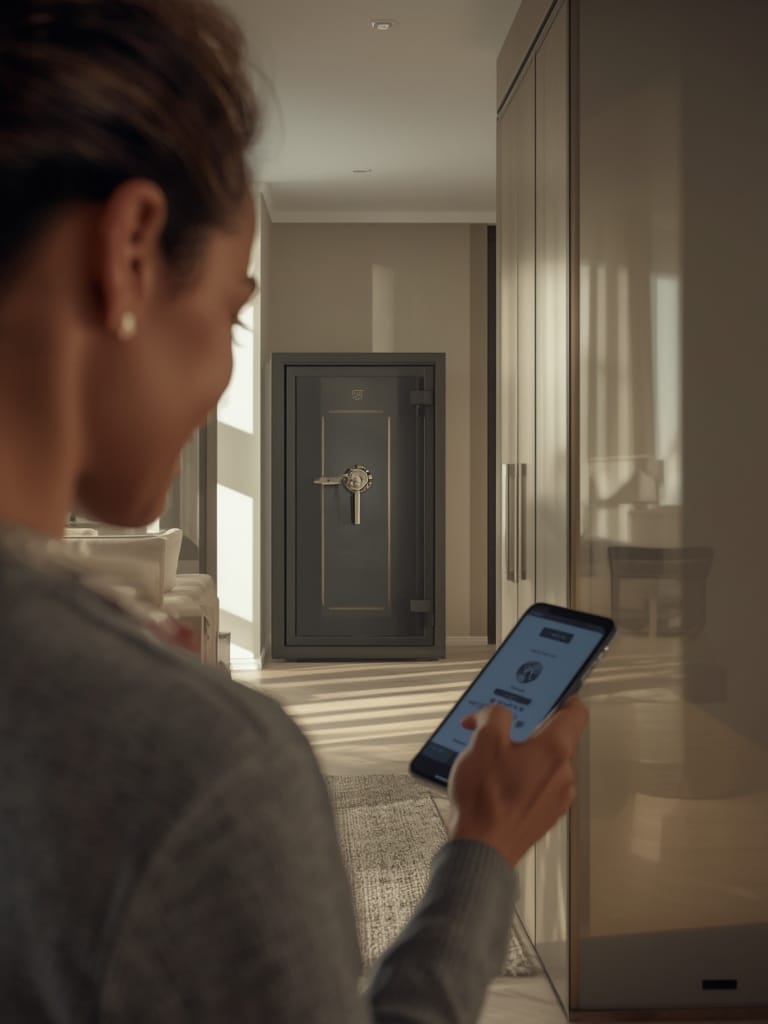
Smart safes offer next-level convenience and oversight. However, the absence of industry certifications, transparent pricing, and long-term field data means buyers should remain cautious, do side-by-side comparisons, and prioritize physical security first. Whether you’re building a modern home or upgrading your small business, smart safe technology can pay off if you approach it thoughtfully.
Take the time to match a smart safe to your needs—research upcoming features, watch for Matter protocol support, and never underestimate the value of analog backup. Ready to enhance your security? See how a Smart Safe fits into your system before buying.
FAQ
Are smart safes really safer than traditional safes?
Smart safes can offer better monitoring and multiple access methods, but their actual “safety” depends on the physical build quality, app security, and regular software updates. In some cases, a mechanical safe might have fewer digital vulnerabilities but lacks real-time alerts or audit trails.
Will my smart safe work with Apple HomeKit or Alexa?
Some, but not all, smart safes support major ecosystems. Look for models that support future-proof protocols like Matter to ensure wider compatibility with Apple, Google, and Amazon assistants.
What happens if the WiFi or app provider goes offline?
Core access mechanisms (keypad, fingerprint, or mechanical key) should still work even if the app or cloud service becomes unavailable. Always confirm backup methods are available and tested before relying on app-only features.
Are there any hidden monthly fees for smart safes?
Some advanced features, like remote monitoring or longer event log retention, may require a subscription. Confirm with manufacturers before purchase and prefer models that offer essential features locally without ongoing fees.
What features should I avoid in a smart safe?
Be wary of models with only a single access method, confusing app interfaces, or unclear data privacy policies. Look for truly independent reviews and avoid little-known brands that do not undergo security audits.