

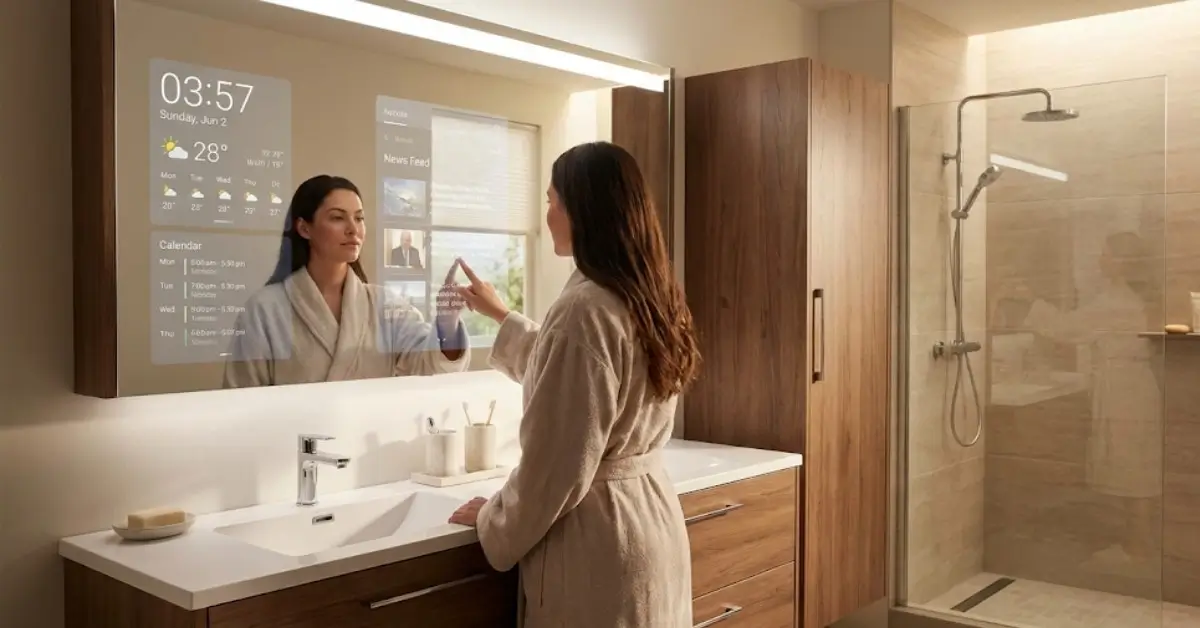
Smart Mirror technology is rapidly reshaping how we interact with everyday objects, transforming traditional mirrors into connected displays that provide real-time information, fitness guidance, entertainment, or even smart home controls. For homeowners and DIY enthusiasts interested in smarter living, understanding the benefits, real challenges, and best practices around smart mirrors is essential.
Key Takeaways
- Smart mirrors blend reflective surfaces with touchscreens, voice control, and integrations for workouts, news, weather, and more.
- The global smart mirror market is set for fast growth, but high cost and overlooked issues like privacy and compatibility remain major concerns.
- Most smart mirror buyers should prioritize installation planning, product updates, and smart home integration before making a purchase.
- The Core Concept of Smart Mirrors
- Step-by-Step Guide to Getting the Right Smart Mirror
- Advanced Analysis and Common Pitfalls
- Conclusion
- FAQ Section
The Core Concept of Smart Mirrors
At its simplest, it combines a standard reflective surface with a digital display. When switched on, you see information like time, weather, fitness metrics, or news overlaid onto your reflection. Some devices use touchscreens, while others rely on gesture or voice control with built-in microphones and speakers.
Smart mirrors are available in several main types. Such as in Fitness it offer interactive exercise classes and real-time feedback. Bathroom mirrors might show news, music, or can double as a TV. DIY Raspberry Pi smart mirrors, often powered by a Raspberry Pi, let tinkerers create fully custom interfaces for a fraction of the commercial product price. The underlying principle is straightforward: keep users informed, entertained, or motivated without needing to fumble with other screens or devices.
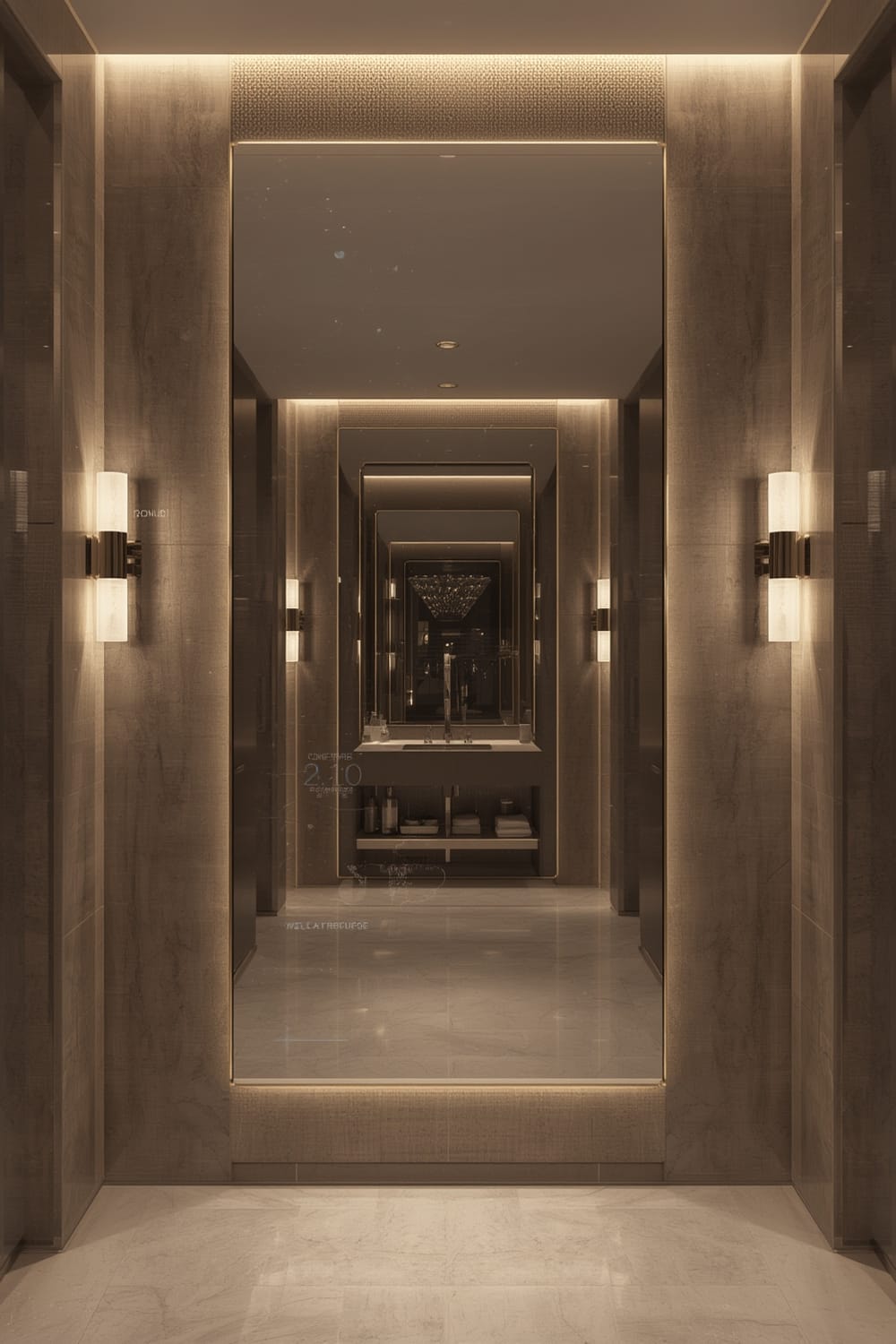
Market data suggests the global smart mirror sector could reach as high as US$ 8.7 billion by 2033, fueled mainly by growing smart home adoption, IoT integration, and urbanization. In regions like Asia Pacific, component manufacturing (notably in China) drives lower costs, but retail prices remain high for many U.S. and European consumers. However, issues such as software support, user privacy, lack of standardized integrations, and ongoing costs remain underdiscussed in mainstream articles.
Step-by-Step Guide to Getting the Right Smart Mirror
Finding and installing the right smart mirror depends on your goals, budget, and how deeply you want customized features. Here’s an expert-backed process for selecting, buying, and setting up a smart mirror that fits your life.
- Identify Your Use-Case
Do you want workout tracking, TV streaming from your bathroom, or just a clock and weather? For workout sessions with feedback, look at interactive fitness smart mirrors.
If shaving, skincare, or bathroom news is your focus, consider mirrors with TV and audio integration.
For home automation dashboards, pick mirrors compatible with systems like Matter compatible devices for the widest interoperability. - Compare Features & Ecosystems
Currently, leading brands often offer high-resolution displays (1080p or even 4K), rich app ecosystems, camera and microphone integration, and sensor-driven controls. Compare resolution, app availability, and feedback features—AND double-check which fitness or wellness apps are actually supported. Most products can’t connect to all major platforms, so check compatibility in advance. - Set Realistic Budget & Understand Costs
Commercial smart bathroom mirrors can cost from $300 up to $2,000 or more, especially with luxury finishes and TV features. DIY Raspberry Pi smart mirrors typically run $100–$300 for the core parts, but will lack customer support and polished looks. Ongoing costs may include required app subscriptions for fitness content or platform integration.
For more on product and feature tradeoffs in other smart home segments, see our guide on continuous radon monitoring. - Assess Installation Requirements
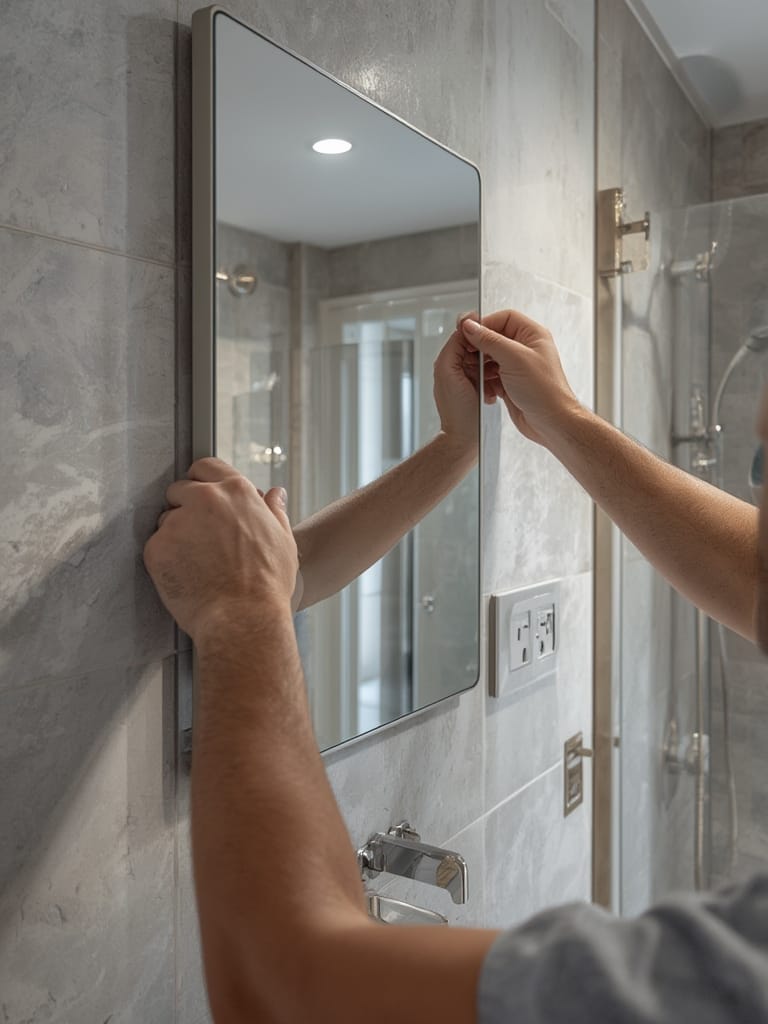
Most wall-mounted mirrors (the most popular install method in the U.S. source) require dedicated wall anchors, nearby power, and a strong Wi-Fi signal. Plan wiring before purchase—many smart mirrors need a hidden outlet behind the unit. Consider Wi-Fi dead spots, condensation, and the load-bearing strength of your chosen wall.
Those interested in “clean” home tech should explore quiet automation principles to blend devices naturally with home aesthetics. - Review Smart Home Integration
If you want your mirror to coordinate with lights, locks, or sensors, ensure it supports standards like Matter or HomeKit. Some ecosystems—such as the latest in agentic AI—may offer predictive automation, but only with compatible devices. Integration is usually weak in low-cost DIY builds unless you’re prepared for detailed custom coding. - Finalize Setup, Test, and Safeguard Privacy
After install, thoroughly test all features. For camera- or microphone-equipped mirrors, use built-in or add-on mechanical privacy shutters to prevent accidental video or audio streaming. Always use strong passwords and enable automatic updates where possible.
If you run into ongoing connectivity, compatibility, or privacy issues, check product support forums or consider alternative categories, such as biometric locks with privacy features or non-wearable sleep trackers that integrate more seamlessly with your home ecosystem.
Advanced Analysis & Common Pitfalls
Choosing or building a smart mirror isn’t always straightforward. Users frequently report issues related to cost, installation, privacy, and platform compatibility. Below are the most common pain points, along with actionable ways to address them.
| Issue | Commercial Smart Mirrors | DIY Smart Mirrors (Raspberry Pi) |
|---|---|---|
| Initial Cost | $500–$2,000+ | $100–$300 |
| Required Subscriptions | Often required for fitness apps or streaming content | None by default (unless third-party services used) |
| Software Updates | Varies; some brands stop updates after a few years | Manual; requires maintenance; open-source options available |
| Smart Home Integration | Often limited to proprietary ecosystems | Requires advanced setup and coding |
| Privacy Controls | Varies; look for models with mechanical privacy shutters or software camera controls | Fully customizable; must add own controls |
| Installation Complexity | Professional installation may be required for large units | DIY; skills needed in carpentry, wiring, coding |
| Performance/Responsiveness | Generally fast and smooth | Depends on components; may lag with complex modules |
Three Frequently Overlooked Problems
- Privacy: Few top-ranking guides discuss risks of always-on cameras. For the best privacy, select smart mirrors with mechanical privacy shutters. Learn more on privacy-focused home security.
- Software Updates: Many users find their mirrors become obsolete when brands stop updates. Choose models that guarantee updates for at least five years.
- Smart Home Integration: Direct compatibility with Matter protocol, HomeKit, or Alexa is surprisingly rare, even among expensive options.
Installation Pitfalls
- Power: Standard outlets may not be accessible behind your chosen mirror spot. Plan wiring carefully to hide cords.
- Wall Mounting: Heavy mirrors need anchors compatible with wall type (drywall, concrete, tile). Professional installation is recommended for large, wall-mounted models.
- Wi-Fi Connectivity: Mirrors installed behind bathroom walls or in corners may receive poor Wi-Fi signals. Test signal strength before final installation.
- DIY Limitations: Custom smart mirrors built with Raspberry Pi rarely support mainstream fitness and health tracking apps natively. Expect to manually code or adapt available open-source modules.
If a highly-integrated and “invisible” tech aesthetic is your priority, study the tactics in our Quiet Automation guide for blending smart devices into the home environment.
Conclusion
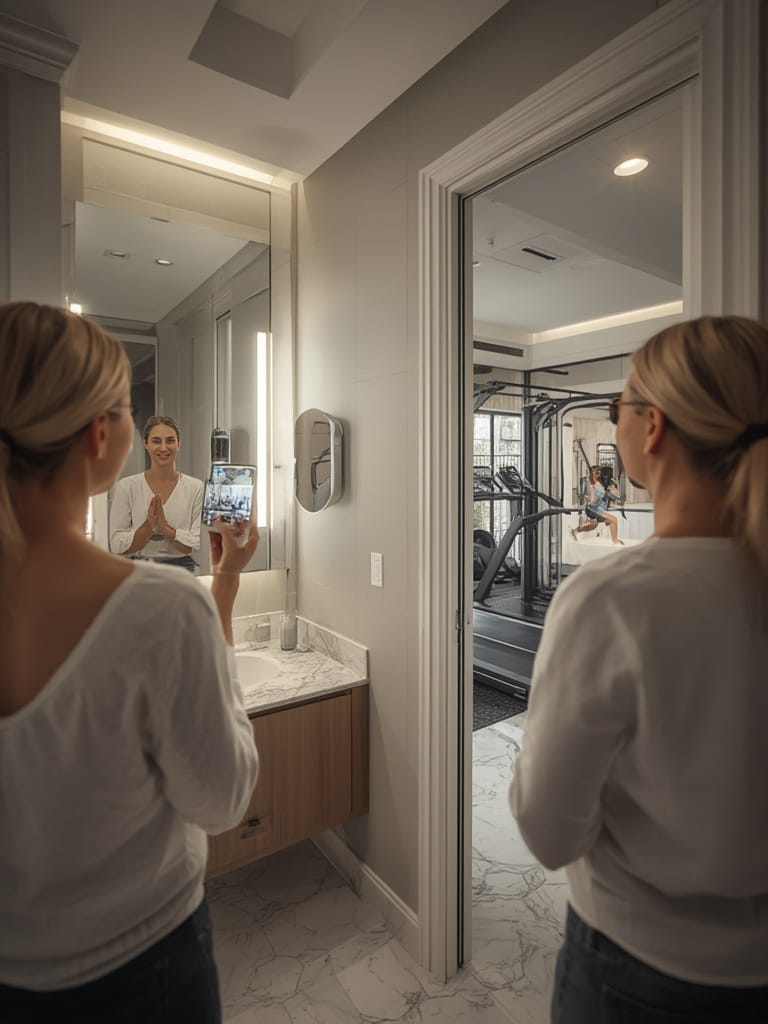
Smart mirrors can deliver powerful, futuristic upgrades to your routines, but real-world success hinges on planning for installation, integration, and long-term support. Whether you pick a luxury smart bathroom mirror with TV or build your own with a Raspberry Pi, remember to scrutinize product privacy, software updates, and compatibility. For a lasting upgrade in your connected home, invest thoughtfully—and always keep your Smart Mirror updated, secure, and well-integrated. Ready to upgrade? Explore the latest reviews and guides, compare options, and get proactive about your smart living setup today.
FAQ Section
Are smart mirrors safe for daily bathroom use?
Most commercial smart mirrors are designed with water resistance, but always double-check the IP rating. DIY mirrors may lack adequate moisture protection, so additional sealing is recommended for bathroom use.
Can smart mirrors connect to voice assistants like Alexa or Google Assistant?
Some commercial smart mirrors support built-in voice assistant integration, but many are limited to proprietary systems. For DIY mirrors, adding voice control requires extra hardware and setup.
What are the ongoing costs after buying a smart mirror?
For fitness or entertainment mirrors, there are often required subscriptions for workouts or streaming. DIY smart mirrors can be virtually fee-free unless you use specific cloud services or premium app modules.
Is it hard to install a smart mirror?
Wall mounting and concealed wiring can be challenging, especially for large or heavy mirrors. Expect to use wall anchors and ensure a power source is nearby. Professional install may be best for complex setups.
Can I build a smart mirror that works with Apple HomeKit or Matter?
Most DIY smart mirrors need significant coding to integrate with HomeKit or Matter. Some commercial products support these protocols, but always check with the manufacturer before purchase.