

Pantry Tracker apps are quietly changing how families organize their kitchens and plan meals. If you find yourself tossing expired cans or buying duplicates, you’re not alone—keeping up with food inventory is tough. This guide cuts through the hype and reveals exactly how to set up and maximize a pantry tracker, what features actually matter, and the real pros and cons nobody talks about.
Key Takeaways
- Pantry tracker apps simplify food inventory and help reduce food waste, but adoption rates for households are still unclear.
- Offline-first functionality and fast barcode scanning are standout features of leading pantry tracker apps.
- Integration with smart home devices and detailed food waste statistics are still missing from most solutions.
The Core Concept
A pantry tracker is a digital tool—usually a mobile app—that logs everything in your kitchen: pantry, fridge, freezer, or even deep storage. Why use one? It gives you an instant bird’s-eye view of what food you already own, so you avoid waste, plan meals smarter, and save money by not buying extras you don’t need. Many apps today can scan barcodes, track expiry dates, and even alert you to items running low.
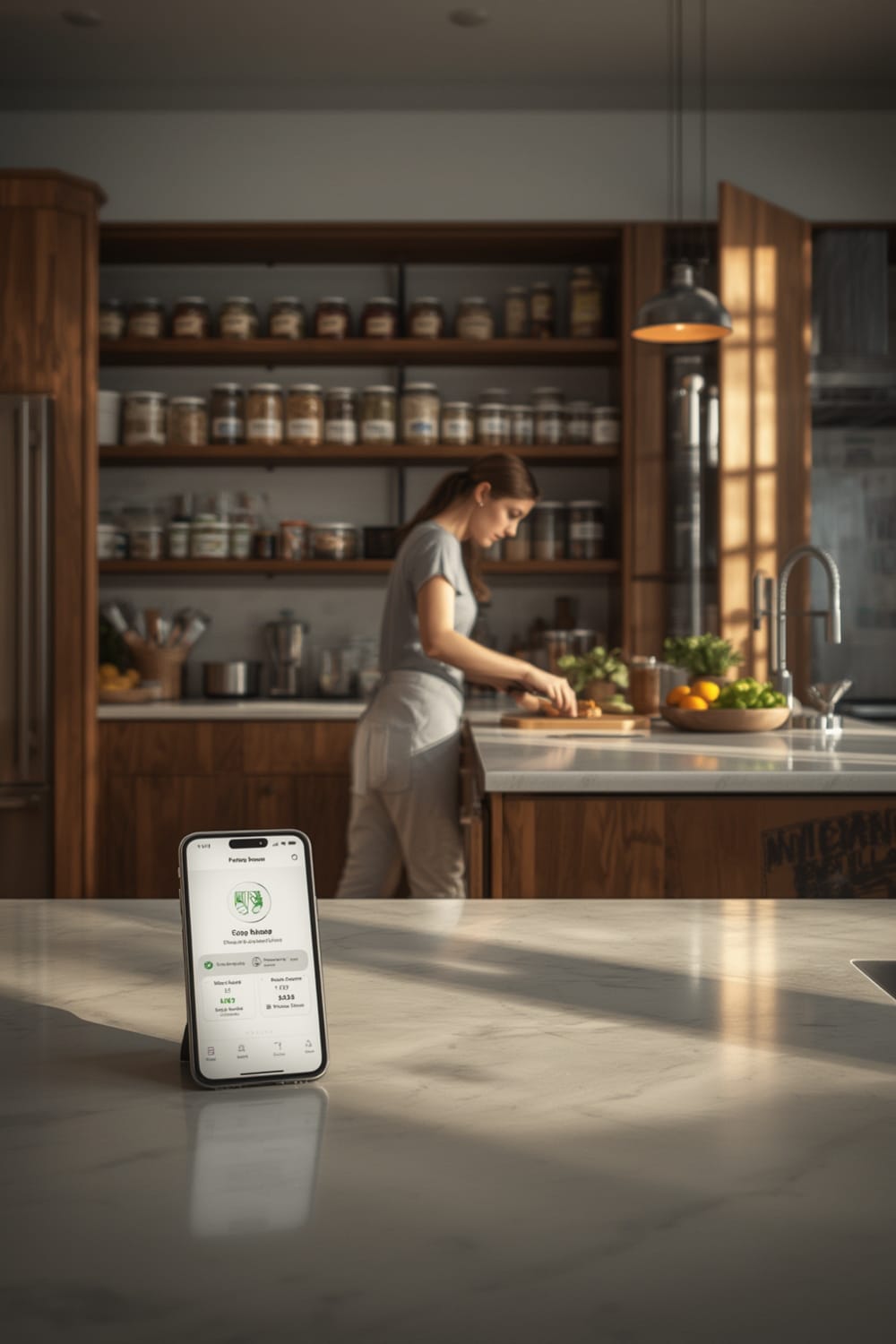
While official 2024 statistics on household use don’t exist, the surge in downloads for trackers like Pantry Tracker: Food Storage and My Pantry Tracker shows growing demand. The global kitchen pantry organizer market reached $6.4 billion in 2024, highlighting rising interest in food organization solutions according to DataIntelo.
Step-by-Step Guide
Here’s how to set up and actually get value from a pantry tracker—not just download another unused app.
- Pick an App that Matches Your Needs
Decide if you need offline functionality, household sharing, or only basic inventory tracking. Pantry Tracker works offline, supports multiple locations, and requires no sign-up. My Pantry Tracker offers cloud sync (for a fee) and shopping list export. - Set Up Locations
In your app, name areas like “Pantry,” “Fridge,” “Freezer,” or “Snack Drawer.” This makes it easy to find what you need fast. - Scan or Enter Items
Use a barcode scanner whenever possible. These pull product info from OpenFoodFacts or the UPC database to fill in names, brands, sizes, and nutrition facts. If something isn’t found, enter it manually—add at least quantity and best-before date. - Enable Expiry or Low Stock Alerts
Turn on notifications for expiry dates or when quantities run low. Most apps let you set this up per item, helping you take action before food spoils. - Sync or Share with Others
Some apps, like Pantry Tracker, support household sharing (so everyone sees the same list). My Pantry Tracker requires a subscription for multi-device sync. - Use for Meal Planning and Grocery Lists
As you plan meals, check the app’s inventory before shopping. Add needed items directly to the in-app grocery list to avoid duplicates.
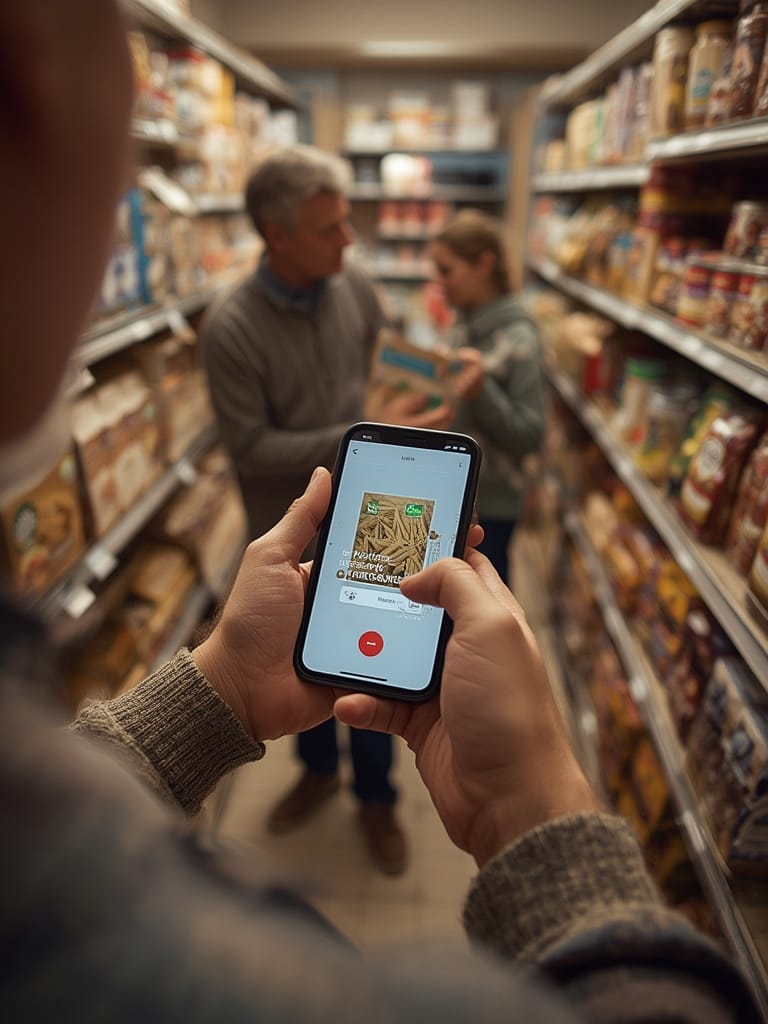
- For advanced users, export your inventory as a PDF or Excel file (available in My Pantry Tracker’s paid tier) for backup or sharing.
Want to push it further? If your smart appliances are Matter-compatible, check out our Matter compatible devices list for ideas on integrating inventory with future smart-home automations.
Pitfalls: Don’t treat your own data as gospel. Even the best barcode scanner can miss oddball products or outdated codes. Double-check anything that seems off.
Advanced Analysis & Common Pitfalls
Even with glowing reviews, pantry tracker apps are not flawless. Here’s a reality check on where things can go sideways:
| App | Offline Functionality | Barcode Scanner | Other Key Features | Potential Downsides |
|---|---|---|---|---|
| Pantry Tracker: Food Storage | Fully offline (local data) | Instant scan from OpenFoodFacts; bulk scanning | Expiry alerts, nutrition info, household sharing | No cloud backup, only on iOS, product info may be missing for obscure items. |
| My Pantry Tracker | Not specified | UPC database pull; camera-based | Cloud sync (subscription), shopping lists, web export | Multi-device sync requires a paid upgrade, not all features offline. |
- Missing Grocery List Automation: Most apps require some manual step to generate shopping lists—they don’t (yet) suggest replacements based on inventory automatically.
- Barcode Scanner Limitations: While users rave about scanner speed (“The barcode scanner is incredibly fast”[source]), there’s no published data on accuracy rates or error reductions. Expect to enter some items by hand, especially for local or specialty foods.
- No Smart Home Integration: Most pantry tracker apps don’t yet connect seamlessly to smart fridges or smart speakers, but this is a fast-advancing trend, especially with the spread of Matter (benefits of matter protocol).
- Hidden Costs: While many apps are free, advanced features (like sharing or cloud backup) often require a subscription or one-time fee. For example, My Pantry Tracker is “free with in-app purchases” for cloud sync (source). Always check for any recurring charges before committing.
- No Hard Data on Savings: App marketing often claims you’ll “save money, waste less,” but no 2024 studies confirm the time or money saved for home users (source).
If you’re looking for even more tech-driven kitchen upgrades, see our guides on oven with internal camera or how to automate kitchens with agentic AI examples.
Conclusion
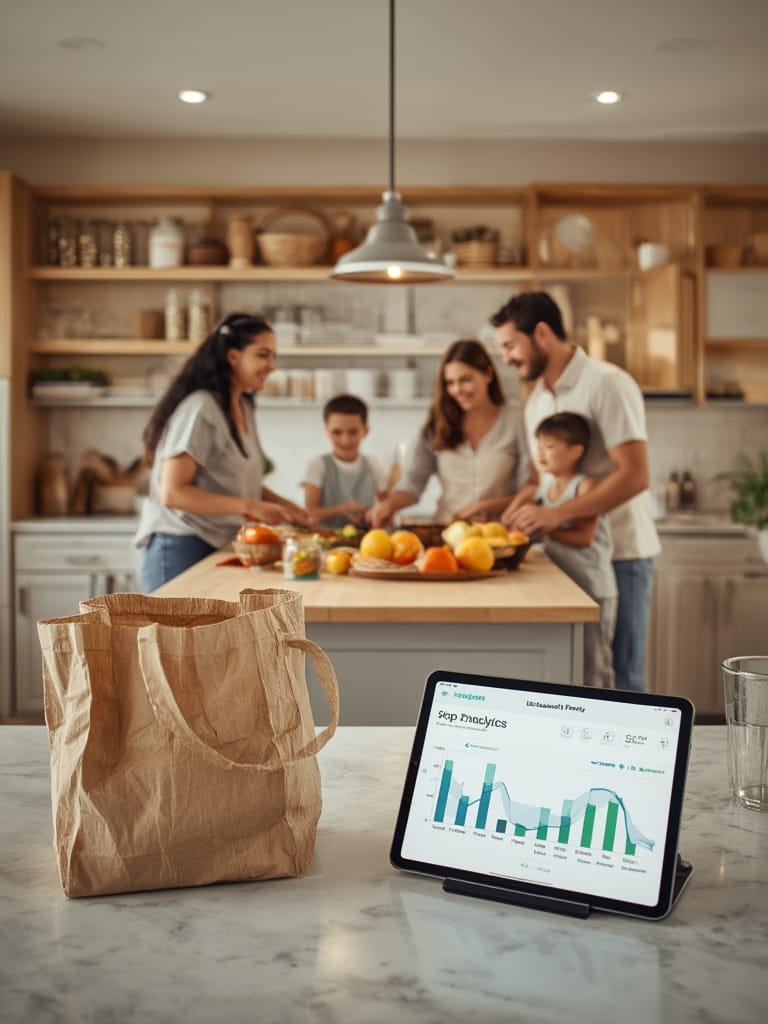
A pantry tracker is a practical, modern solution for busy households striving to get organized, save money, and reduce food waste. While truly hard data on impact is limited, user feedback and the huge growth of the kitchen organization market show that these apps are here to stay. Choose one that fits your lifestyle (offline use, sharing, sync), start small, and give yourself permission to skip the hard stuff. Ready to finally get your shelves under control? Try a Pantry Tracker app today and see how much simpler meal planning gets.
Still exploring? Dive deeper into our latest reviews, from air fryer with app control to pet hydration trackers, or check out real-world automation tips in our autonomous smart home series.
FAQ Section
Do pantry tracker apps work without WiFi or a data connection?
Some apps, such as Pantry Tracker: Food Storage, are fully offline and save all data locally. Others, like My Pantry Tracker, may require internet for cloud sync but offer most core features offline.
How accurate are barcode scanners for food inventory?
Most users find barcode scanning fast and reliable, but uncommon products may require manual entry. Accuracy is high for mainstream products, though not all barcodes are matched in every database.
Can I use a pantry tracker with my whole family?
Pantry Tracker: Food Storage offers household sharing in one local app. My Pantry Tracker supports cross-device syncing, but this feature requires a paid subscription.
Will a pantry tracker app reduce my grocery bill and food waste?
There are no peer-reviewed studies proving direct savings, but most people say they waste less and forget fewer items by planning meals with a tracker. Actual impact varies based on usage and consistency.
Are there any hidden fees with popular pantry tracker apps?
Many pantry tracker apps are free for basic use, but features like cloud sync, export, or sharing may require in-app purchases or subscriptions. Always check the app store listing for updated pricing details.