

Local Storage for security cameras gives you direct access and control over your footage—no internet uploads, no monthly fees. But is it the right choice in 2024? Here’s an honest, practical guide to what works, what breaks, and what the numbers actually say about on-premises video solutions.
Key Takeaways
- Local storage offers maximum privacy and control, but higher upfront and maintenance costs compared to cloud solutions.
- Many guides skip real-world limitations—like hardware failure risks, difficult scalability, and physical device security.
- Hybrid storage solutions (mixing SSD/SD/NVR and cloud) can offer a flexible middle ground, but require careful planning.
- What Is Local Storage For Security Cameras? Why Choose It?
- How To Set Up Local Storage: Step-by-Step Guide
- Deeper Analysis: Pitfalls, Problems, And Market Truths
- Bottom Line: Should You Choose Local Storage?
- FAQ
What Is Local Storage For Security Cameras? Why Choose It?
Local storage means your video recordings are saved directly onto devices you own—like NVRs, SD cards in the camera, or NAS units—rather than being sent to a company’s cloud. This gives you complete data control and maximum privacy, with no external access unless you set it up yourself.
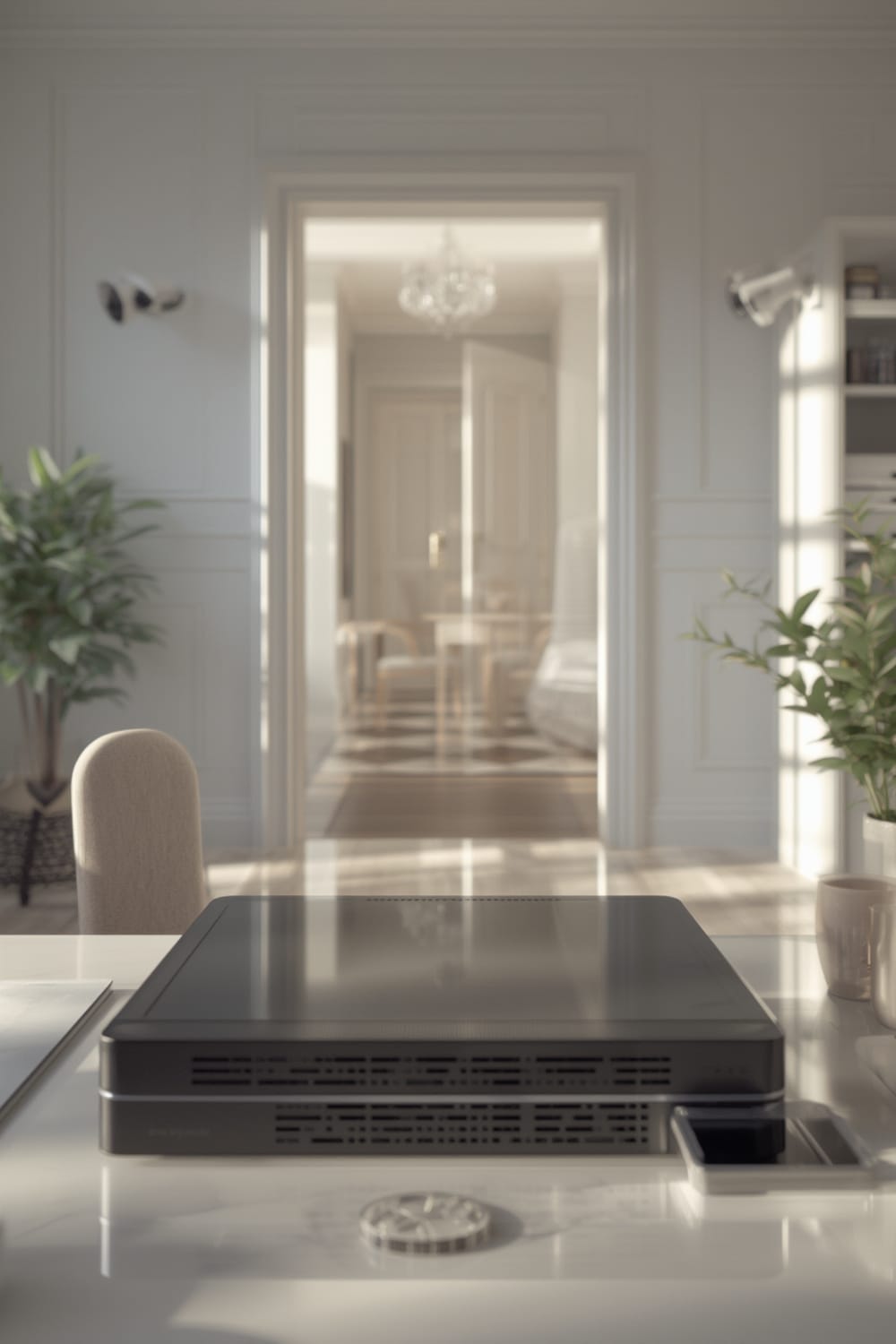
Unlike cloud-based systems, local storage keeps footage inside your home or business—under your lock and key. In 2024, about 35% of home buyers chose local storage for this very reason, though the majority now prefer cloud subscriptions due to simplicity and lower startup costs (source). Despite this, on-premises storage is still favored by users with strict privacy needs, limited bandwidth, or those wary of recurring fees and remote access risks.
This approach also appeals to enthusiasts who want to avoid device lock-in and keep their systems compatible with other smart home platforms such as Matter protocol or automation using Agentic AI.
How To Set Up Local Storage: Step-by-Step Guide
Ready to go local? Here’s what actually works for home and small business users in 2024, with steps tailored for both NVR/PoE and SD-card camera setups.
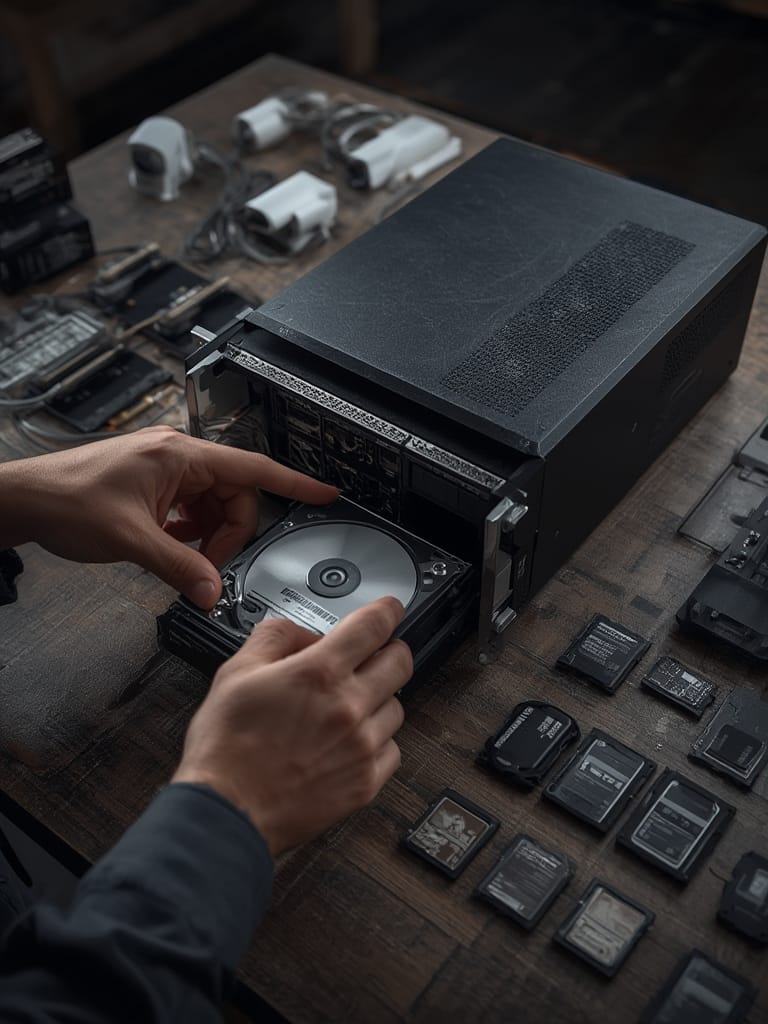
- Pick Your Camera Type: Choose between PoE (Power over Ethernet) cameras for hardwired reliability, or WiFi cameras with SD card slots for simple installs. For high retention or multi-camera setups, an NVR with surveillance-grade drives like the surveillance-grade drives Toshiba S300 Pro (supports up to 10TB, perfect for up to 64 HD cameras) is ideal. More info on the hardware specs is available here.
- Select Storage Media: For NVRs/NAS, use only drives certified for 24/7 video (avoid consumer HDDs). For SD card cameras, check the max supported card size—many 4K models top out at 256GB to 512GB (always confirm before buying, as some brands don’t publish this).
- Configure Retention Settings: Adjust motion detection, resolution, and frame rates to extend storage time. Continuous 4K recording eats space fast—use event-based recording if you prefer longer history.
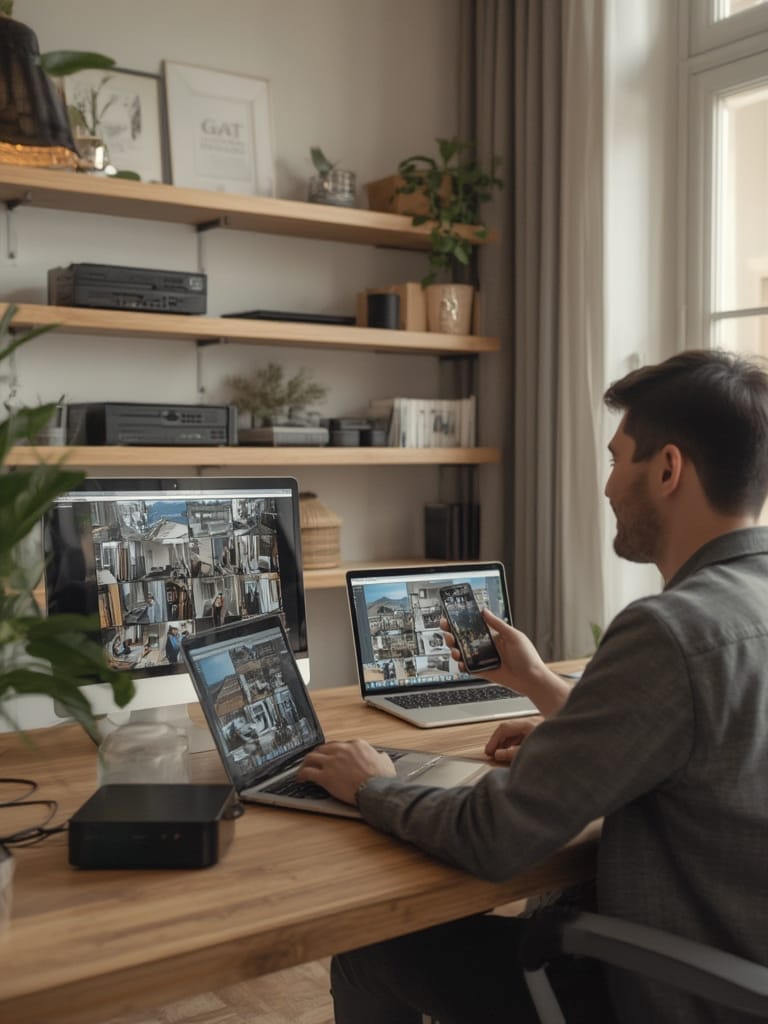
- Test Footage Retrieval: Simulate exporting or reviewing video from your storage before you need to—cloud is easier for remote playback, but with local saves, you must access the hardware or use LAN-based apps.
- Secure the Hardware: Bolt down NVRs/NAS; place SD card cameras in sheltered spots. Device theft and power loss are the #1 risks for purely local setups.
- Build a Redundancy Plan: Schedule regular drive health checks and backups to another device or through selective cloud uploads. Smart homes often combine local for everyday storage and cloud for critical snapshots, which fits with the latest trends like benefits of Matter protocol integration.
Many users also look for seamless compatibility with home automation platforms. For example, triggering notifications via driveway alarms or automating camera activity based on Matter compatible devices.
Deeper Analysis: Pitfalls, Problems, And Market Truths
Local storage is not perfect. Here’s what market data and user experience reveal:
| Aspect | True No-Cloud (Local/On-Premises) | Cloud-Based | Hybrid |
|---|---|---|---|
| Installation Complexity | High (hardware, IT setup, scaling challenges) source | Low (scalable, remote) source | Medium (flexible integration) source |
| Ongoing Costs | High (maintenance, hardware, backups) source | Subscription-based (lower upfront) source | Balanced (SSD/NAS scalability) source |
| Privacy Protections | Highest (local control, no remote access) source | Lower (remote data risks) | Moderate (partial local control) source |
- Scalability Headaches: Local NVR systems get complicated—and expensive—fast, especially beyond 4-8 cameras or if you want long retention times on 4K footage.
- Risk of Theft and Tampering: All footage is lost if the recorder or SD card is physically damaged or stolen (common in break-ins). Newer drives like the Toshiba S300 Pro have shock resistance and 5-year warranties, but this does not prevent theft—always secure hardware out of sight or in a locked cabinet.
- Backup Blind Spots: Most “local only” setups lack offsite redundancy unless you manually copy footage or use a NAS that replicates to a remote site or hybrid cloud (few guides talk about this step). The result: a single fire, flood, or hardware failure can wipe all evidence.
- Storage Limits: SD card cameras often support 128GB-512GB; no current models offer multi-terabyte options. At high bitrates, this can be less than 48 hours of 4K footage.
- Hidden Long-Term Costs: NVRs/NAS setups have steady maintenance, upgrade, and replacement costs. Hardware failures aren’t rare—plan for drive swaps every 3-5 years.
Even hybrid setups require careful system selection and, ideally, integration with platforms such as the Matter compatible devices list or predictive home automation. Most online guides skip compatibility checks with these, or neglect backup strategies entirely.
Bottom Line: Should You Choose Local Storage?
Local storage is the best way to keep your security camera footage private and under your control. It shines for users deeply concerned about privacy, compliance, or subscription fatigue—and for those with the patience to manage physical hardware. But it brings higher upfront costs, demands more hands-on setup, and exposes you to losses if backup and security aren’t handled well.
For most homes, combining local storage with a limited cloud backup provides the best balance of control and reliability—just remember, “set it and forget it” never applies to Local Storage. Take a few hours to revisit your configuration every quarter.
Explore more ways to future-proof your smart home by connecting your cameras with Matter smart home devices or implementing smarter routines with autonomous home automation. Ready to get started? Evaluate your own needs, pick a solution, and invest in proper backups—your footage depends on it.
FAQ
How much footage can I store on an SD card or NVR?
It depends on your camera resolution, bit rate, and if you’re recording 24/7. A 256GB SD card might store up to 48-72 hours of 4K motion-activated footage, but continuous recording will fill it in hours. NVRs with 10TB drives can hold weeks or months of video from multiple cameras, especially at lower resolutions.
Is local storage safer than cloud for privacy?
Yes. With local storage, your footage never leaves your premises unless you choose to share or back it up elsewhere. Cloud video is always at some risk of remote hacking or unauthorized company access.
What’s the biggest risk with local-only security camera setups?
Device theft or physical destruction—if someone steals your NVR or the camera itself, all footage can be lost. Always secure or hide hardware, and create offsite or cloud backups for sensitive areas.
Are there any recurring costs with local storage?
Not for storage itself—but hard drives, SD cards, and NVR boxes eventually fail and need replacement. For business-class reliability, factor in replacements every 3-5 years, and possible costs for backup drives or NAS devices.
Does local storage work with home automation platforms?
Some brands allow integration with smart home standards like Matter or support third-party apps. Always check compatibility before you buy, especially for automation or advanced notification setups. Learn more about this in our Matter protocol guide and agentic AI explainer.