

Floodlight Cam setups are quickly becoming the frontline of smart home security, offering bright lighting and high-definition recording where you need it most. If you’re considering a floodlight cam for your property, understanding the market, best practices, and real pitfalls is vital to making your investment count.
Key Takeaways
- The floodlight cam sector is growing fast in 2024, with sharp demand for wireless, solar, and AI-driven devices.
- Users frequently hit problems with wireless range, false alerts, and harsh weather—few brands fully address these.
- Choosing the right floodlight cam means weighing brightness, coverage, power source, and regular app costs.
- What Is a Floodlight Cam and Why Is It So Powerful?
- How to Choose, Install, and Maintain a Floodlight Cam
- Advanced Analysis and Real-World Pitfalls
- Conclusion
- FAQ
What Is a Floodlight Cam and Why Is It So Powerful?
A Floodlight Cam is a security camera built into a powerful outdoor floodlight. These devices combine motion-activated lighting, live or recorded video, and instant app notifications. They’re designed to deter trespassers, illuminate dark areas, and give you clear footage when something happens.
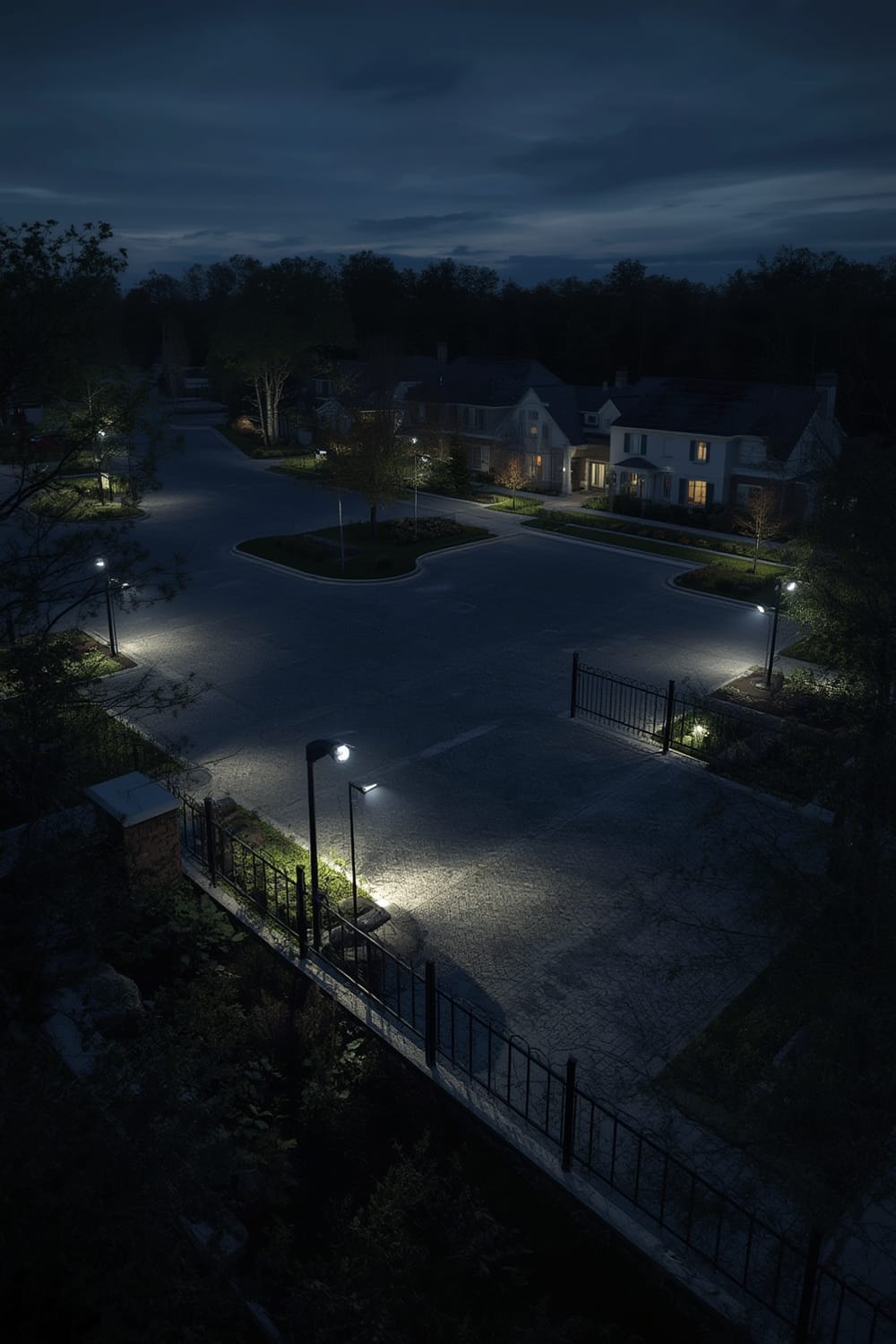
Smart floodlight cams are popular in 2024 for three reasons: rising homeowner security concerns, affordable smart home subscriptions, and easy app management (sometimes linking with Matter compatible devices for better automation). Industry reports show a market value of $2.69 billion in 2024, projected to climb at a rapid pace.
Whether it’s for a driveway, backyard, or an entryway, floodlight cams are now a realistic DIY upgrade that doesn’t require hiring a professional security service. Their value comes from combining two critical deterrents: instant illumination and evidence-grade video, right in your pocket.
How to Choose, Install, and Maintain a Floodlight Cam
Setting up an outdoor floodlight cam isn’t just about picking any camera off the shelf. Here’s a clear step-by-step breakdown:
- Assess Your Property: Walk your perimeter at night. Identify the darkest, least monitored corners that are potential entry points. Think about where intruders could approach unseen.
- Prioritize Coverage, Not Just Brightness: Check the recommended detection angle (usually 120-180 degrees) and detection range (often 25-70 feet). High lumens (2,000+) matter, but targeted coverage is critical for real security.
-
Wired, Wireless, or Solar?:
- Wired models are reliable and have no battery swaps, but require an existing light junction box or new wiring.
- Wireless (Battery) models are easy to install anywhere but may need recharging every few months (and can fail in cold weather).
- Solar Floodlight Cam cams avoid wiring and recharging, but only work reliably in spots with strong, year-round sunlight.
In 2024, the solar segment alone is expected to be worth $1.5 billion by 2035.
- Check App Integrations and Cloud Costs: Most leading floodlight cams (e.g. Ring, Arlo, Eufy) offer basic free features but charge monthly fees for video storage or AI motion alerts. If you want easy integration with agentic AI or Matter smart home routines, check compatibility.
-
Follow a Methodical Installation Process:
- Mount the cam 8-10 feet high—low enough for facial recognition, high enough to prevent tampering.
- Aim floodlights away from neighbor windows to avoid complaints and false camera glare.
- Seal all exterior wiring with outdoor-rated caulk to prevent water damage and short circuits.
If possible, use secure WiFi networks or ethernet for stable connectivity, especially in large homes where signal range can be a real problem.
- Test and Calibrate: Walk test zones to adjust motion sensitivity, alert zones, and brightness settings. Regularly clean the camera lens and check for foliage obstructions.
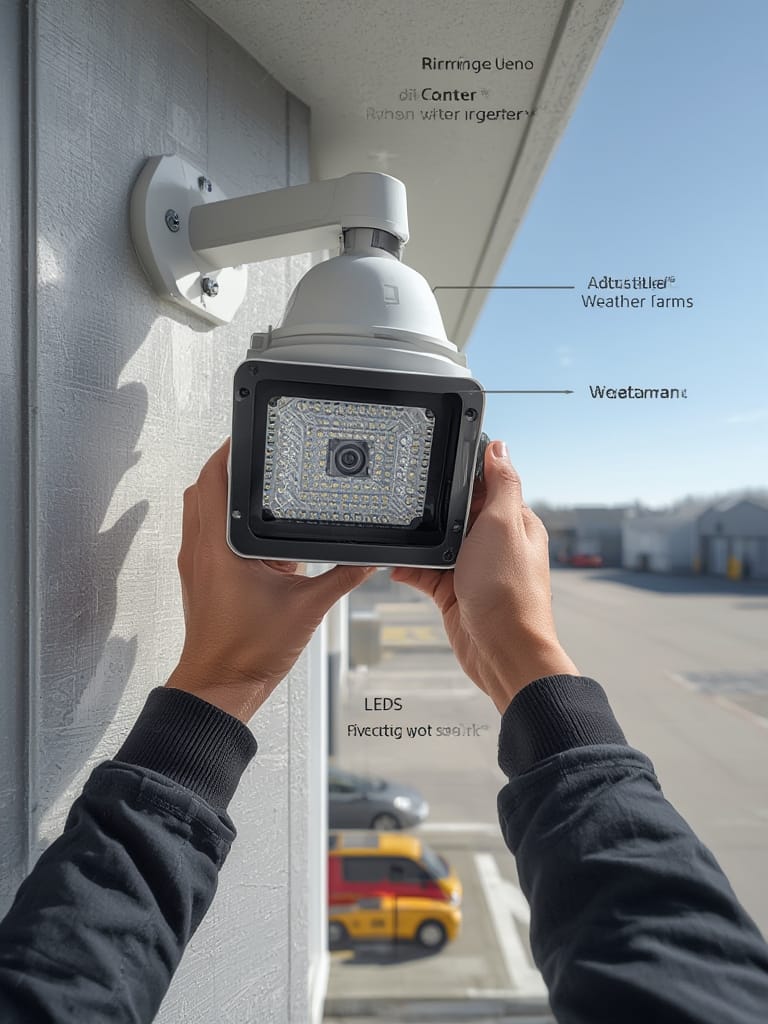
Don’t forget to check weather ratings (look for IP65 or better), especially if you live in an area with snow, wind, or dust storms. Styles with adjustable arms help you direct light exactly where most needed. For more on automating security routines, see our overview of LoRa driveway alarms and circadian lighting trends for night safety.
Advanced Analysis and Real-World Pitfalls
No device is perfect. Based on the latest market research and missing pieces in most competitor guides, here’s what you need to really watch out for:
- Battery Life and Cold Weather Failures: Battery-powered floodlight cams often promise 4-12 months per charge, but in constant-motion zones or freezing climates, expect 1-3 months at best. Brands rarely disclose this—continuous recording versus strict motion-triggered use changes battery drain dramatically.
- Weather Resistance and Lens Fog: Inexpensive models often fog up or get water inside after storms. Always confirm IP ratings, check user photos, and when possible, install under some form of eave.
- Trouble Spots in WiFi Range: Detachment garages, metal siding, or neighboring networks can kill your connection—even established brands like Ring or Arlo introduce dropouts in such scenarios. Most brands recommend no more than 60-100 feet from your router.
- Lack of Real-World Incident Data: Strikingly few real break-in case studies are published by manufacturers, making it tricky to evaluate brands by true effectiveness. Focus instead on recorded footage sample quality and user community feedback on platforms like Reddit and YouTube.
- Nagging App Fees and Subscription Lock-In: Many smart floodlight cams lock essential features (event storage, AI filtering) behind monthly paywalls—$3 to $10 monthly is typical. Factor these costs into your yearly budget.
- Best Practices for Deterrence: Mount at visible choke points. Use smart scheduling to keep lights off during expected family movement (avoiding nuisance triggers). Some advanced cams support sound alarms or tracking beams for extra deterrence—rarely discussed in generic product listings.
| Feature | Battery Floodlight Cam | Wired Floodlight Cam | Solar Floodlight Cam |
|---|---|---|---|
| Power Source | Rechargeable Battery | Hardwired to Mains | Solar Panel with Battery |
| Ideal Use Case | No existing wiring, flexible placement | High-traffic, critical zones | Sunny, remote or rural areas |
| Brightness (Approx. Lumens) | 600-1,500 | 2,000-3,000 | 800-2,000 |
| Motion Alerts & AI | Yes (most models) | Yes (usually advanced) | Yes, often basic |
| Battery Life | 1-6 months (varies widely) | Unlimited | 2-6 months (cloudy days reduce life) |
| Ongoing App Fees | Usually $3–$10/mo | Usually $3–$10/mo | Sometimes optional |
| Weather Resistance | Depends on model (IP55–IP67) | Better sealing, often IP65+ | Exposure can be high; check specs |
For a smart home that balances energy and coverage, consider integrating an energy dashboard to track electricity usage from wired floodlights, or pairing with a smart air purifier for total outdoor-indoor monitoring.
Still, always double-check for local privacy laws and HOA restrictions—though little public data exists in 2024, disputes over property lines and cam field-of-view are an emerging headache for many US homeowners.
Conclusion
Floodlight Cams are an effective, fast-growing segment of DIY home security. They offer real peace of mind, with smart detection and instant video access. But the best floodlight cam for you depends on home layout, technical requirements, and your tolerance for subscriptions and maintenance.
Take stock of your own needs, observe your home at night, and select the features—from brightness to battery—that matter most. This way, your Floodlight Cam investment actually delivers reliable protection, year after year. Ready to boost your security? Start planning your installation today, and let smart lighting handle the rest.
FAQ
What is the optimal height for installing a floodlight cam?
Mount your floodlight cam 8-10 feet above the ground for a good balance of facial visibility and device security from tampering.
Do I need to pay monthly fees for floodlight cam video storage?
Most leading cams offer free live views and alerts, but video storage and AI detection usually require monthly fees between $3 and $10.
Will a solar-powered floodlight cam work on cloudy days?
Solar models function for days off a full charge, but extended cloud cover reduces charging, potentially causing outages during bad weather. Check the model’s rated battery life and your local sunshine exposure.
How can I stop constant false alarms?
Set custom activity zones, reduce sensitivity, and avoid facing the camera toward trees or busy streets. Regular adjustments and AI motion filtering can cut down on nuisance alerts.
Can I connect a floodlight cam to my smart home system?
Many floodlight cams support smart home integration via Alexa, Google, and increasingly Matter protocol, allowing cross-device automation. Always confirm compatibility before buying.