

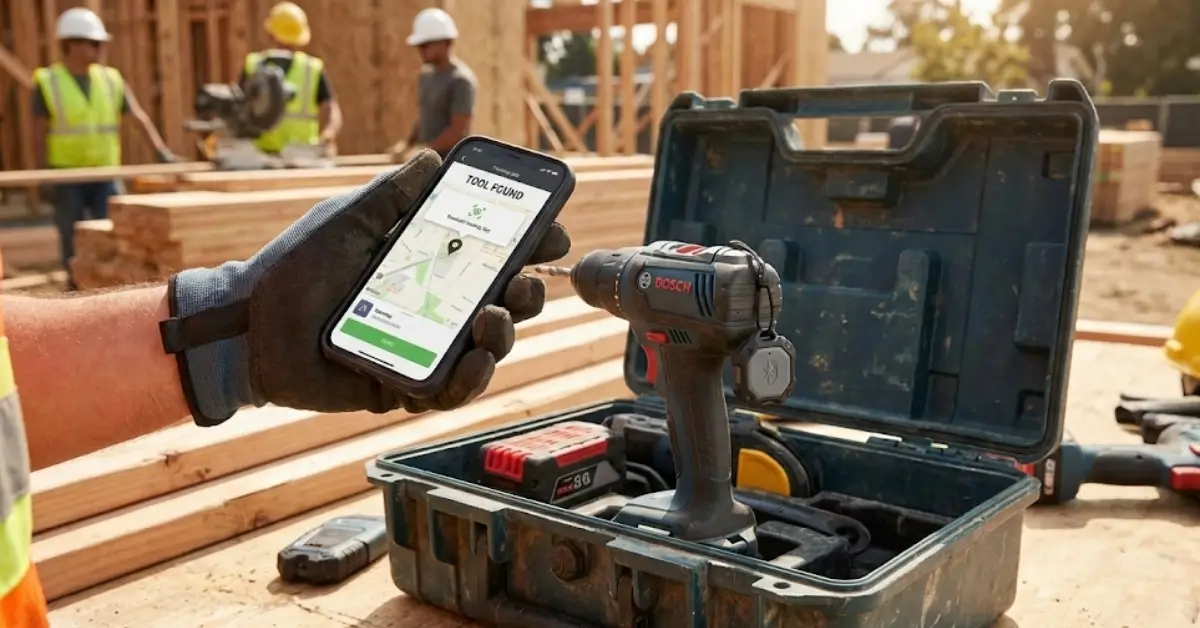
Tool Tracker systems are fast becoming essential for contractors, tradespeople, and anyone serious about safeguarding tools on busy jobsites. Each year, tool theft and loss cost companies millions, yet many tracking solutions are misunderstood, misused, or over-hyped.
Key Takeaways
- Tool Tracker technology helps dramatically reduce jobsite tool loss and theft but is not foolproof.
- Theft of contractor tools remains a billion-dollar problem, yet most tool trackers only marginally improve recovery rates.
- For best results, match tracker type (Bluetooth Tags, GPS, RFID) to your specific work environment and budget.
- What is a Tool Tracker?
- How to Set Up a Tool Tracker System: Step-by-Step
- Advanced Analysis and Common Pitfalls
- Conclusion
- FAQ: Tool Tracker for Contractors
What is a Tool Tracker?
A Tool Tracker is a small device or system—often Bluetooth, GPS, or RFID-based—attached to hand tools, power tools, or jobsite equipment. Its purpose: help owners locate, recover, or inventory their gear. Tool trackers are used by construction companies, tradespeople, and rental firms to fight theft, accidental loss, and the high costs of replacing misplaced assets.
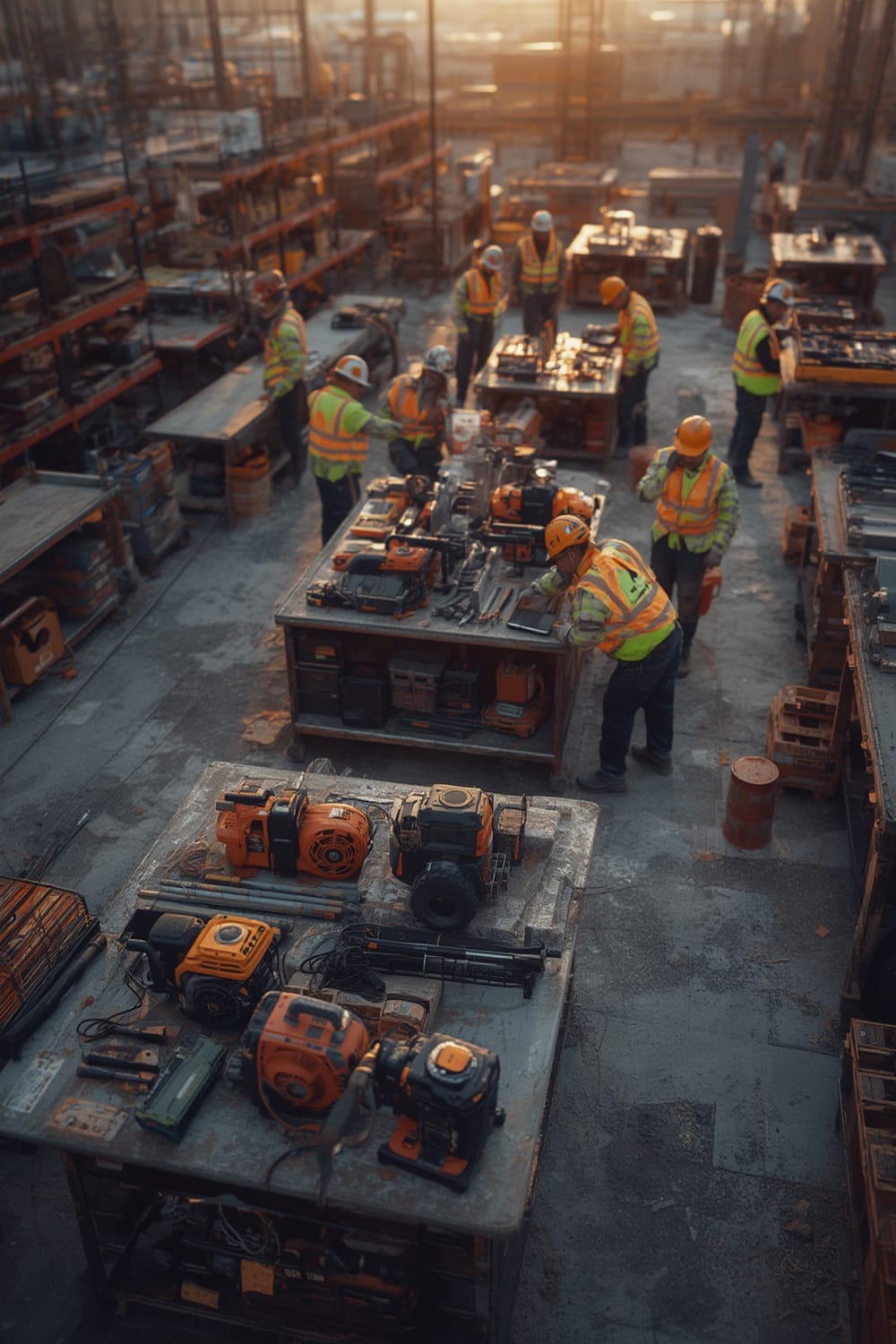
Loss prevention is now a strategic priority. In the US, tool theft costs range from $300 million to $1 billion each year, with 85% of construction firms reporting theft. In the UK, tool theft from tradespeople is up 5% year over year, exceeding £46 million in losses annually. Globally, over 8 in 10 builders have dealt with theft and most say it’s a constant worry.
A good tracker ensures real accountability and cuts wasted time searching for missing gear. Some systems integrate inventory management, digital check-in/check-out, and even insurance documentation features (great for large fleets).
Pairing tool trackers with modern access control—like a biometric lock—further deters thieves and adds a layer of smart monitoring. Like smart sensors in other domains, tool trackers are a foundational part of any secure, tech-forward jobsite.
How to Set Up a Tool Tracker System: Step-by-Step
Getting the most from a Tool Tracker system requires more than slapping tags on equipment. Follow these steps for maximum effectiveness and minimum frustration.
- Identify Your High-Risk Tools
Start with the most valuable or easily stolen assets. Power tools, specialty items, and anything frequently used offsite are top priorities. - Choose Your Tracker Type
Options include:- Bluetooth Tags (like Milwaukee Tick): Simple, works with smartphones, low cost, but limited range (30-100ft).
- GPS Trackers: Cost more, need batteries or hardwiring, offer real-time tracking—even offsite.
- RFID Labels: Ideal for large-scale inventory but require readers and infrastructure.
Match tracker type to your working environment and desired coverage.
- Prep Your Tools
Clean mounting surfaces. For rugged jobsites, use industrial adhesive, screws, or special cases for mounting tags. - Attach Trackers Securely
Hide trackers where possible, but ensure they’re not blocked by metal or heavy casings (this can disrupt signals). Record serial numbers and tag IDs for reference. - Register Each Tracker
Use the companion app or dashboard. Assign tool name, crew, location, and any access restrictions. - Train Your Team
Demonstrate how to check-in/check-out tools. Explain how lost tool alerts, last-seen locations, and “geofencing” work. - Test the System
Perform a mock theft/loss: Can you immediately locate the tool? Does everyone understand the recovery process? - Keep Batteries and Firmware Fresh
Set calendar reminders to replace batteries or test trackers monthly. Always update apps for new features and patches. - Review & Adapt
Hold quarterly tool audits. Adjust approach as theft patterns, jobsite conditions, or fleet size change.
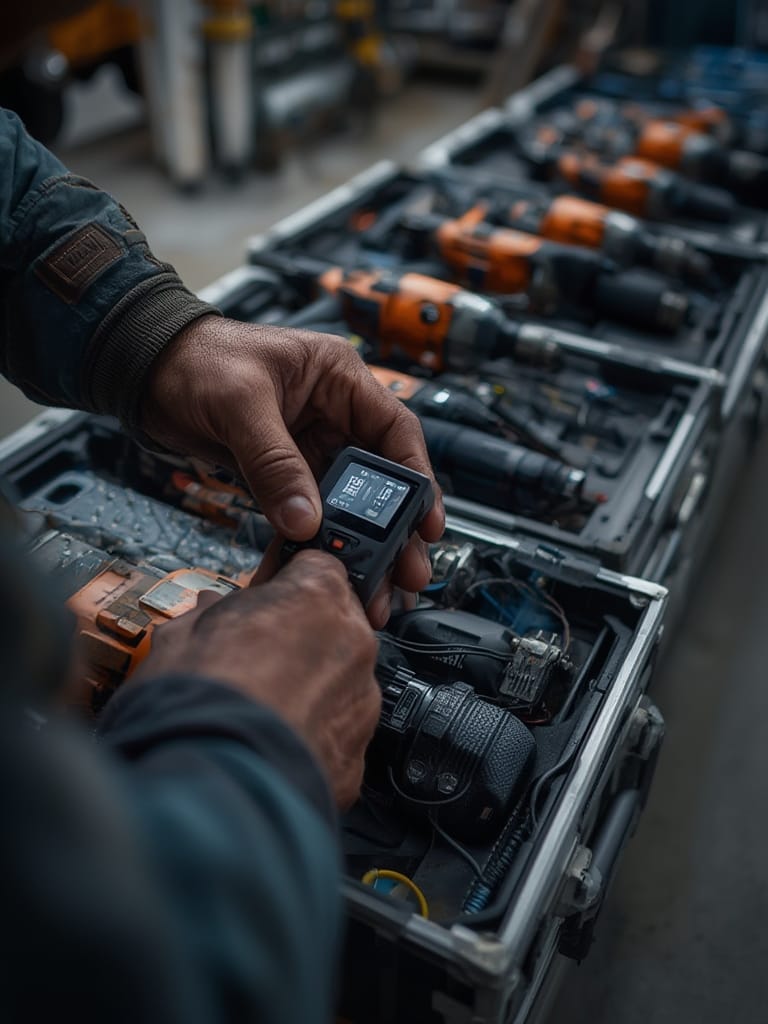
Tip: Smart contractors integrate tool tracking with project management and occupancy data (see presence sensors and Matter protocol) for a single view of their entire jobsite’s people and assets.
For non-intrusive gear, try combining trackers with smart safe storage. For items exposed to weather or harsh conditions, double-check durability ratings.
Advanced Analysis and Common Pitfalls
Even the best Tool Tracker systems come with limitations. Here’s a reality check—plus practical strategies to avoid the most common issues.
- Signal Interference: Bluetooth tags struggle with heavy metal, reinforced concrete, or underground storage. Tools left in a van under scaffolding may appear “offline.” GPS trackers can fare better outdoors, but are bulkier and costlier.
- Battery Maintenance: Passive trackers often have 1-2 year battery life; GPS trackers need frequent recharging or hardwiring, especially in cold climates. Forgetting battery checks makes the system worthless at the worst time.
- User Compliance: Even with a system in place, if staff forget to scan/check-in tools or remove dead batteries, tracking rapidly breaks down.
- False Sense of Security: No system is foolproof. US data shows recovery rates after theft remain at just 7–30% depending on region/tool type. Prevention measures (like biometric locks) remain key, since trackers alone rarely guarantee return.
- Lack of Integration: Many tracker apps lack API/open compatibility, making it tough for companies to merge tool tracking data with payroll, access control, or insurance systems. The Matter protocol may improve this over time for IoT-grade devices.
| Tracker Type | Best For | Pros | Cons |
|---|---|---|---|
| Bluetooth Tag | Quick locate, small tools | Low cost, easy install, works with phones | Short range, signal blocked by metal |
| GPS Tracker | Large tools, offsite jobs | Real-time location, global tracking | Expensive, battery/charging required, bigger size |
| RFID Label | Bulk tools, storage audits | No battery needed, quick bulk scans | Short scan range, needs reader/device |
As for ROI: Recent reports found little published proof of trackers boosting recovery rates meaningfully or delivering strong return on investment. In one major US bust, police recovered 15,000 stolen tools worth $3–5 million—but recovery overall in the US and UK remains well below 1 in 3 lost tools.
For jobsites needing robust, always-on monitoring of both people and assets, adding presence sensors or exploring predictive automation through Agentic AI can help catch risks early instead of relying solely on post-theft tracking.

Conclusion
The bottom line: Tool Tracker systems are a vital first line of defense against jobsite tool loss, but neither foolproof nor one-size-fits-all. Carefully match tracker type to gear and workflow, enforce battery and audit routines, and blend with physical and procedural prevention. Staying ahead of escalating tool theft takes commitment and common sense just as much as tech.
Ready to take control of your equipment? Start with a tool tracker plan—and get your team on board today for fewer headaches and lower replacement costs.
FAQ: Tool Tracker for Contractors
How do I choose the best tool tracker for my jobsite?
Consider what you value most: range, real-time tracking, battery life, bulk scanning, or price. For most, Bluetooth tags are a good start; for high-risk or remote gear, GPS is better. Always check compatibility with your devices and whether integration with project management systems is possible.
Are tool trackers effective at stopping theft?
They can deter some opportunistic theft and help recover lost tools, but determined thieves can remove or disable trackers. Combine trackers with good jobsite processes, physical locks, and secure storage for best results.
How often should I check tool tracker batteries?
Monthly is a good routine. Set automatic reminders to test and replace as needed—especially before major jobs or when tools are in heavy use.
What happens if my tracker signal is blocked?
Metal toolboxes, parked vehicles with heavy steel bodies, or underground locations can block Bluetooth and weaken GPS signals. Position trackers creatively, and use GPS for tools that often leave jobsites or vans.
Can I use tool trackers for inventory management?
Yes, many systems let you scan, check, and audit tool inventory. Some apps offer bulk upload, assignment to teams, and exportable reports, which are helpful for insurance and tracking usage.