

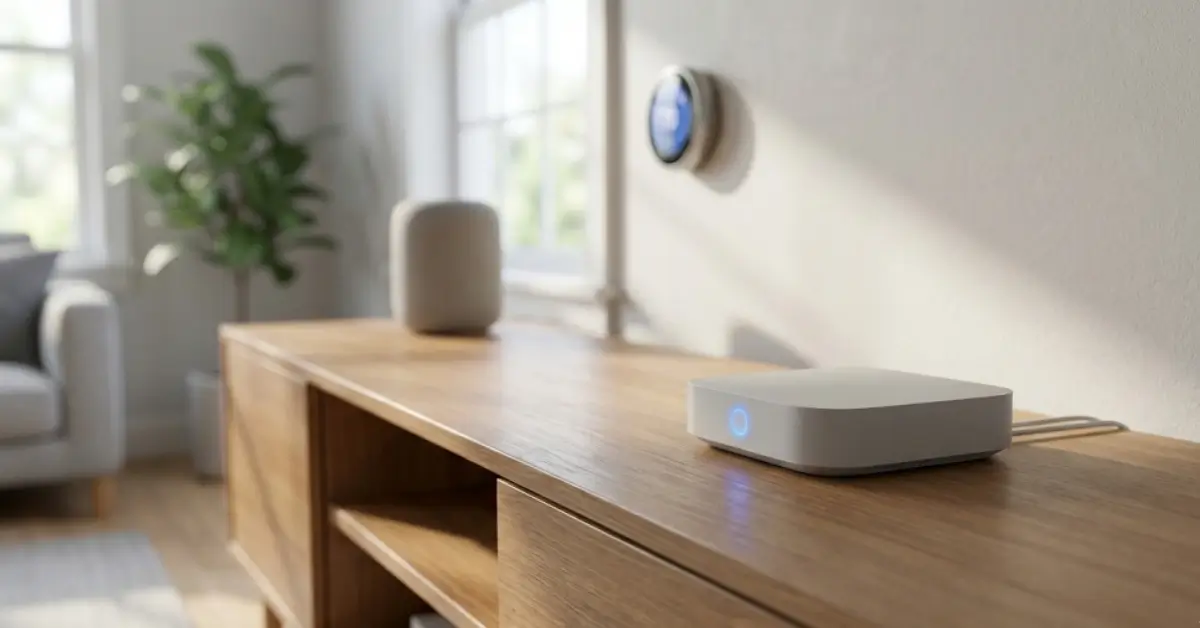
Thread Router technology is changing the way smart homes connect, automate, and secure their devices. If you want faster responses, lower power consumption, and reliable mesh networking, understanding Thread Routers is now essential for every smart home owner or builder.
Key Takeaways
- Thread Routers enable low-power, reliable mesh networking for modern smart homes, outperforming legacy protocols in key scenarios.
- Border Routers bridge Thread devices to your existing home network but come with technical and compatibility considerations you can’t ignore.
- Thread is ideal for low-bandwidth automation but does have device limits, potential setup pitfalls, and important security practices to review.
- Thread Router: The Core Concept
- Step-by-Step Guide: Setting Up a Thread Router
- Advanced Analysis & Common Pitfalls
- Conclusion
- Frequently Asked Questions
Thread Router: The Core Concept
Thread Routers form the backbone of a new wave of smart home networking built specifically for always-on sensors, smart locks, energy monitors, and home automation gear. Unlike Bluetooth or Zigbee, Thread uses open IPv6 standards and mesh networking, which means every Thread Router can relay messages, extend coverage, and heal the network if a single device fails.

Why does it matter? With Matter-compatible devices now reaching mainstream adoption (see Matter Protocol explained), Thread is the critical underlayer, enabling low-latency and secure connections that don’t choke your WiFi or drain battery life. If you want lighting, sensors, locks, and automation to work fast and reliably—even if one device goes offline—you need a thoughtfully deployed Thread Router and Border Router setup.
Border Routers are special Thread-capable devices (often a hub, smart speaker, or panel) that bridge your Thread mesh to your home’s wired or wireless (WiFi, Ethernet) network and then the cloud. They’re mandatory for remote access, integrations, and app control.
Many new smart home devices on our best smart plug for heavy appliances and best mmWave sensor home assistant lists now depend on Thread for real-world reliability—especially in houses where WiFi drops or thick walls block signals.
Step-by-Step Guide: Setting Up a Thread Router
Ready to future-proof your smart home? Here’s a direct walk-through for choosing, installing, and optimizing Thread Router and Border Router setups in 2026:
- Pick the Right Border Router. Many hubs, voice assistants, and even smart thermostats double as Thread Border Routers. Choose a device that offers Matter support for maximum future compatibility. See our Matter compatible devices list for recommended picks.
- Check Firmware and Software Version. Always update your Border Router and Thread-capable devices to the latest version. Newer firmware ensures bug fixes, performance improvements, and security patches.
- Install and Power Up Border Router. Plug in your Thread Border Router, connect via Ethernet or WiFi, and use the companion app for setup. Make sure it’s positioned at least one room away from your main WiFi router.
- Add Thread Devices. Use your app to pair sensors, switches, lights, or plugs that support Thread. Devices will automatically form a mesh and pick the fastest, most reliable paths through your Border Router.
- Test Performance and Range. Place Thread devices in distant rooms or behind walls. Trigger actions (like toggling a light) from the app and note responsiveness. If you notice slowdowns or dropouts, move the Border Router, add a second one, or adjust device locations.
- Integrate With Automation and Security. Build automations using your chosen smart home platform (see Agentic AI for predictive routines supported by Matter and Thread). Confirm that security features like network encryption and secure commissioning are enabled by default.
- Monitor Network Health. Use manufacturer tools or your home automation dashboard to keep tabs on device connectivity and mesh strength. Thread networks are self-healing, but knowing which nodes are weak helps with troubleshooting.
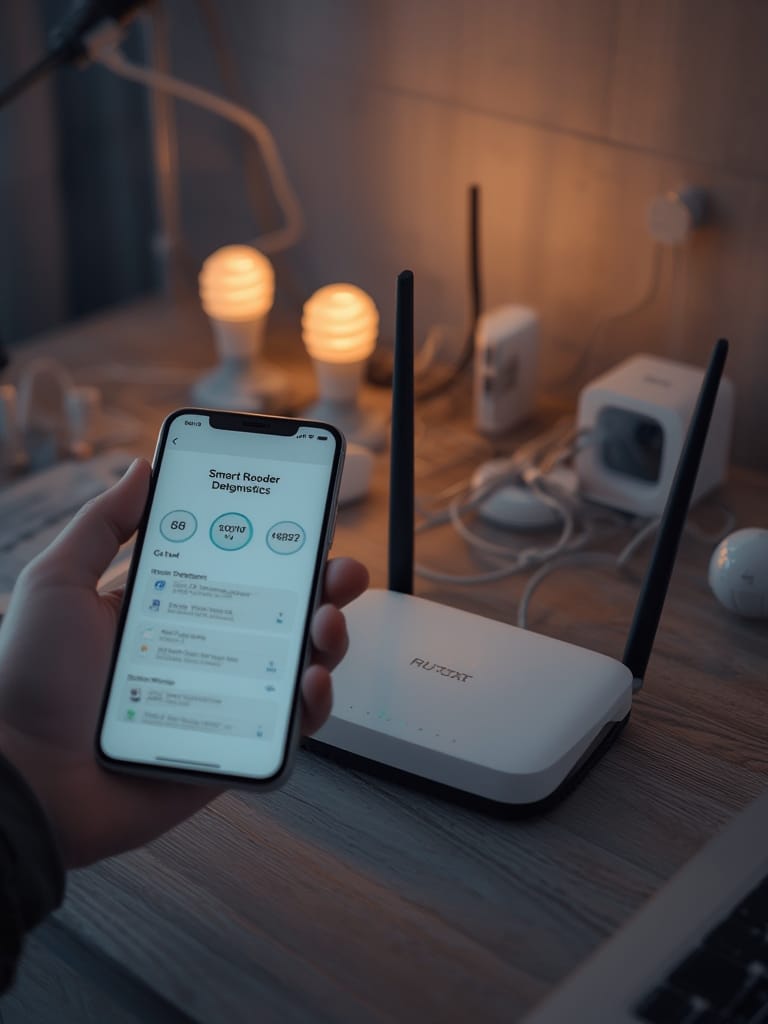
For a deep dive on automated device actions and the evolving trends in “quiet” or unobtrusive smart home tech, see our guides on background smart home tech and energy monitoring plugs.
If your automation includes connected appliances like energy efficient smart dishwasher or environmental monitors, prioritize Thread support to avoid legacy hub lock-in.
Advanced Analysis & Common Pitfalls
While Thread offers clear advantages, there are real limitations and traps that can stall your smart home upgrade:
- Device Limits: Each Thread network supports around 250 devices—more than WiFi, far fewer than Zigbee. If you run a large building, plan carefully.
- Data Rate Constraints: Thread is not designed for high-throughput tasks (like streaming high-res video). It’s ideal for sensors, switches, locks, and basic automation, not as a replacement for your main WiFi router.
- Compatibility Headaches: While Matter aims to unify platforms, older Thread devices might not play well with new Border Routers. Always check compatibility lists and update firmware.
- Mesh Scaling Issues: Adding more Border Routers can improve performance—if configured correctly. Too many can cause network confusion if their firmware is out of sync.
- Security Practices: Thread’s built-in AES-128 encryption and IPv6 safeguards are robust, but never skip updates and always commission devices securely (source).
Many users run into issues when mixing brands or stretching a Thread mesh too far between floors or metal walls. When this happens, devices may appear “offline” or automations feel delayed—proper Border Router placement and multiple repeating nodes help.
Direct, independent benchmarks comparing Thread and WiFi are still rare. What we know: Thread has demonstrated lower latency than Zigbee or Bluetooth in mesh setups, but lacks apples-to-apples data against WiFi-based hubs in real homes (DFRobot). Look for emerging vendor tools that show live mesh health, signal strength, and route redundancy.
| Feature | Thread Router | WiFi Hub | Zigbee Hub |
|---|---|---|---|
| Latency | Low (mesh-optimized) | Variable (depends on congestion) | Medium (higher than Thread per tests) |
| Power Usage | Minimal (ideal for battery sensors) | High | Low |
| Max Devices | ~250 | ~70 (practical, varies by brand) | 65,560 |
| Self-Healing | Yes | No | Limited |
| Best For | Automation, sensors, low-power | Video, fast data | Legacy smart home use |
| Internet Access | Via Border Router only | Direct | Via hub/gateway |

Conclusion
Thread Router technology fills gaps left by WiFi and Zigbee, making it a practical foundation for modern and future-proof smart homes. It’s reliable, inherently secure, and scales well for most households. If you value fast, robust automation and want to avoid WiFi congestion, investing in Thread Border Routers now is smart. Review your device needs, check for Matter support, and always plan placements carefully for best results. Ready to make your home truly resilient? Explore recommended Thread Router and Border Router setups today and unlock smart home automation that just works.
Frequently Asked Questions
Do I need more than one Thread Border Router in my smart home?
Having multiple Border Routers can improve network reliability and coverage, but one is sufficient in most average-sized homes. Adding more may help if you have devices spread across large areas or multiple floors.
Will Thread Routers replace my WiFi router or Zigbee hub?
No. Thread Routers complement, not replace, your WiFi router. Thread excels with sensors and automations, while WiFi is still needed for internet, cameras, and high-bandwidth uses.
What are the real drawbacks of Thread Border Routers today?
Thread networks are limited to about 250 devices. Compatibility between old and new Thread Border Routers isn’t perfect unless they’re Matter-certified and updated. Thread is not suitable for high-speed data needs.
Is there a subscription fee for using Thread Routers?
No hidden subscriptions are required to run Thread Routers or Border Routers, though some smart home platforms may charge for premium features or advanced automation.
How secure are Thread Border Routers compared to other protocols?
Thread features strong built-in security, including AES-128 encryption and secure commissioning. No major vulnerabilities have been reported recently, but always keep your devices up to date.