

Robot Mop technology is reshaping home cleaning by promising hands-free mopping that targets stubborn stains and streamlines daily chores.
Key Takeaways
- Robot mops have advanced, offering stronger scrubbing and more automation, but user satisfaction and reliability can vary.
- The main drawbacks are large base stations, the need to vacuum beforehand, and unknown long-term costs.
- Crucial differences exist between basic and self-cleaning robot mops, especially in pad washing and true “hands-off” features.
- What is a Robot Mop and Why Use One?
- How to Choose and Use a Robot Mop: Step-by-Step
- Advanced Analysis and Common Pitfalls
- Conclusion
- FAQ
What is a Robot Mop and Why Use One?
A robot mop is a floor-cleaning device that automatically mops hard surfaces, operating either on a schedule or by user command. It builds on robot vacuum technology by adding water tanks, scrubbing pads, and sometimes self-cleaning stations. The main reason to use a robot mop: reduce manual cleaning time, especially for stuck-on dirt, while maintaining floors daily.
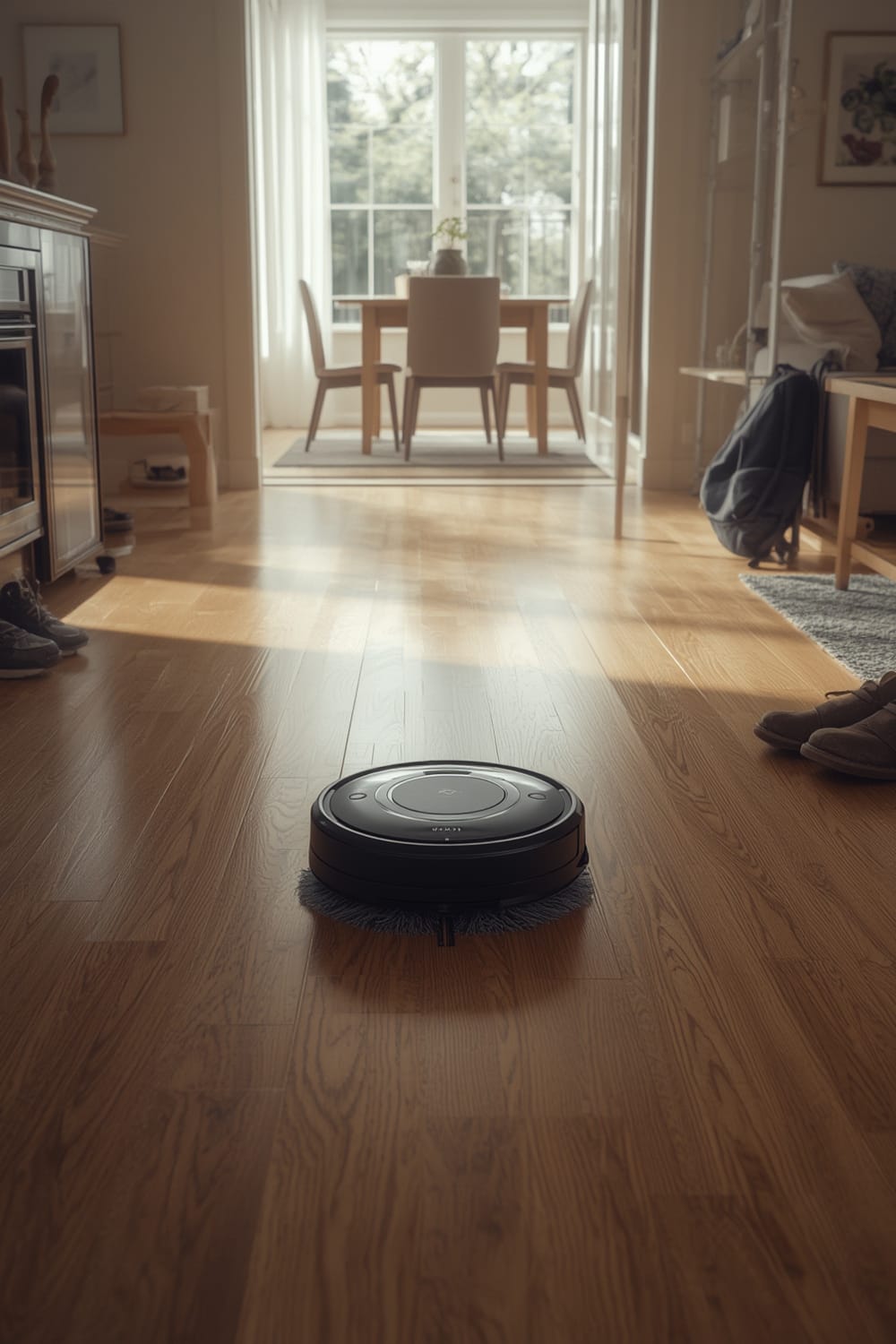
Recent models like Roborock S7 MaxV Ultra and iRobot Braava Jet m6 add features such as mop pad washing, multi-surface mapping, and automatic water refill—aiming for a truly hands-free experience. This is especially appealing for busy households or anyone seeking “set-and-forget” cleaning for kitchen, bathroom, and hardwood floors.
However, not all robot mops deliver the same results. Differentiators such as active scrubbing, water usage, and base station automation make a huge difference in real-world performance. Some models offer pad spinning and sonic mopping, which improve stain removal compared to simple wipe mops. For more on how connectivity standards impact home cleaning tech, see our overview of the Matter compatible devices list.
Despite these advances, most 2024 models don’t publish owner satisfaction rates or detailed performance data for issues like stubborn stain removal. [YouTube test results]
How to Choose and Use a Robot Mop: Step-by-Step
Selecting the right robot mop involves more than just price—it’s about matching features to your space and maintenance needs.
- Identify Flooring & Coverage Needs. Decide if you need mopping on hardwood, tile, or vinyl. Measure high-traffic areas to estimate coverage and battery size required. If you have sensitive hardwood, check if your warranty allows any type of cleaning solution or only water. For further protection tips, see our smart anxiety vest for dogs article regarding impact on surfaces in pet homes.
- Compare Robot Mop Types:
- Basic Mop-Only Robots: Cheaper. Require frequent manual pad changes and water refills, like the iLife Shinebot W400.
- Hybrid Vacuum-Mop Combos: Vacuum and mop together (e.g., Roborock S7 MaxV Ultra). Auto-rinse/auto-dry is rare, so check features closely.
- Self-Cleaning Systems: Top-tier models wash, dry, refill, and segregate dirty water themselves. Ideal if you want the least maintenance possible.
- Weigh Base Station Size & Location. Premium mops have large base stations for auto-washing—measure your space. Small bathrooms or tight kitchens? You may need a basic, more compact model.
- Factor in Ongoing Costs. Pads and cleaning solution add to cost of ownership. While most brands don’t reveal annual expenses, plan for $40-$120/year after initial purchase.
- Set Zones and Obstacle Avoidance. Use the robot’s app or controls to create no-go lines (especially on carpets or rugs that should stay dry), and be mindful of edge cases like pet bowls.
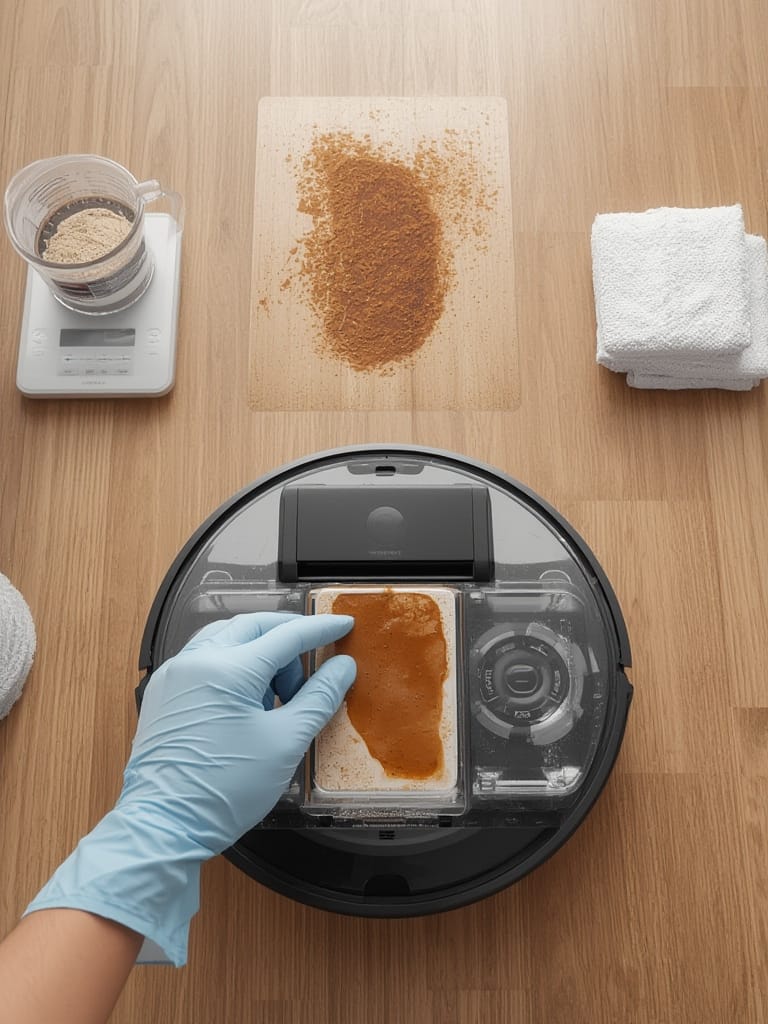
Routine Maintenance Checklist:
- Empty dirty water tanks and refill clean water every few days (more often for large households).
- Check mop pads weekly and replace the mop pads as soon as they start to fray or smell.
- Use only cleaning solutions approved by both the robot maker and your flooring warranty.
- Watch for buildup inside the base station—wipe sensors and contacts with a clean cloth regularly.
For advanced tips on connecting smart mops to your home automation system, see our coverage of predictive home automation using agentic AI routines.
Advanced Analysis and Common Pitfalls
Robot mop marketing often skips over real-world frustrations—here’s what unbiased reviews and research sources highlight:
- Pad Washing & Streaking Problems: Some self-cleaning mops still leave pads damp and streak floors, especially if not frequently maintained. No one-size-fits-all setting exists for water usage—wrong settings lead to excess moisture on hardwood, risking damage or voided warranties (see owner reports).
- Size & Space Issues: Large base stations can block access in tight kitchens or bathrooms. Some mops struggle to clean directly under cabinets or in corners, an often-cited user frustration (TechHive review).
- Maintenance & Hidden Costs: Ongoing costs for replacement pads and cleaning liquids aren’t transparent in most listings—as with auto litter boxes, this can add up. For further cost transparency, see our analysis of litter robot 4 alternatives where ongoing replacement supplies are a key concern.
| Model | Best For | Self-Cleaning Base Station? | Estimated Price (2024) | Pad Washing Automation | Cons Highlighted by Users |
|---|---|---|---|---|---|
| iRobot Braava Jet m6 | Hard floors, everyday cleaning | No | $400-$450 | Manual | Pad change/care is manual. Struggles with heavy messes. |
| Roborock S7 MaxV Ultra | Large homes, multi-surface | Yes | $1,200-$1,400 | Automatic | Bulky station, expensive, struggles with dark carpets. |
| iLife Shinebot W400 | Budget, mop-only users | No | $200-$250 | Manual | No app, simple obstacle avoidance. |
Under-Addressed Subtopics:
- How cleaning chemicals or robot mop liquids may void hardwood finish warranties. Always check with both the floor and mop manufacturer.
- Disclosure of dirty vs. clean water handling — fully hands-off models segregate and auto-purge dirty water; basic models require user rinsing, which is less sanitary.
- Environmental impact and electricity usage—rarely discussed by brands, but worth considering if you’re eco-conscious.
For more on “quiet automation” and minimizing visible tech clutter, explore our guide to ambient computing home setups.
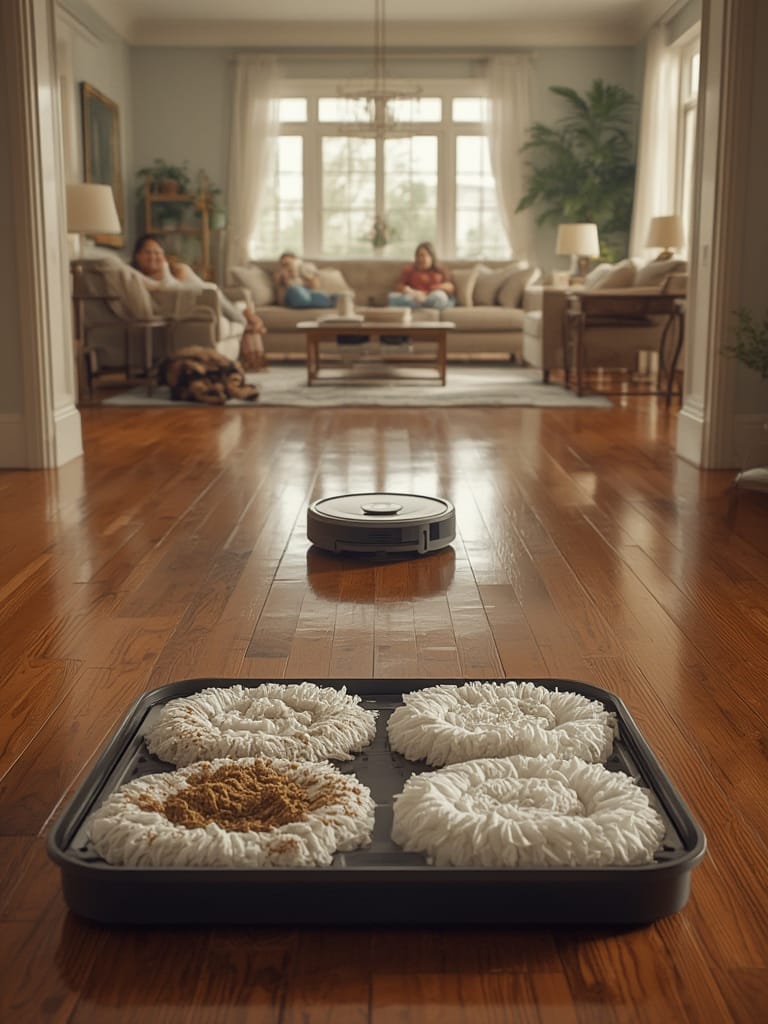
Despite marketing claims, no 2024 robot mop publishes third-party lab stats on energy efficiency or grams of dirt removed. Independent testers note above-average performance for spinning or sonic pad systems, but precise numbers remain unavailable (Consumer Reports).
Conclusion
Robot mops have made big leaps in convenience and autonomy, especially with self-cleaning models that finally deliver on a “hands-off” floor care experience. Yet challenges remain: base station size, lack of transparent owner satisfaction, and uncertainty over long-term costs. As you consider which robot mop fits your needs, weigh automation against daily realities, and always review your floor’s warranty before introducing new cleaning solutions. For most, the right Robot Mop can reclaim hours each month—but only if you choose and maintain it wisely.
Ready to upgrade your cleaning routine? Compare features, check warranty details, and explore home automation integrations to get the most from your robot mop.
FAQ
Can a robot mop damage my hardwood or laminate floors?
If the mop overwets or uses harsh chemicals, it may void your floor’s warranty or cause warping. Always use manufacturer-approved cleaning solutions and test in an inconspicuous area.
Do robot mops work on sticky or dried stains?
Modern robot mops with spinning or sonic pads remove average kitchen spills and dried stains better than older models, but many still struggle with heavy, sticky residue. For best results, pre-treat heavy messes manually.
How often should I replace the mop pads?
Switch pads every 20-40 uses, or sooner if they appear frayed or smell. Self-cleaning stations extend pad life but periodic replacement is essential for hygiene.
Are there eco-friendly or low-power robot mop models?
Brands rarely publish energy usage or green certifications. Most operate under 100 watts but check owner forums or brands directly if energy efficiency is a top priority.
Do I need to vacuum before using a robot mop?
Yes, for best results. Most robot mops cannot handle larger debris and may push it around, so vacuum beforehand delivers a cleaner finish.