

Posture Corrector devices claim to train your body to sit and stand straighter, but do they really work—and which type actually delivers for desk-bound users? With the explosion of smart posture trainers and slouch detectors, knowing what’s hype versus reality can impact your results—and your wallet.
Key Takeaways
- Smart posture correctors boost self-awareness but often come with user annoyances like false alarms and sticky adhesives.
- No new clinical studies (2022-2024) prove these devices reduce back pain in desk workers, but long-term users report noticeable posture improvement.
- Choosing the right device requires close attention to features like battery life, sensor accuracy, and app usability—price doesn’t always equal value.
- What Are Posture Correctors and Why Do They Matter?
- How to Use a Posture Corrector for Better Results: Step-by-Step Guide
- Smart Posture Trainer Pitfalls: What Most Reviews Don’t Tell You
- Conclusion
- FAQ
What Are Posture Correctors and Why Do They Matter?
Posture correctors are wearable devices or braces designed to keep your spine in proper alignment, especially when working at a desk or using devices for long periods. Unlike rigid medical braces, modern posture correctors often use minimalistic straps or smart sensors to gently remind you to sit upright. The idea is simple: frequent cues will eventually make good posture automatic, reducing strain and fatigue.
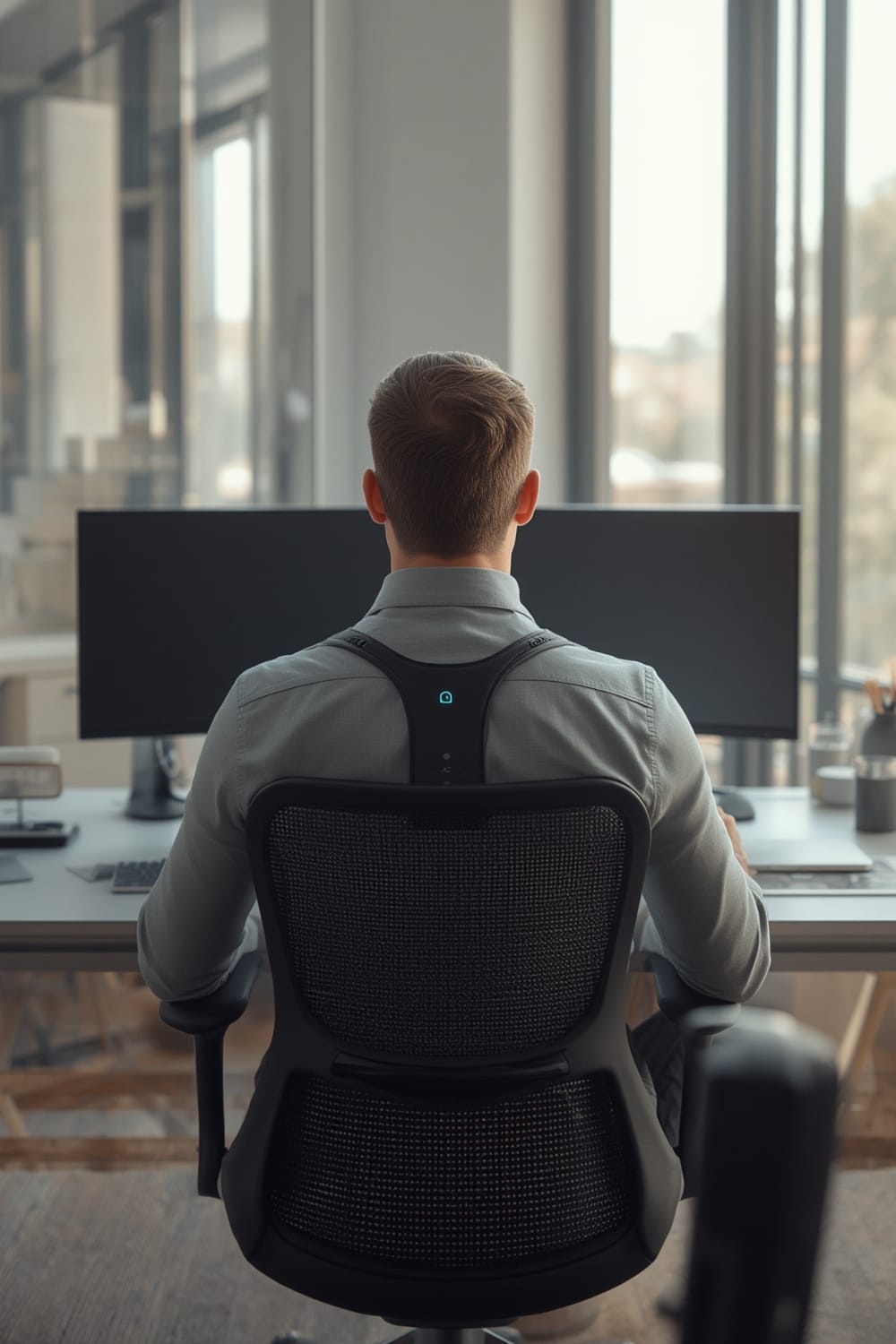
Smart posture trainers—such as the Upright GO 2—take this approach further. They stick to your upper back and use vibration feedback when you slouch, while pairing with an app to show your posture stats and offer training programs. With work-from-home on the rise, interest in both traditional and app-driven posture correctors is surging. But persistent questions remain: does this tech actually help with back pain, and what are the real-life tradeoffs?
How to Use a Posture Corrector for Better Results: Step-by-Step Guide
The secret to getting value from any posture corrector is consistency and realistic expectations. Here’s a step-by-step guide to ensure you use your device safely and effectively:
- Placement: For wearable braces, adjust straps so the device is snug but not digging into your skin. For smart sensors like Upright GO, stick it between your shoulder blades per manufacturer instructions—never over irritated skin.
- App Pairing: Download the recommended app (iOS or Android). Most leading models, such as Upright GO 2, use Bluetooth and USB-C for quick pairing and charging. The app will walk you through setup, including “zeroing” or calibrating your upright position.
- Set Realistic Alerts: In the app, adjust reminder sensitivity. Start with gentle vibration cues and low frequency to avoid alert fatigue. Too many false alarms can lead users to turn the device off, negating any benefit. (Source)
- Practice Good Ergonomics: No device can fix a terrible workstation. Adjust your chair height, monitor position, and desk setup first—the corrector should support, not replace, proper ergonomics.
- Track Progress: Use the device’s app to review posture time and streaks. Many users find that tracking stats makes habits “stick”—even after they stop regular device use. (Source)
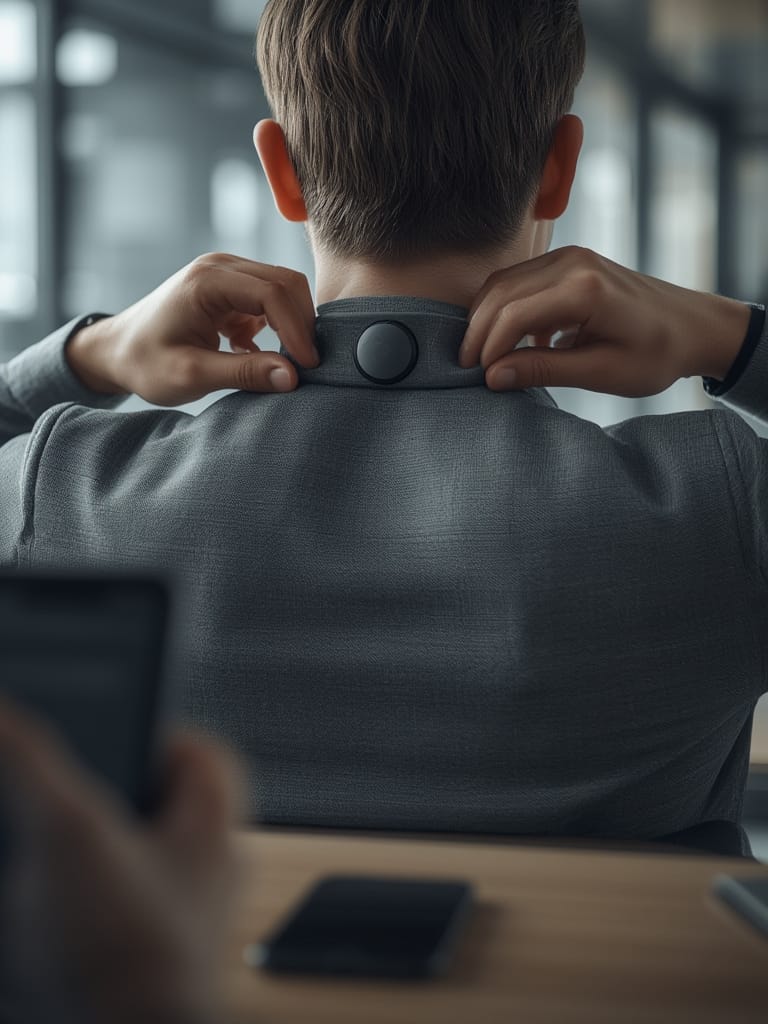
- Watch for Discomfort: If sticky adhesives start catching your hair, or the vibration feedback feels overwhelming, tweak your placement or schedule “rest days.” Many real-world users report fatigue with constant alerts or sticky pads after long work sessions.
- Evaluate After 6 Weeks: Most users who see results do so in the first month—namely, more posture awareness and less slouching. If you notice less device use, but better posture habits, your investment is paying off.
Above all, a posture corrector should never cause pain. If soreness doesn’t resolve within a few days, pause use and troubleshoot device settings—or consider an alternative approach, such as targeted stretching, or a device with different feedback mechanics.
Smart Posture Trainer Pitfalls: What Most Reviews Don’t Tell You
Before you buy a posture corrector or smart slouch detector, it’s crucial to know the common issues reported by real users, as well as what the latest research can (and cannot) promise.
| Feature/Pitfall | Smart Posture Trainer | Traditional Corrector |
|---|---|---|
| User Comfort | Lightweight, but adhesives can be uncomfortable; vibration can be fatiguing | Can restrict movement; may dig into shoulders if overtightened |
| False Alarms | Common during non-slouch movements (bending, desk reach) | N/A (no active alerts) |
| App Features | User-friendly, easy Bluetooth pairing, tracking modes | No app; only passive support |
| Sensor Accuracy | Detects only forward slouching; misses lateral/backward posture issues | N/A |
| Long-Term Results | Frequent cues build awareness; some users sustain posture after device stops | Benefits stop when removed; less likely to train new habits |
| Price (2024) | $80+ for app-enabled devices | $15-$40 (typical brace) |
| Battery/Warranty | Good battery life (no replacements needed in early use); no warranty data | N/A (no battery) |
There is currently no new clinical evidence (2022-2024) proving posture correctors or smart trainers reduce back pain from prolonged desk work (Source). Improvements are reported mostly in vigilance and posture habit-building, not direct pain reduction. Device forgettability—especially with lightweight sensors—can also undermine benefits, as users remove them or tune out reminders.
Keep in mind, sticky adhesives losing grip, catching hair, or irritating skin are among the top cited annoyances (Source). For core tech features, battery life is reported as excellent in early months, but there is no data yet on true device lifespan or warranty coverage for post-2022 models.
If smart posture isn’t for you, tech-enabled wearables for entirely different needs (like the smart anxiety vest for dogs), or focused monitoring devices (see WiFi pool monitors and aquarium monitors), might offer simpler, more transparent benefits in their category.

Conclusion
To sum up: using a posture corrector—especially a smart, app-connected type—raises awareness and can help retrain your posture habits over several weeks. However, the tech is no cure-all; discomfort from adhesives, alert fatigue, and a lack of robust clinical proof means smart posture correctors aren’t magic bullets for back pain. Ultimately, the Posture Corrector you choose should fit your lifestyle, comfort needs, and budget. Combine it with proper ergonomics for best results.
Ready to take action? Start with short, mindful sessions and track your progress. Want to explore more connected health and smart home innovations? Browse our latest guides on agentic AI for proactive home routines and Matter compatible devices for a smarter, healthier setup.
FAQ
Do posture correctors really fix your back pain?
There is no solid clinical evidence as of 2024 that posture correctors treat or prevent back pain in desk workers. They do help raise posture awareness, which may reduce slouching over time, but they are not medical devices for injury treatment.
How long should you wear a smart posture trainer each day?
Start with 15-30 minutes a day, gradually increasing as your muscles adapt. Overuse can cause fatigue or discomfort, especially in the first weeks.
Are there any risks or downsides to using a smart posture corrector?
Common complaints include skin irritation from sticky pads, annoying or constant vibration alerts (even during normal movement), and alert fatigue. If you experience pain or ongoing discomfort, stop use and consult a health professional.
What features should I look for in a smart posture device?
Prioritize sensor accuracy (can it detect more than just forward slouch?), battery life, app usability (easy Bluetooth pairing and clear tracking), and price. Leading models offer USB-C charging and iOS/Android compatibility.
Does insurance cover posture correctors?
Insurance rarely covers consumer posture trainers or slouch detectors. Coverage is usually reserved for medical-grade orthotic braces prescribed for diagnosed back conditions.