

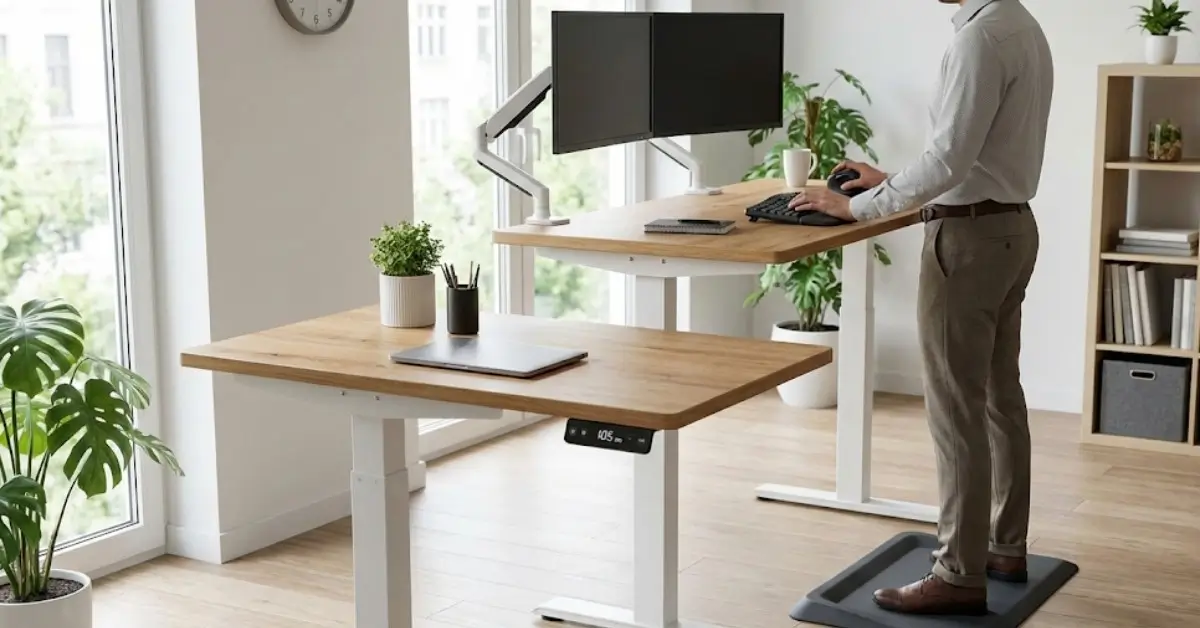
Standing Desk use is soaring as more people demand genuine ergonomic benefits and flexible, tech-enabled workspaces. Whether you work at home or at the office, understanding the real growth, problems, and features of electric standing desks can help you avoid expensive mistakes and get real value from your investment.
Key Takeaways
- Standing desk adoption is growing fast, especially electric models with smart features and remote control.
- Connectivity, programmable settings, and ergonomic design drive satisfaction—but market saturation can impact quality.
- Critical data gaps still exist around pricing, tech specs, motor options, and the real effectiveness of calorie tracking features.
- The Core Concept: What Is a Standing Desk and Why Choose One?
- Step-by-Step Guide: Adopting a Standing Desk the Smart Way
- Advanced Analysis & Common Pitfalls
- Conclusion
- FAQ
The Core Concept: What Is a Standing Desk and Why Choose One?
Standing desks (especially electric models) are height-adjustable desks that let you alternate between sitting and standing during work hours. Interest in them is rising due to a growing body of evidence that too much sitting is linked to discomfort, lower productivity, and higher risk of chronic health problems. The key draw is flexibility—users can shift posture at will and tailor their workspace to their comfort and workflow needs.

The global standing desk market was valued at USD 8.14 billion in 2024 and is projected to hit USD 11.06 billion by 2030. For electric liftable desks, adoption rates and market value are climbing even faster. Ergonomics, wellness, and the hybrid work movement are now the biggest drivers behind this explosive growth, accompanied by tech integrations like app control, memory presets, and Bluetooth connectivity.
Yet, standing desks are not a magic cure-all. Their real value comes when users alternate positions and use desks with high adjustability, reliable motors, and personalized presets—preferably with reminders or connected features to encourage healthy habits. As competition accelerates, some brands may cut corners on quality or skimp on motors and controls. Choosing a model with proven settings is key. For users seeking comprehensive ergonomic upgrades, exploring posture correction technology in parallel may compound benefits even further.
Step-by-Step Guide: Adopting a Standing Desk the Smart Way
- Map Your Real Needs: Will you use your desk full-time or just a few hours a day? Decide if you want manual or electric adjustment. If hybrid work is in your future, size, quietness, and easy controls become non-negotiable.
- Research Core Features: Prioritize desks with programmable presets, quiet motors, and app or Bluetooth controls if you love automation. Connectivity is rising fast—Bluetooth-enabled standing desks are projected to see a 6.5% CAGR through 2030.
- Understand the Ergonomics: Beyond standing, your monitor should be at eye level, feet flat, and wrists neutral. Consider pairing your desk with a smart posture corrector for posture awareness.
- Integrate with the Rest of Your Workspace: If you already use smart automation, see if your new standing desk can sync with platforms or tech you own. Some users link their desks to Matter smart home ecosystems for more unified control.
- Roll Out Slowly and Track Results: Don’t stand all day—alternate sitting and standing in 30-60 minute chunks. Use desks with reminders or app-based analytics (some track your standing/sitting ratio). Pay attention to back/foot fatigue and adjust accordingly.
- Monitor for Issues Early: Test motor consistency, noise at different heights, and whether the frame wobbles at standing height. Cheap builds often show their weaknesses here.
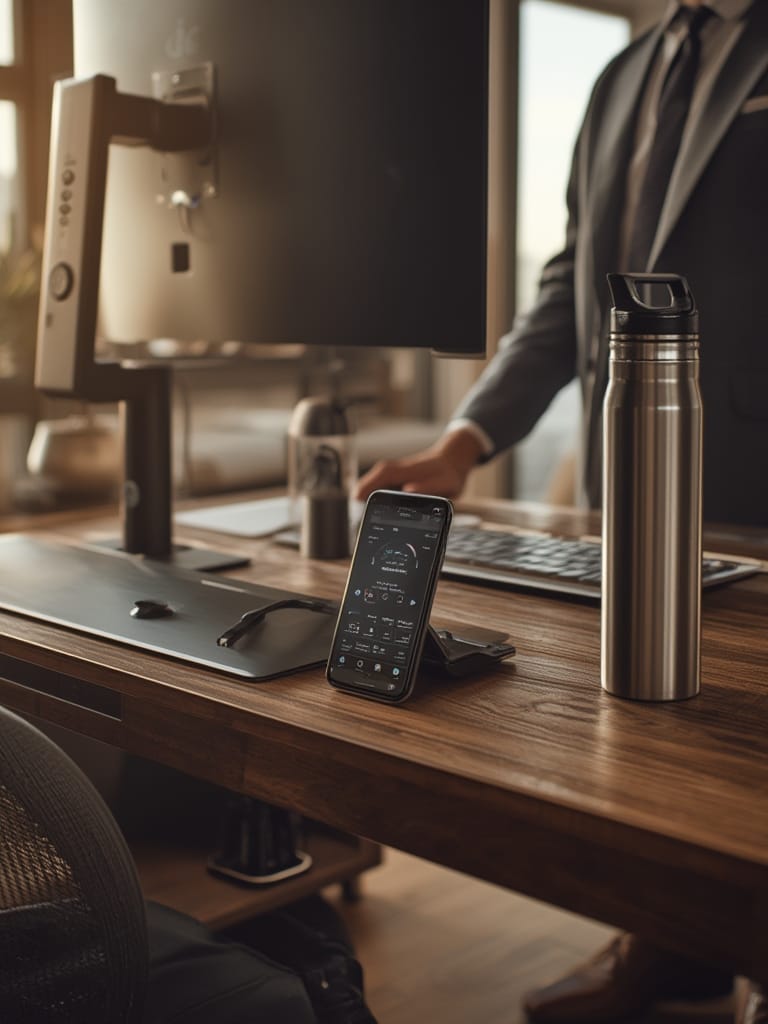
Want to extend the smart factor? If you run other connected home gear (like pool monitors or smart scales), look for standing desks that support integration via open protocols. It can help you create more complex routines and automate your environment for work or relaxation.
Advanced Analysis & Common Pitfalls
Users flock to standing desks expecting major improvements in energy and posture, but several issues can derail that value—especially if you skip research or aim for the lowest price. Based on 2026 market data and trends, here are the biggest pitfalls and trade-offs to be aware of:
- Market Saturation and Quality Loss: In regions like North America and Western Europe, standing desk adoption has topped 40% in commercial settings—a sure sign of market maturity. This saturation is sparking fierce price competition, often at the expense of quality. Low-cost imports may have weaker, noisier motors, unstable frames, or unreliable electronics. Source.
- Unclear Differentiation in Tech Features: Many brands market advanced features—Bluetooth apps, programmable memory, or calorie tracking—yet there’s little data about real-world productivity gains or user preferences between, for instance, dual-motor versus single-motor desks. If features aren’t genuinely useful (or accurate), they can distract from more important factors like stability or build quality.
- Missing Price Transparency: Almost all public research skips detailed breakdowns of price tiers—budget, mid-range, premium—so uninformed buyers may pay too much for basic builds, or assume a mid-tier desk lacks crucial smart functionality. Third-party retailer analysis is still scarce.
- Ergonomic Overconfidence: Even with a standing desk, you can develop fatigue and aches if you stand too long, set the desk too high, or rely on poor monitor ergonomics. Real improvement comes from mixing postures and pairing with posture aids. Consider exploring aids like recovery tracking rings to catch fatigue early.
| Pitfall | What to Watch For | Solution |
|---|---|---|
| Inconsistent motor performance | Noisy, uneven, or slow lifting mechanism | Test range before committing; check warranty and user reviews |
| Overhyped smart features | Marketing that promises “life-changing” apps or calorie tracking | Focus on basics—ergonomics, programmability, and build |
| Structural instability at max height | Wobble, toppling risk for dual monitors or heavy setups | Choose reputable brands; look for high weight limits |
| Lack of compatibility with smart home | Desk doesn’t work with existing platforms (Matter, Apple HomeKit, etc.) | Check for open protocol support before buying |
For advanced users seeking even quieter, background solutions, consider research into Quiet Automation, a trend shaping other categories of home technology—often relevant for those who dislike noisy machinery in their workspace.

Conclusion
Standing desks represent a real shift in work culture—and the global market is proof: the industry is projected to reach USD 11.06 billion by 2030. While connectivity and ergonomics are the core drivers, buyers must be cautious: not all features are equally useful, quality can suffer as markets saturate, and transparency gaps remain on pricing and specs. When choosing your next standing desk, focus on build fundamentals, real ergonomics, and smart features you’ll truly use. Ready to upgrade your posture and productivity? Start building your healthy, future-proof workspace today.
Compare more home automation tools and ergonomic reviews here.
FAQ
How long should I stand at my standing desk each day?
Most experts recommend alternating standing and sitting every 30 to 60 minutes. Standing all day can cause fatigue. Start with short standing intervals and slowly increase as you get comfortable.
Are electric standing desks noisy?
Quality electric standing desks have quiet motors, usually under 50 decibels. Cheaper models can be louder. Always check noise specs and user reviews if you plan to adjust heights during phone calls or meetings.
What are the downsides of standing desks?
If you stand too long or set the desk incorrectly, you might develop foot, leg, or back discomfort. Poor-quality models can be unstable or break down sooner. Smart features may not always add real value, so prioritize core build quality.
Will a standing desk improve my productivity?
Many people feel more energized using a standing desk in short bursts, but long-term gains depend on good ergonomic setup and smart habits. Programmed reminders and easy adjustability can make a difference, but results vary.
Which smart home systems work with standing desks?
Some advanced standing desks now support integration with platforms like Matter-compatible devices. Always check for specific tech compatibility during your research.