

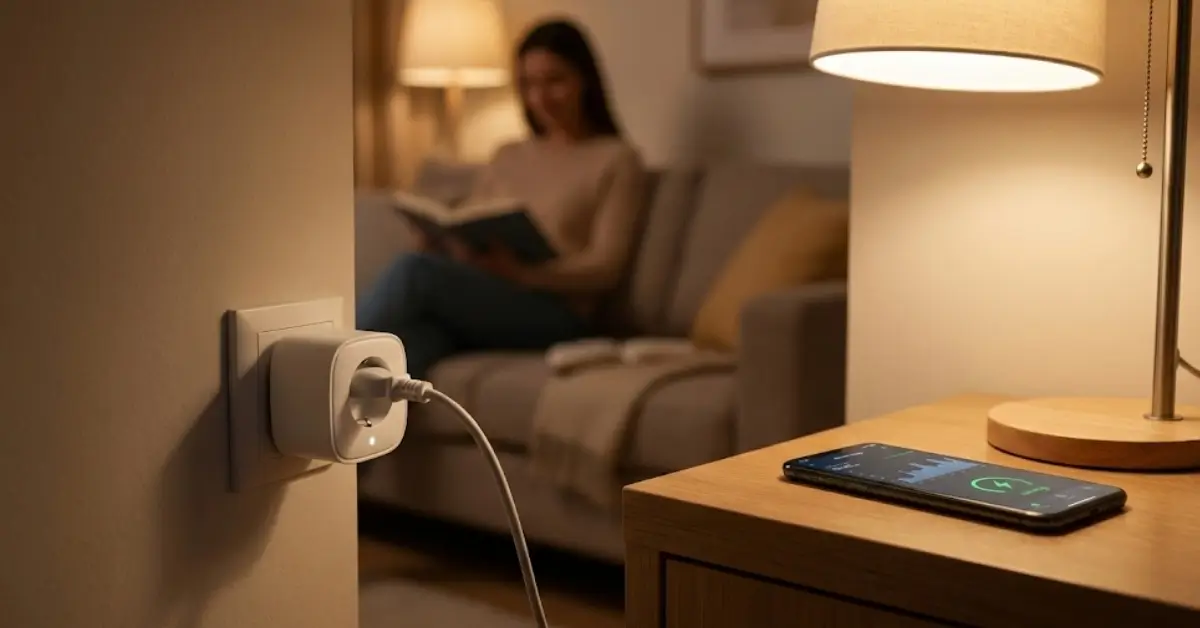
Smart Plugs are rapidly transforming how we monitor and control energy use in our homes and businesses. But not all plugs are created equal—new protocols like Matter protocol, energy data insights, and hidden limitations mean that choosing the right device is not as simple as just plugging in.
Key Takeaways
- The smart plug market is exploding in 2024, with new energy monitoring features and growth fueled by Matter compatibility.
- Choosing the right smart plug for heavy appliances or accurate energy tracking requires digging into technical specs and hidden limitations.
- Security, long-term reliability, and data export are forgotten issues—watch out for gaps competitors ignore.
- What Are Smart Plugs and Energy Monitoring?
- How to Choose and Use Smart Plugs: Step-by-Step
- Advanced Analysis & Common Pitfalls
- Conclusion
- FAQ
What Are Smart Plugs and Energy Monitoring?
Smart plugs are compact adapters designed to fit between your appliance and the wall outlet. With Wi-Fi, Zigbee, or Matter protocol connectivity, they allow you to remotely switch devices on and off, track real-time and historical energy consumption, and even automate routines with smart home platforms.
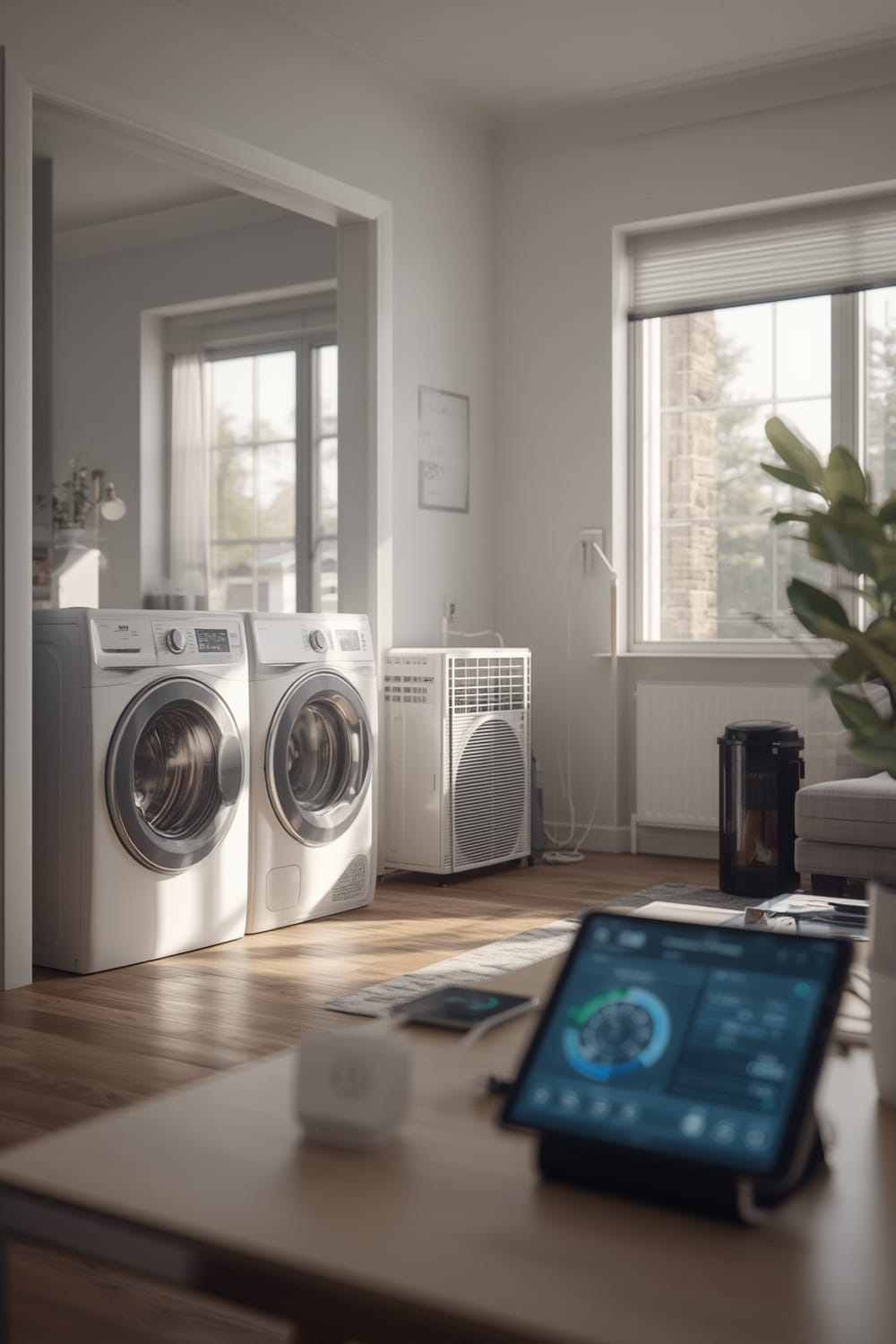
But the real breakthrough in 2024 is Matter protocol. This universal language lets smart plugs work seamlessly between Apple, Amazon, and Google ecosystems—a huge shift if you’ve ever run into frustrating device incompatibility.
Market research confirms the surge: the global energy monitoring smart plug market hit USD 1.42 billion in 2024. Broader categories, combining switches and sockets, are valued from USD 3.6 billion up to $6.5 billion this year, with forecasts as high as $23.5 billion by 2030 at annual growth rates above 20%.
Why does this matter? Granular energy data empowers homeowners to cut bills and carbon footprints. For businesses, remote control and surge analytics allow smarter scheduling and preventative maintenance. The result is a vast global shift, with the household segment leading adoption, and Asia-Pacific seeing explosive growth. North America retains the largest market share for now.
How to Choose and Use Smart Plugs: Step-by-Step
Smart plug features vary widely, making it essential to match the right plug with your needs before investing. Here is a step-by-step approach to getting it right.
- List Your Needs.
- Do you want simple remote control or detailed energy tracking?
- Are you automating lights, plugging in a coffee maker, or controlling heavy appliances such as heaters or air conditioners?
- Check Appliance Compatibility.
- Look for the maximum rated load (amps/watts) of both plug and appliance.
- For heavy-duty tasks, search out plugs specifically marketed as “high load” or “heavy duty.” Most standard plugs max out at 10-15A, while appliances like heaters might require up to 20A.
- Verify Supported Protocols.
- Matter-compatible devices simplify integration and future-proof your setup—especially important if you use mixed Apple, Google, or Amazon platforms.
- If you use Zigbee or proprietary platforms, double-check compatibility lists.
- Review the App Features.
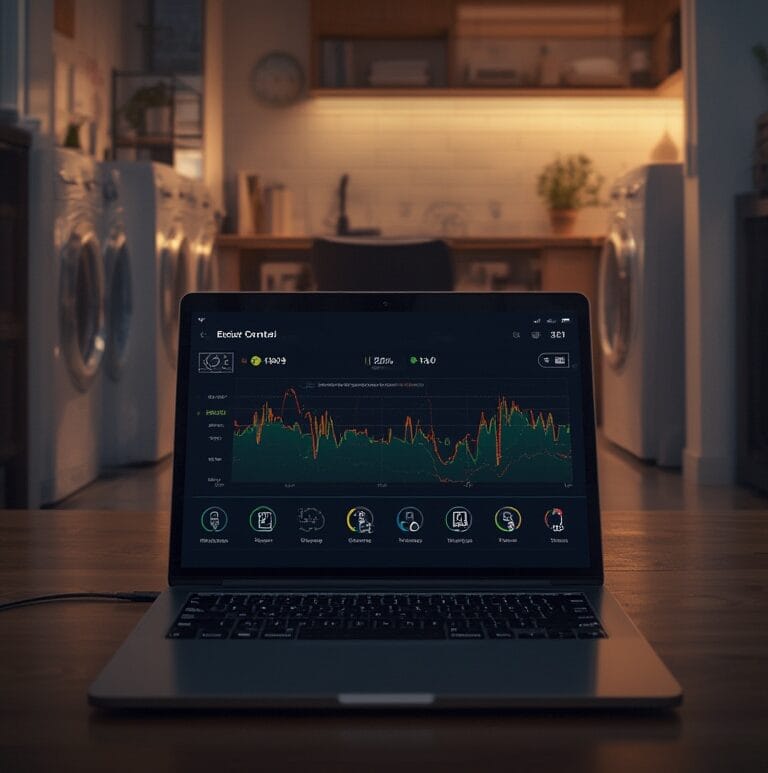
- Some plugs offer high-granularity data logging, charting, and data export.
- Others provide only basic on/off automation and minimal stats.
- Pro tip: read recent user reviews, focusing on complaints about connectivity or app crashes.
- Investigate Security and Privacy.
- Energy monitoring data, combined with cloud connectivity, opens potential privacy issues.
- Prefer plugs supporting local-only operation or brands that are transparent about their privacy policies.
- Install, Test, and Automate.
- Install the plug as directed, ensuring it is firmly seated.
- Run through manual switching, set up schedules, and monitor initial energy readings for accuracy.
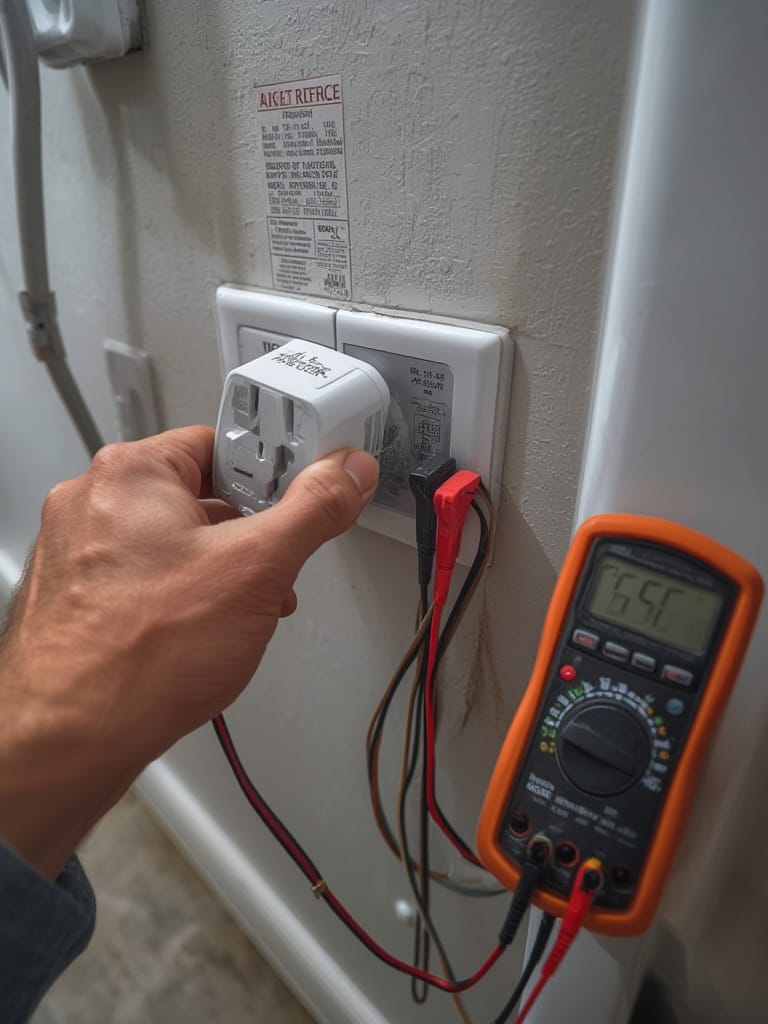
- If you want to see how agentic AI can learn your usage and suggest optimal automation, check out predictive home automation approaches.
- For specialized heavy appliances and monitoring, pairing a smart plug with a reliable power station provides backup and surge data you won’t get elsewhere.
Advanced Analysis & Common Pitfalls
Smart plugs are powerful, but the reality is full of small “gotchas.” Here’s what research and real use cases reveal:
- Market Hype vs. Reality: Numbers are big, but there’s little transparency on compatibility with heavy appliances. Most smart plugs, especially at entry-level prices, cannot reliably or safely handle air conditioners or heaters. Always check max amp/watt specs.
- Tracking Accuracy Limitations: Cheaper models often report misleading power readings or rounded data, giving only a vague sense of true usage.
- App Reliability: It’s common for brands to have buggy or abandoned apps, especially after mergers or buyouts. Also, not all support local control, so you risk losing all features if the company shutters or your Internet goes down.
- Security Blind Spots: Many plugs send energy and control data via the cloud, sometimes to overseas servers. Privacy policies are often unclear, and open ports can pose security threats if improperly configured.
- Competitor Gaps:
- Data export: Most reviews never mention whether you can get your raw logs for analysis or export to spreadsheets.
- Non-standard hub integration: Zigbee, Home Assistant, and custom routines may need advanced configuration not discussed by typical guides.
- Long-term reliability: Few brands prove performance after several years; look for long warranty periods or open-source firmware support.
| Feature | Matter-Compatible Energy Monitor Plug | Non-Matter Plug |
|---|---|---|
| Network Protocol | Matter (Thread, Wi-Fi) | Wi-Fi, Zigbee, Z-Wave, Proprietary |
| Max Rated Load | 10A – 16A typical | 8A – 16A (wide variation) |
| Real-Time Data | High granularity possible | Variable granularity |
| Data Export | Limited, platform-dependent | Rare, often not available |
| Integration Simplicity | Works with Apple, Google, Alexa | Often cloud-only or limited |
Don’t forget, quiet automation and low-clutter solutions are gaining momentum. Seek models that blend into decor and support low-noise or “invisible” operation.
Conclusion
Choosing the best smart plug is about more than remote control—it’s about energy insights, platform compatibility, privacy, and real-world reliability. As you research your Smart Plugs options, consider your appliance list, data needs, and future-proofing with Matter or open local standards. Ready to automate and save? Find your ideal smart plug today and start tracking, automating, and optimizing!
Still unsure? Explore the Matter compatible devices list or dive into the world of agentic AI home automation for the next step of your smart home journey.
FAQ
Can I use smart plugs with heavy appliances like space heaters or air conditioners?
Not all smart plugs are rated for high-wattage loads. Always check that the plug’s amp and watt rating match or exceed your appliance before use, or risk tripping, melting, or fire hazards. For many heavy appliances, you need a plug rated at 15A or above and possibly UL/fuse protection.
Do Matter smart plugs work with all smart home hubs?
Matter plugs are designed to be hub-agnostic, working with Apple HomeKit, Google Home, and Amazon Alexa. However, confirm that your specific hub supports all intended plug features, like energy monitoring, since some implementations vary.
How accurate is the energy monitoring reported by smart plugs?
Accuracy varies greatly by brand and model. High-end plugs generally offer finer real-time measurements, while lower-cost devices may round numbers or synchronize infrequently. Always check user reviews for reports on data accuracy.
What happens to my smart plug if the company’s app is discontinued?
If the plug requires cloud or brand-specific app services, you may lose full functionality. Consider models with local-only operation or compatibility with open platforms to minimize this risk.
Can I export my energy usage data from smart plugs?
Some platforms allow CSV exports, but many do not. Matter and Home Assistant integrations increase your chance to extract this data, but it’s rarely highlighted in product listings. Check before you buy if this is important.